Bibliographies
Typst’s bibliography engine is built in, so citations and a formatted reference list compile on-device from a BibTeX .bib file. There is no separate pass to run and no external tool to install: you bring a .bib, cite from it, and the reference list appears in your compiled document alongside everything else.
Bring a bibliography
To add a bibliography, choose Add Bibliography… (from the file sidebar’s + in a project, or from the editor’s ••• overflow menu) and import a .bib file. If you are working on a single-file document, Martypex promotes it to a folder project first, so the .bib has a home next to your source.
Bringing a bibliography and citing from it are free.
Cite
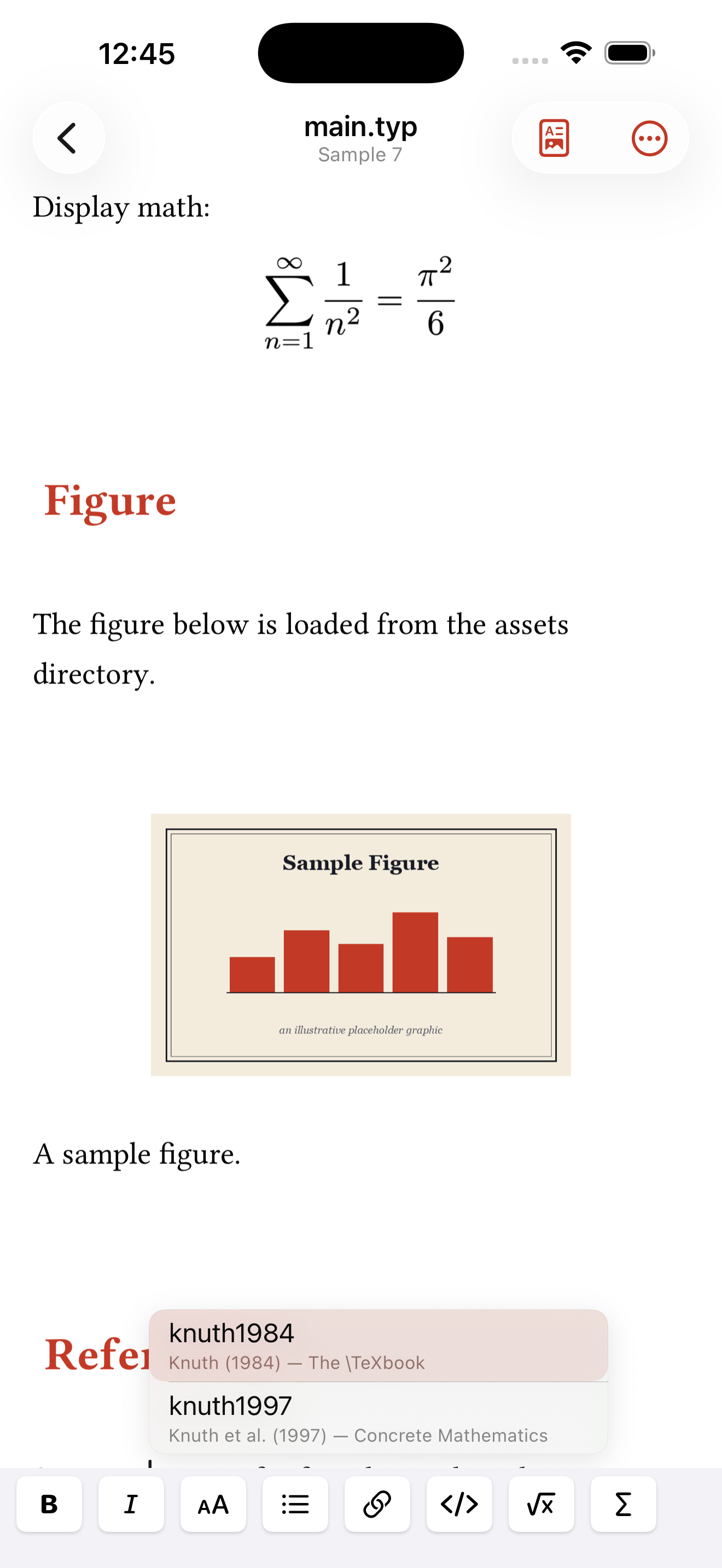
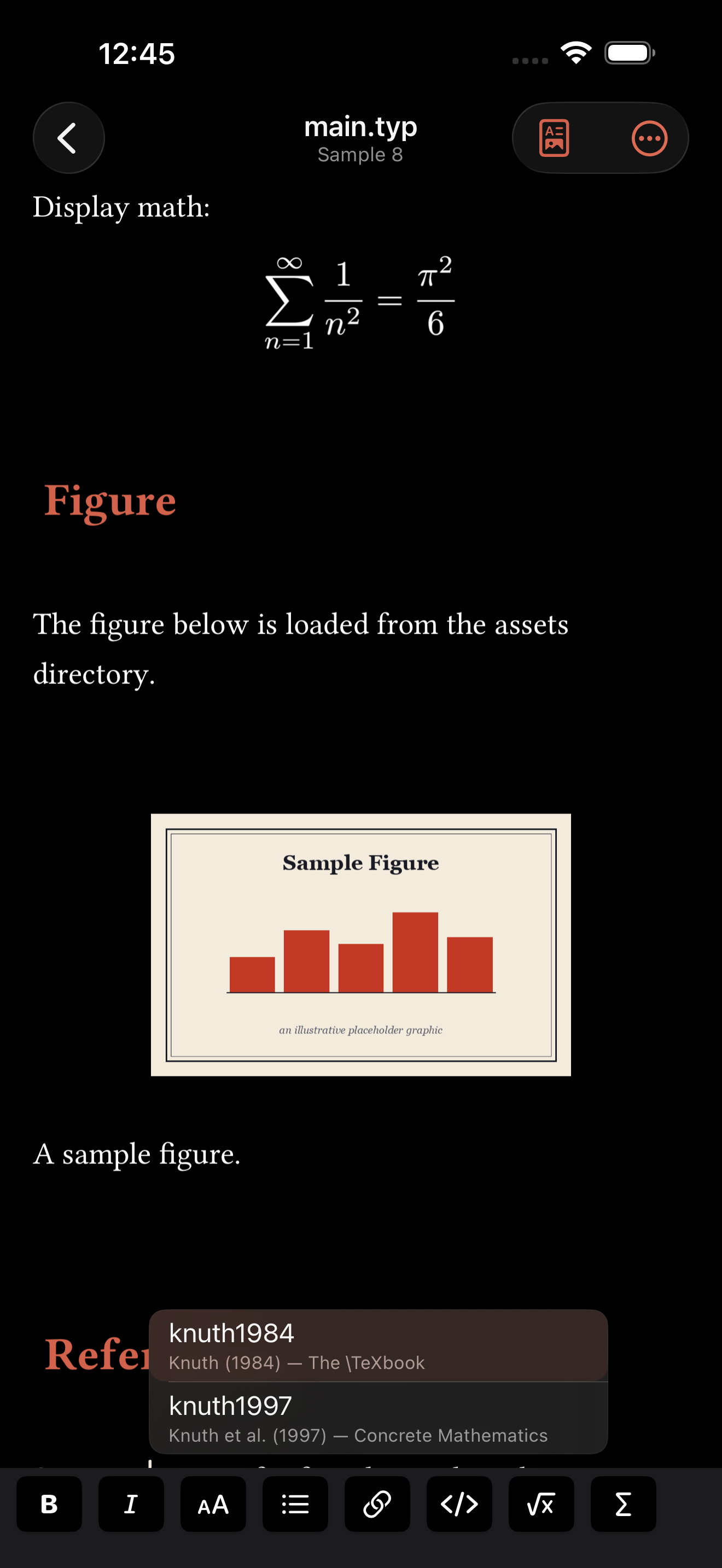
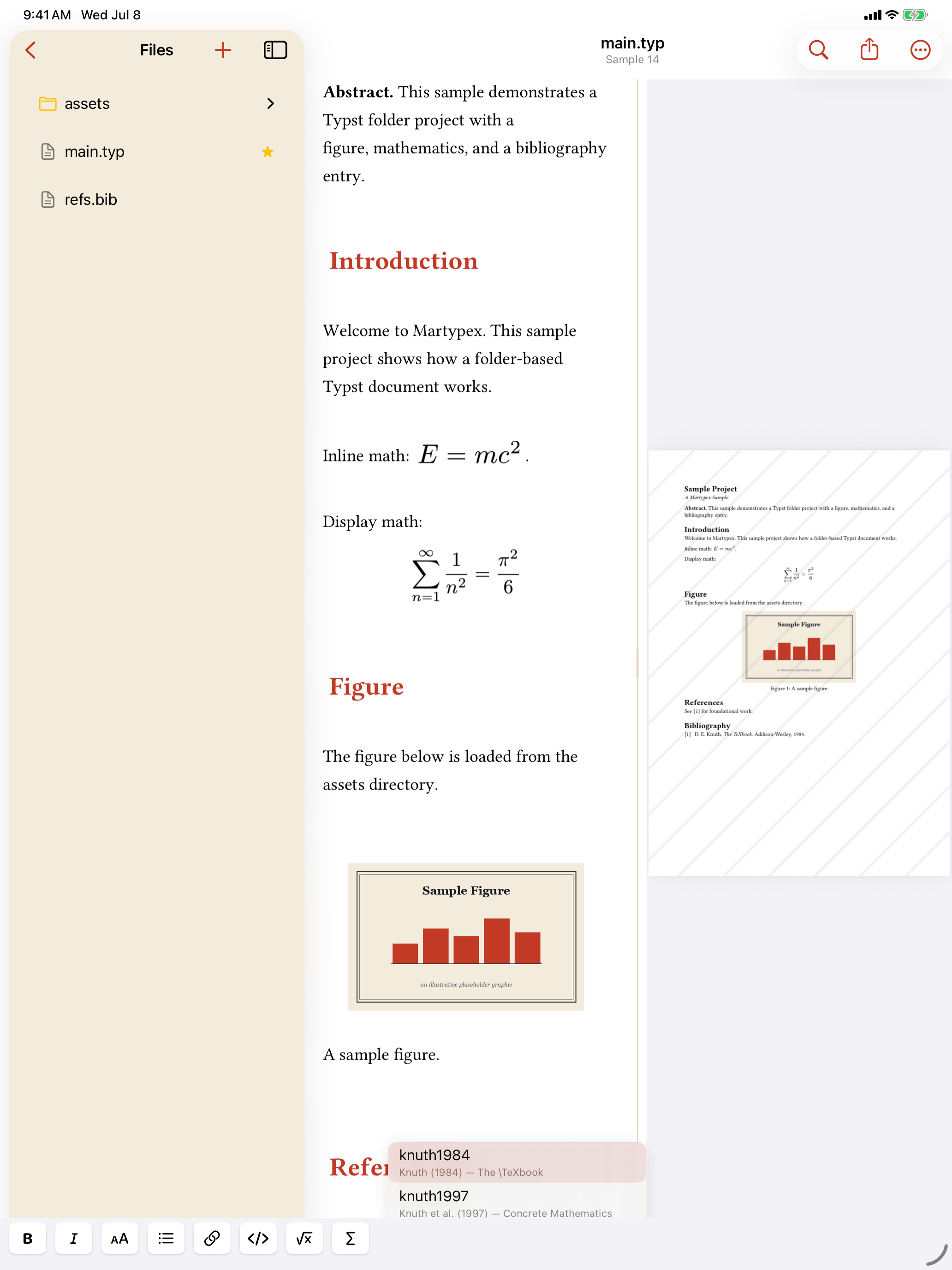
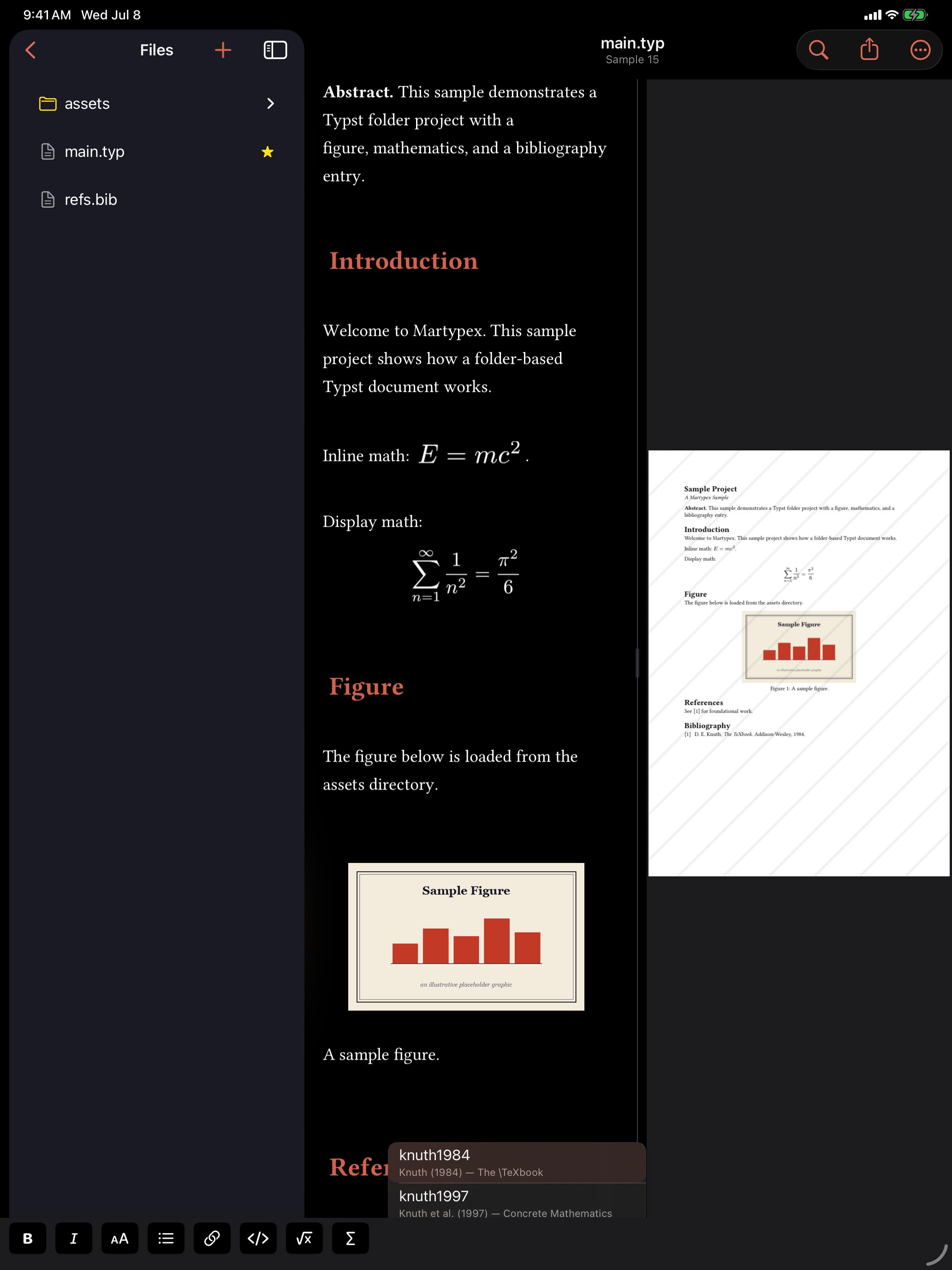
Once a .bib is in your project, type @key and Martypex completes citation keys drawn from it, so you pick the right entry without leaving the editor. See Completion for how the completion list itself works. Rich @ completion shows each candidate formatted as Author (Year) — Title, not just the bare key, so you can tell entries apart at a glance while you type.
To render the reference list, call #bibliography("refs.bib") where you want it to appear. The list compiles from the same file your citations resolve against, so every @key you cite shows up formatted below.


The Citation Browser
Prefer to search rather than remember a key? Browse Citations…, from the editor’s ••• overflow menu or the command palette, opens a searchable list of your .bib entries, each row formatted with its title, author, year, and venue, and its citation key underneath. Search narrows the list by author, title, year, or key; select one or more entries and tap Insert to drop @key citations at your cursor.
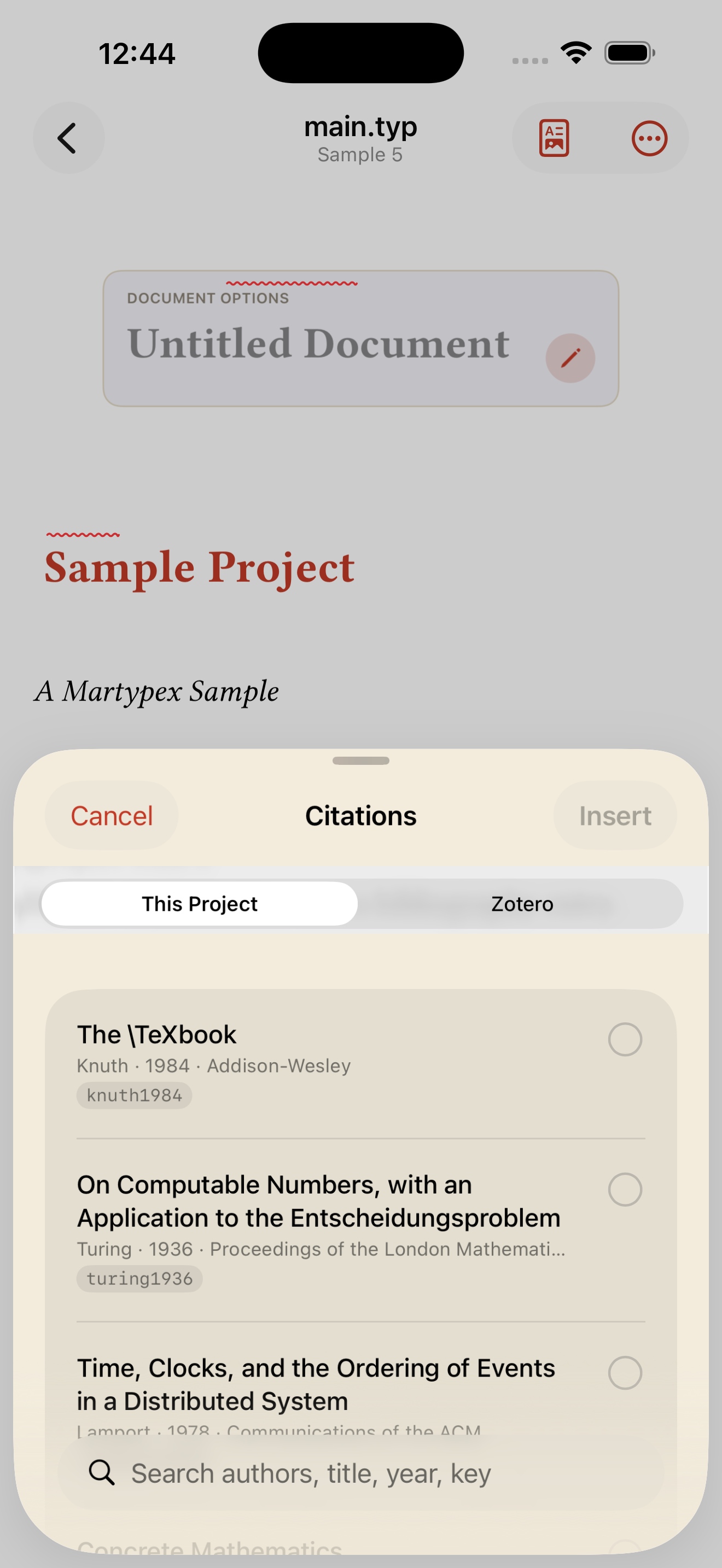
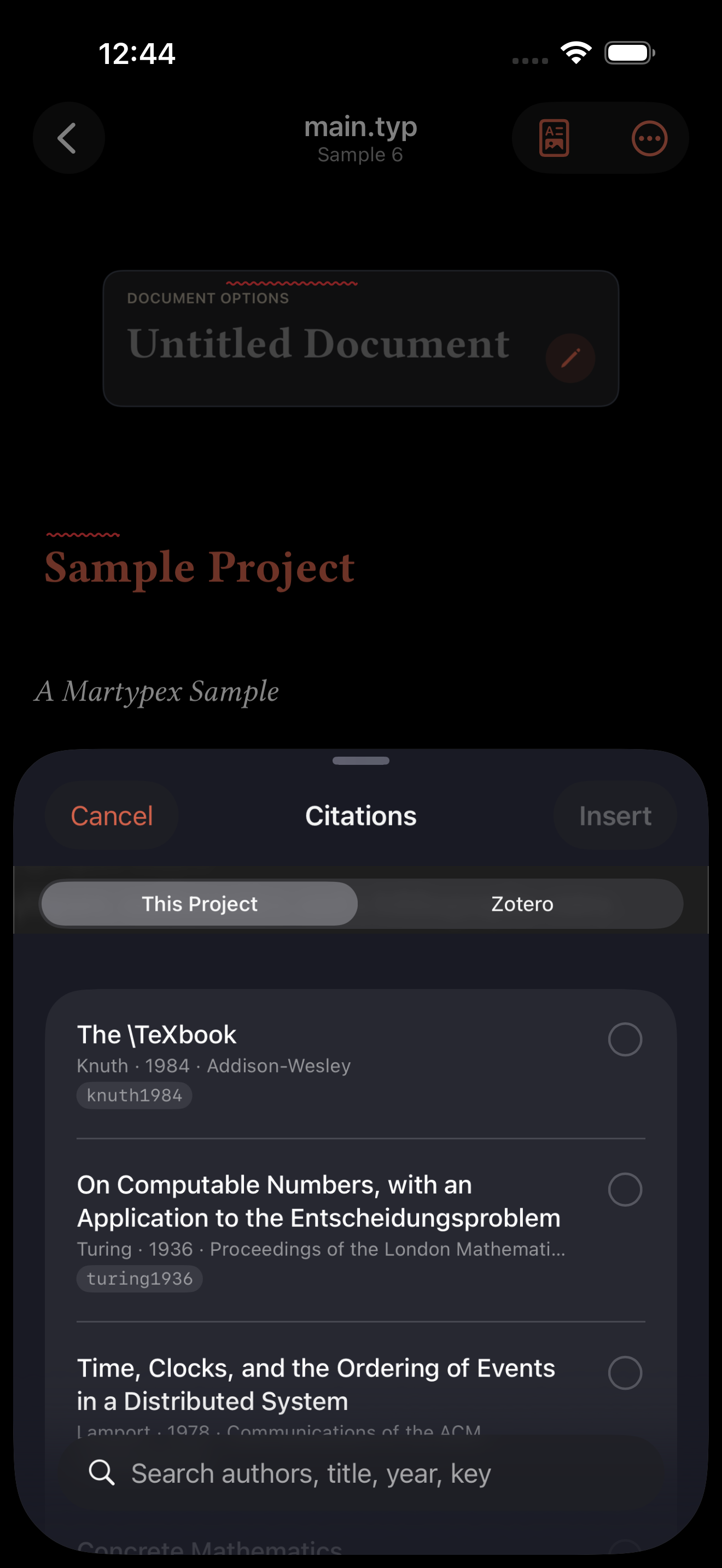
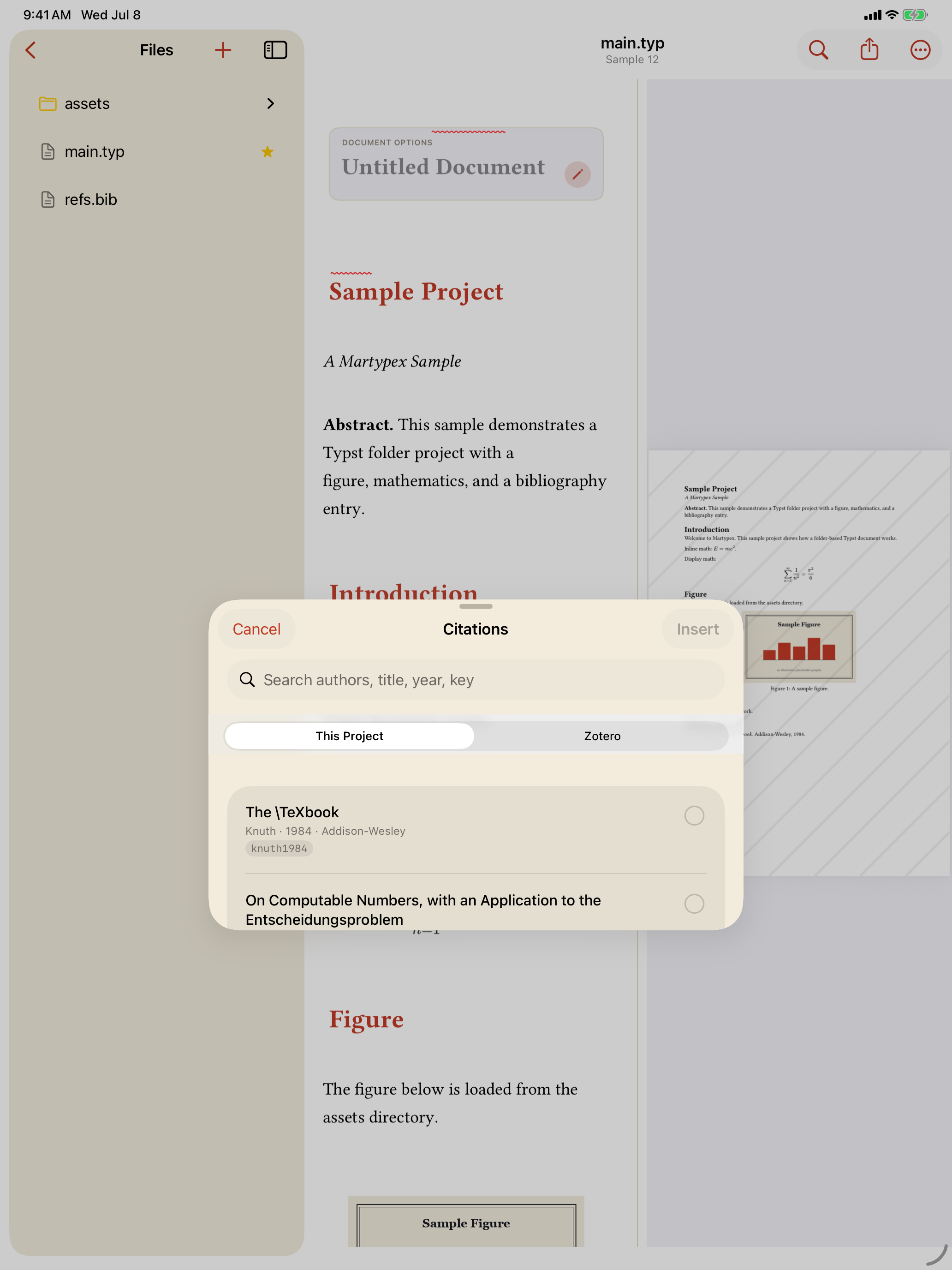
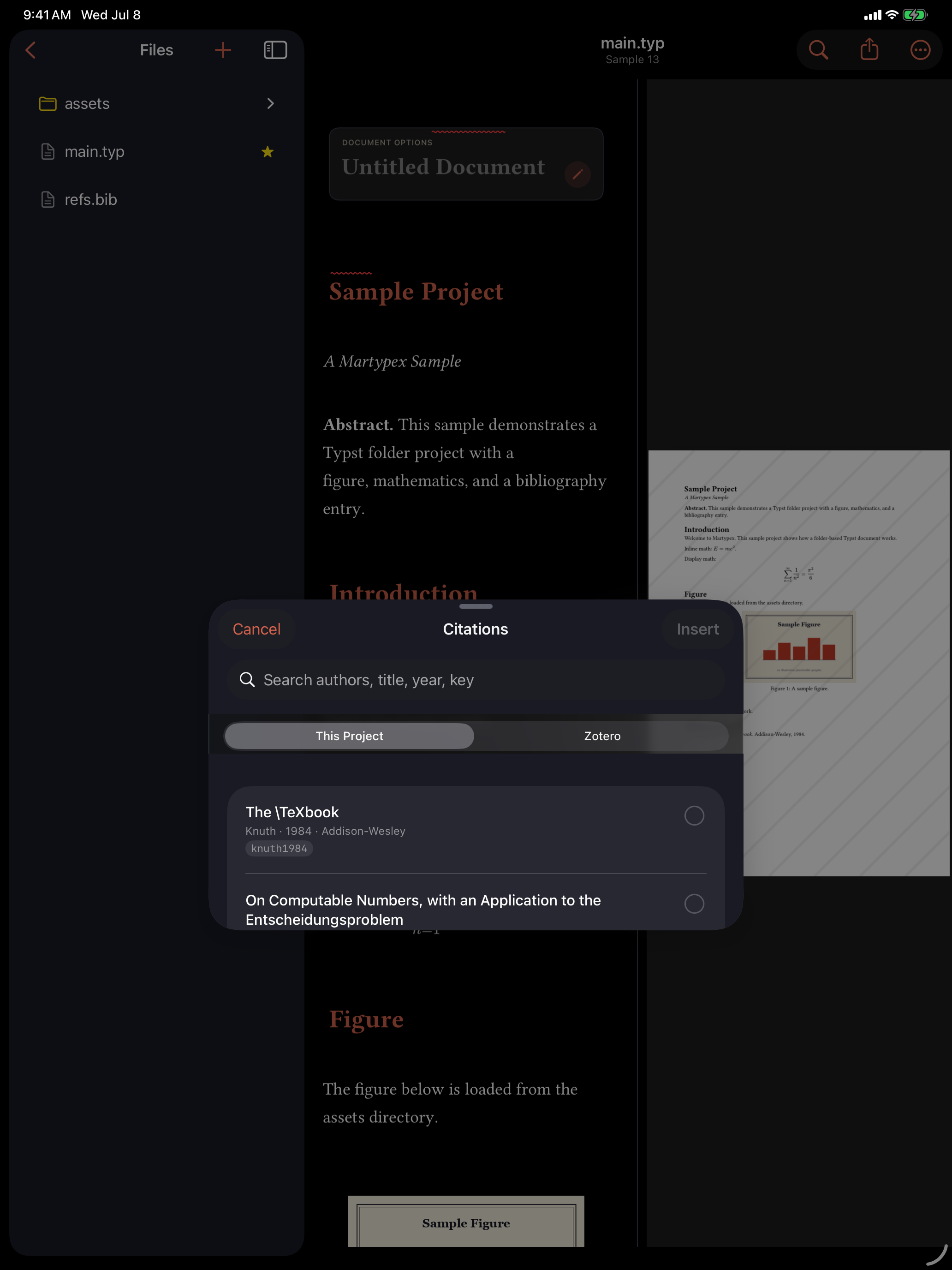
The Citation Browser itself, and its local .bib source, are free for every user. Connecting Zotero, a Martypex Pro feature, adds further sources next to it, your personal Zotero library and any group libraries you belong to, so you can search and insert from Zotero the same way.
Citation styles
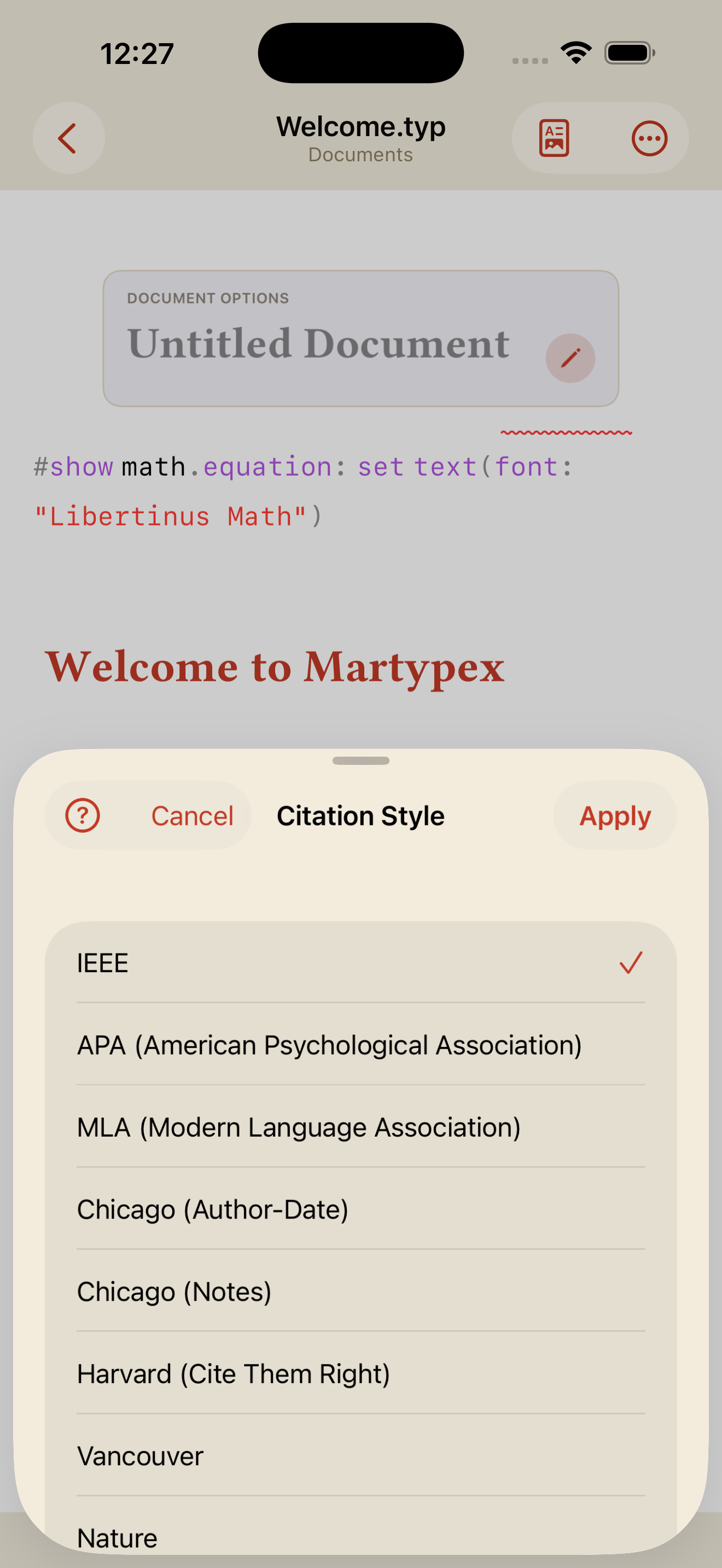
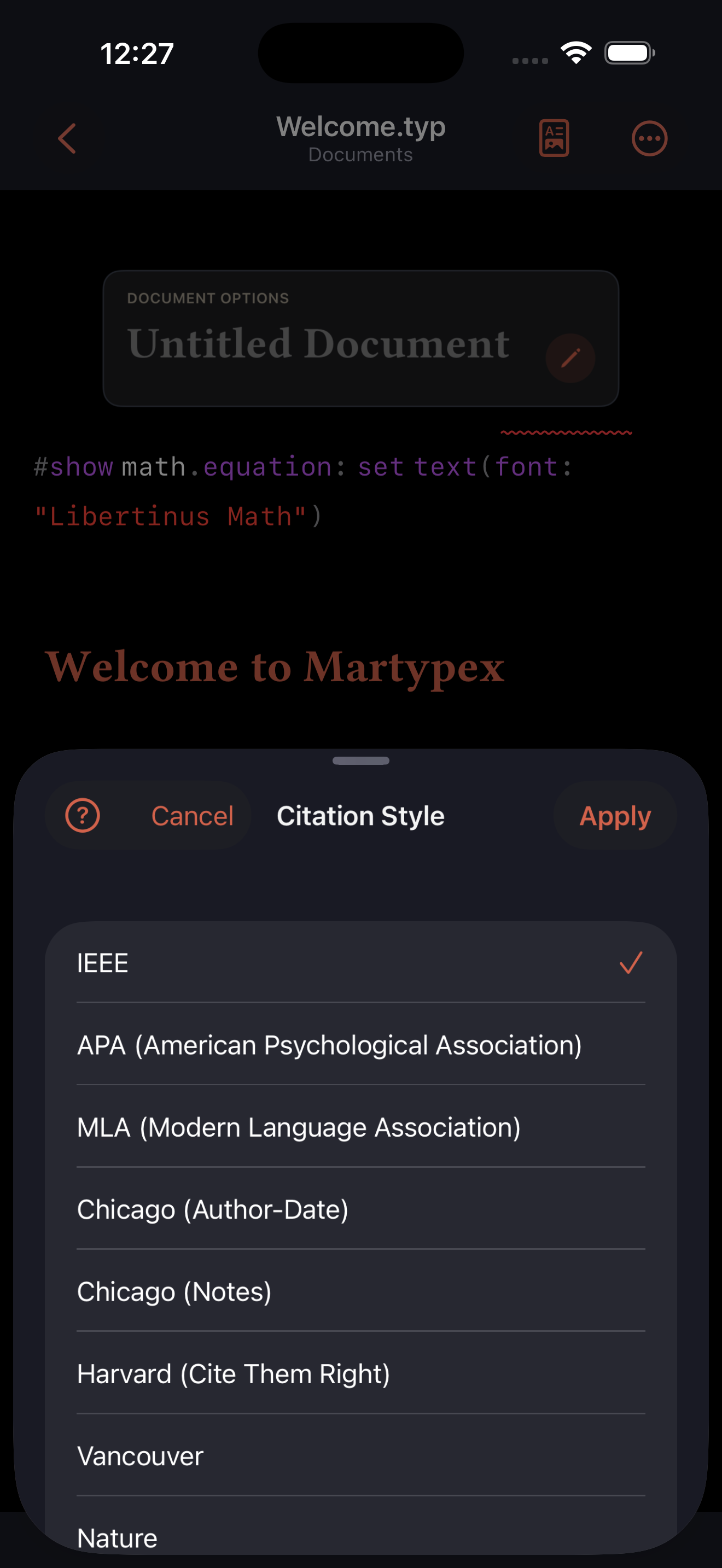
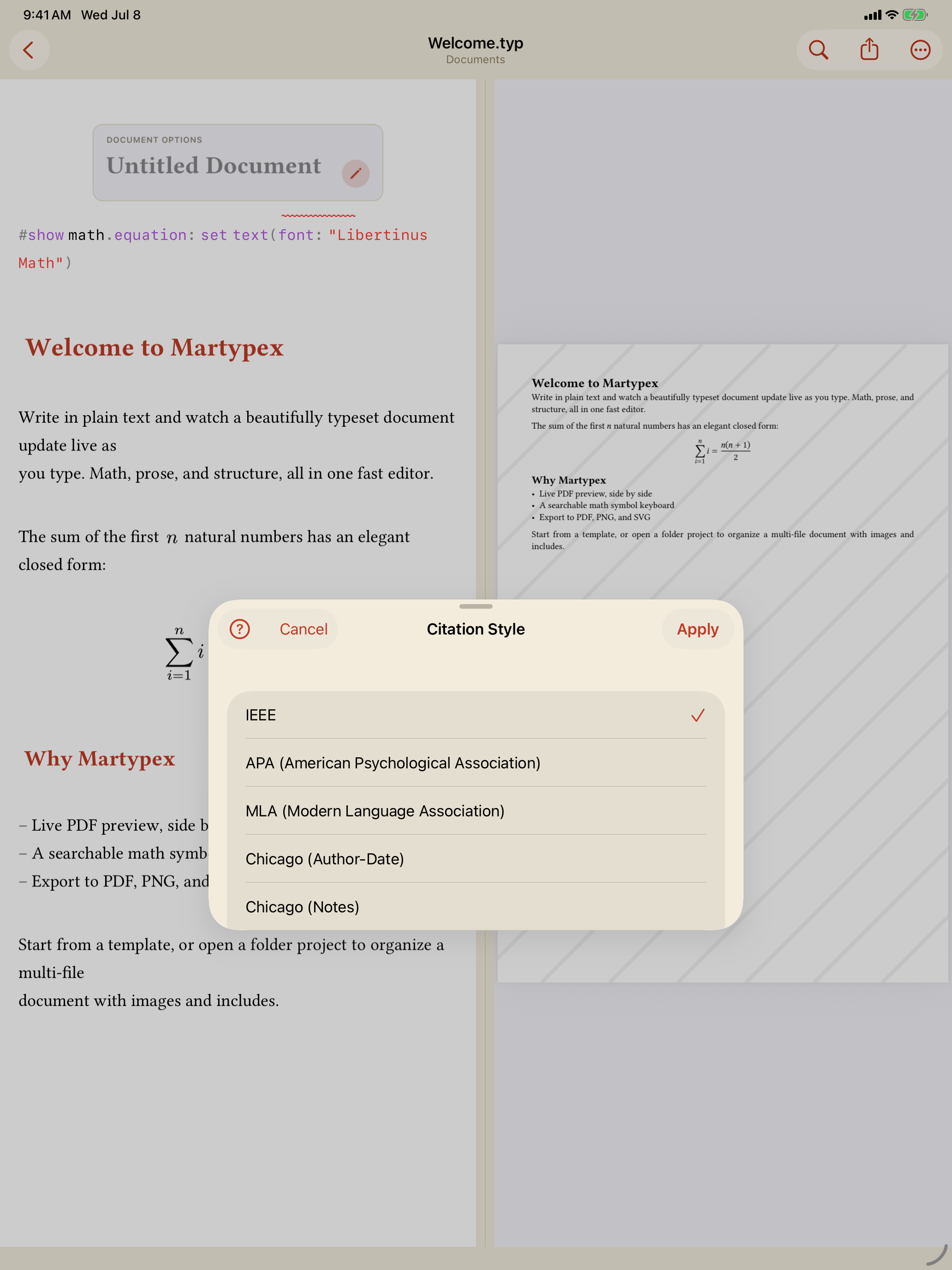
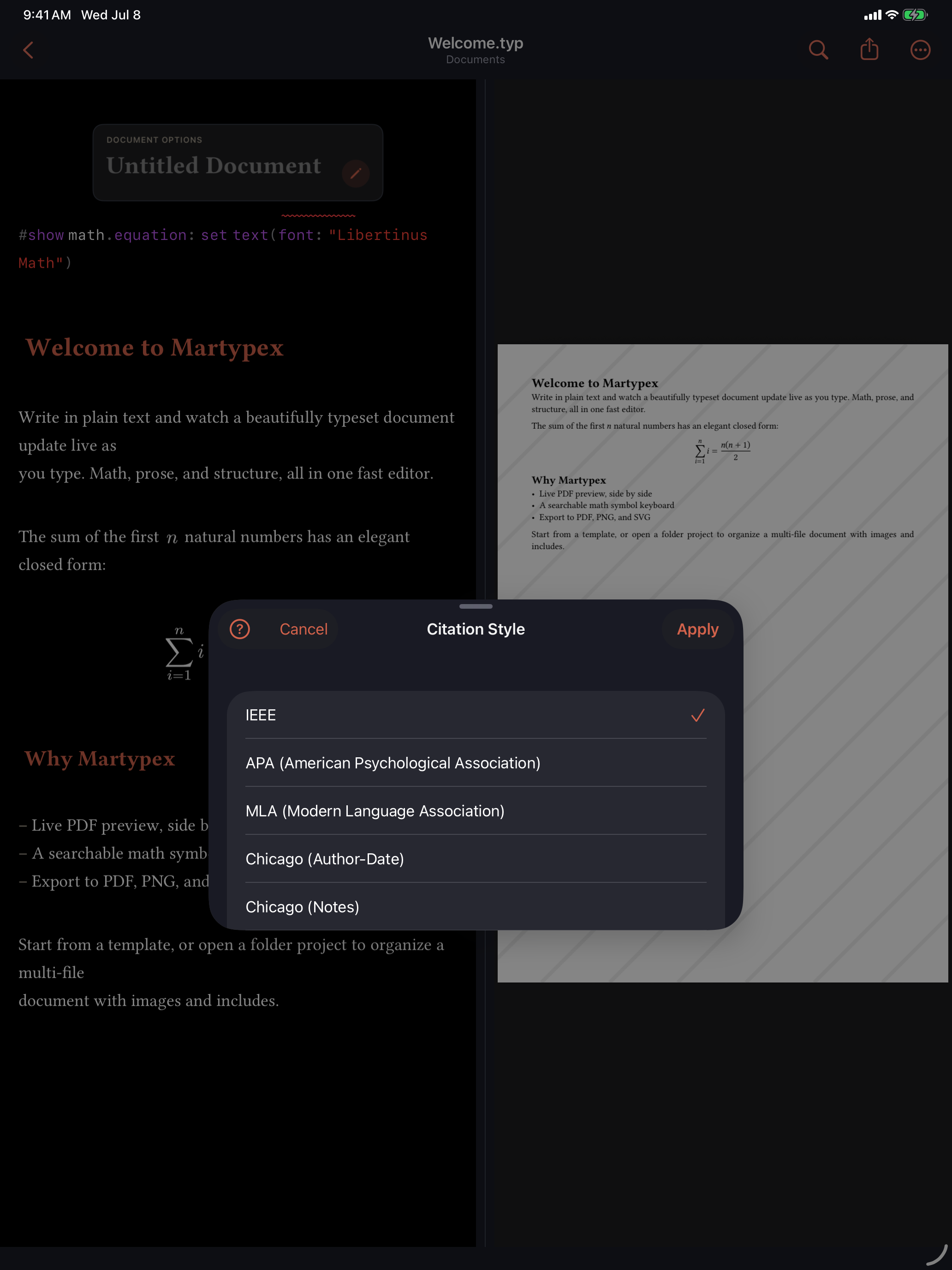
The Citation Style picker, in the ••• overflow menu, sets how citations and the reference list are formatted, with choices including IEEE, APA, MLA, Chicago, Vancouver, Nature, and more. Choosing a style writes the style: argument of your #bibliography call, so the document carries its own formatting and compiles the same way anywhere.
Editing the bibliography
Bringing a bibliography and citing from it are free. Editing a .bib file’s entries inside Martypex (adding, changing, or removing references) is a Pro feature. Free users open a .bib read-only, which is enough to cite everything already in it. See what Pro includes →