Command Palette
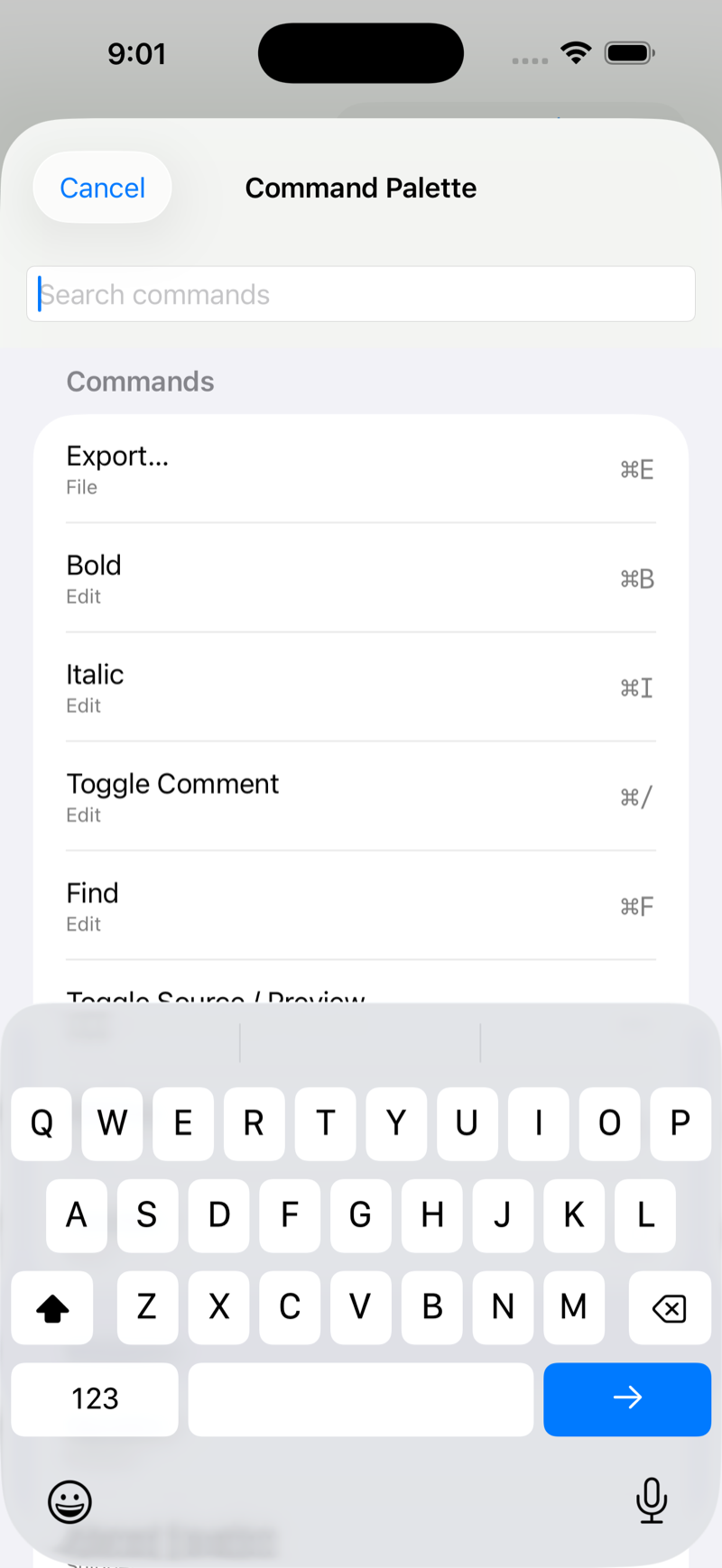
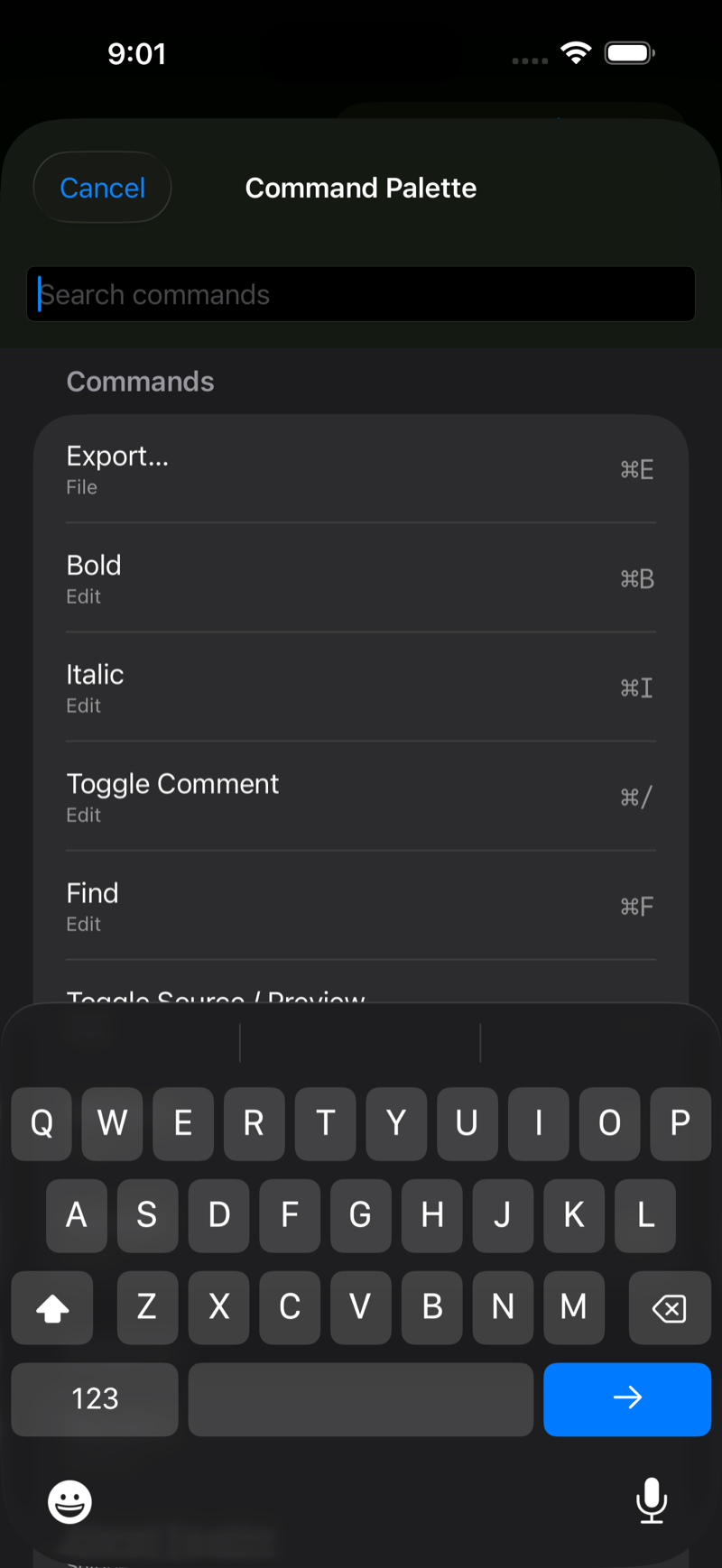
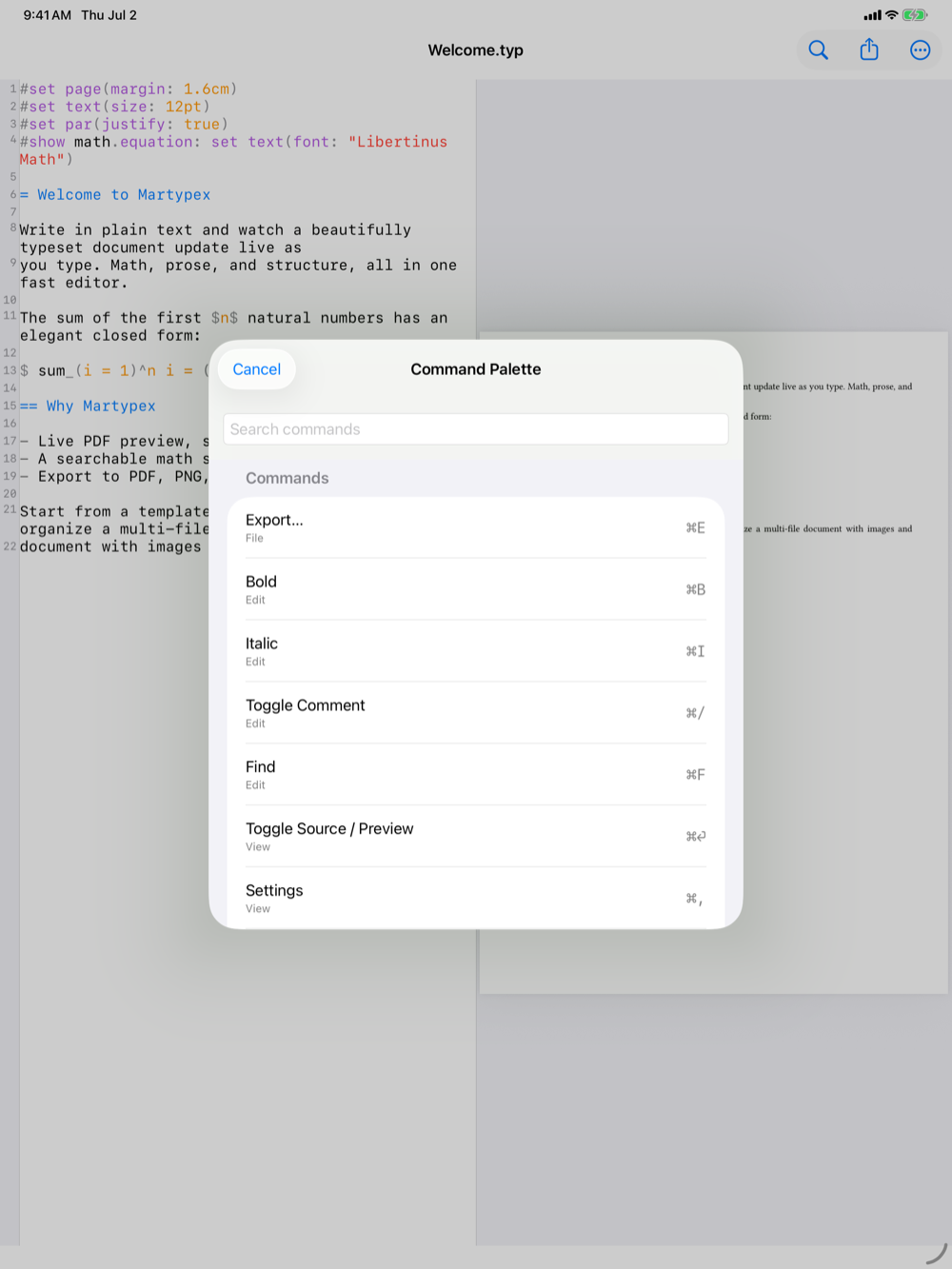
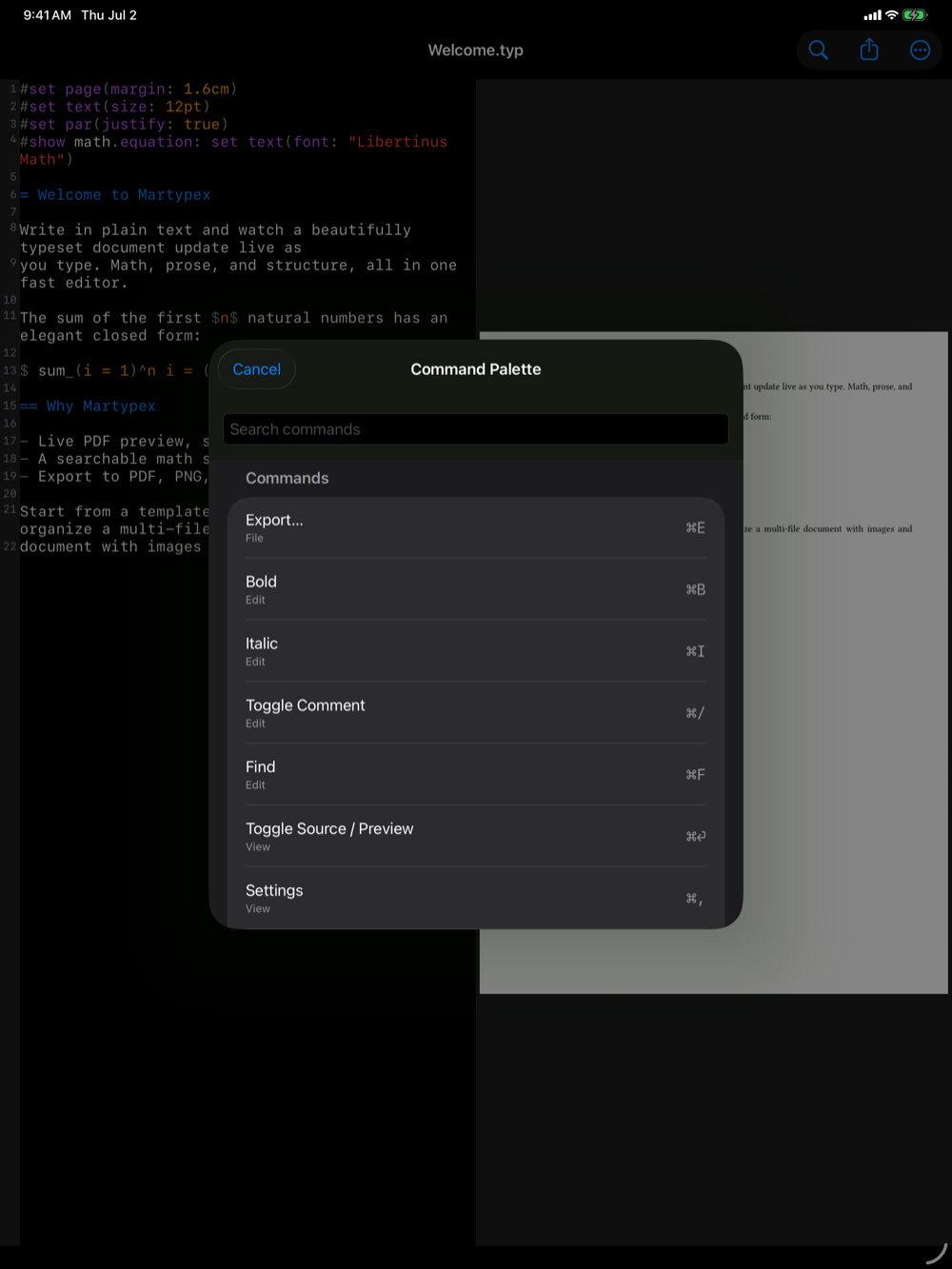
The Command Palette is a searchable launcher over almost everything you can do in Martypex, so you never have to hunt through menus for a command you know exists. Press ⇧⌘K, or tap the ••• menu, to open it.


What it searches
Type to filter across four kinds of results at once:
- Commands cover anything with a keyboard shortcut or a menu entry, such as Bold, Compile, Export, Toggle Source/Preview, Settings, and more.
- Math symbols draw from the same symbol set as the math keyboard and symbol palette, matched by name or LaTeX alias. Symbols only appear once you start typing a search.
- Snippets (Pro) come from your saved snippet library entries, filtered by name.
- Files include, in a folder project, every file in the project, so you can jump straight to another chapter or a shared bibliography without leaving the keyboard.
Running a result
Filter by typing, then press Enter or tap a result. What happens depends on what you picked: a command runs immediately, a symbol or snippet is inserted at the cursor, and a file opens for editing.
The palette is dialect- and context-aware: file results only appear in a folder project, and inserted symbols use the correct Typst or LaTeX-style syntax for the document you’re in.