Export
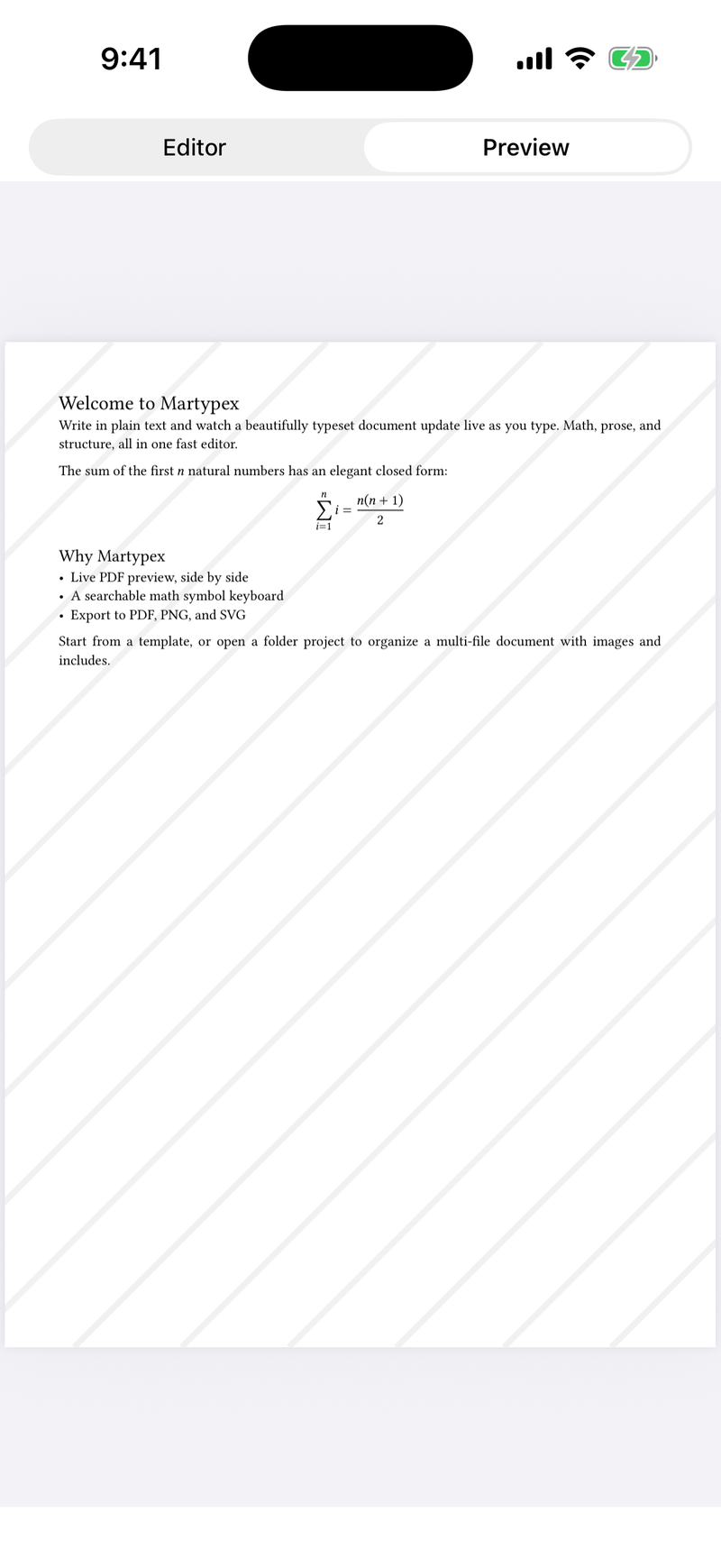
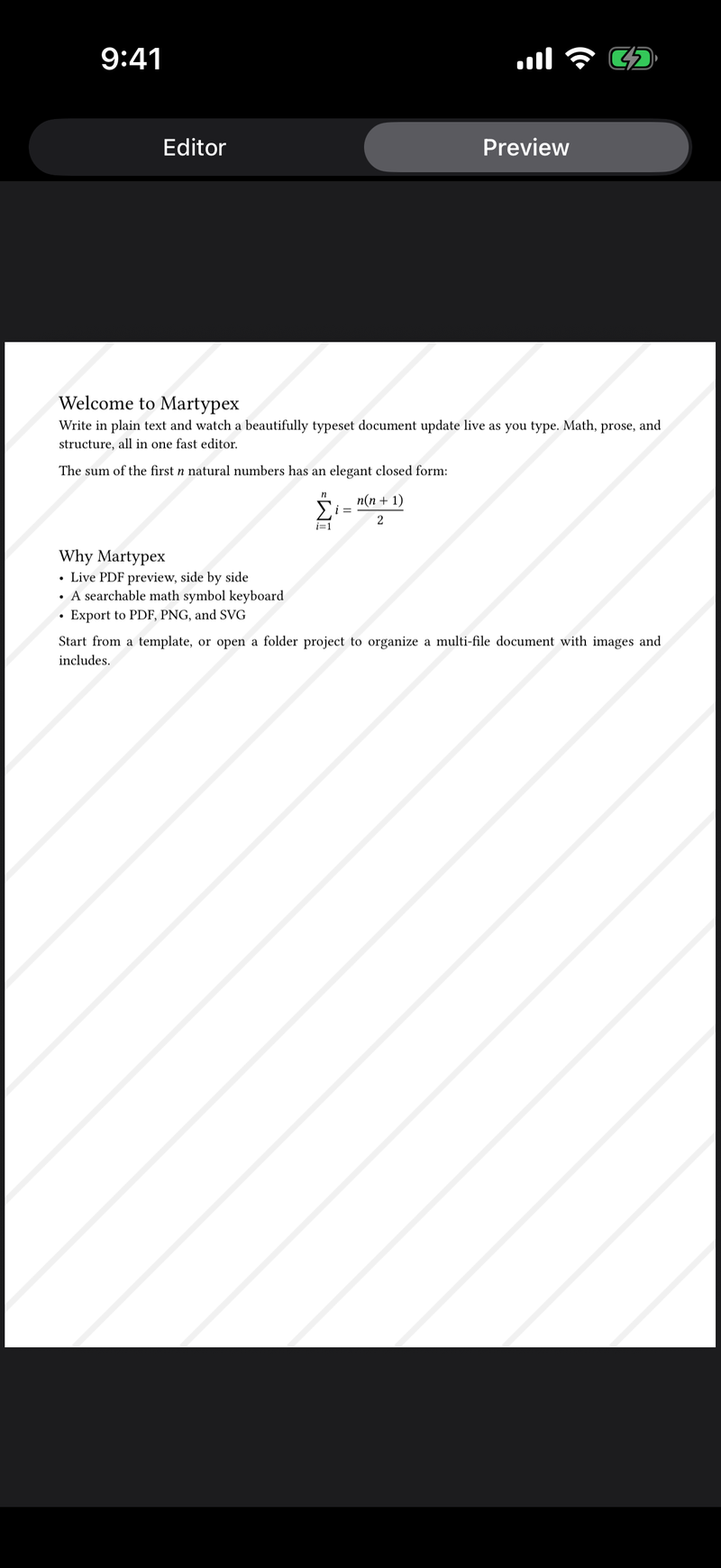
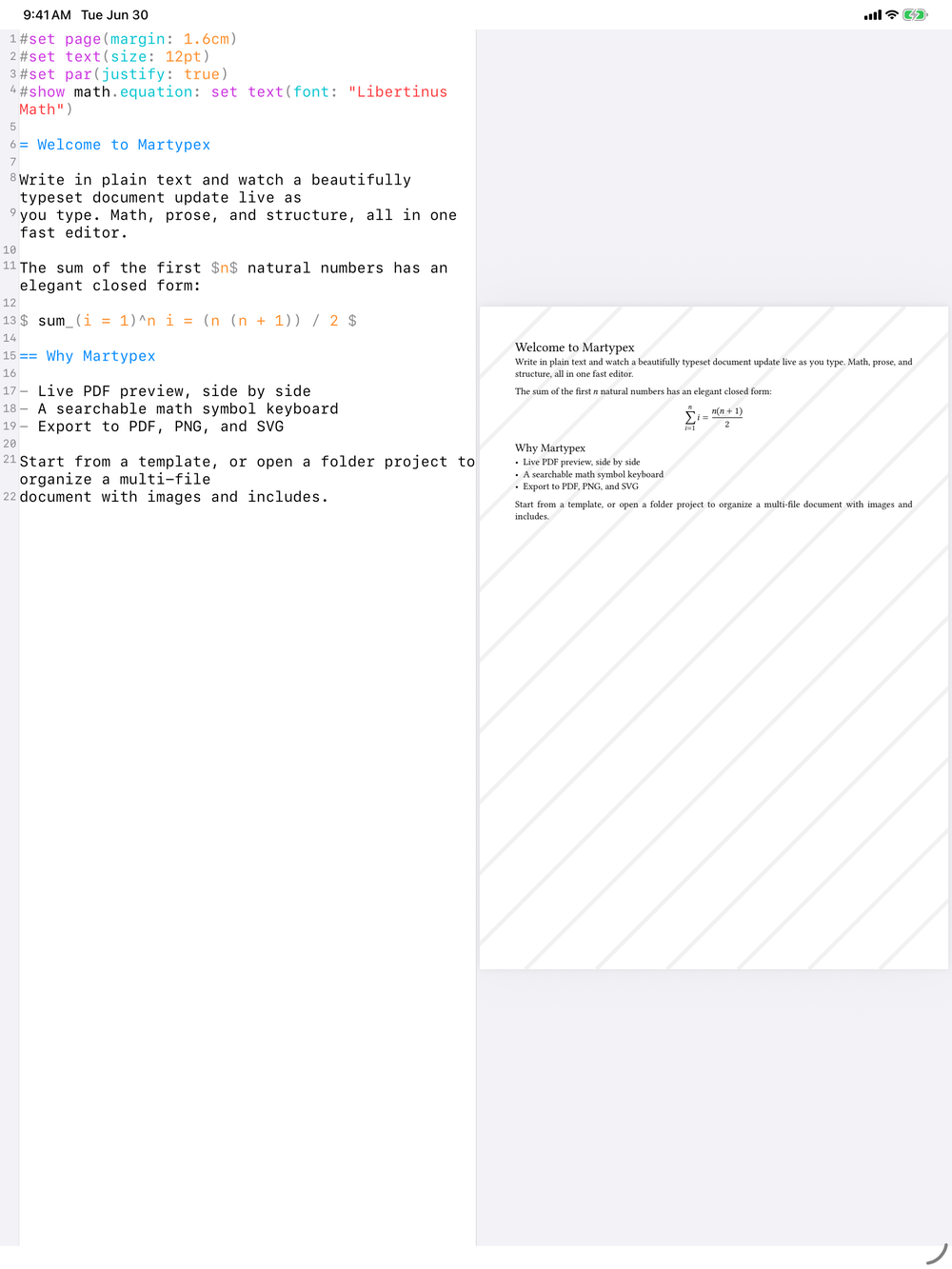
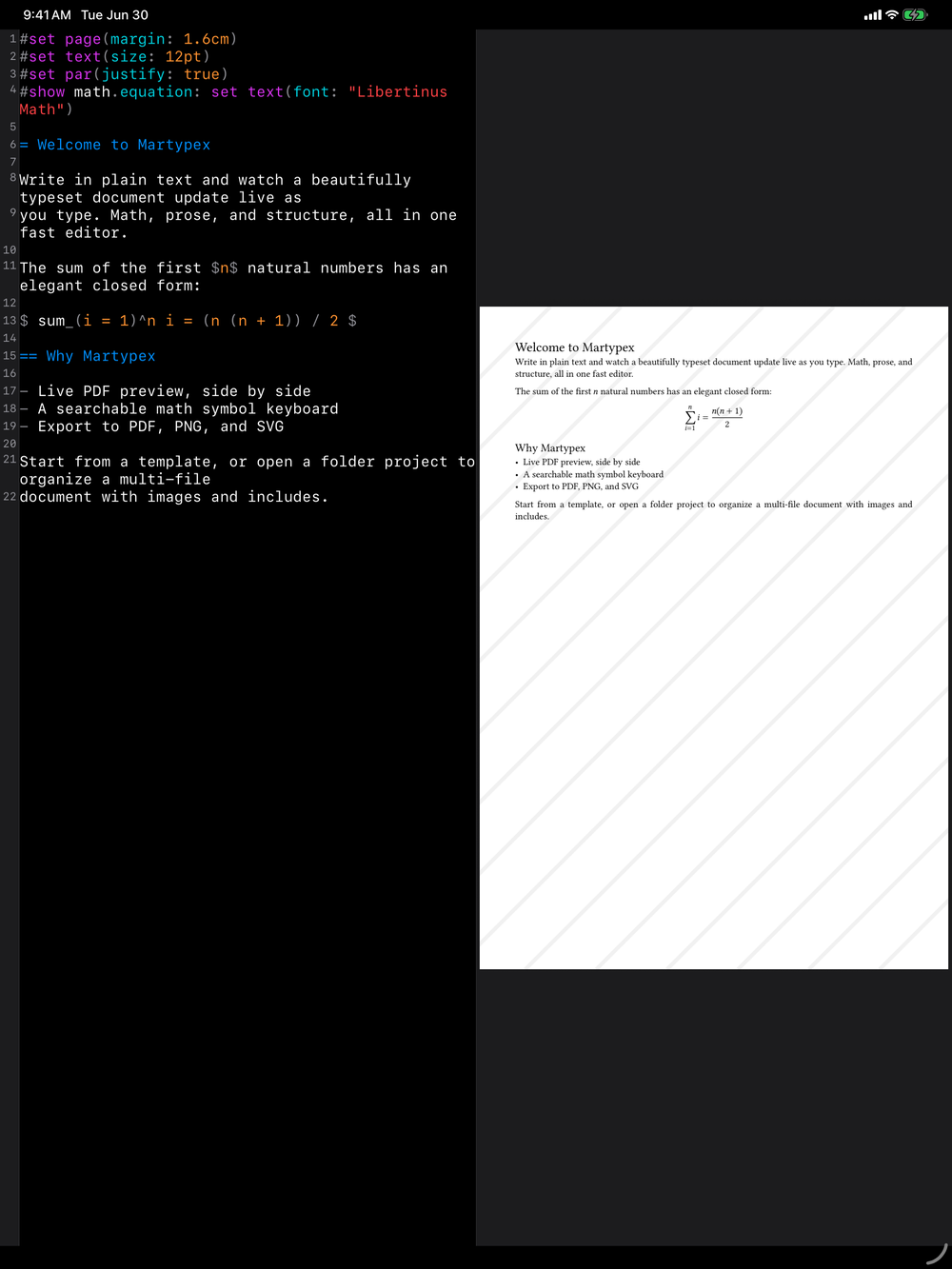
When your document compiles cleanly, Export turns it into a finished file you can print, share, or hand off to another app. Every export starts from the same compiled output, so what you see in Live Preview is exactly what you get.
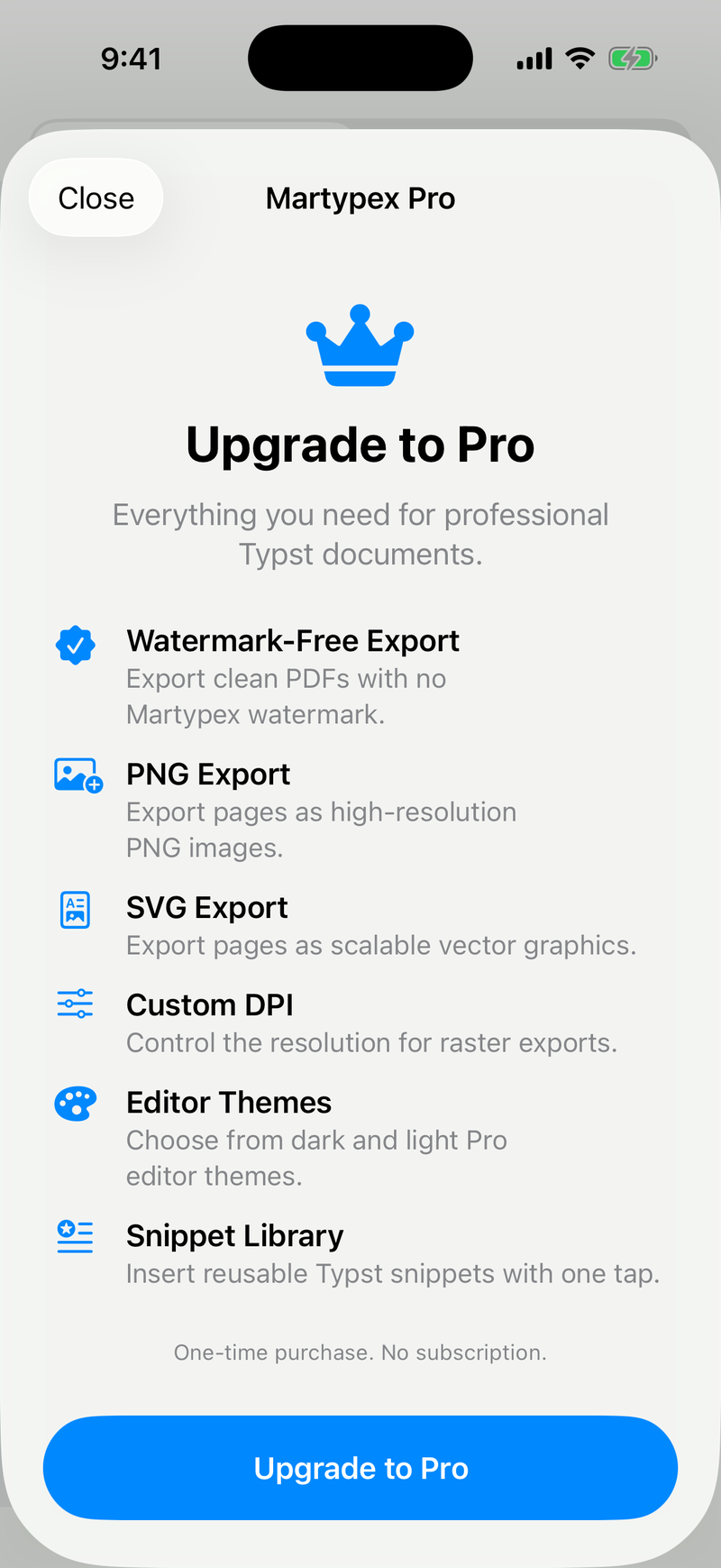
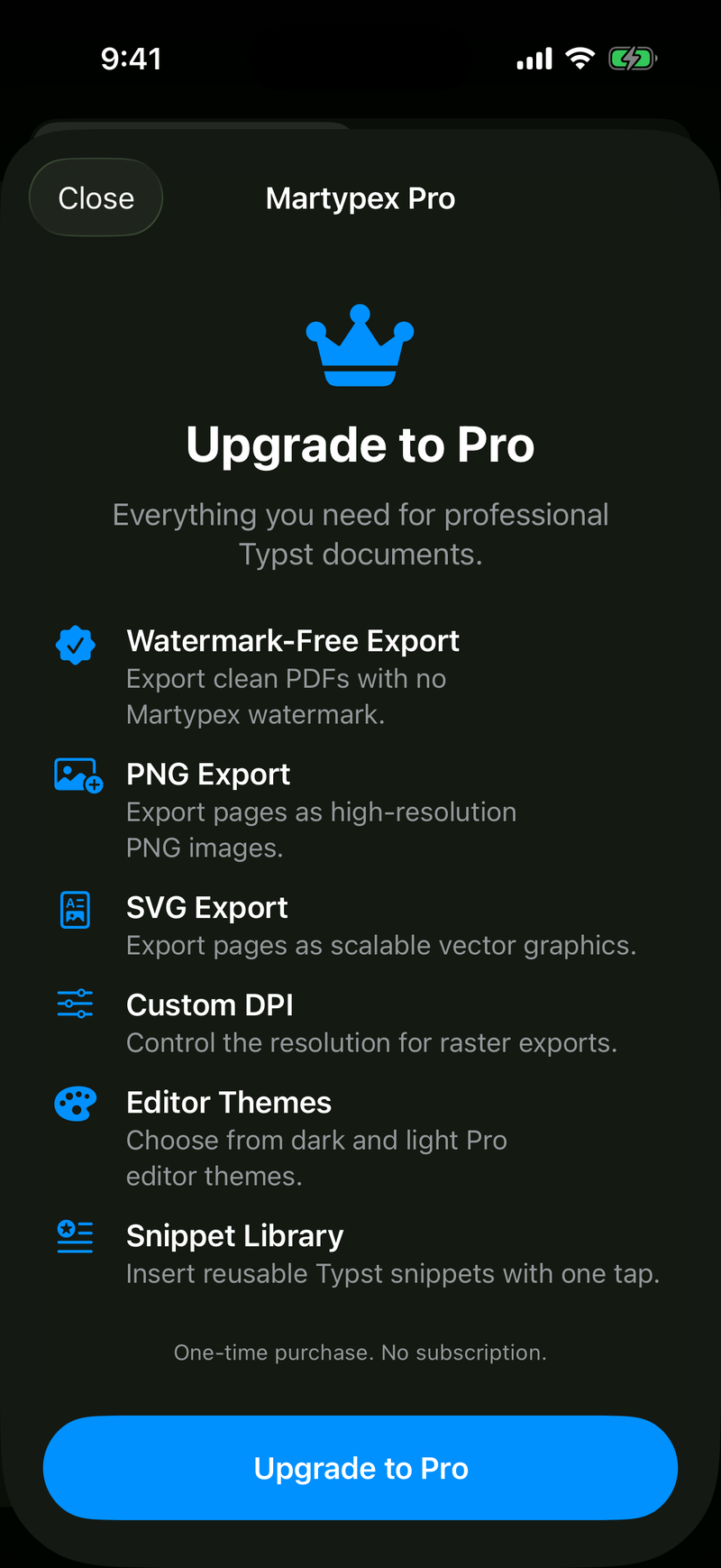
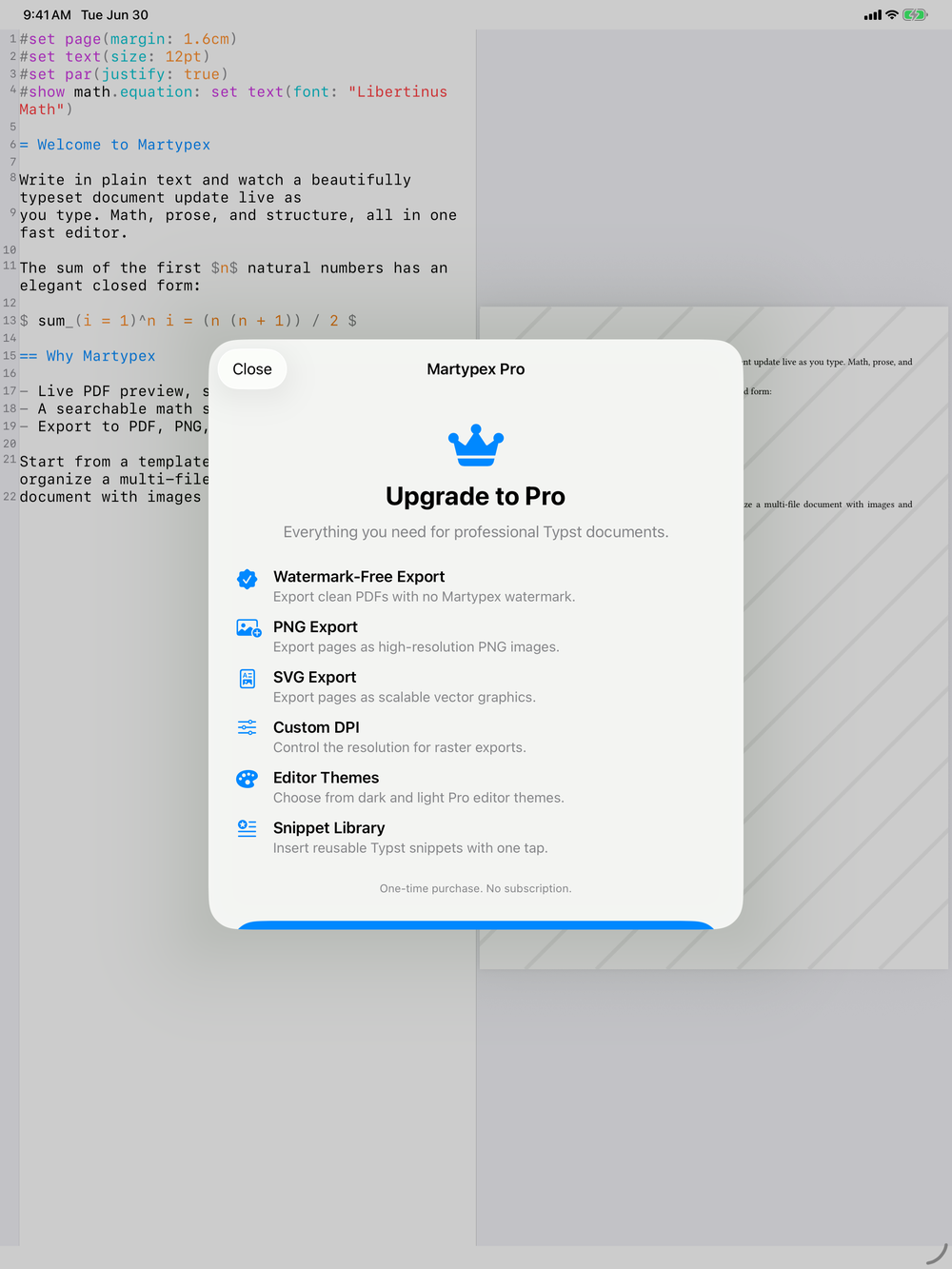
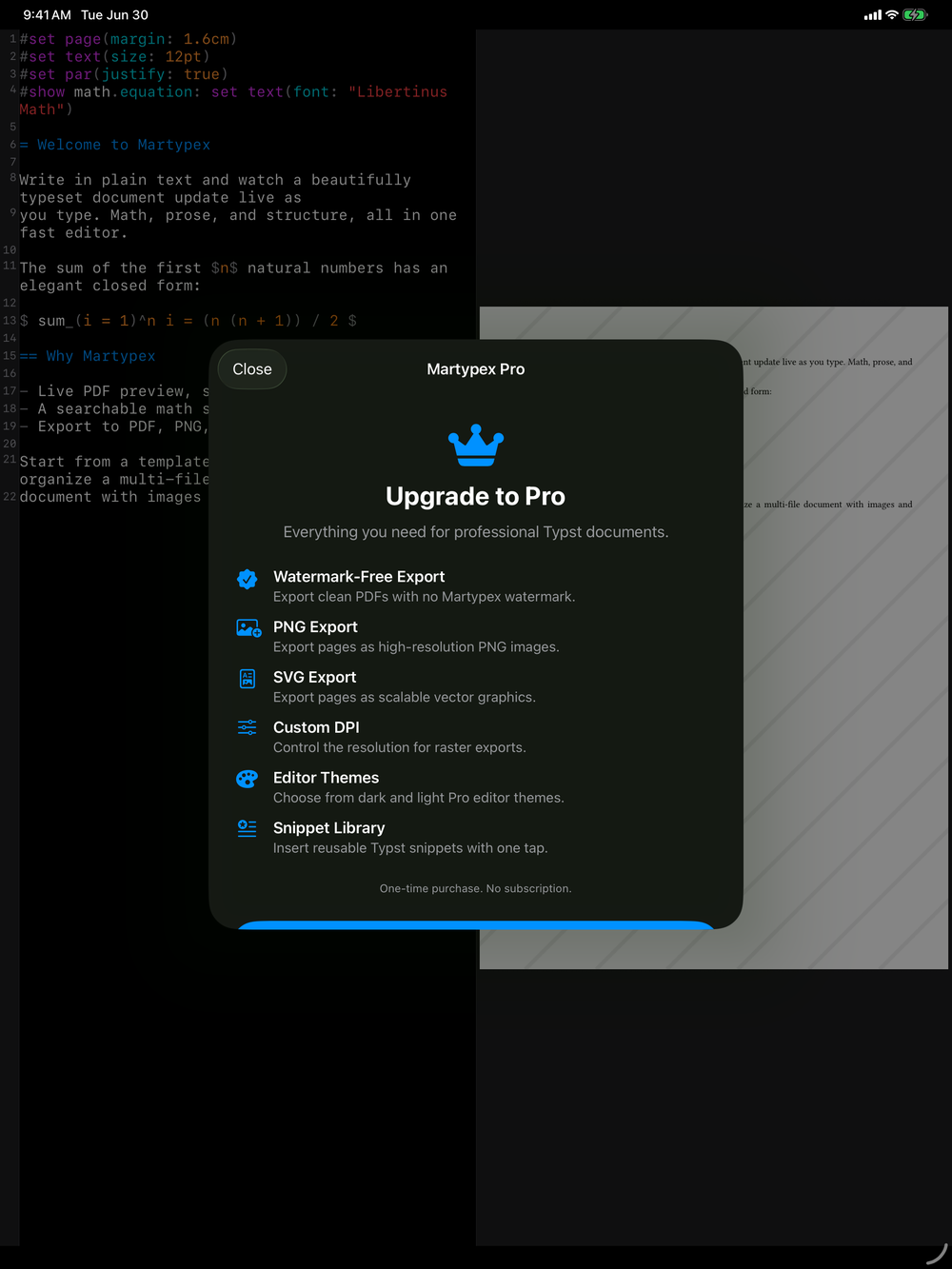
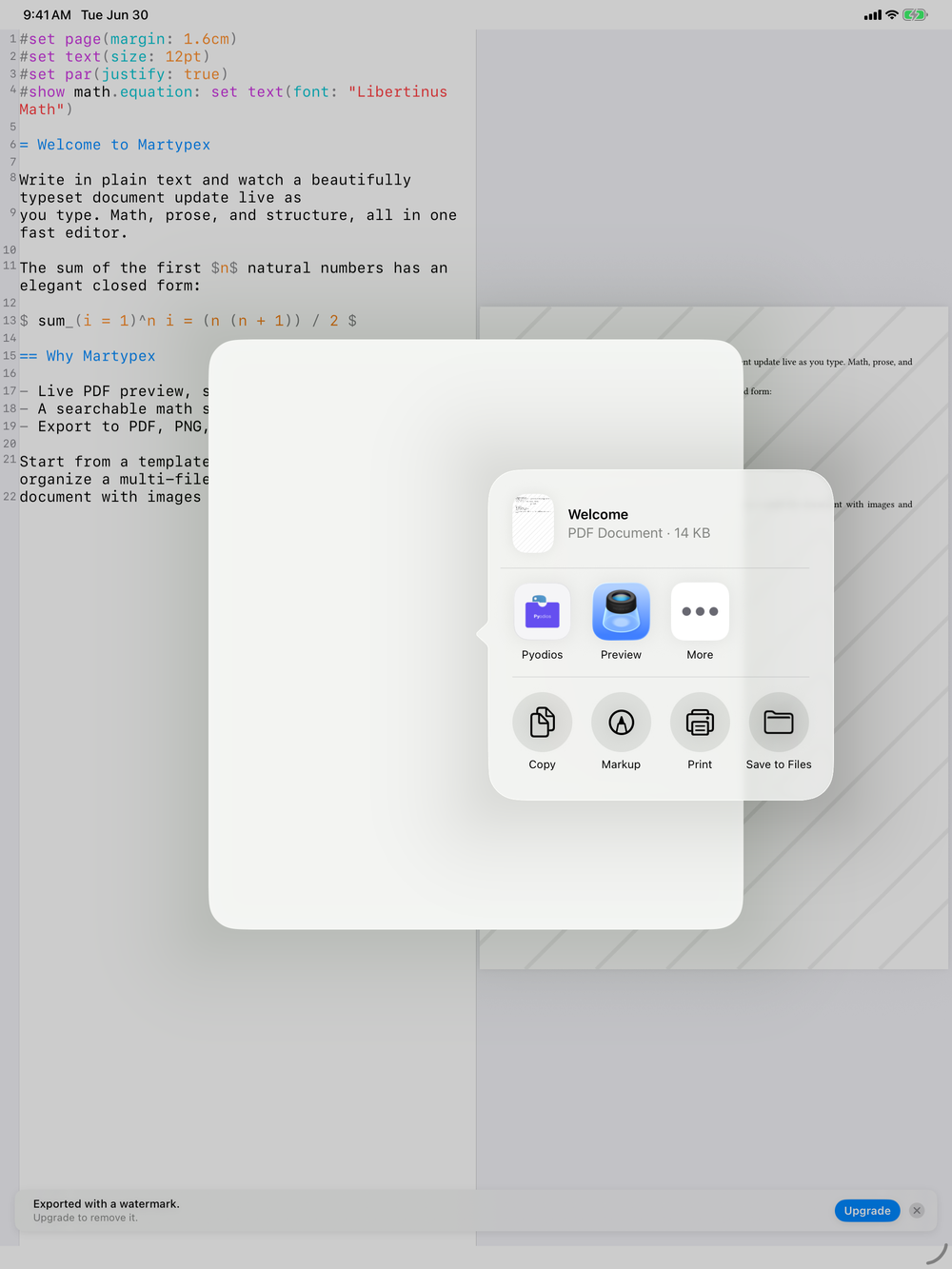
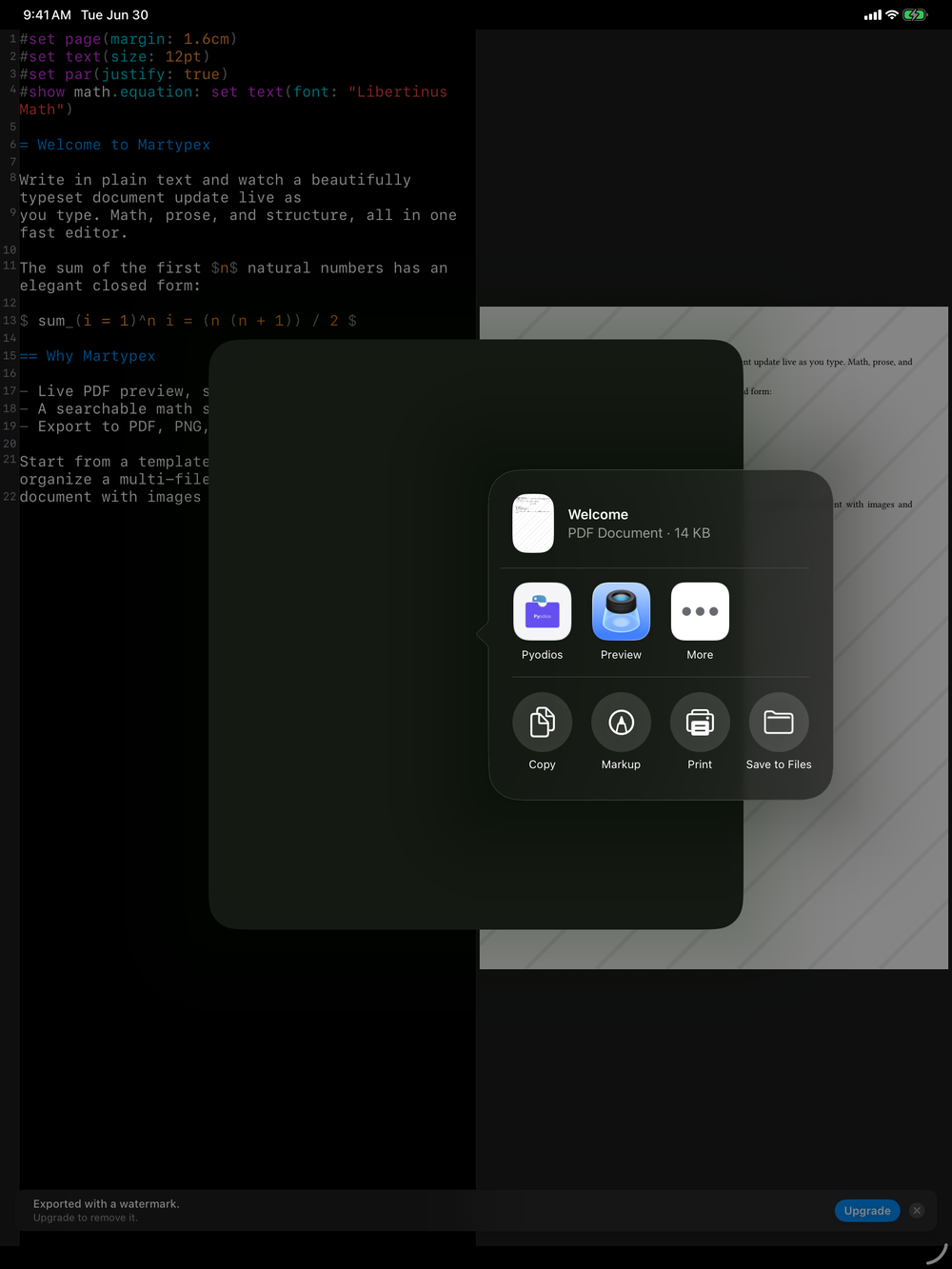
PDF export is free. Exporting PNG, SVG, at a custom DPI, and without the watermark are Martypex Pro features. See what Pro includes →
PDF, for everyone
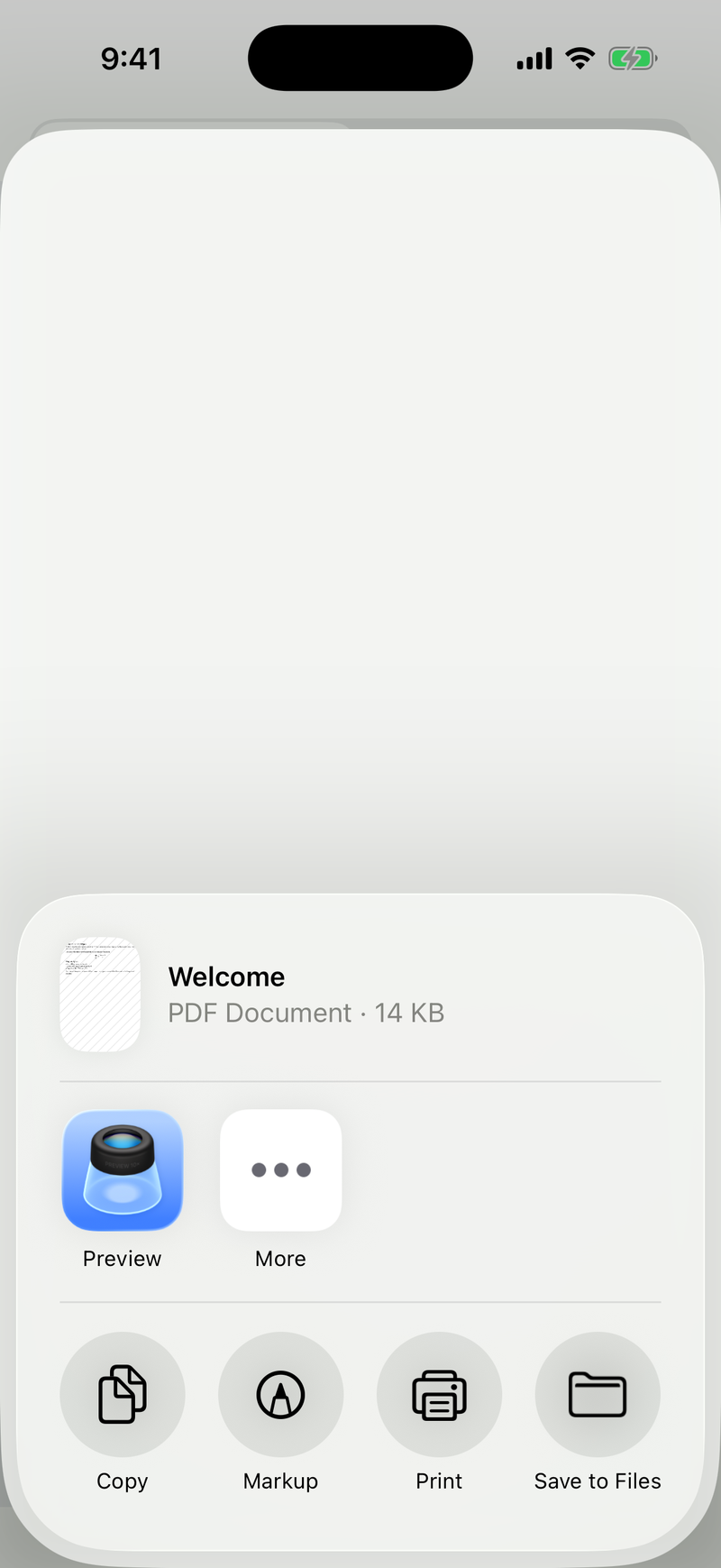
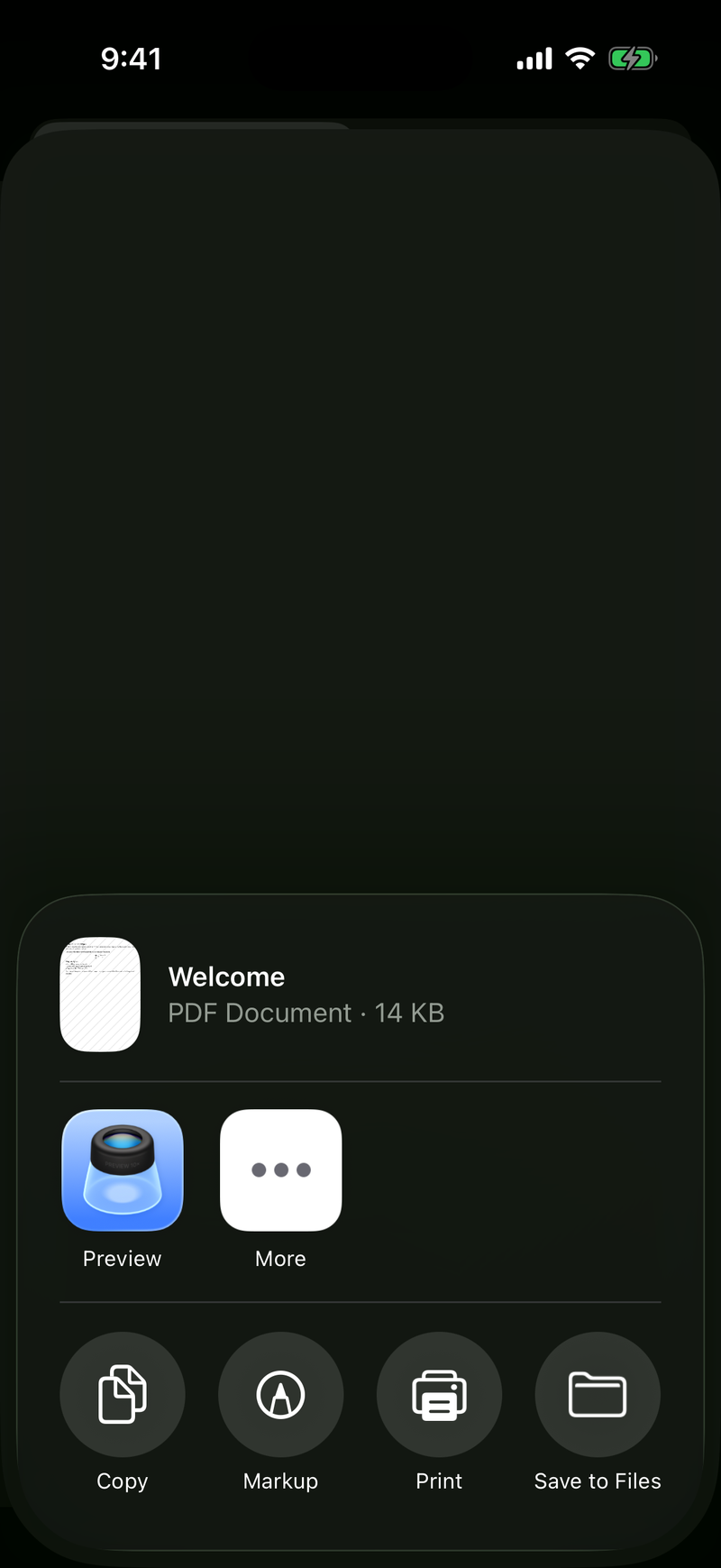
PDF export is available on the free tier. Tap Export, choose PDF, and Martypex produces a paginated PDF from your compiled document, every page included for multi-page work. On the free tier, the PDF carries a light watermark, a deterrent rather than a limit on your writing. Your document, layout, and page count are never restricted. The one-time Pro unlock removes the watermark for a clean PDF.


PNG and SVG, with Pro
Pro adds two more formats: PNG, rendered at a DPI you choose, and SVG, a vector export that stays crisp at any size. Both are useful for dropping figures or a single page into slides, papers, or the web without going through a PDF first.
Raise the DPI for print-quality PNGs, or lower it for a lighter file when you only need a quick preview image.
What Pro unlocks
A single, one-time purchase removes the watermark and adds every export format. Here is the full list.
Exporting, step by step
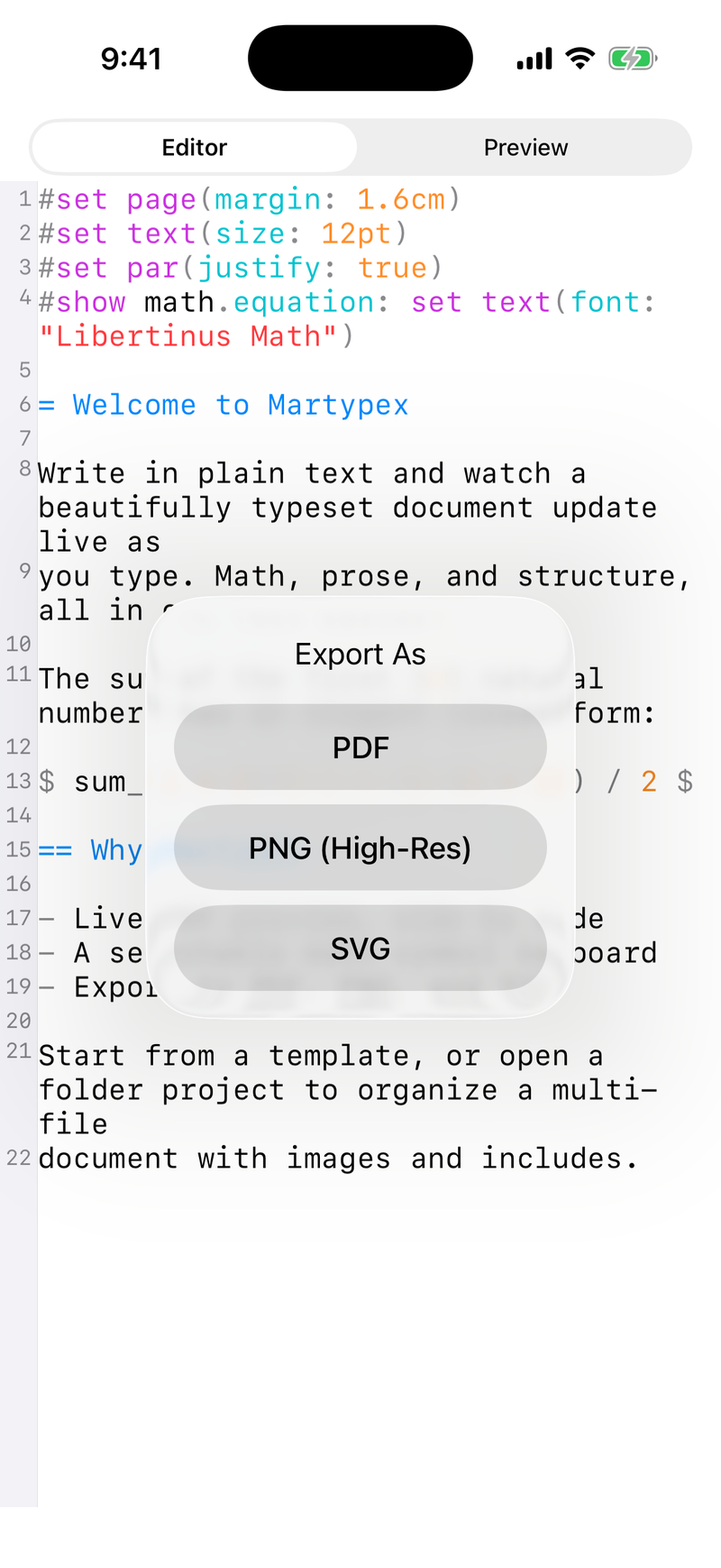
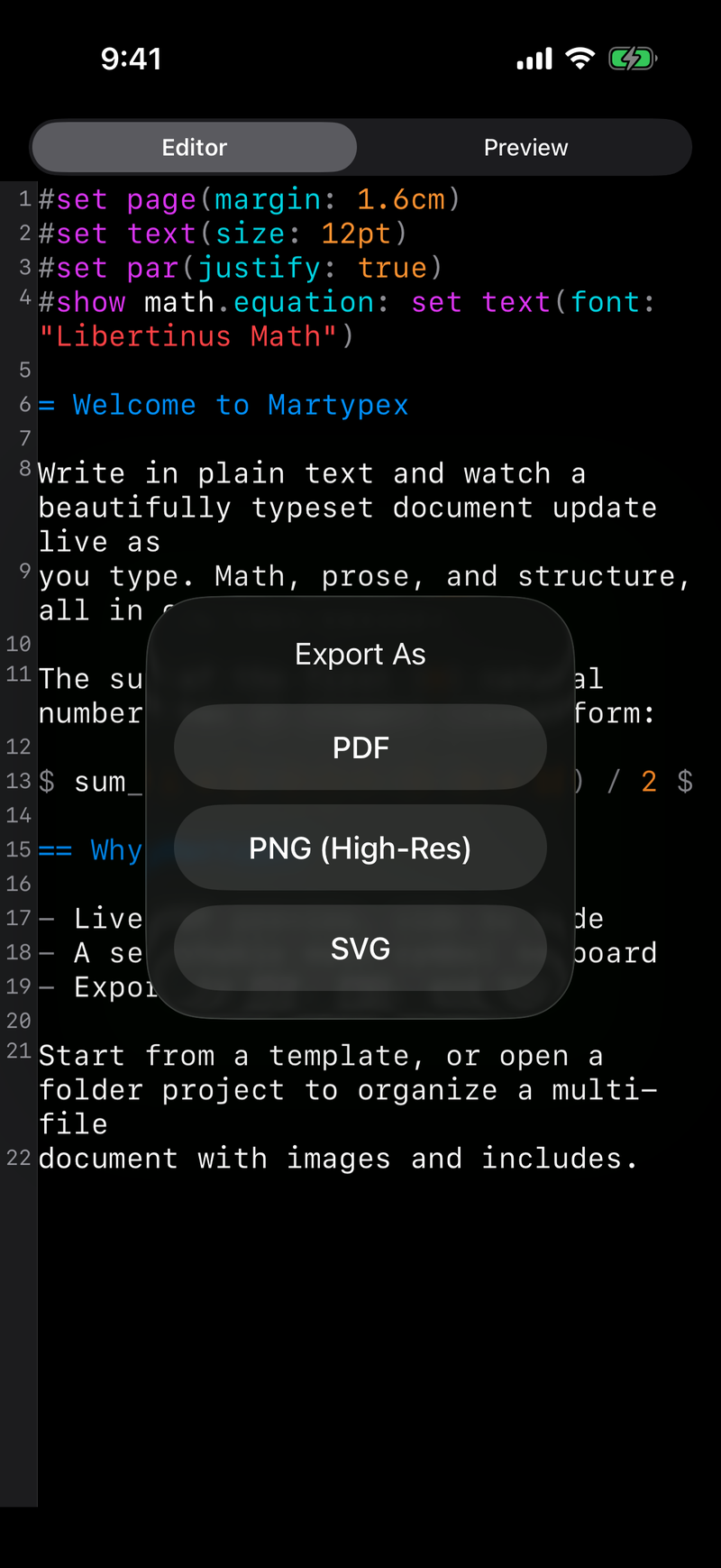
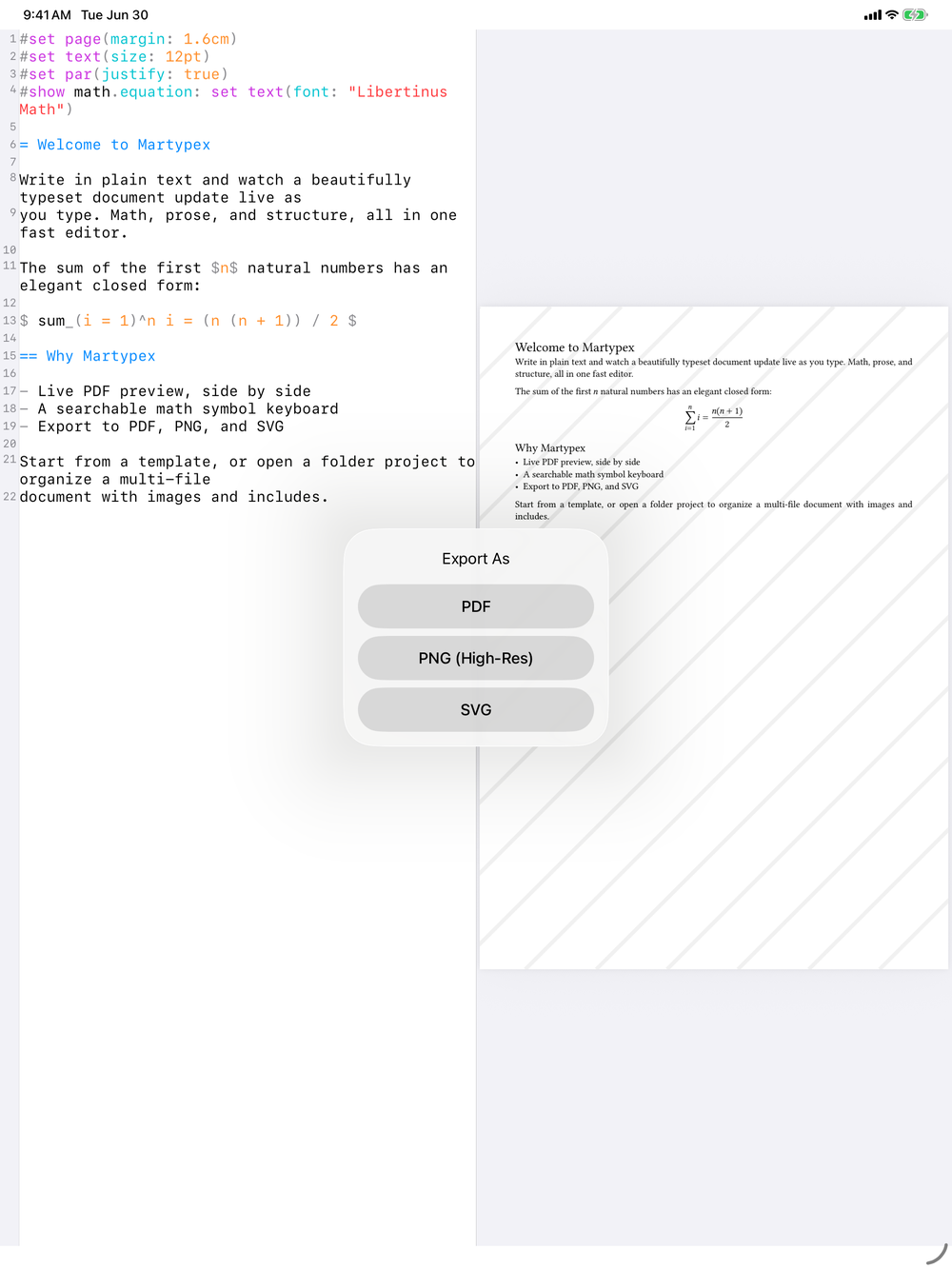
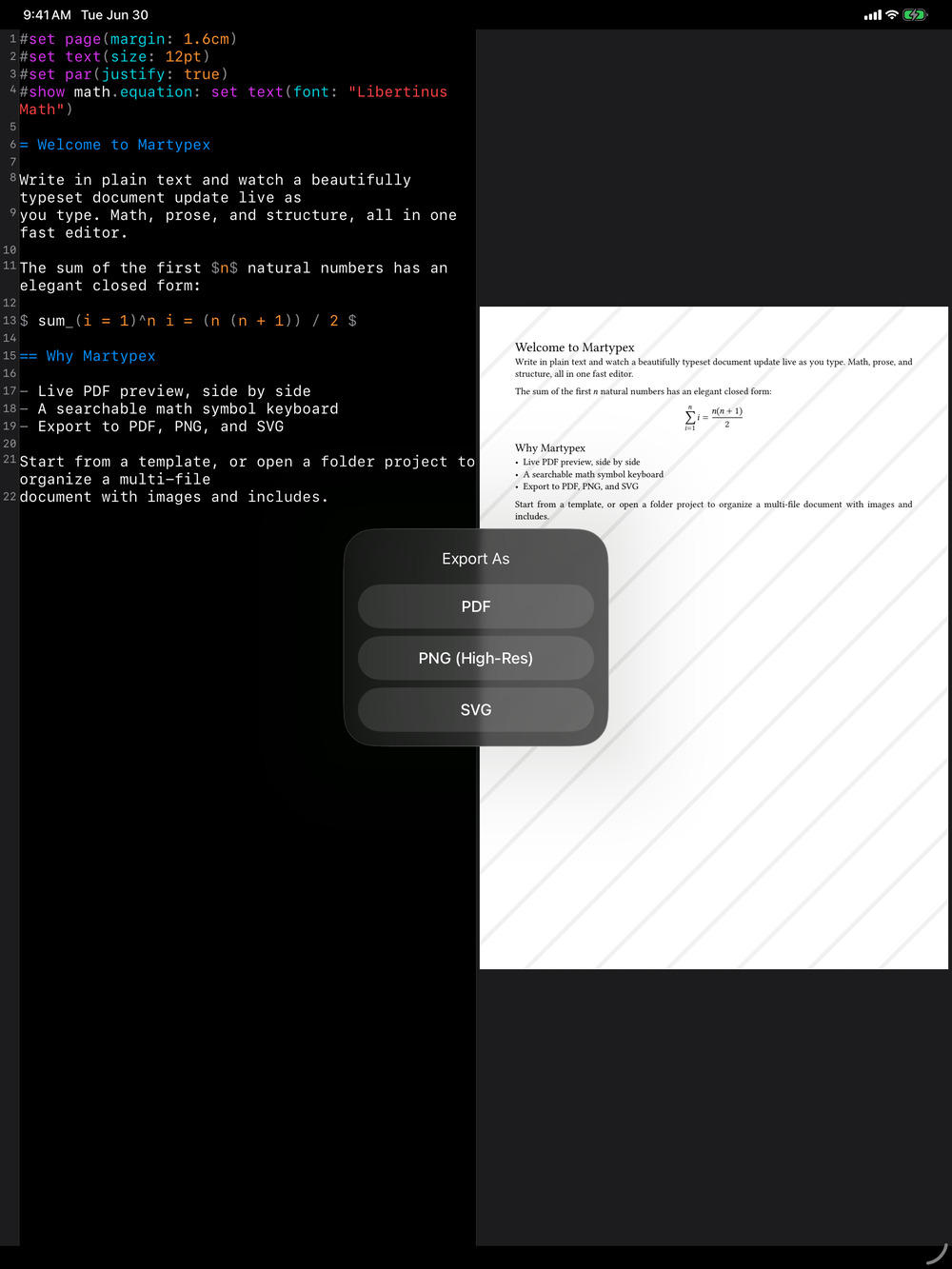
Exporting is a two-tap flow. Tap Export, pick a format, then share or save the result.
1. Choose a format
2. Share or save
Page setup
Before exporting, page setup controls the output: paper size and margins shape every page Martypex renders, in the preview and in the exported file alike. Set it once per document and every export, PDF, PNG, or SVG, follows the same layout.