Martypex on Mac
Martypex is coming to the Mac. It’s built with Mac Catalyst, so it’s the same on-device Typst and Markdown engine and the same editor you already know, reworked with Mac idioms: a menu bar, resizable windows, and pointer support. The Mac build is in active development and headed for the Mac App Store; it isn’t available to download yet, and this page doesn’t promise a date. Consider it a preview of what’s coming, not a download link.
A native Mac app
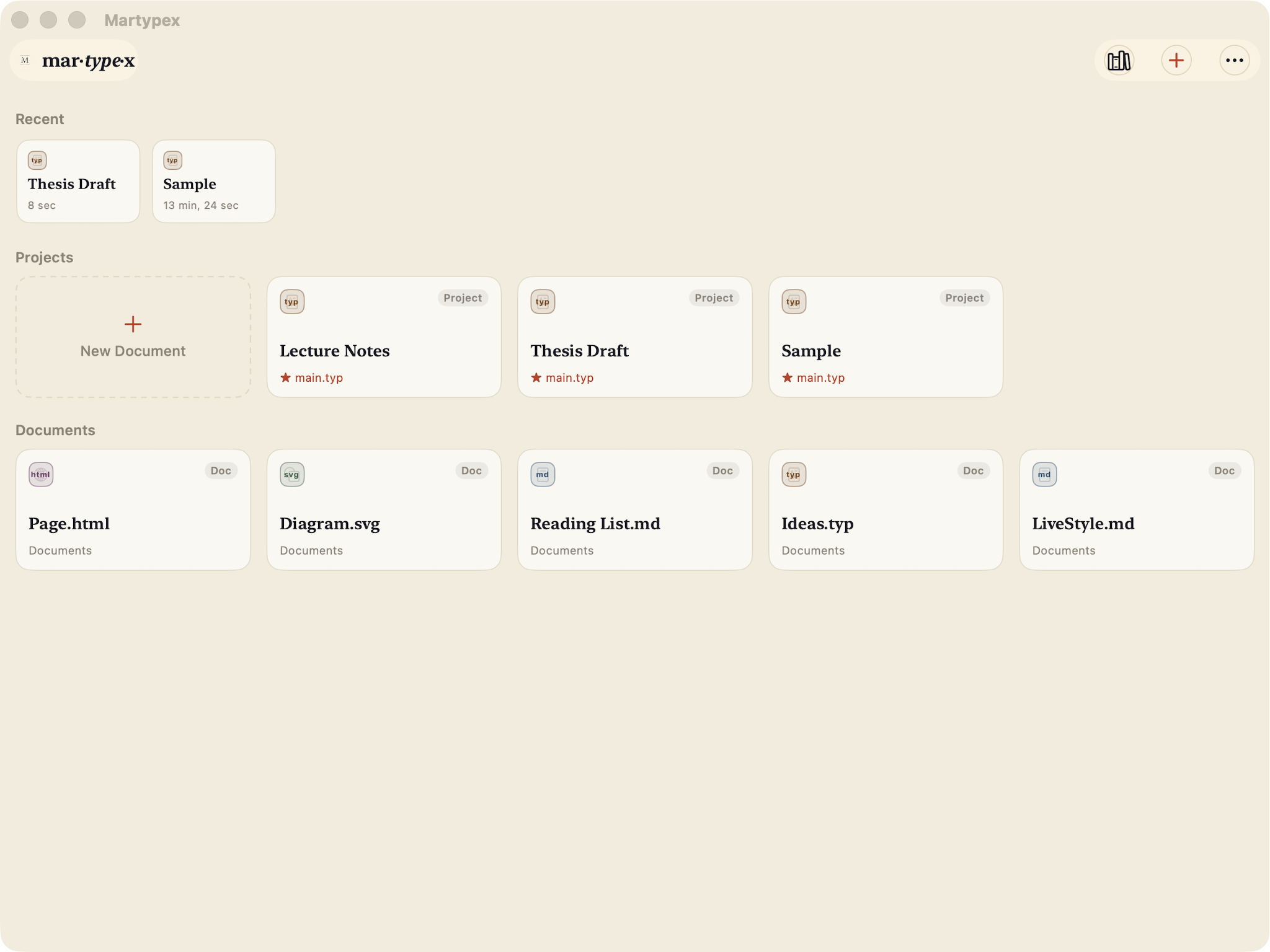
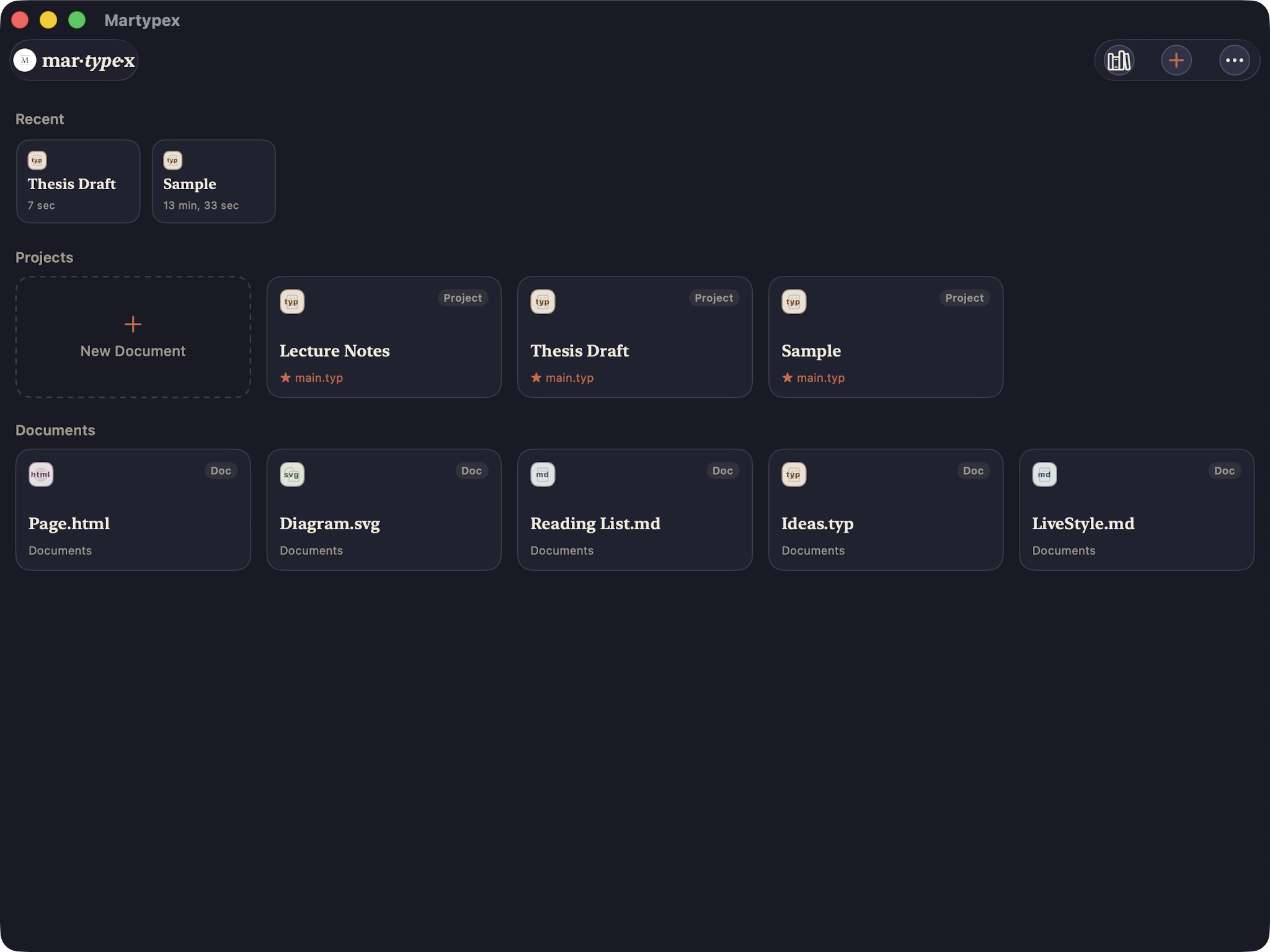
Martypex on Mac isn’t a stretched-out iPad window. It runs in proper resizable, multi-window Mac chrome, so you can size a document to a corner of your screen or keep several open side by side, and it carries over the same warm, considered themes from iPhone and iPad.
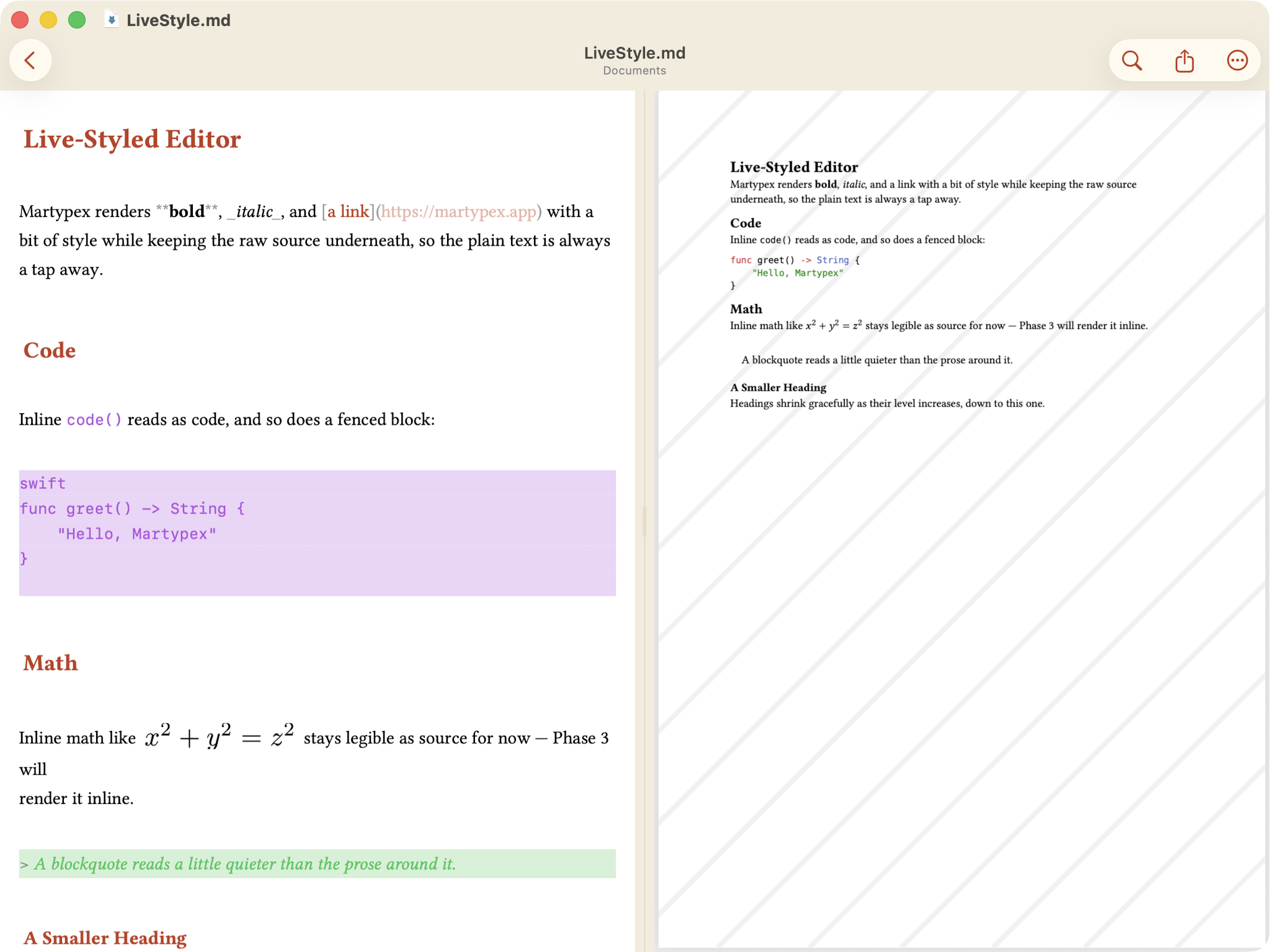
Editor + live preview
The editor and the compiled PDF sit side by side in a single window, the same live-styled writing surface and the same preview you use on iPhone and iPad, just with more room to breathe. The window’s titlebar shows the open document’s name with a proxy icon next to it, the standard Mac convention for dragging, renaming, or navigating up a document’s file path directly from the title.
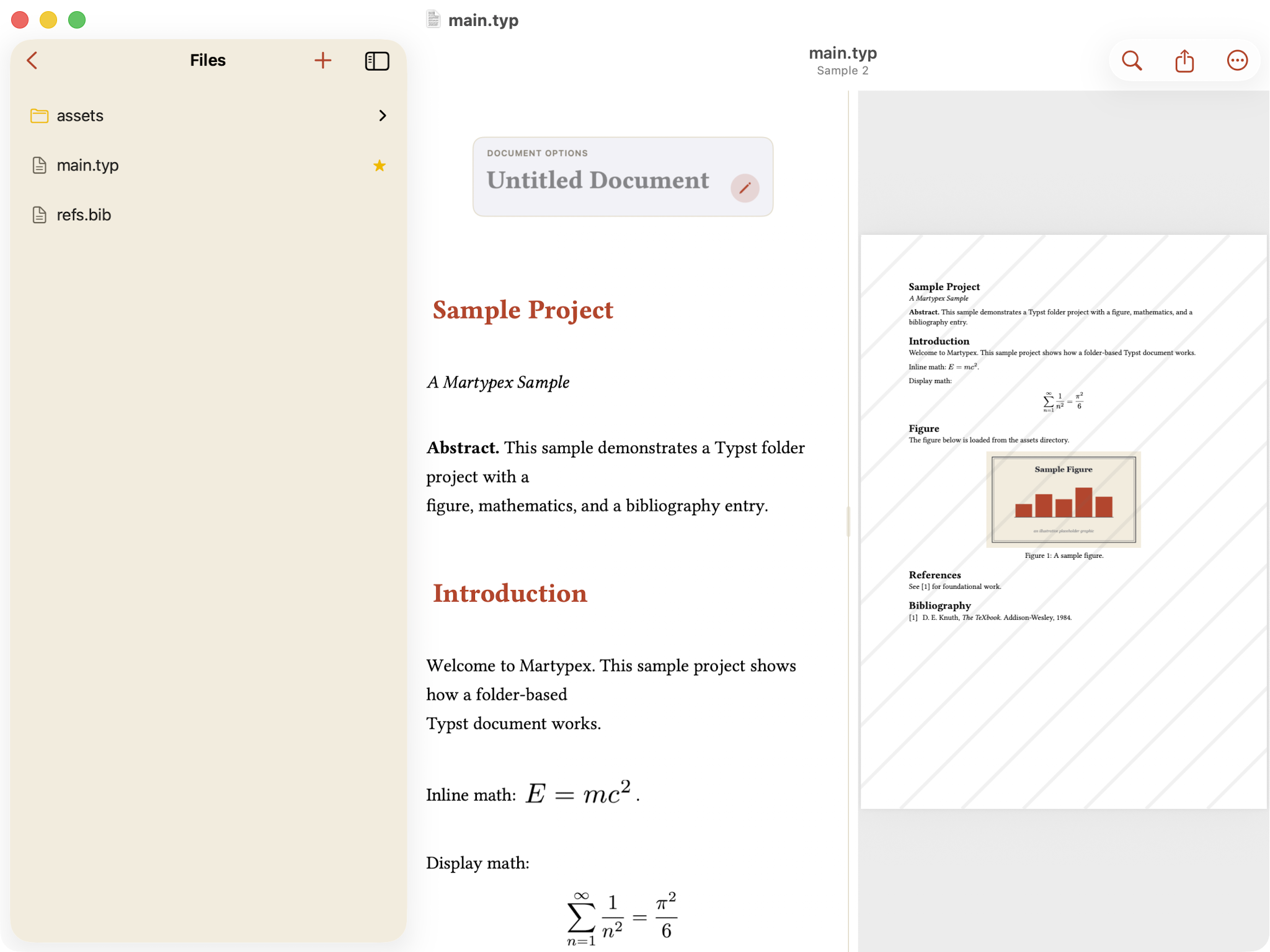
Projects with a sidebar
Open a folder project on Mac and it gets a proper source-list sidebar, the same kind of file list macOS apps have used for decades, sitting alongside the editor and preview rather than sliding over them. Move between the files that make up a project without losing your place in either pane.
Private by design
Martypex on Mac runs inside the App Sandbox, Apple’s strictest confinement for Mac apps. Everything stays on your Mac: there’s no account to create, no sign-in, and no cloud sync. Your document compiles on-device, the same way it does on iPhone and iPad, so nothing about what you’re writing ever has to leave the machine it’s on.