Packages
Typst has a rich ecosystem of community packages, drawing diagrams with CeTZ, arrows with Fletcher, tables with Tablex, and hundreds more. Martypex supports the full @preview registry: import a package and it is fetched, cached, and ready, with no setup. Packages are free.
Using a package
Import a version-pinned package exactly as you would on typst.app:
#import "@preview/cetz:0.2.2": *

#cetz.canvas({
  import cetz.draw: *
  circle((0, 0))
})
The first time you import a package that isn’t already on device, Martypex fetches it from the official Typst registry, unpacks it into a local cache, and recompiles, all automatically. A Fetching… indicator appears while this happens, and your last successful preview stays on screen so nothing flickers. Once cached, the package is available instantly and offline, forever.
This works the same in a single document or a folder project, and transitive dependencies (packages your package depends on) are fetched automatically too.
Only the first fetch of a given package version needs a connection. If you import an uncached package while offline, the compiler reports “package not found”; reconnect and it resolves on the next compile.
Plugins
Some packages include native WebAssembly plugins for work that pure Typst can’t do efficiently. Martypex runs these on device with a pure-interpreter WebAssembly runtime, so plugin-backed packages work fully, with no special setup and no compromise on the App Store’s no-JIT rules.
Managing the cache
Open Settings → Packages to see and manage what’s on device. A segmented control at the top switches between two tabs: Cached (what’s already downloaded) and Browse (the registry you install from).
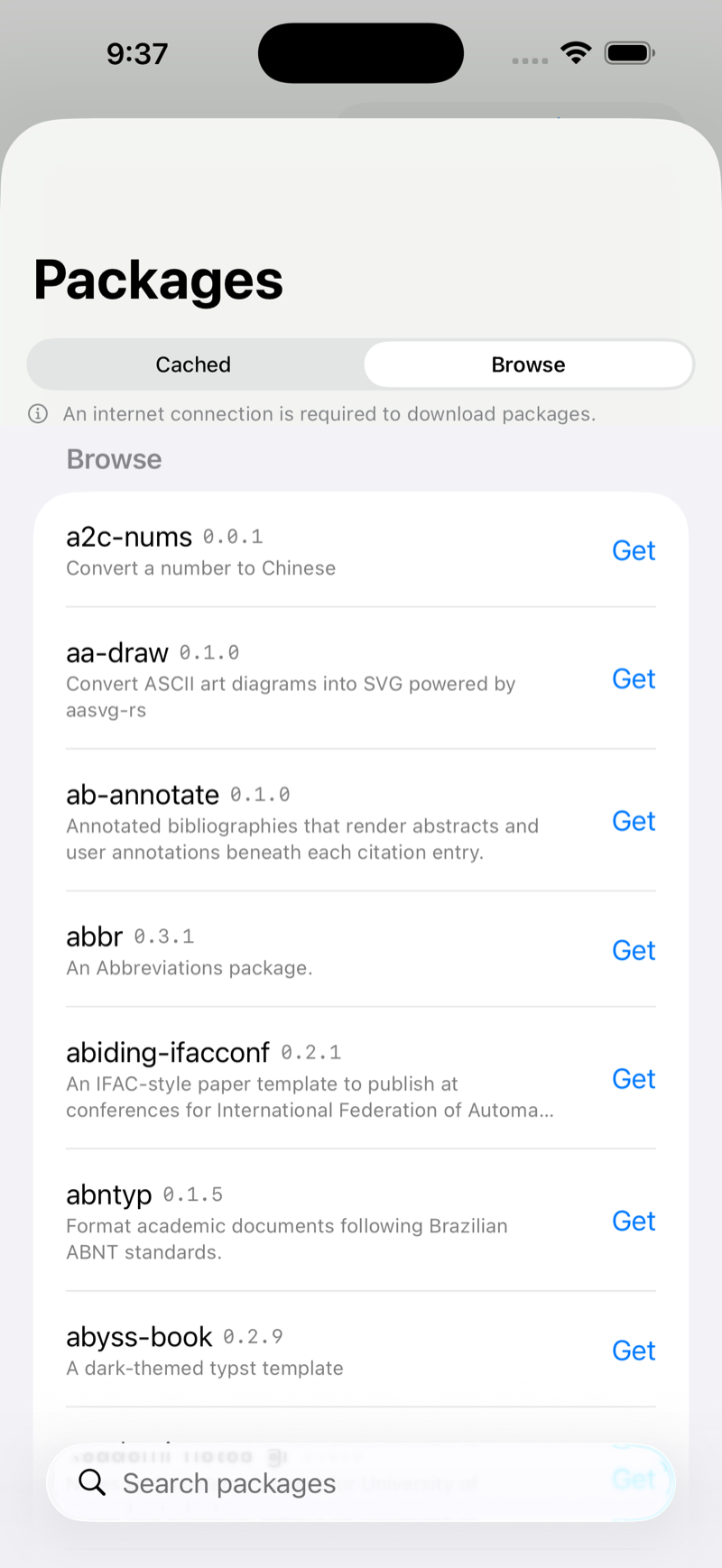

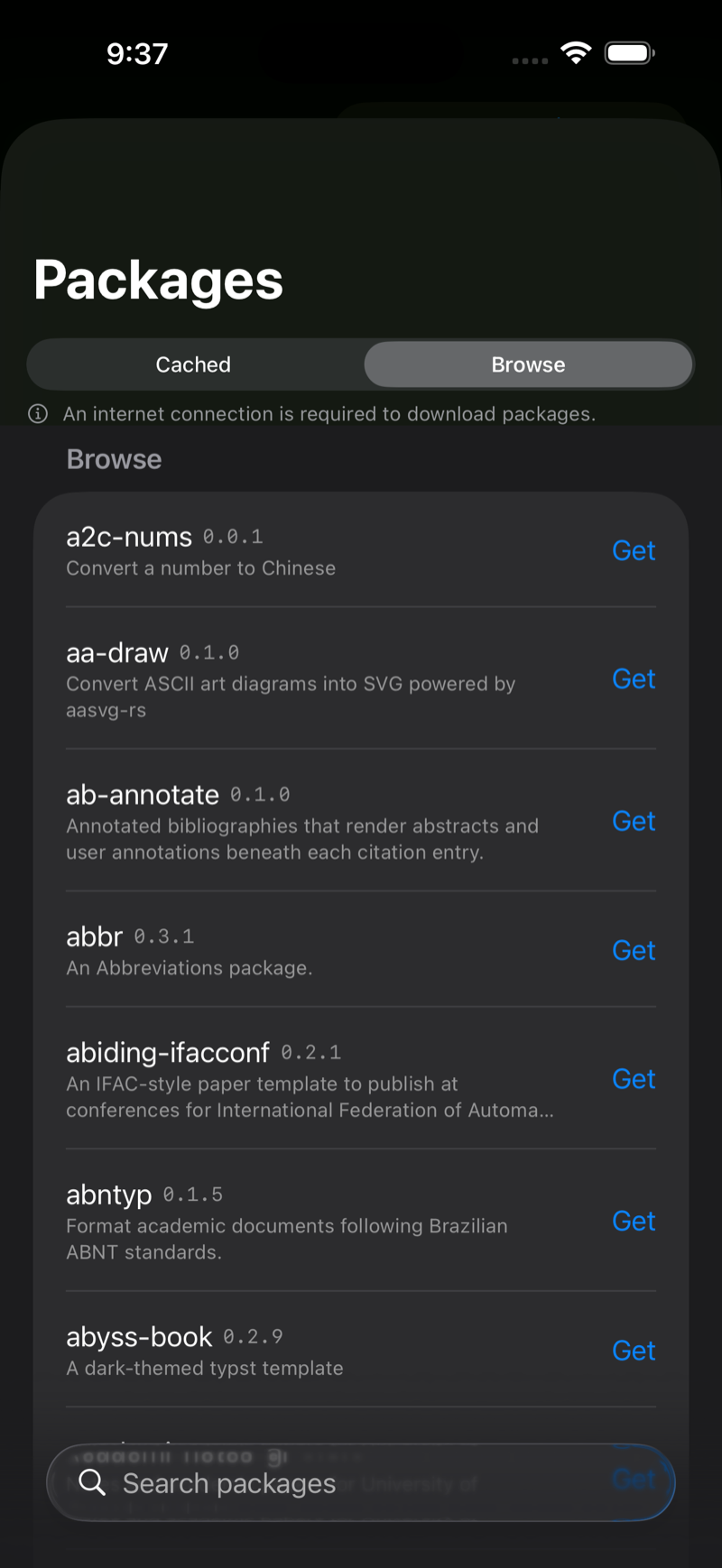
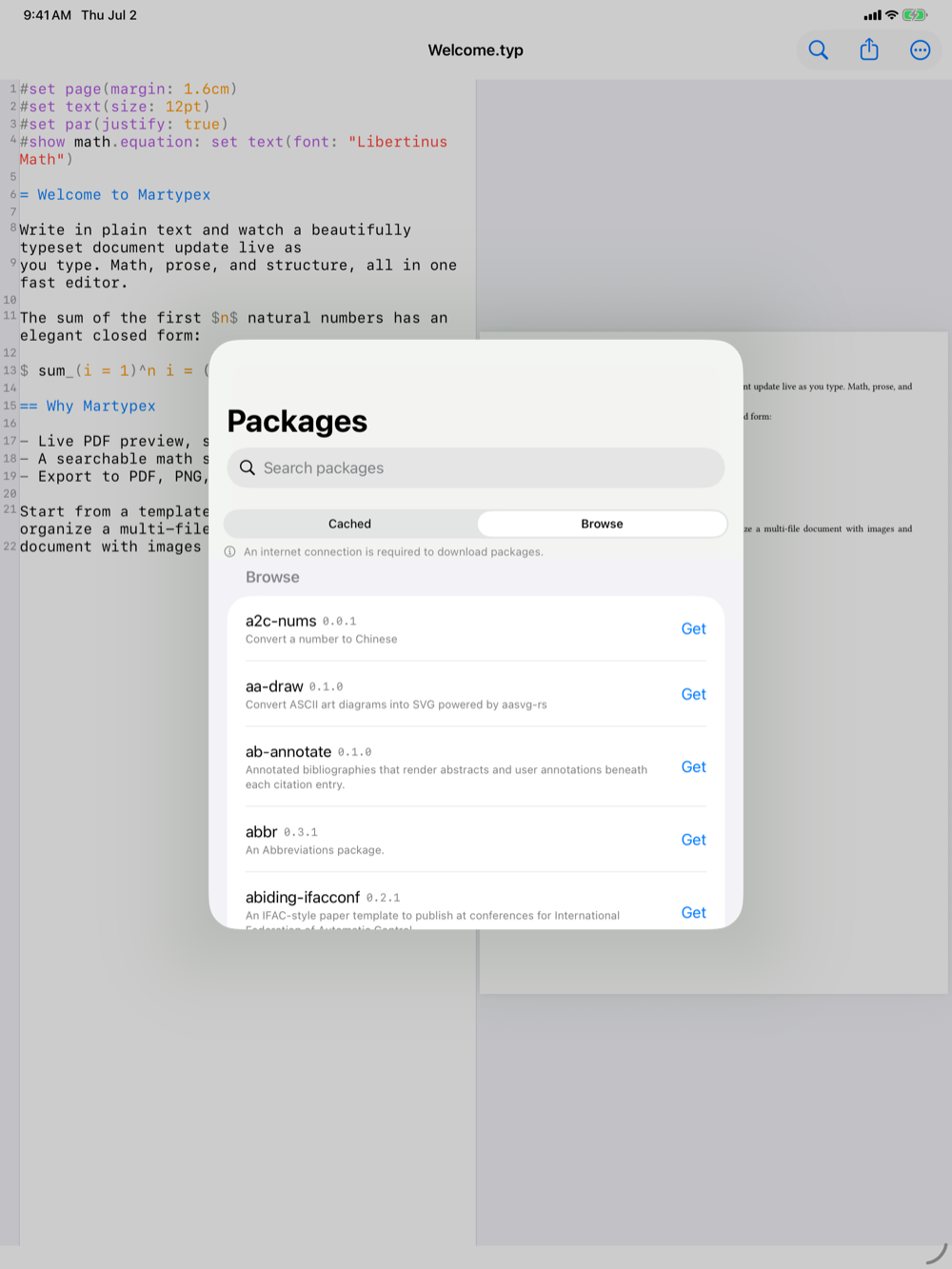

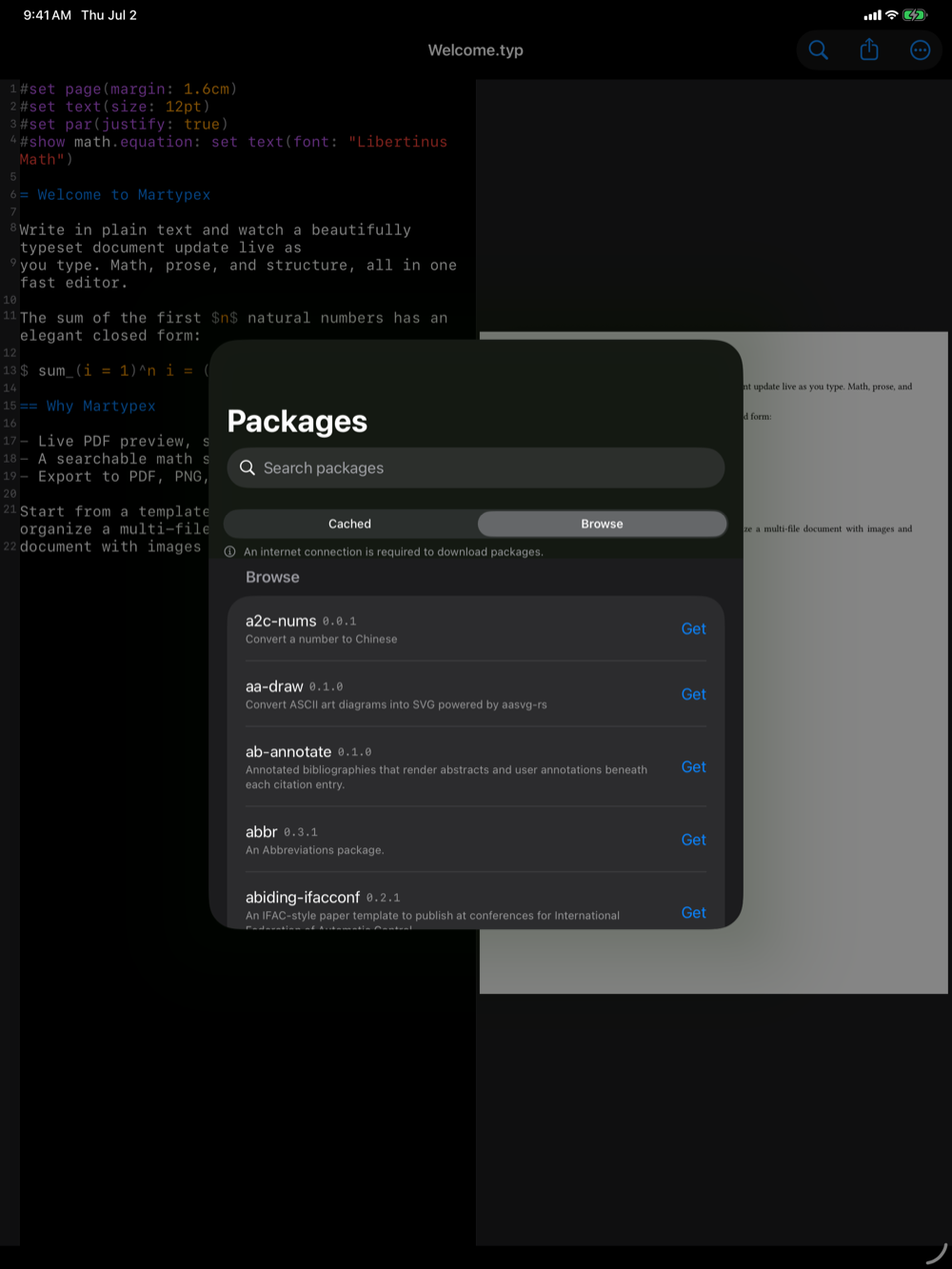
The Cached tab lists every package version already on your device, with its size and licence, and a total. Swipe or tap to delete a single package, or use Clear package cache to remove them all and reclaim space. Deleting a package that a document still uses is safe. It’s simply re-fetched the next time you compile.
The Browse tab is a searchable view of the entire @preview registry. Find a package and tap Get to pre-install it, handy before you head somewhere without a connection. Pull to refresh the registry listing. Downloading a package requires an internet connection. Anything already cached works offline.
Package licences
Because packages are third-party code, Martypex helps you keep track of their licences. Open Settings → Package Licenses to see every package the current document uses, both the ones you import directly and the ones pulled in transitively, each with its licence.
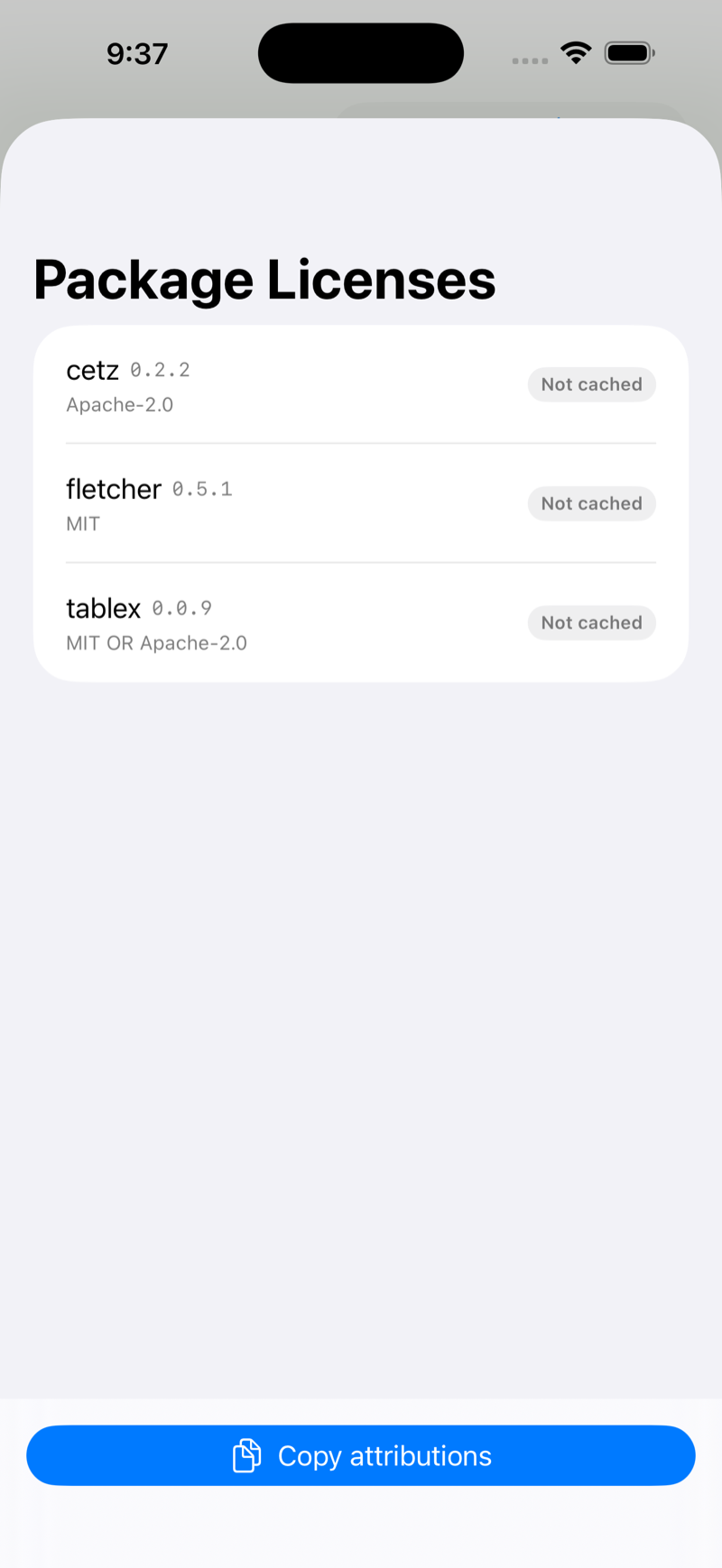
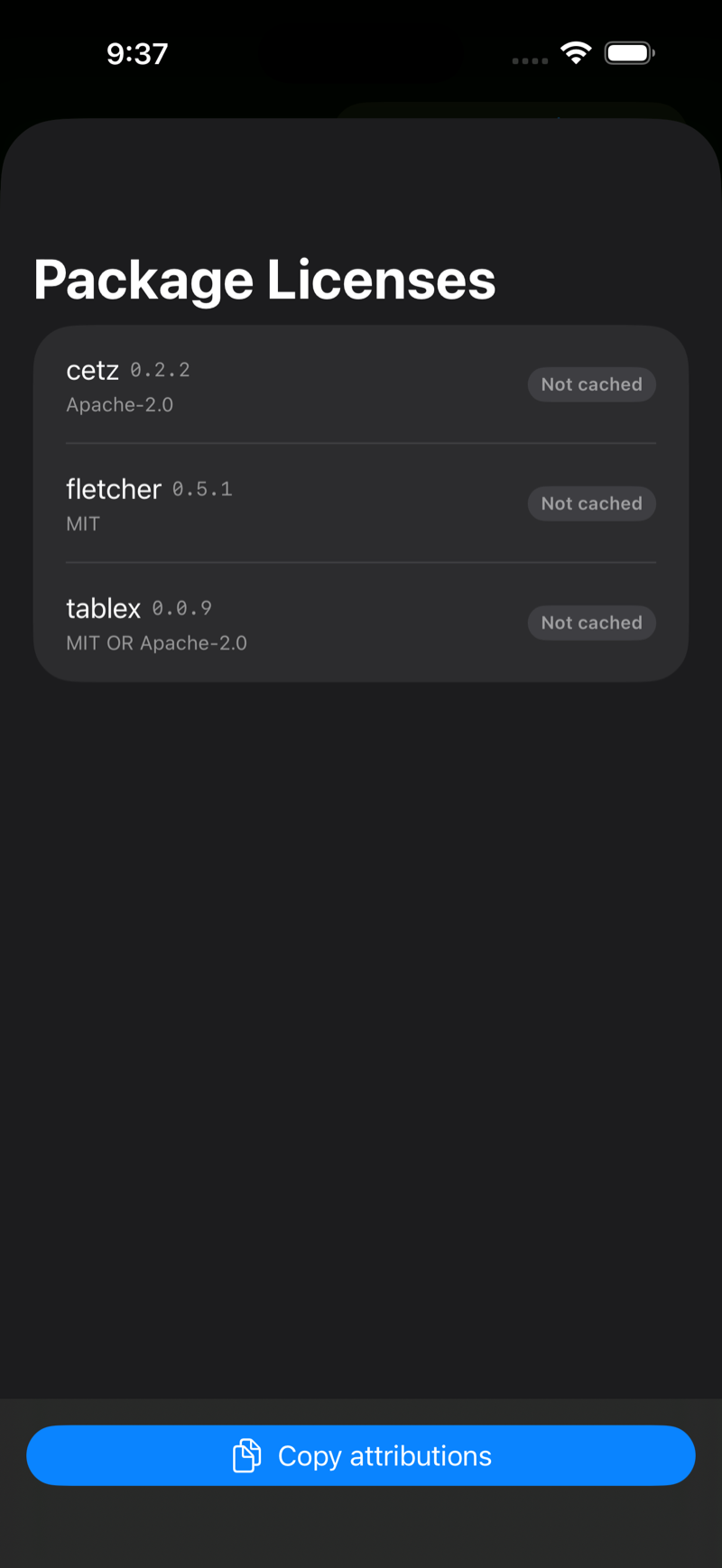
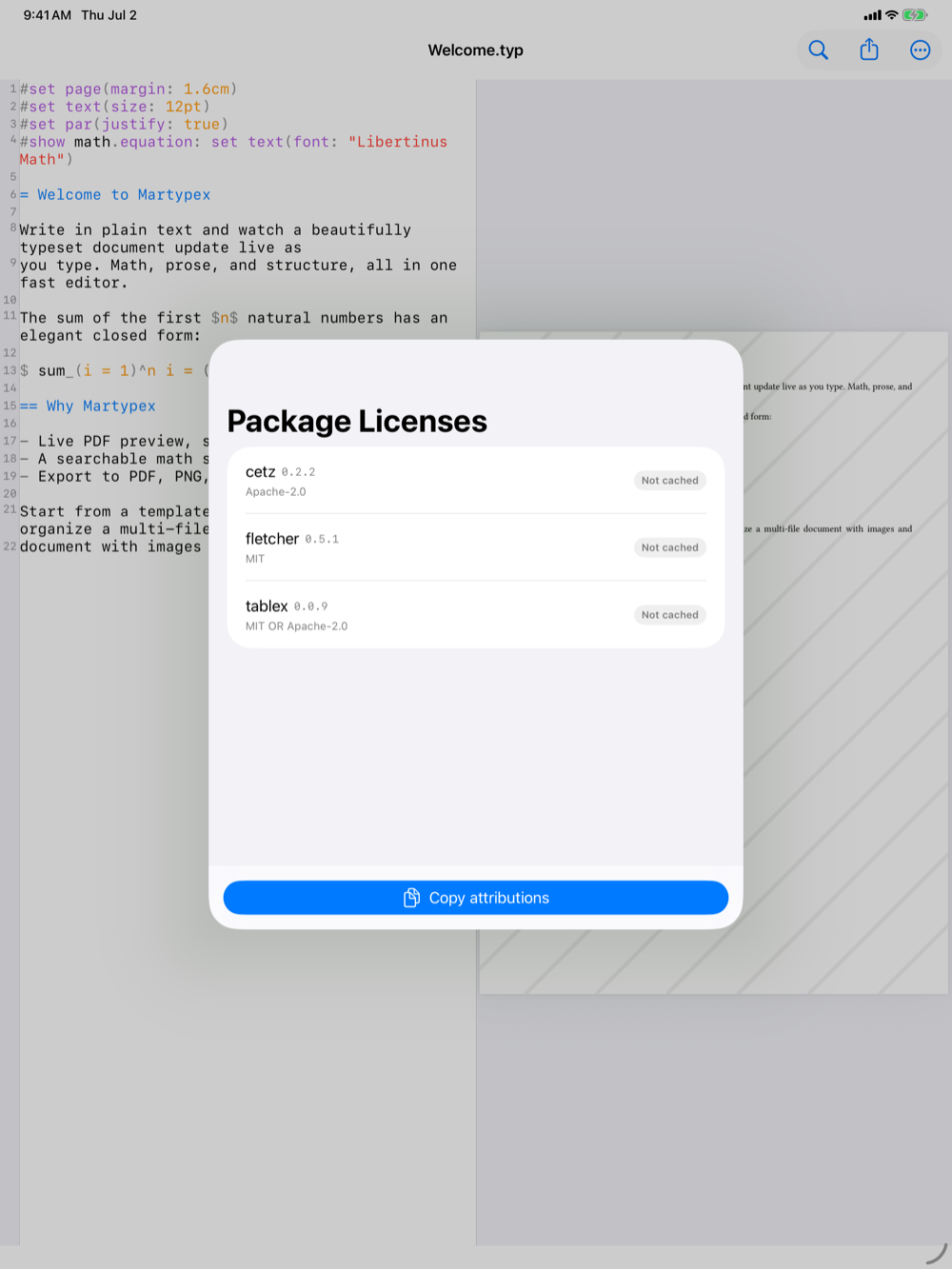
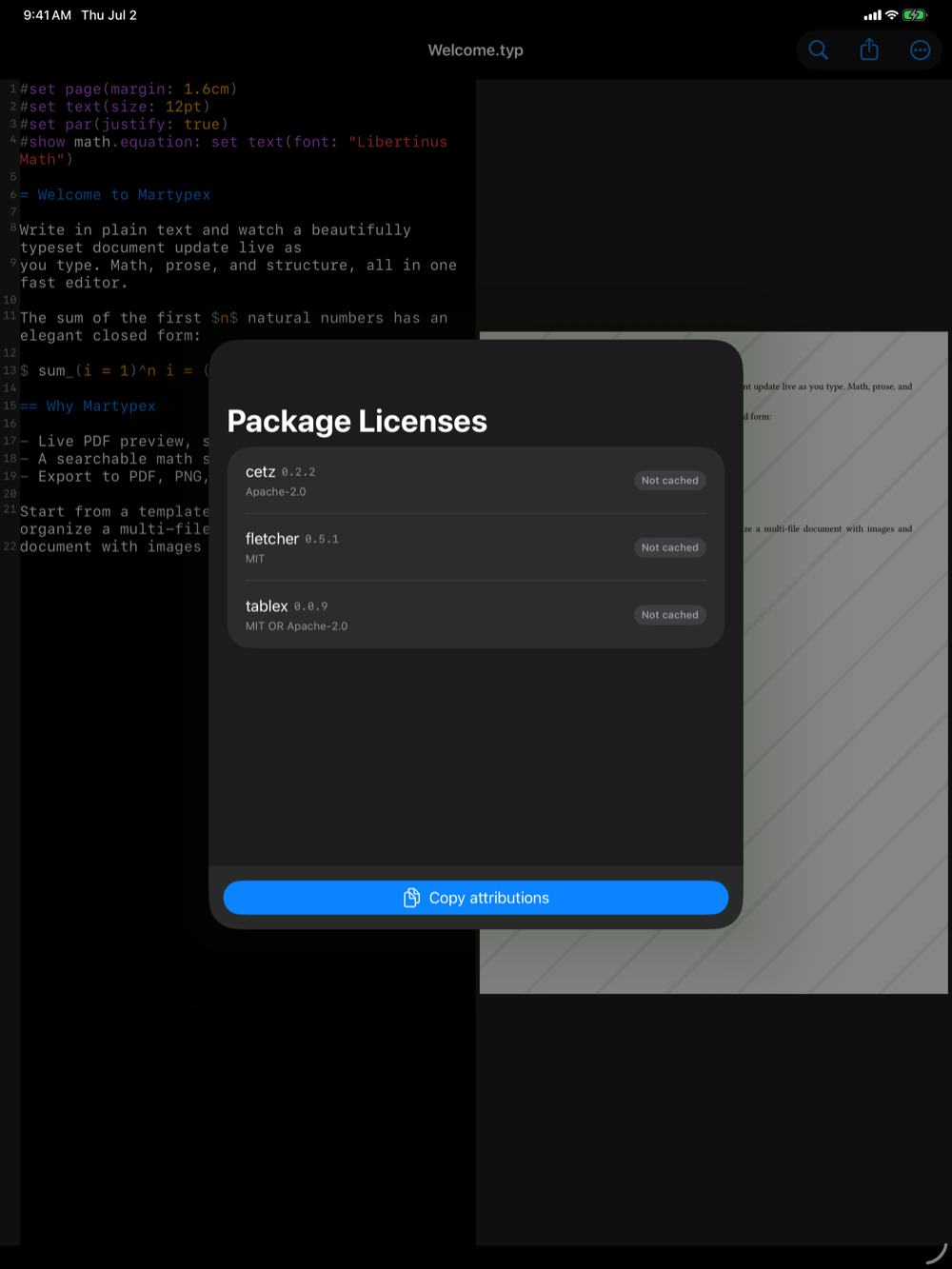
Tap Copy attributions to put a formatted list on the clipboard, ready to paste into an acknowledgments section or a submission’s licensing notes. Packages loaded transitively are marked, so you can see the full dependency footprint at a glance.
Package code is fetched only from the official Typst registry (packages.typst.org) over HTTPS, cached by exact name and version, and never modified, so a given import always resolves to the same, reproducible code.