Home
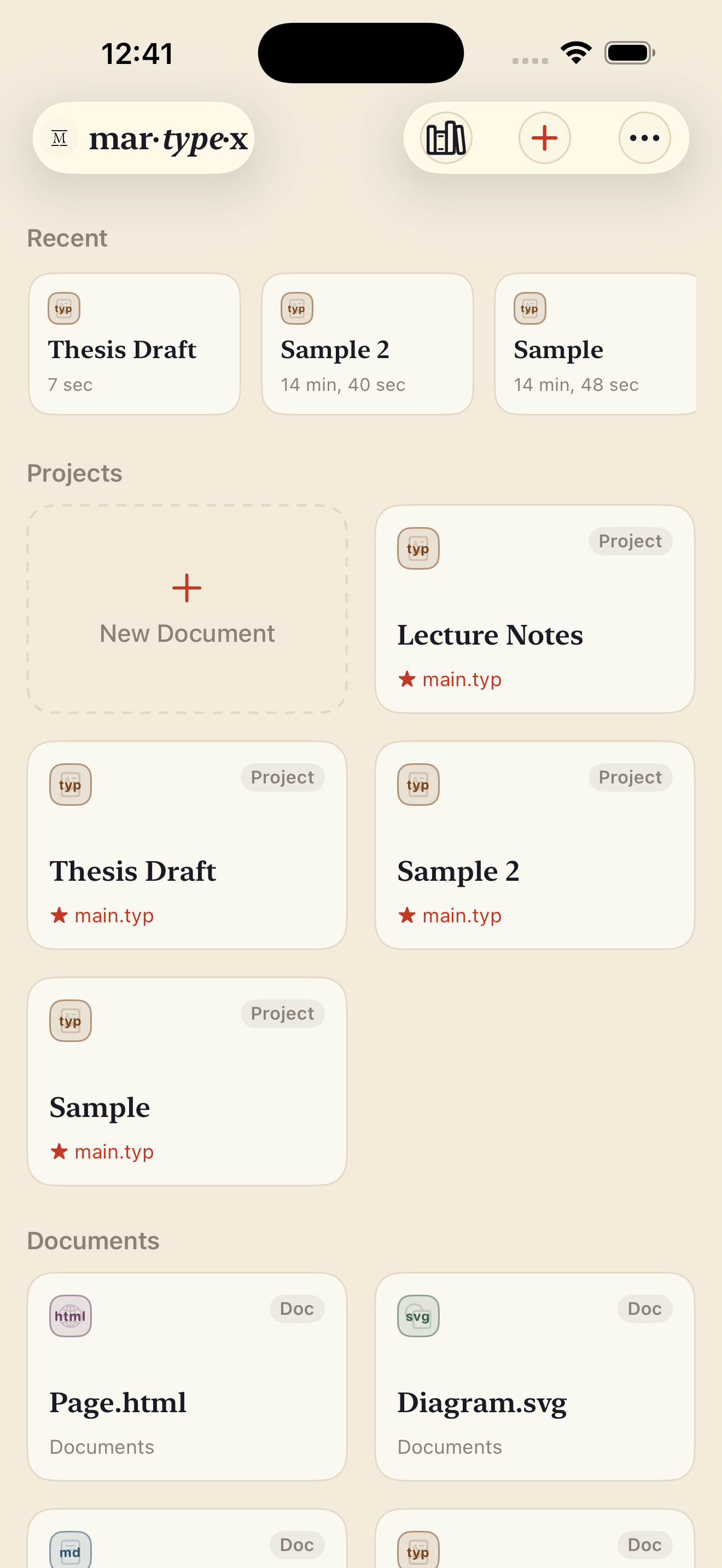
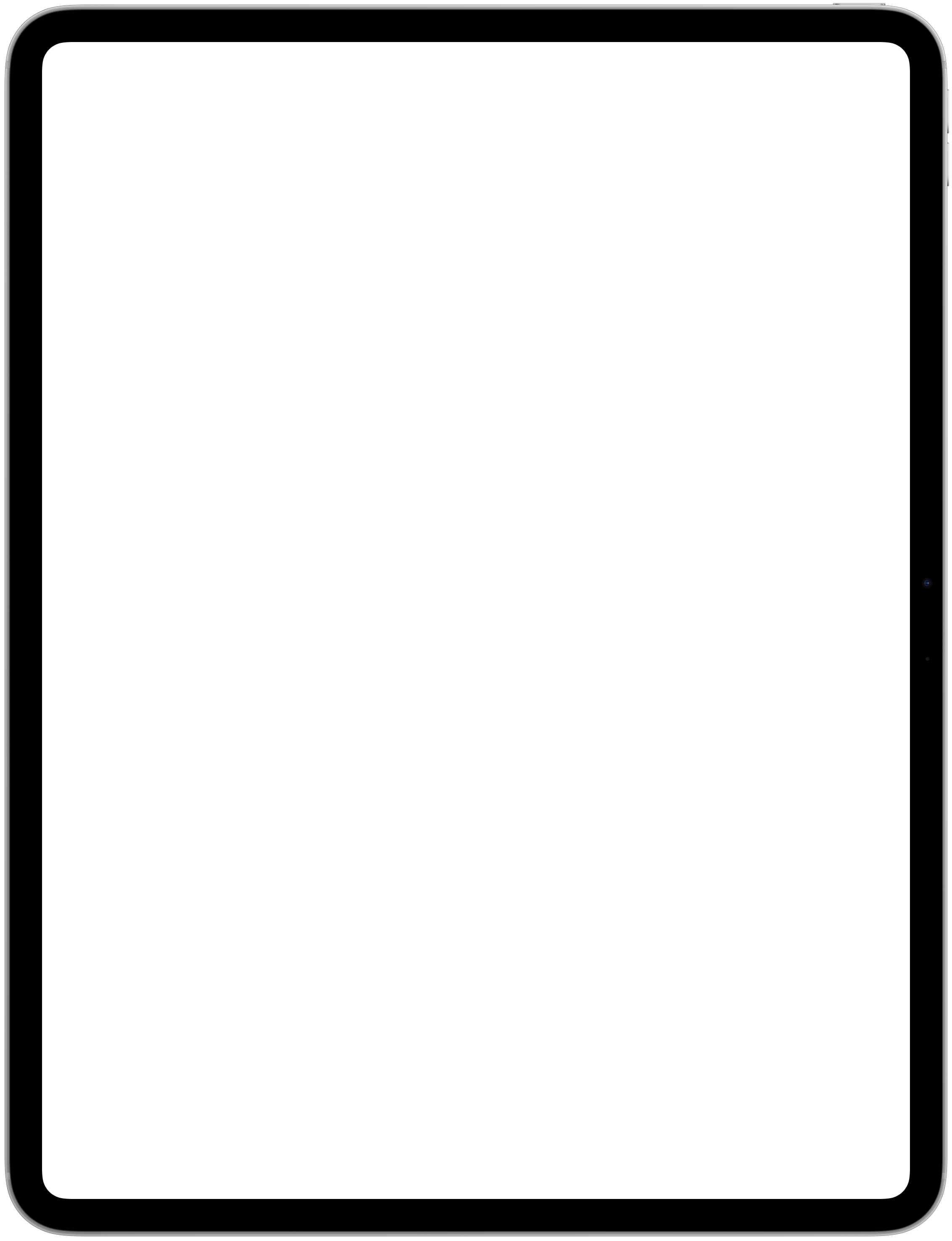
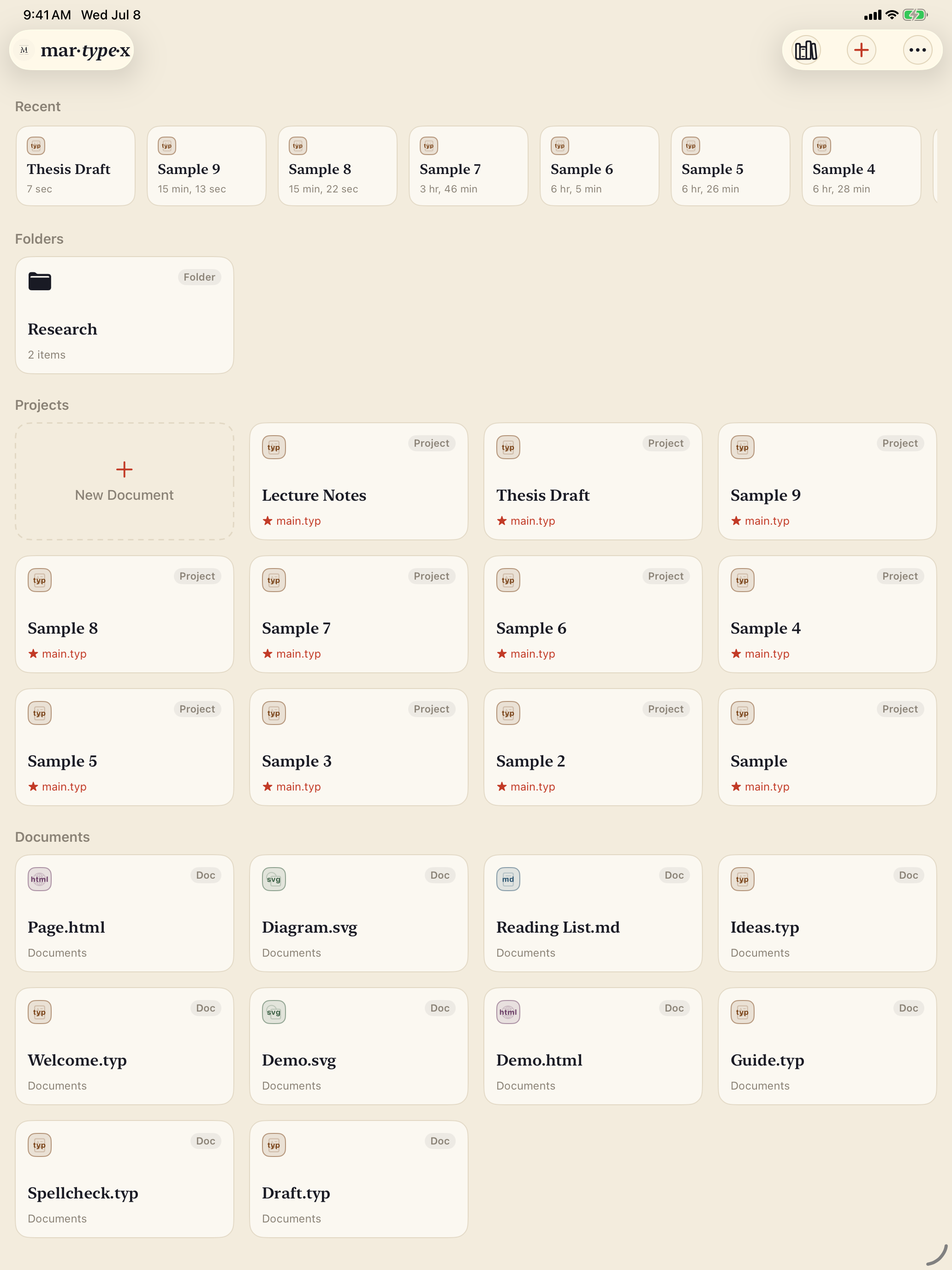
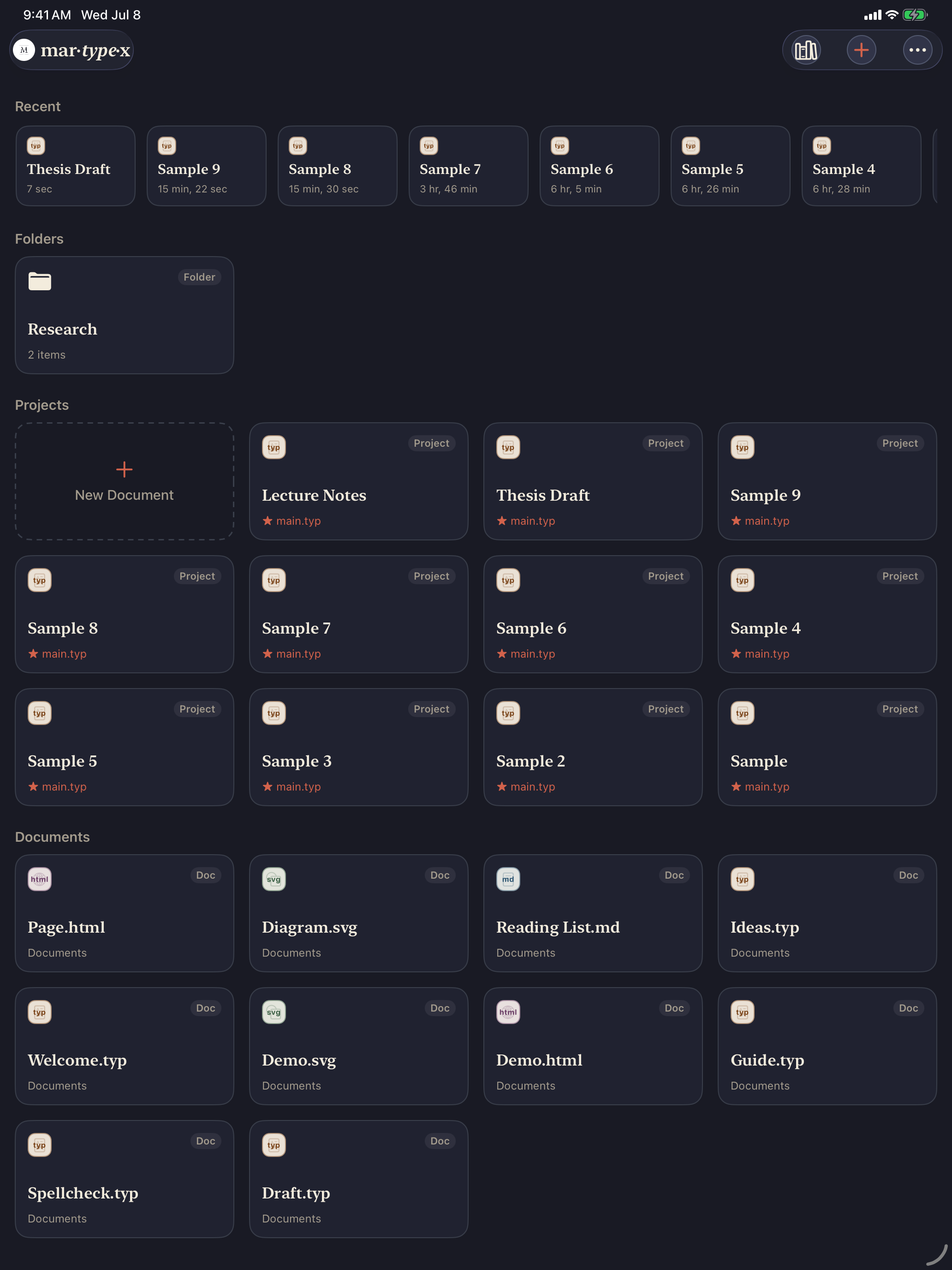
Home is where Martypex opens: a card-based library of everything you’re working on, in place of the system’s generic file browser, organized around how you actually think about your work, what you touched recently, your folder projects, and everything else.
Sections
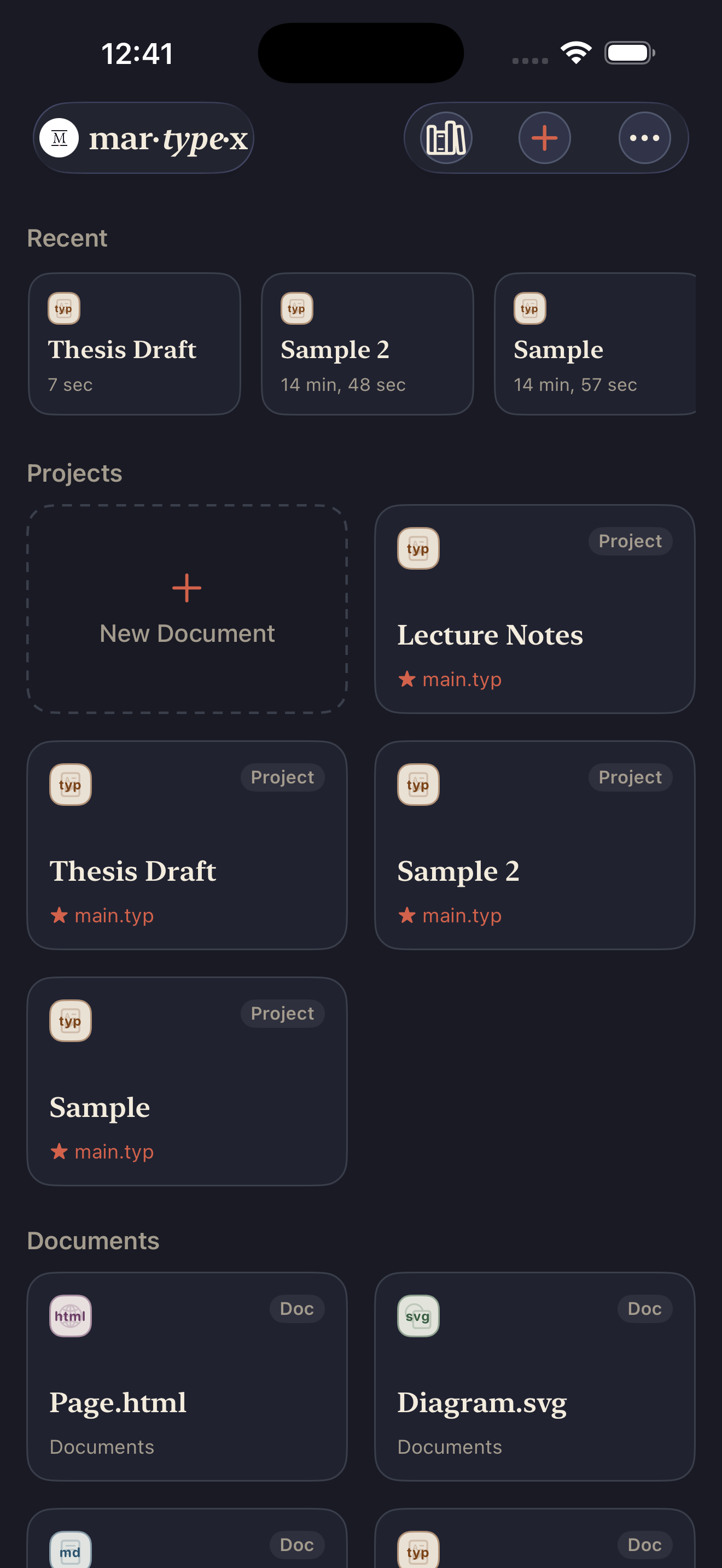
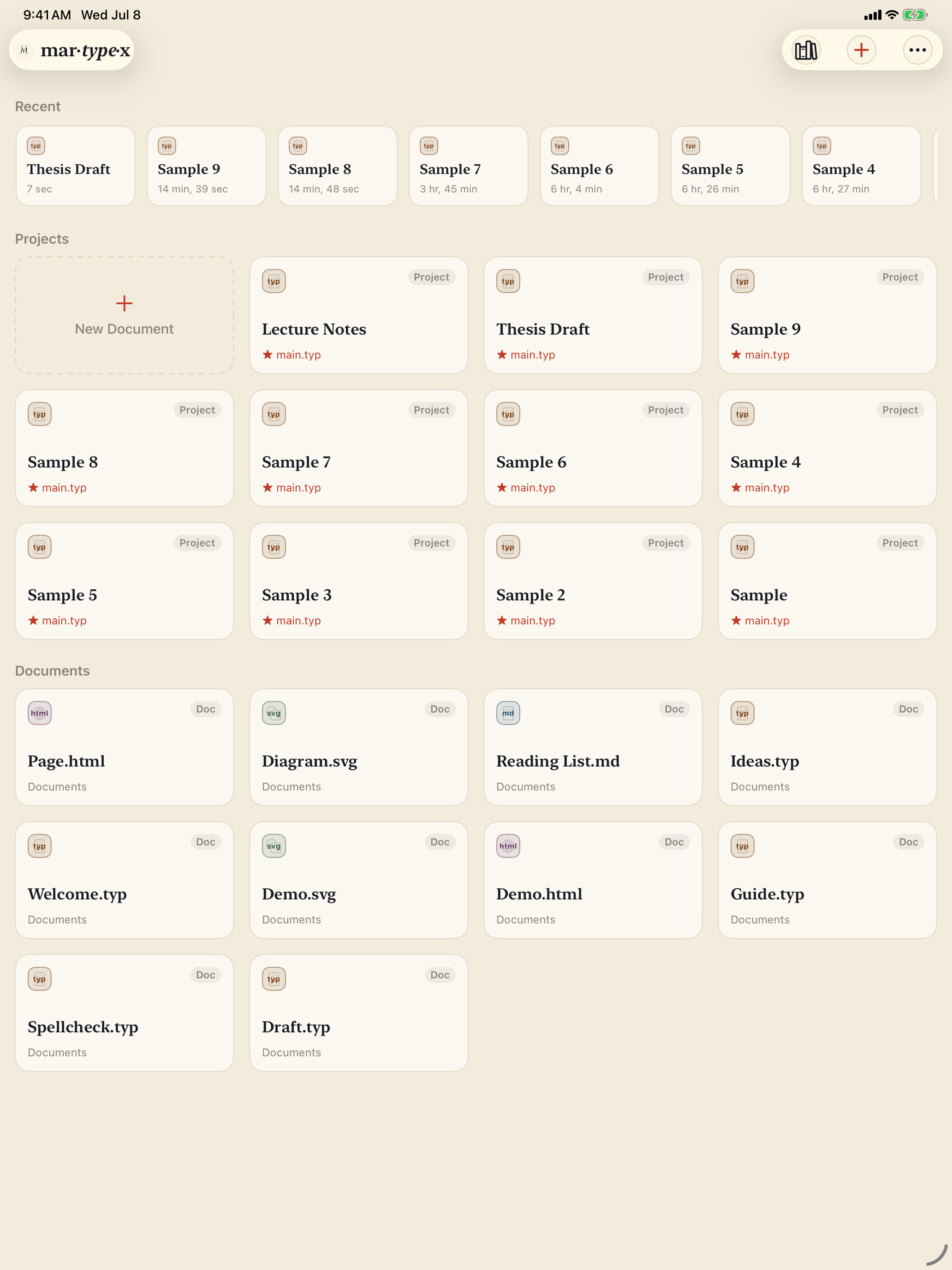
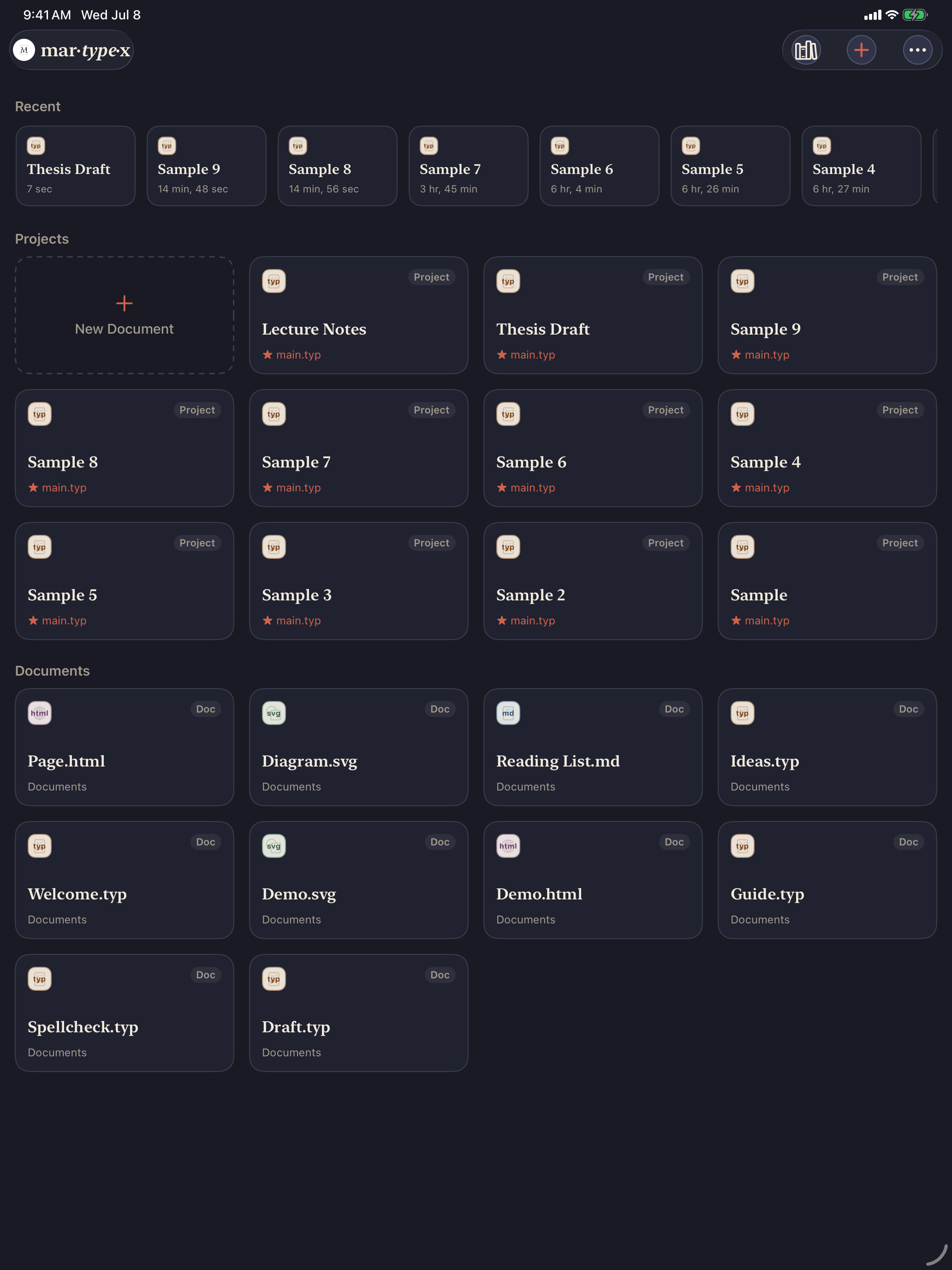
Home is organized into up to four sections, in a fixed order, and a section that’s empty simply doesn’t appear:
- Recent: a horizontally scrolling rail of the documents and projects you’ve opened most recently, each with a plain-language “how long ago” label.
- Folders: plain organizational folders you’ve created to group things, shown with an item count. Tapping one navigates into it rather than opening it, folders are for organizing, not for editing.
- Projects: your folder projects, each card naming its main file (for example
main.typ), plus a dashed New Document card that’s always first. - Documents: loose single files, each labelled with its format.
Format at a glance
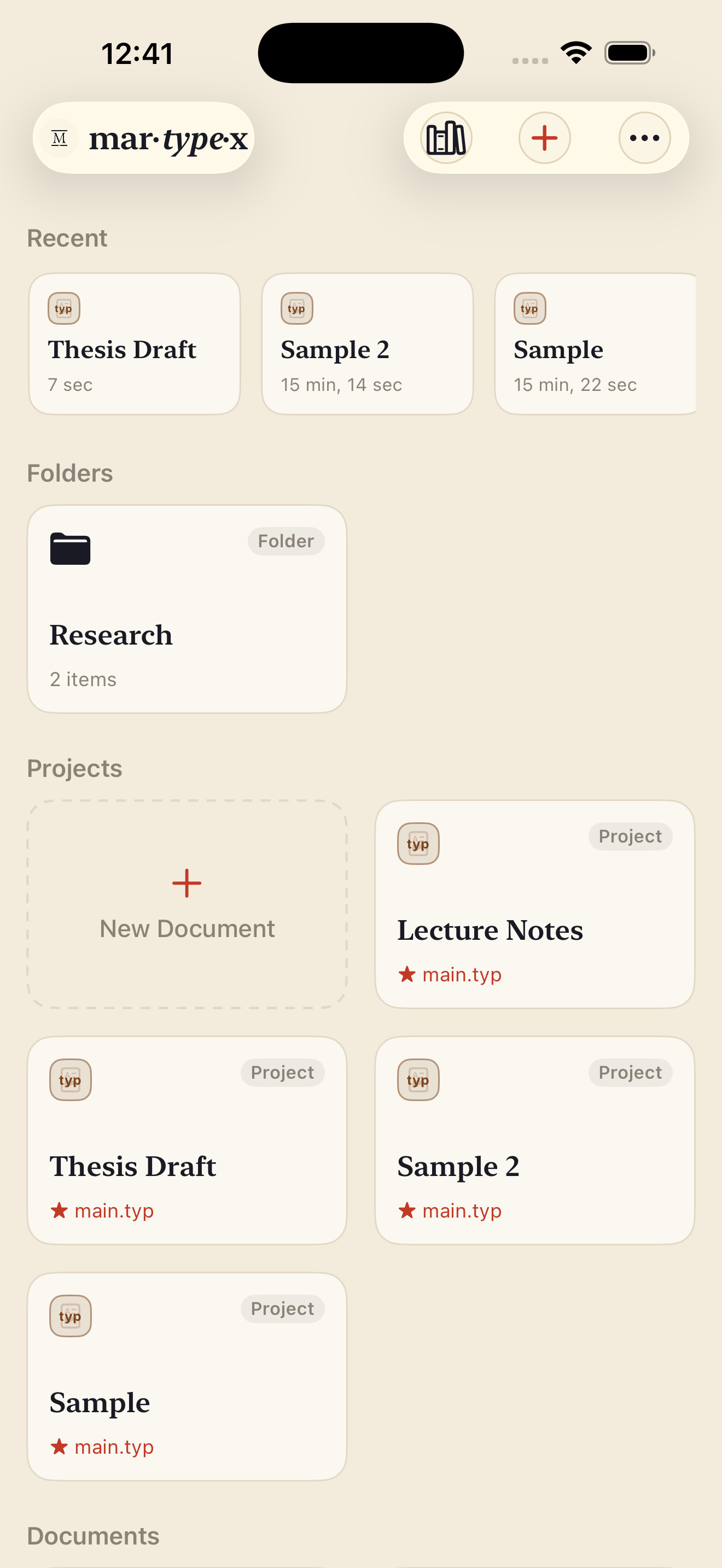
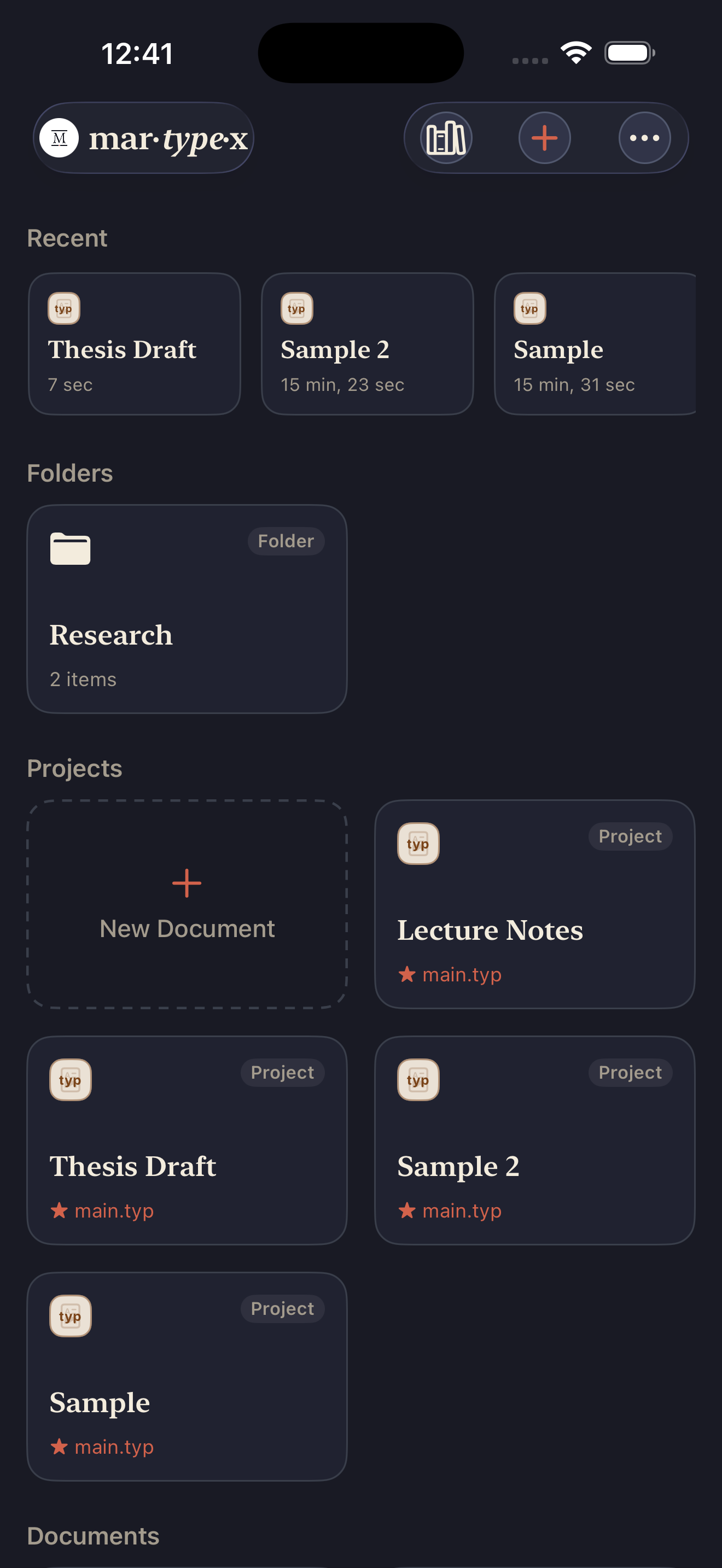
Every document card carries a small format mark, a coloured chip naming the file’s actual type, typ, md, svg, or html, so a grid of cards tells you what’s what without opening anything. A folder keeps a plain folder icon instead, since a folder has no format of its own; a project card shows its main file’s mark plus a star.
Managing what’s here
Long-press any card for Rename, Duplicate, Move to…, or Delete. Delete doesn’t ask for confirmation, because it doesn’t need to: deleted items move to Recently Deleted (reachable from the ••• menu), where they wait until you either Restore them or choose Delete Permanently, the one action here that does ask you to confirm, since it’s the only one that can’t be undone.
For working across several items at once, ••• ▸ Select turns the grid into a checklist: pick any number of cards and a bottom bar offers Duplicate, Move, or Delete for the whole set. The same ••• menu has New Folder… for grouping things and a shortcut back to the built-in and community template library.