Zotero
If your references already live in Zotero, Martypex can browse your library and cite straight from it, alongside the local .bib bibliography workflow described in Bibliographies.
Zotero integration is a Martypex Pro feature, requires your own Zotero API key, and its Connect/Refresh actions are the only opt-in network calls this feature makes. See what Pro includes →
Connect your account
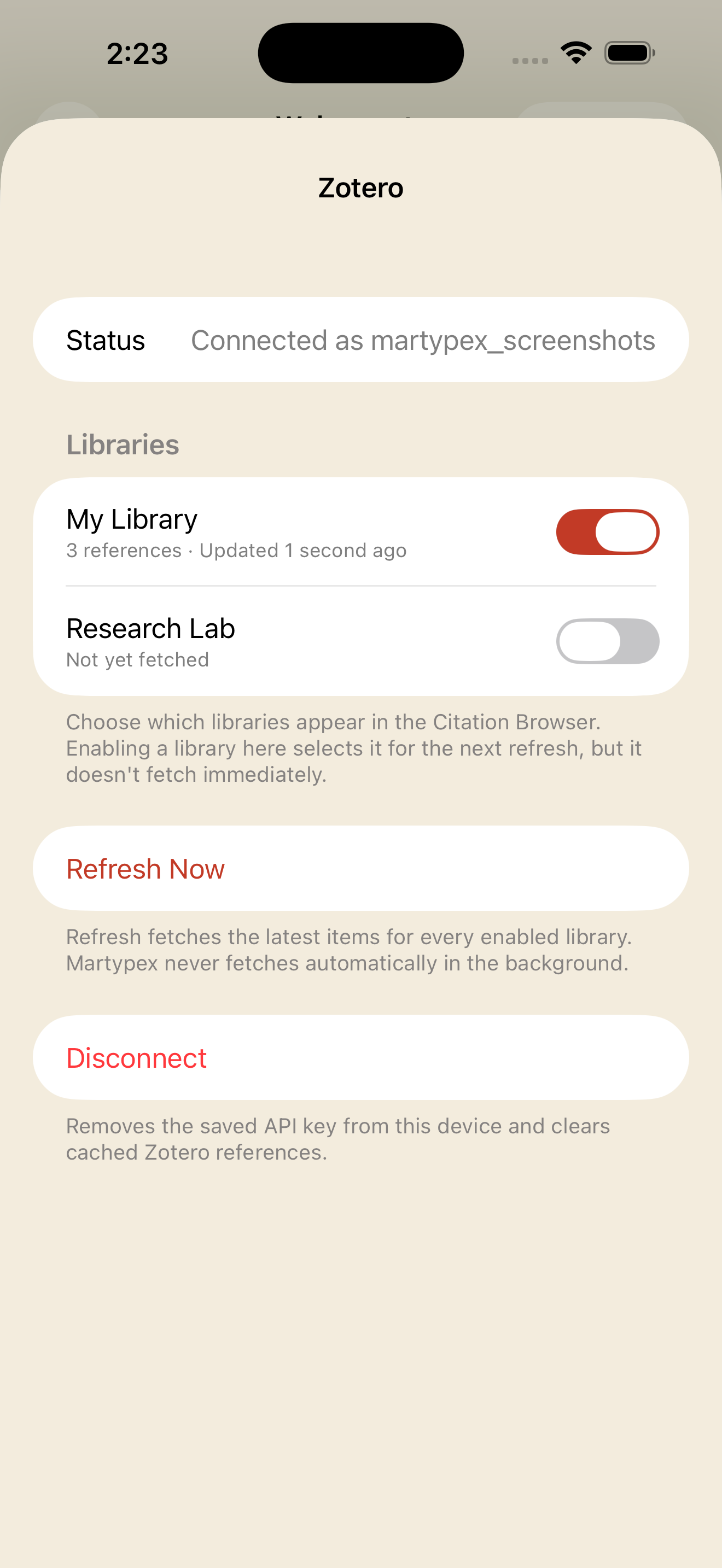
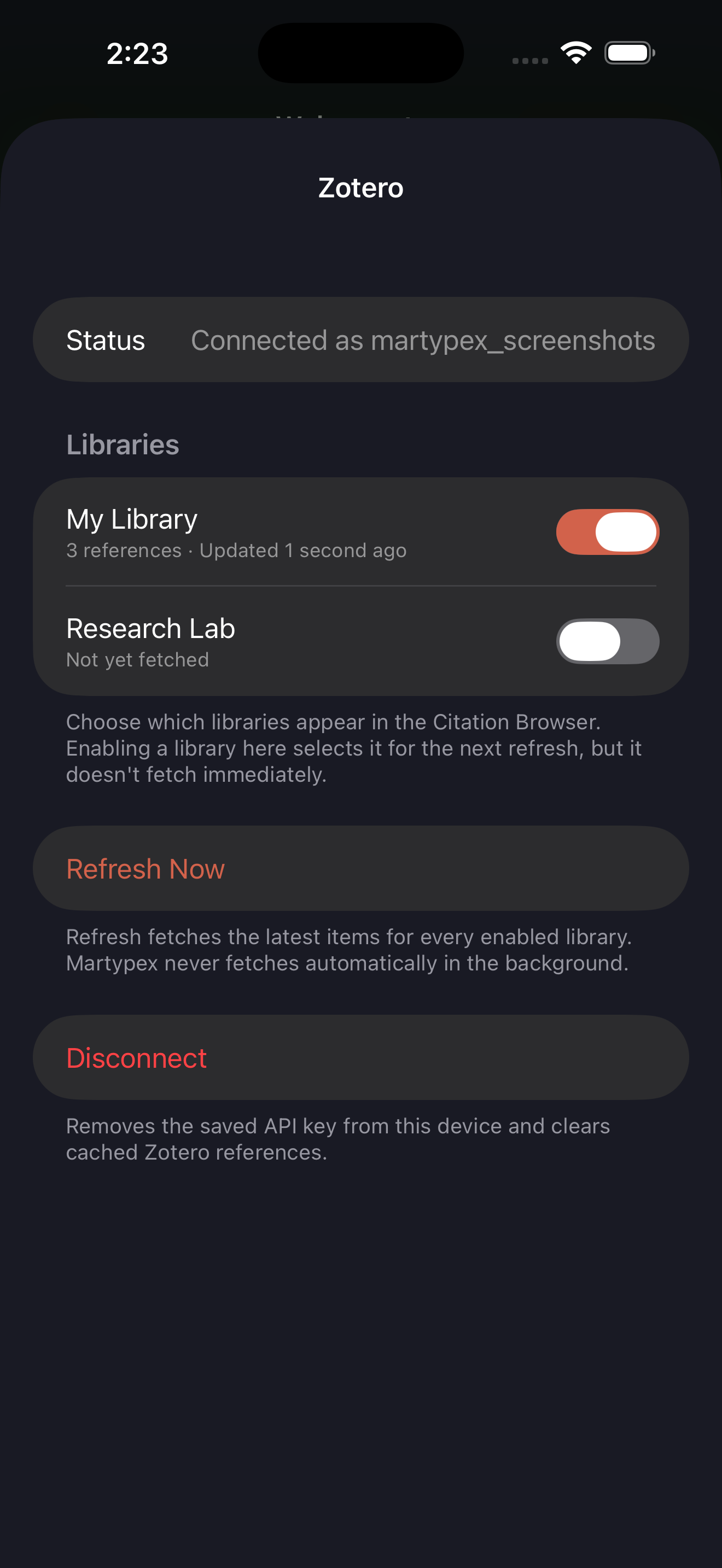
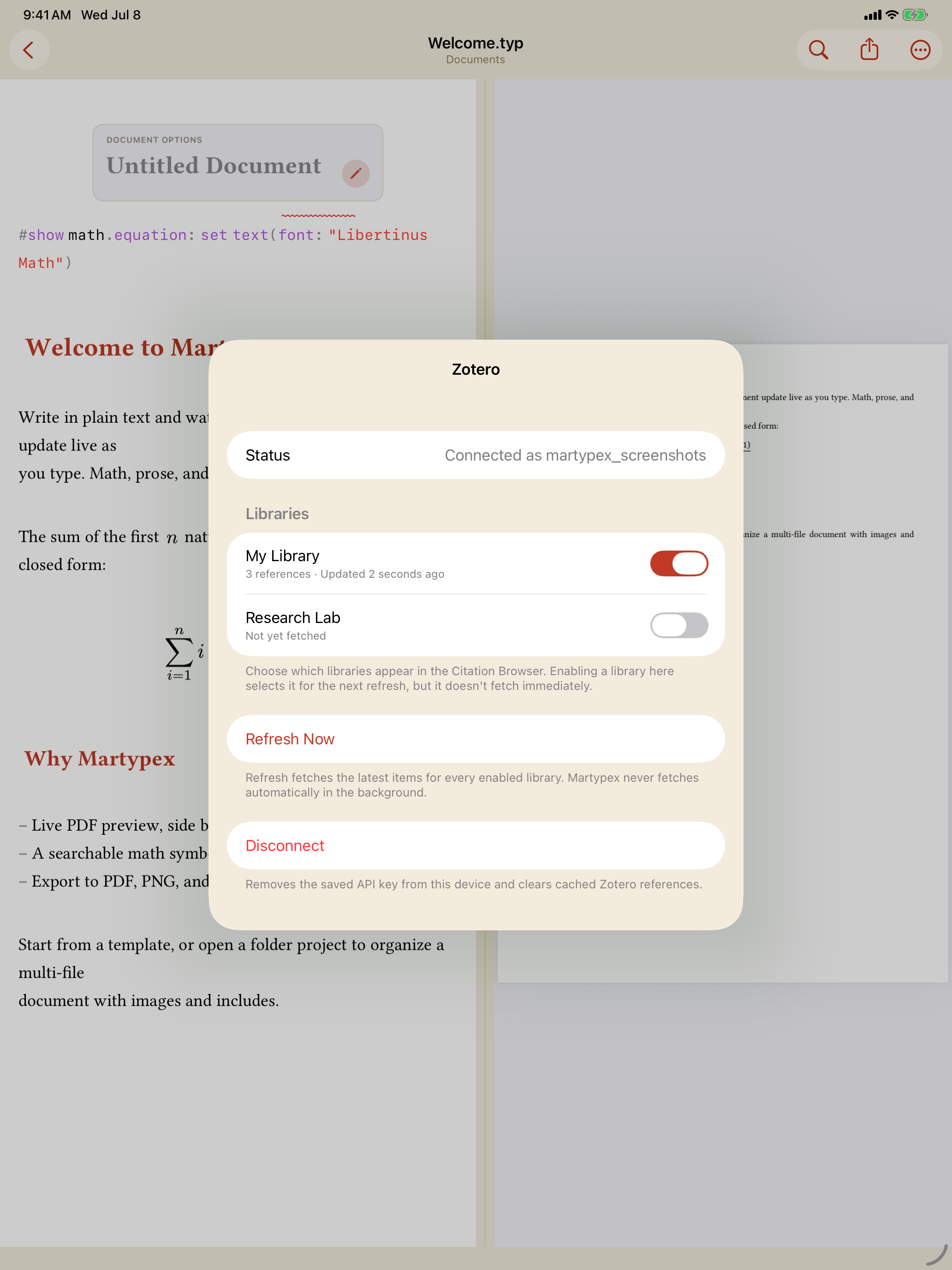
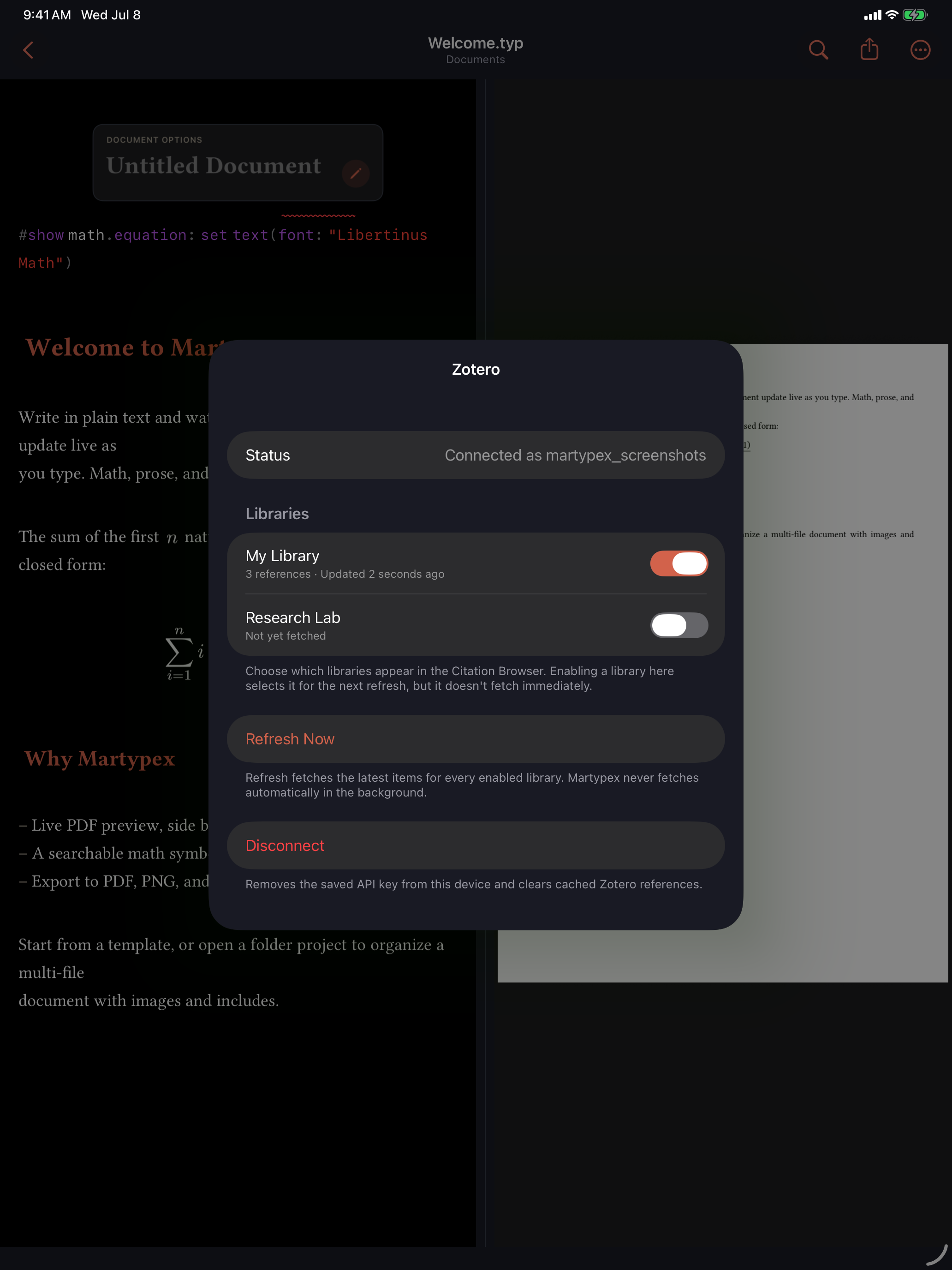
Open Settings ▸ Zotero and paste a personal API key from zotero.org/settings/keys. Martypex never asks for your Zotero password, and there is no OAuth sign-in. The key is validated against Zotero’s own API before it’s saved, and it’s stored securely on this device only: it is never synced to iCloud, never logged, and never included in a diagnostics report.


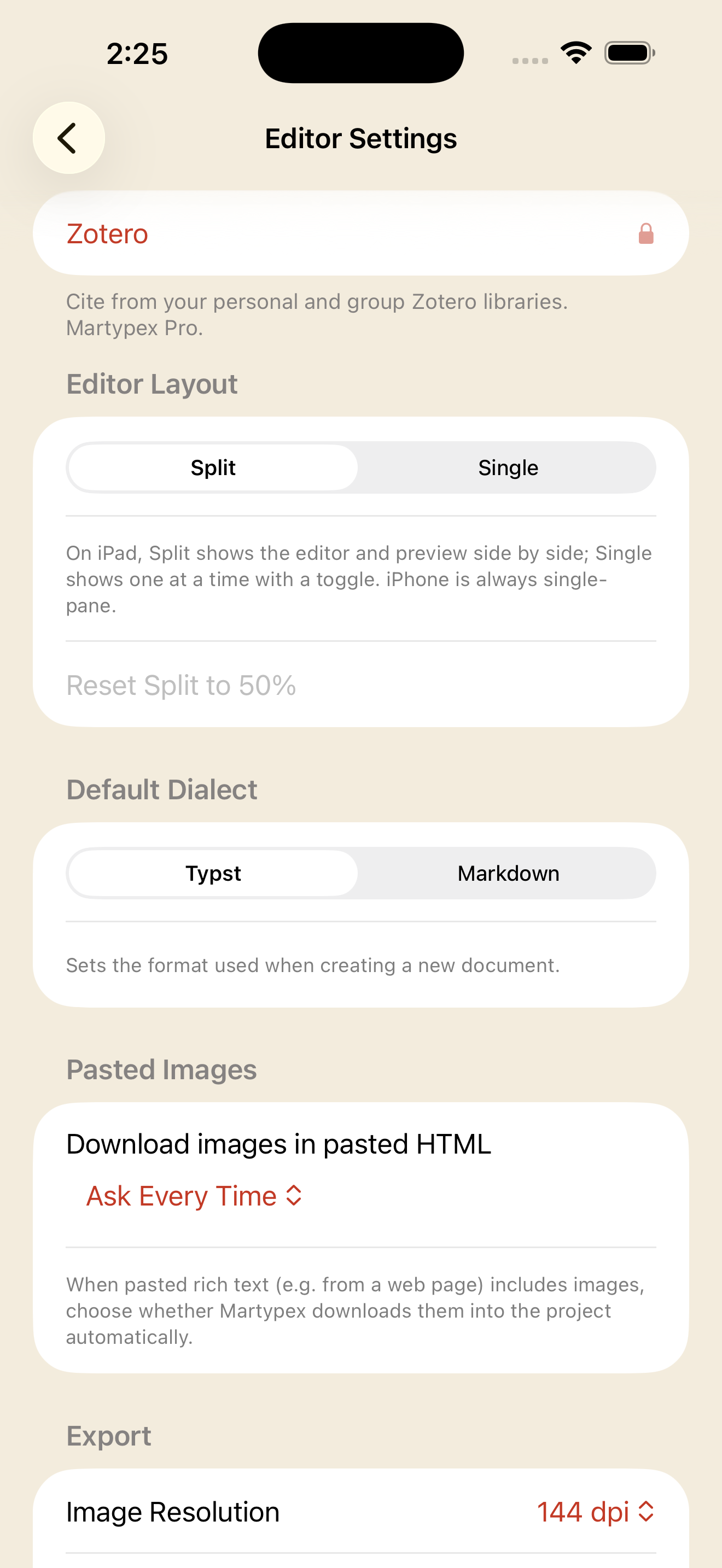
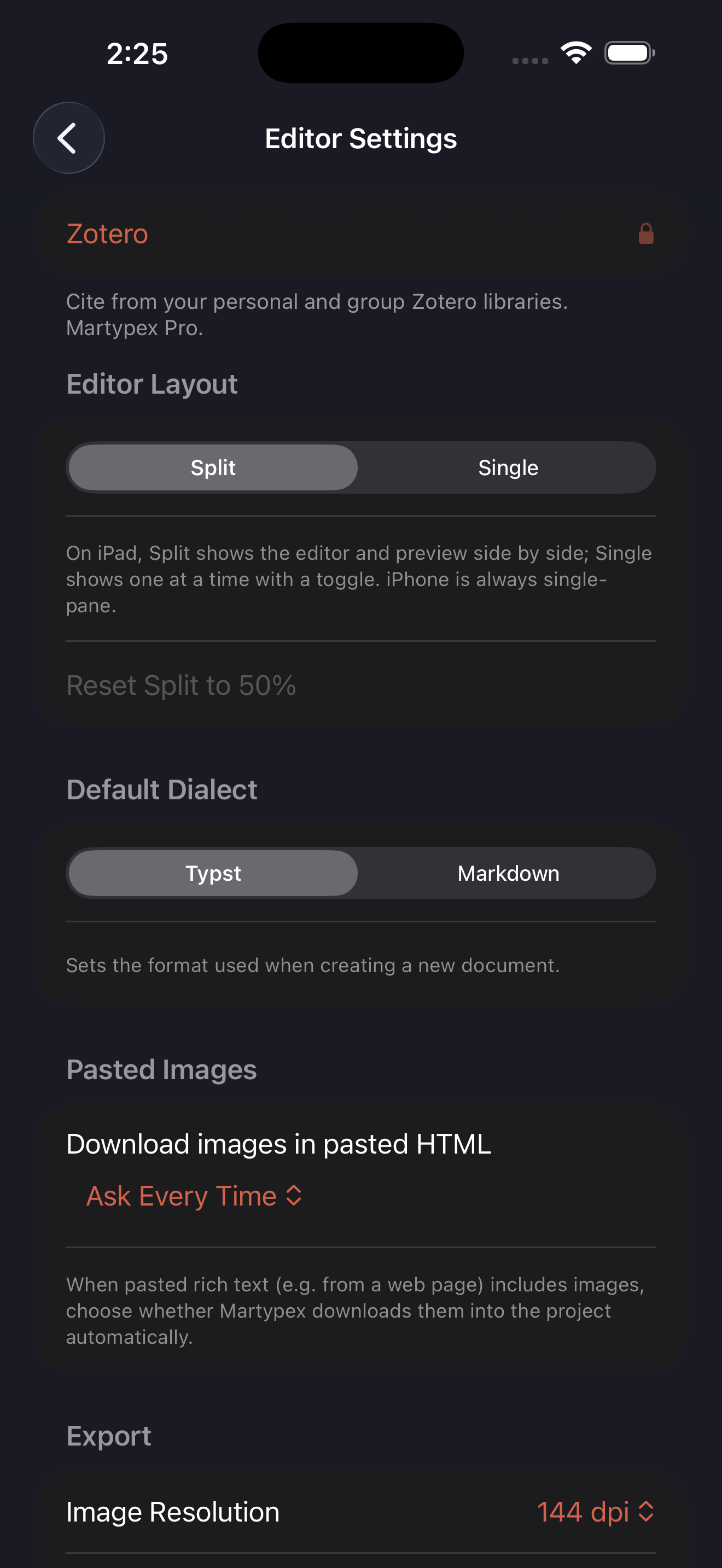
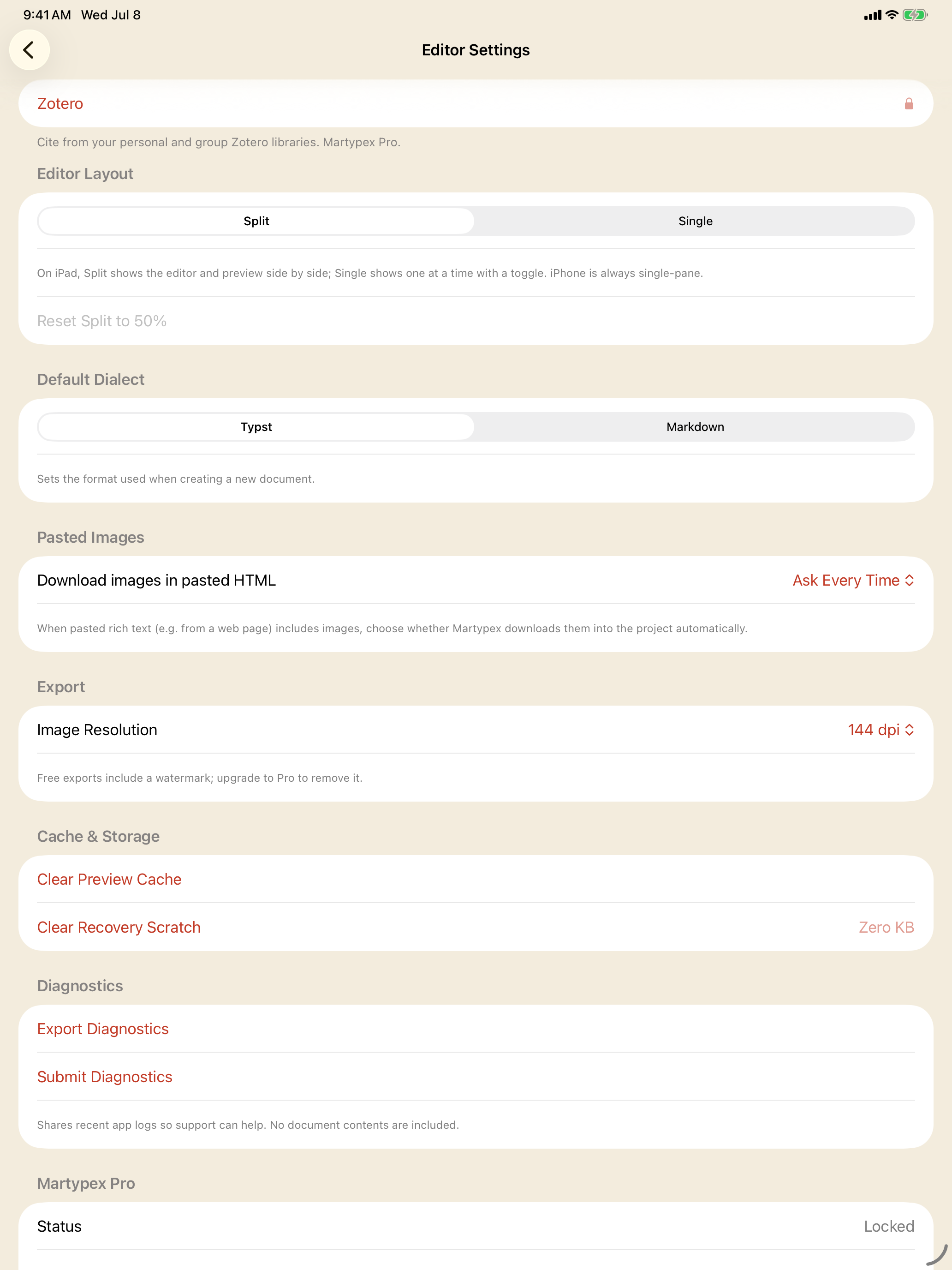
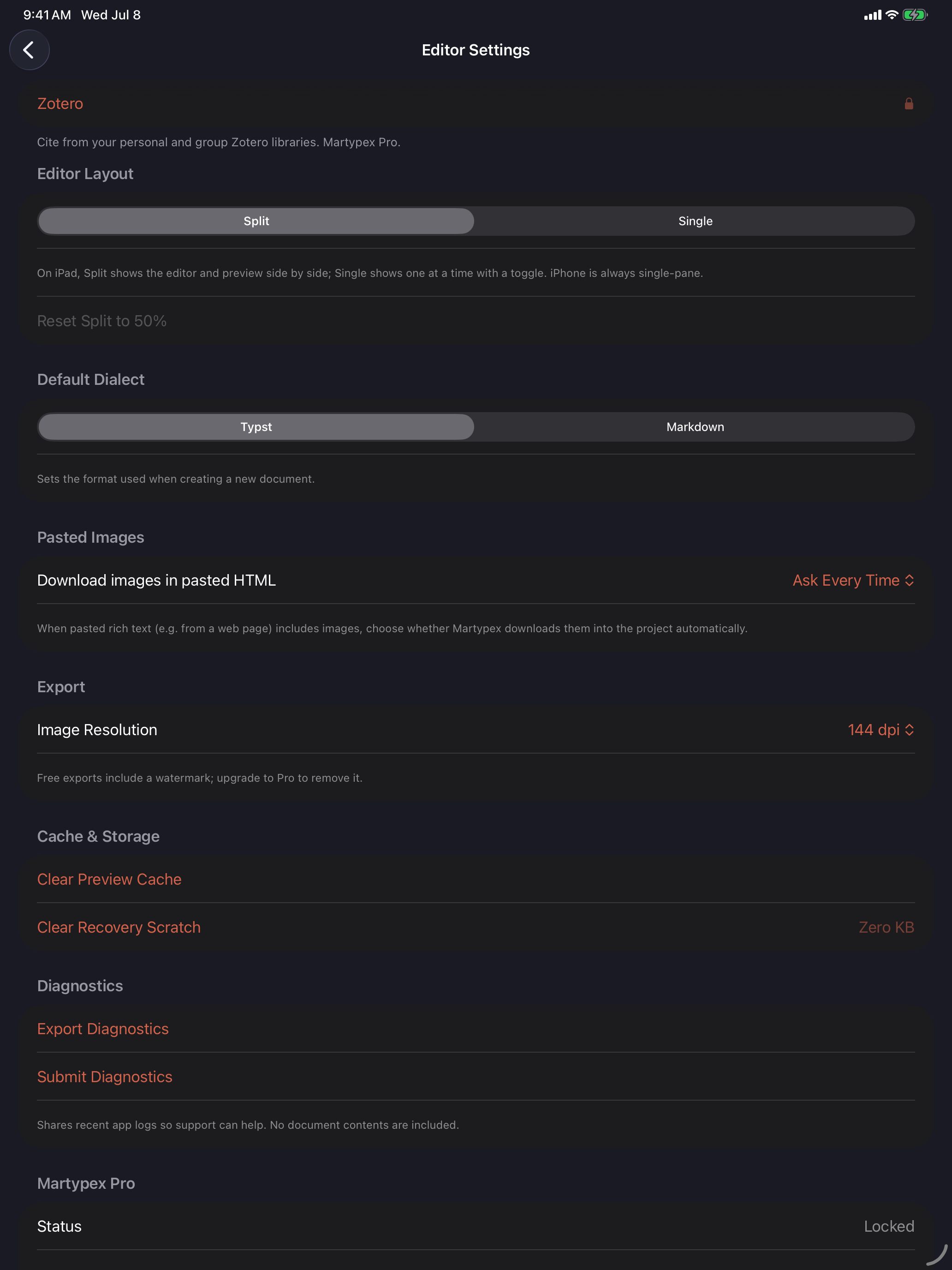
Free users see the same Zotero row with a lock, and a one-line reminder of what it does; tapping it opens the Pro upgrade rather than the connection screen.
Personal and group libraries
Once connected, Martypex lists My Library and every group library your account belongs to, each with a toggle, a reference count, and when it was last refreshed. Enabling a library selects it for the next refresh, it doesn’t fetch immediately, and Refresh Now pulls the latest items for every enabled library on demand. Martypex never fetches Zotero data automatically in the background; browsing and reopening a project works entirely from the cached copy already on device.
Browse and insert
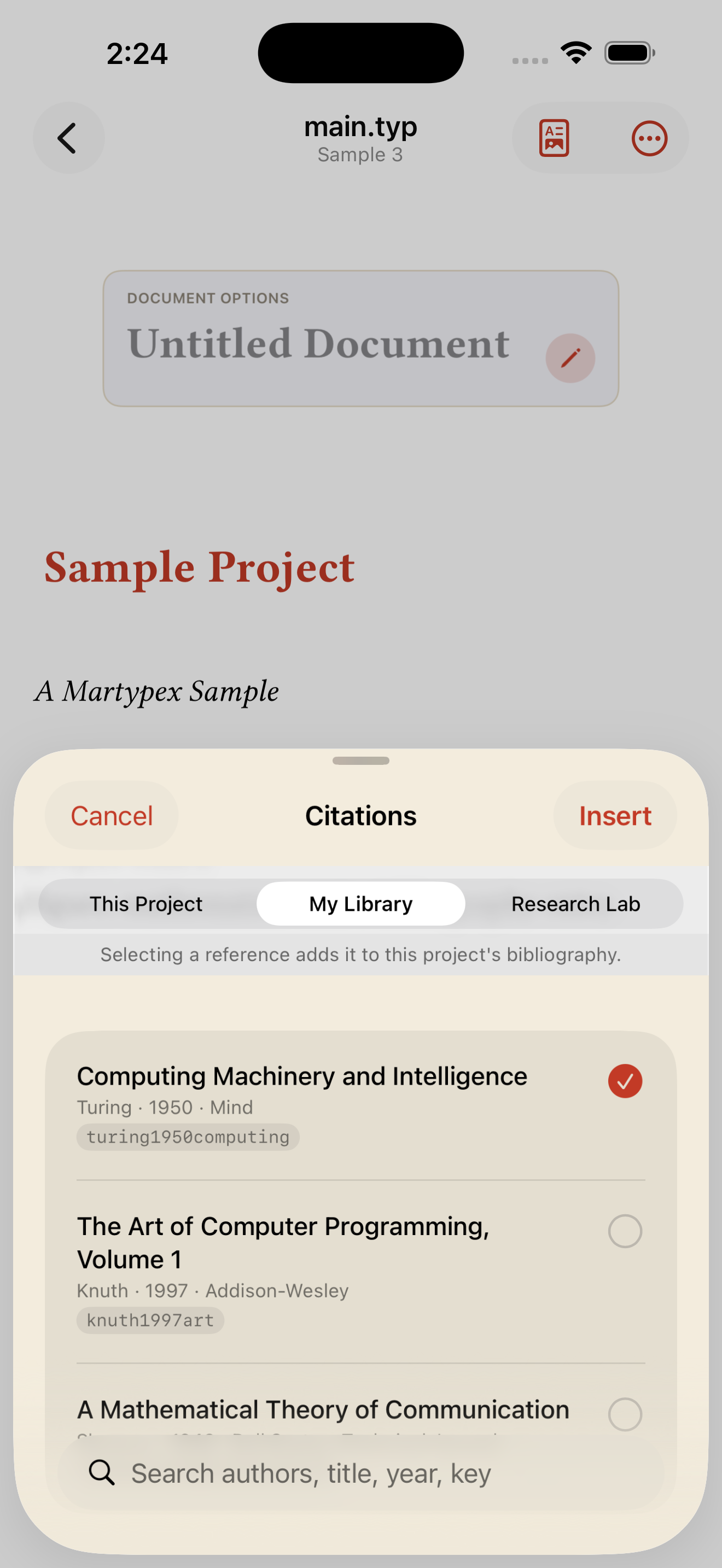
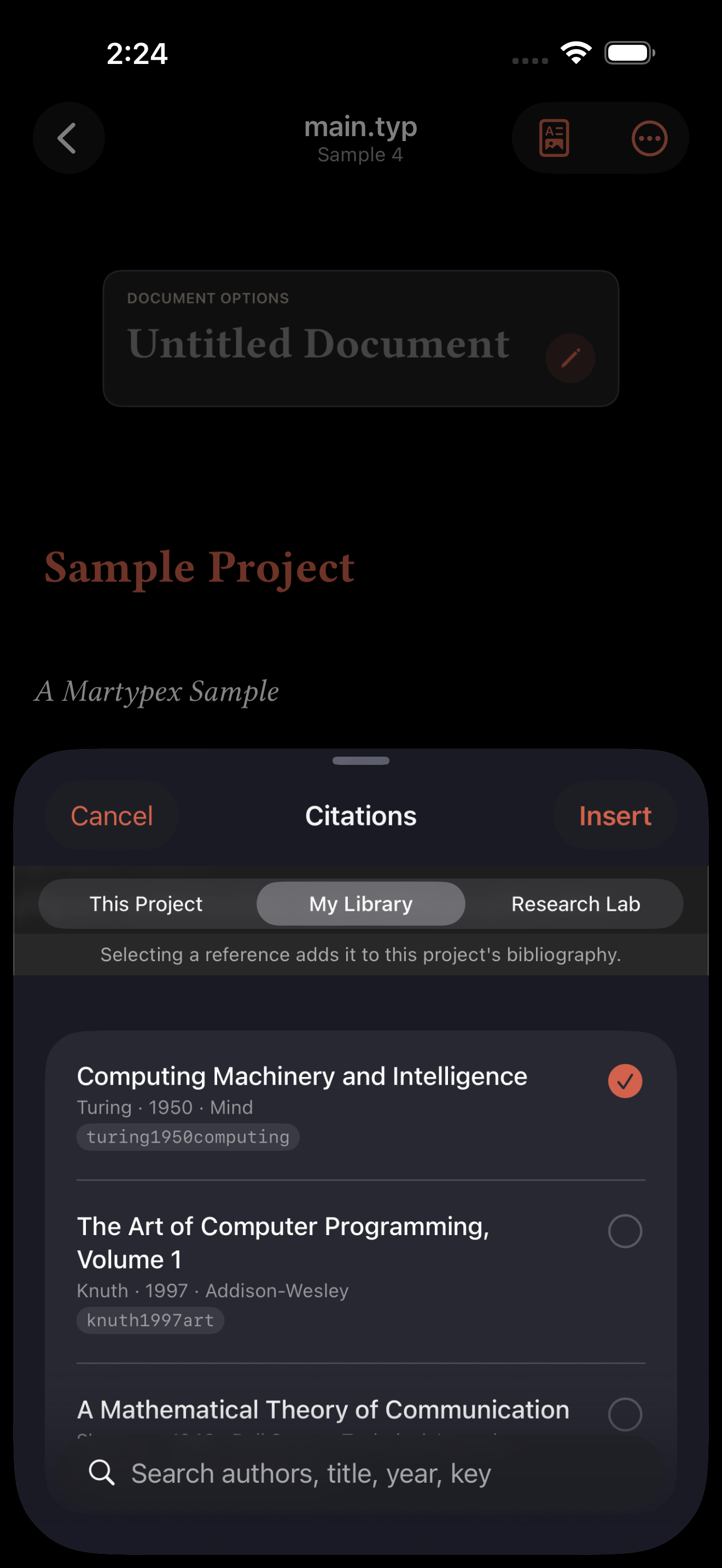
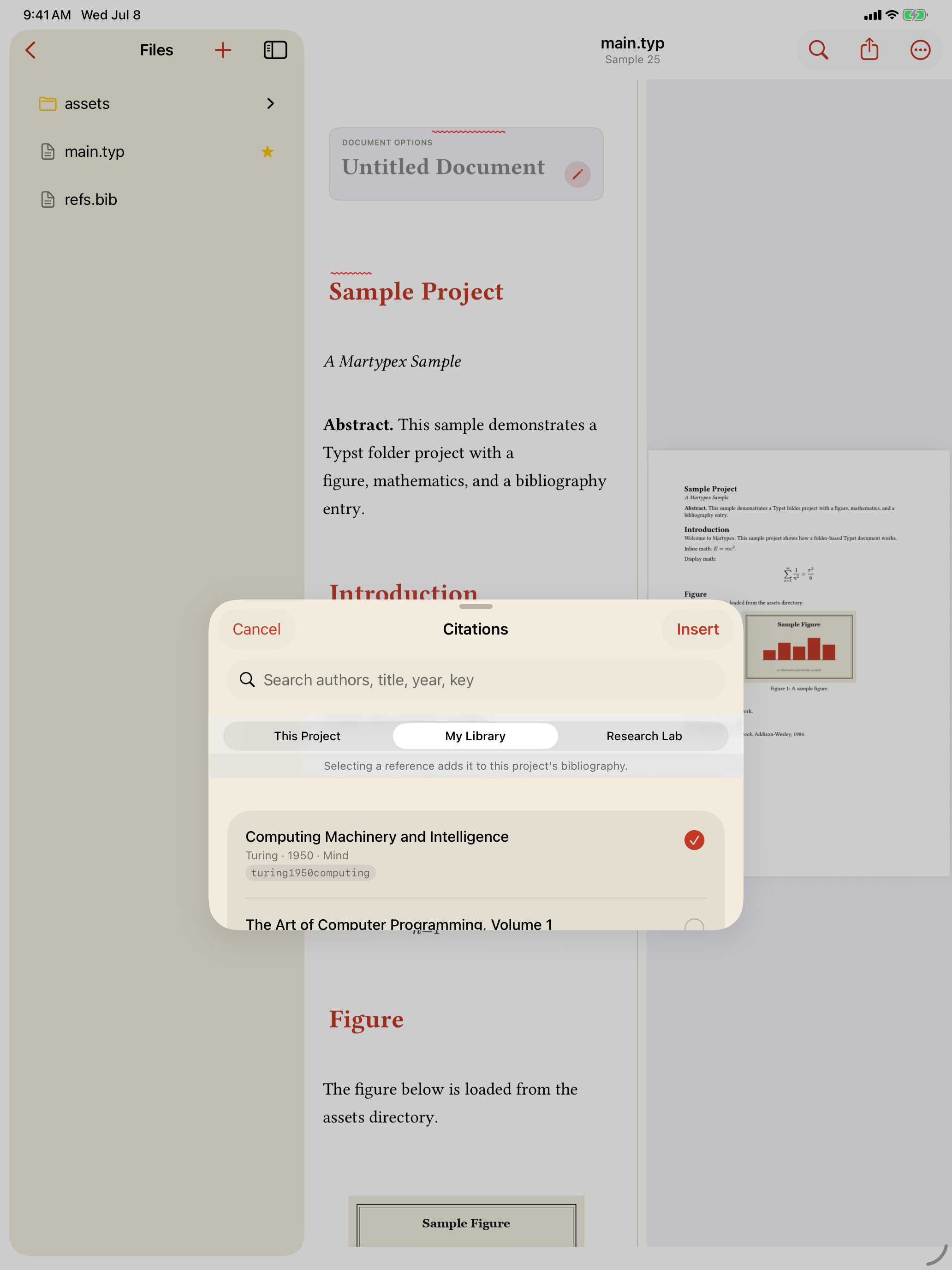
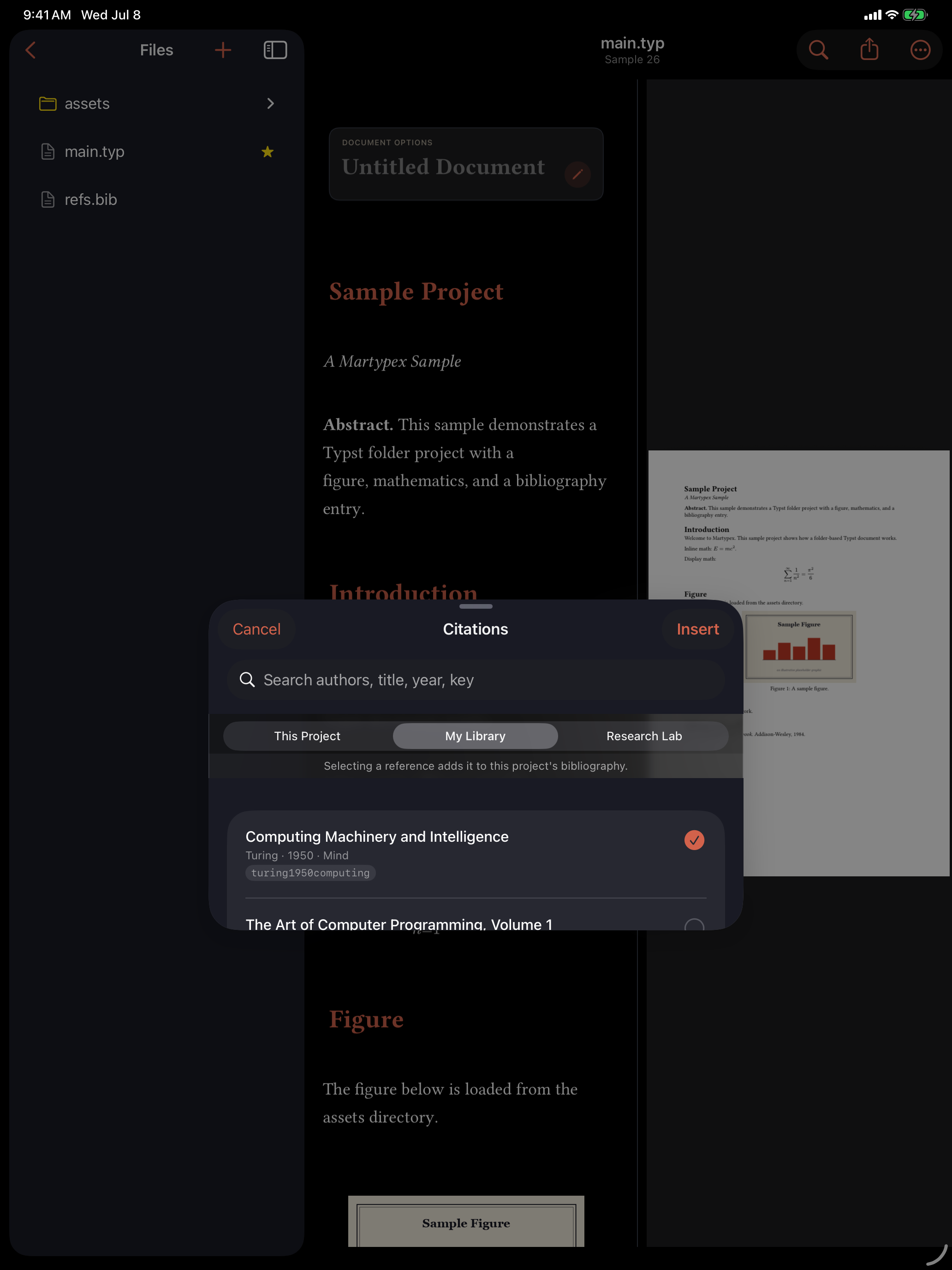
Open the Citation Browser from a project’s ••• menu and a source picker now includes This Project alongside My Library and each connected group library. A Zotero source shows the same searchable, formatted list as a local .bib, title, author, year, and venue, with a generated citation key underneath.
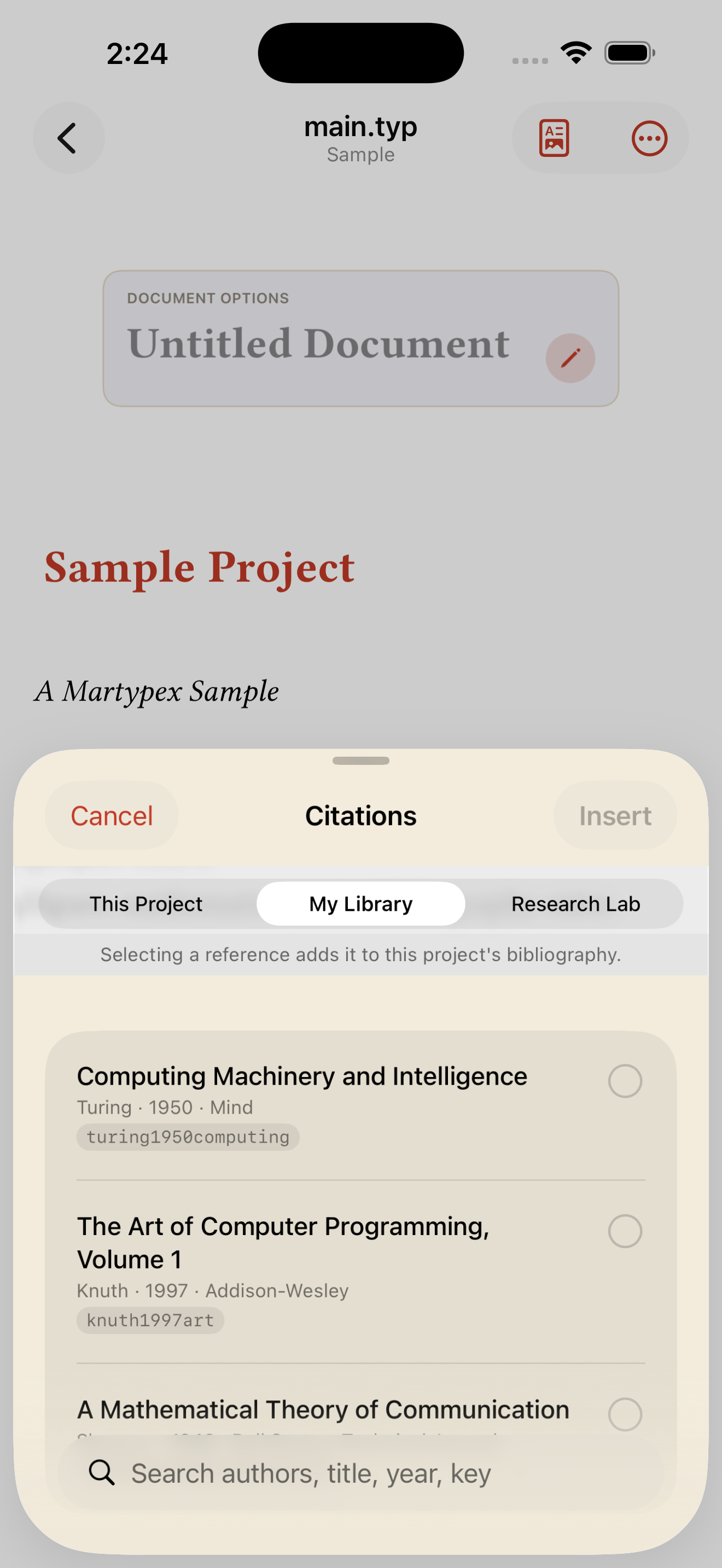
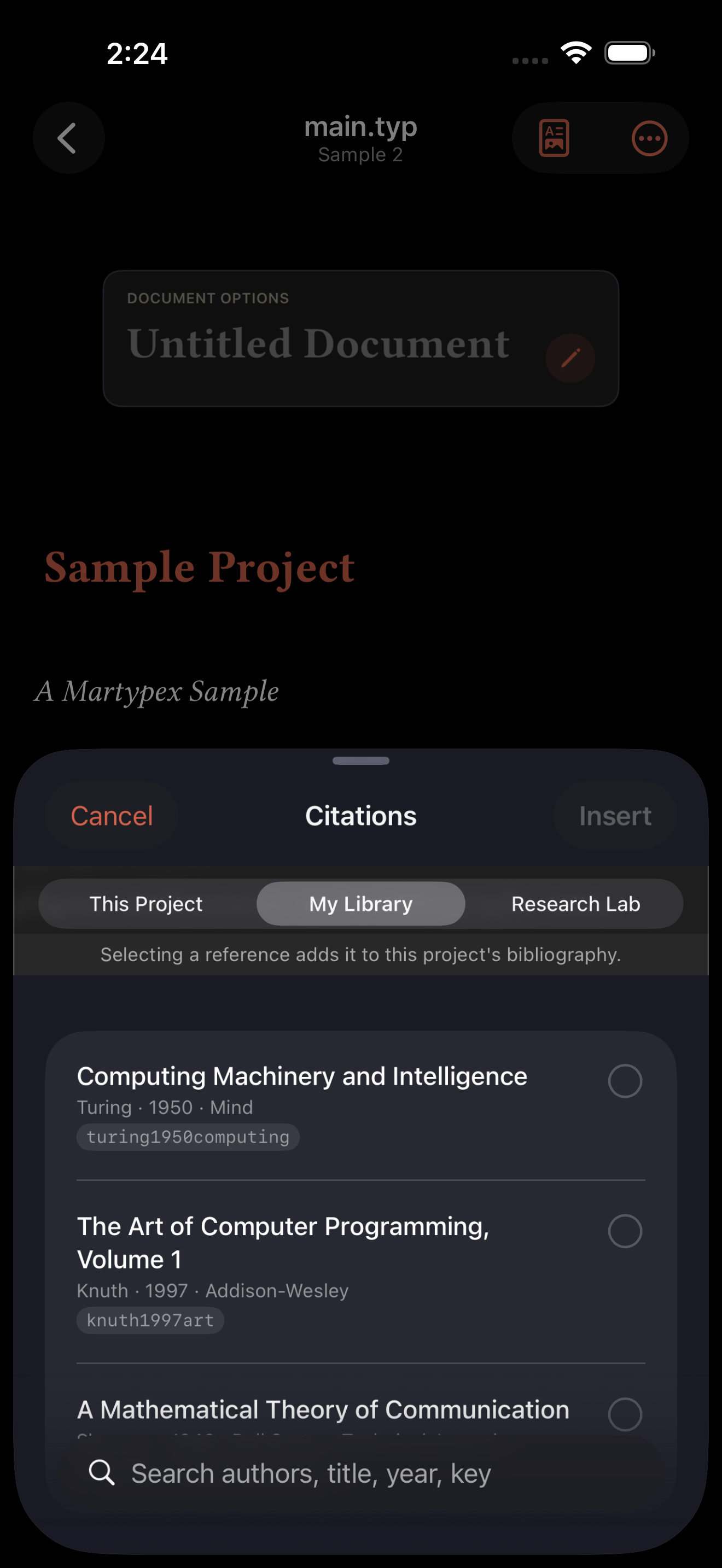
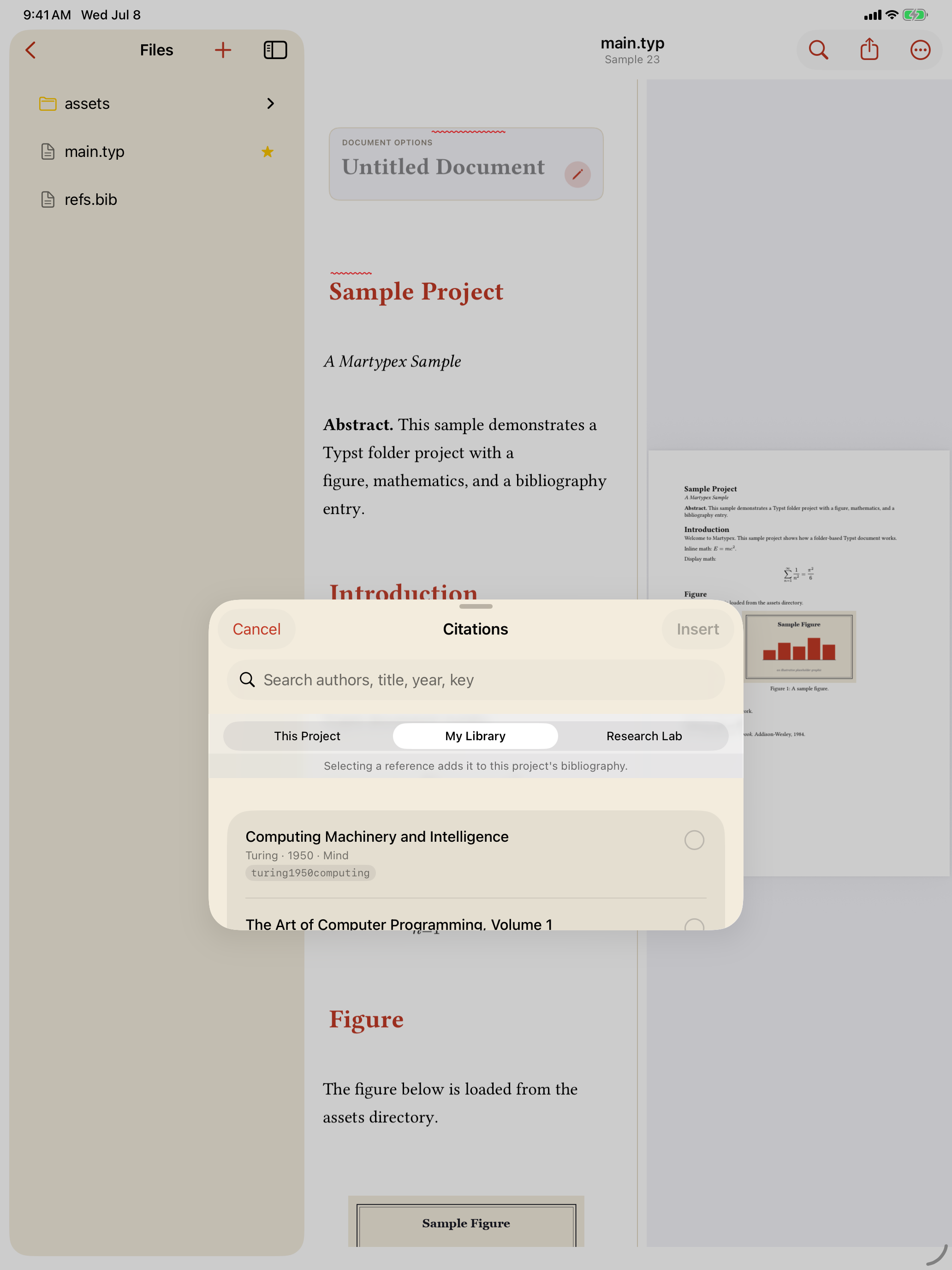
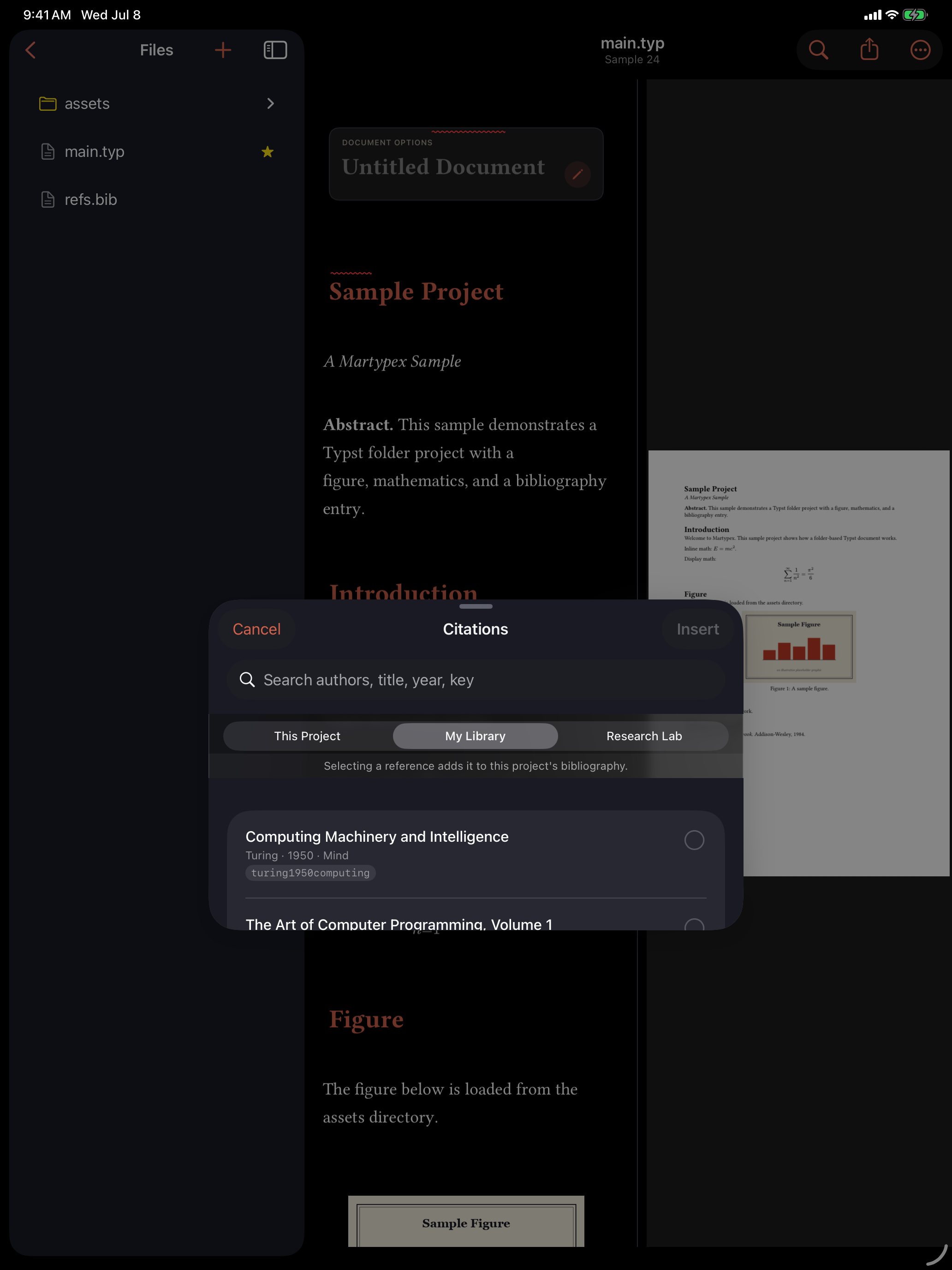
Select one or more references and tap Insert. Martypex appends each one, re-serialized as a BibTeX entry, to the project’s .bib file, creating refs.bib and wiring in #bibliography("refs.bib") if the project doesn’t have one yet, then inserts an @key citation at your cursor. A reference already in your .bib under the same key is matched and reused rather than duplicated; a genuine conflict gets a suffixed key instead of silently overwriting your existing entry.
A single-file document with no bibliography yet is promoted to a folder project automatically the first time you insert a Zotero reference, the same way Add Bibliography… already promotes one.
Being honest about what this needs
Zotero support is opt-in in every sense: it’s part of Martypex Pro, it needs an API key you generate yourself at zotero.org, and it only talks to the network when you explicitly tap Connect or Refresh Now. Nothing about it runs in the background, and nothing about the rest of Martypex, on-device compilation, local .bib bibliographies, export, changes because Zotero exists. See the Privacy Policy for the full picture.