Writing Tools
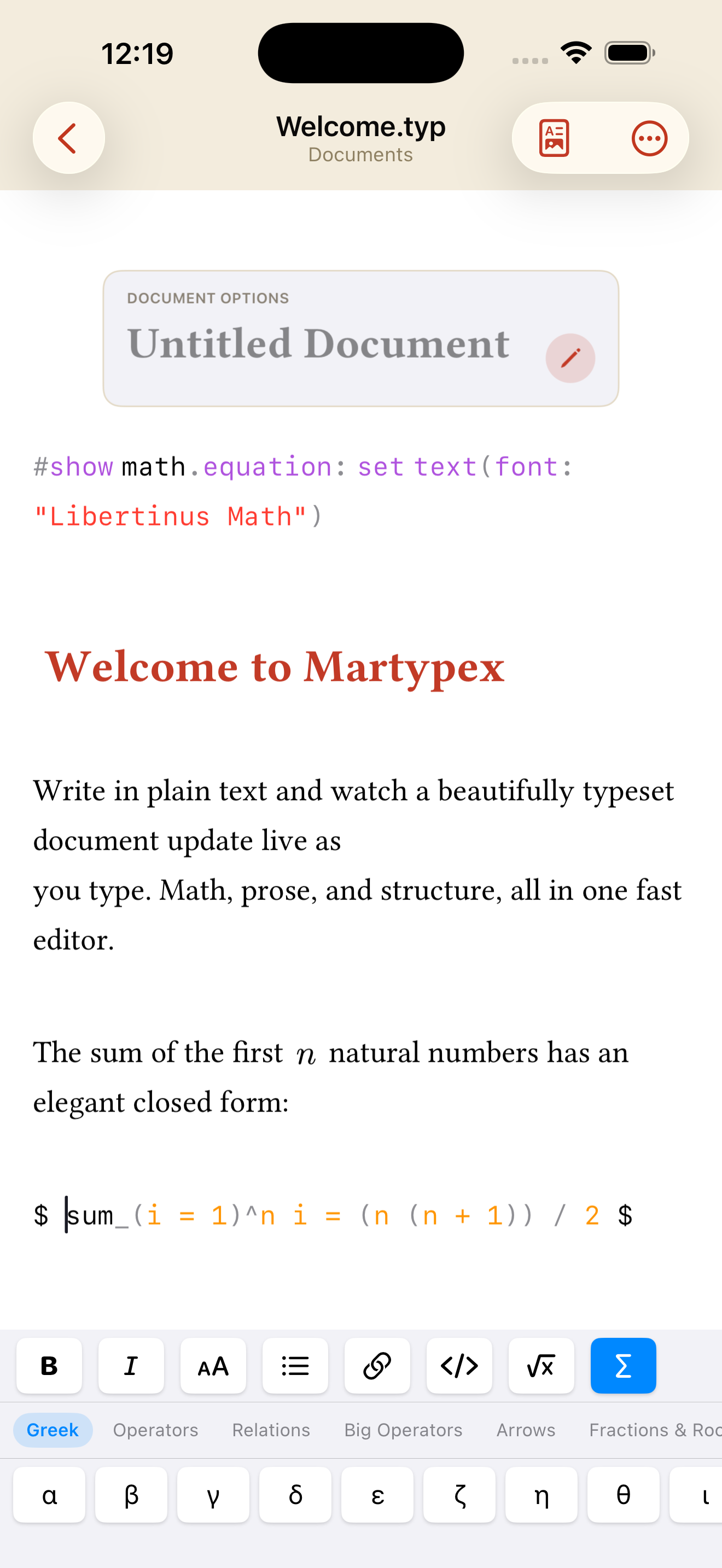
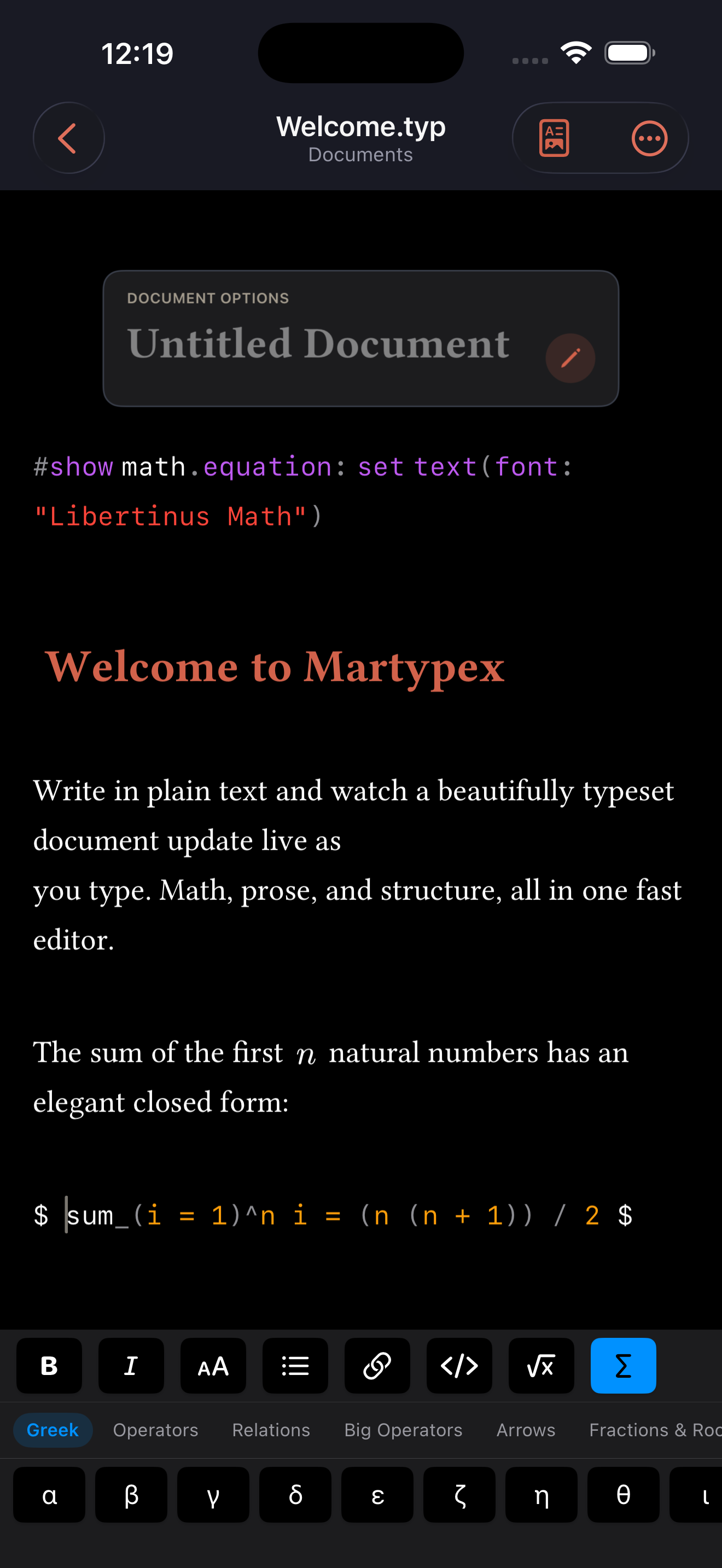
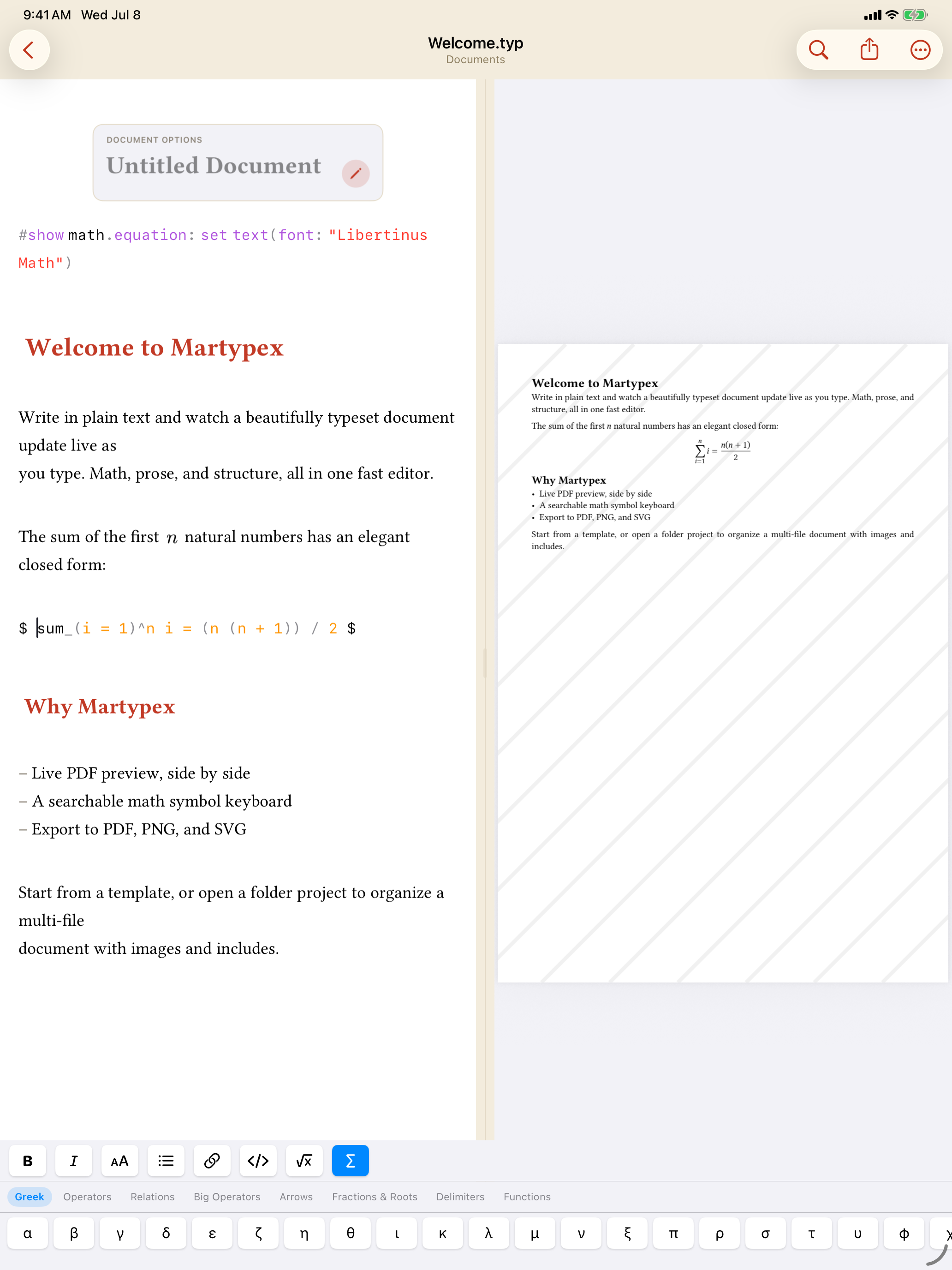
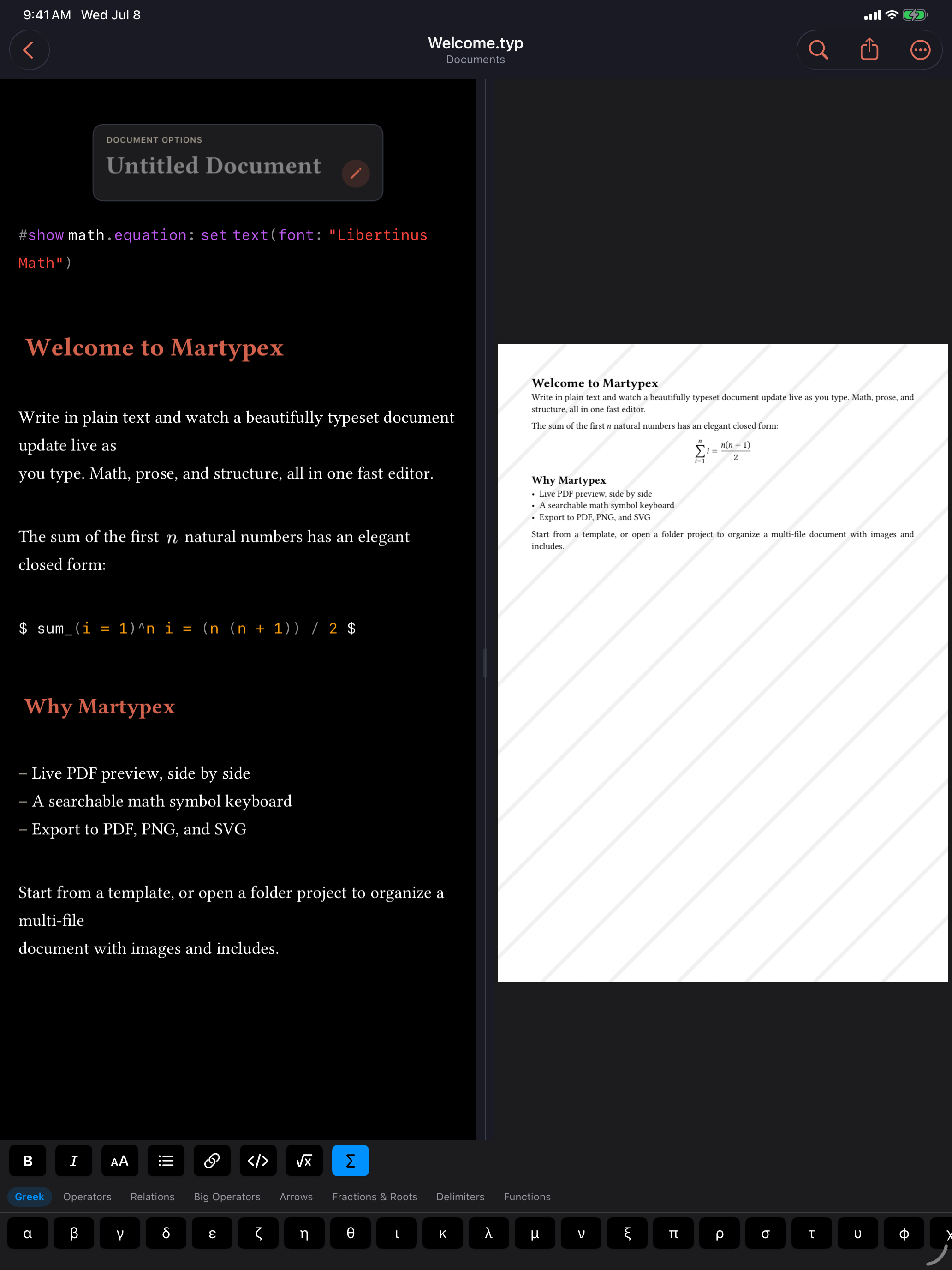
Writing Tools is the quick-format bar above the on-screen keyboard: Bold, Italic, Heading, Bulleted List, Link, Inline Code, and Inline Math, each one tap away. It stacks above the math keyboard in the same accessory bar, so formatting and symbol input are both a single tap without switching keyboards.
Dialect-aware syntax
The quick-format bar inserts the correct syntax for the document you’re in: Typst markup (*bold*, = Heading, `code`) in .typ files, and Markdown syntax (**bold**, # Heading, `code`) in .md files. You never have to remember which dialect a file expects. Tap the button and Martypex writes the right thing.
On a hardware keyboard, the same formatting is bound to shortcuts like ⌘B and ⌘I. See Keyboard Shortcuts for the full set, and how to rebind one.
Inserting images
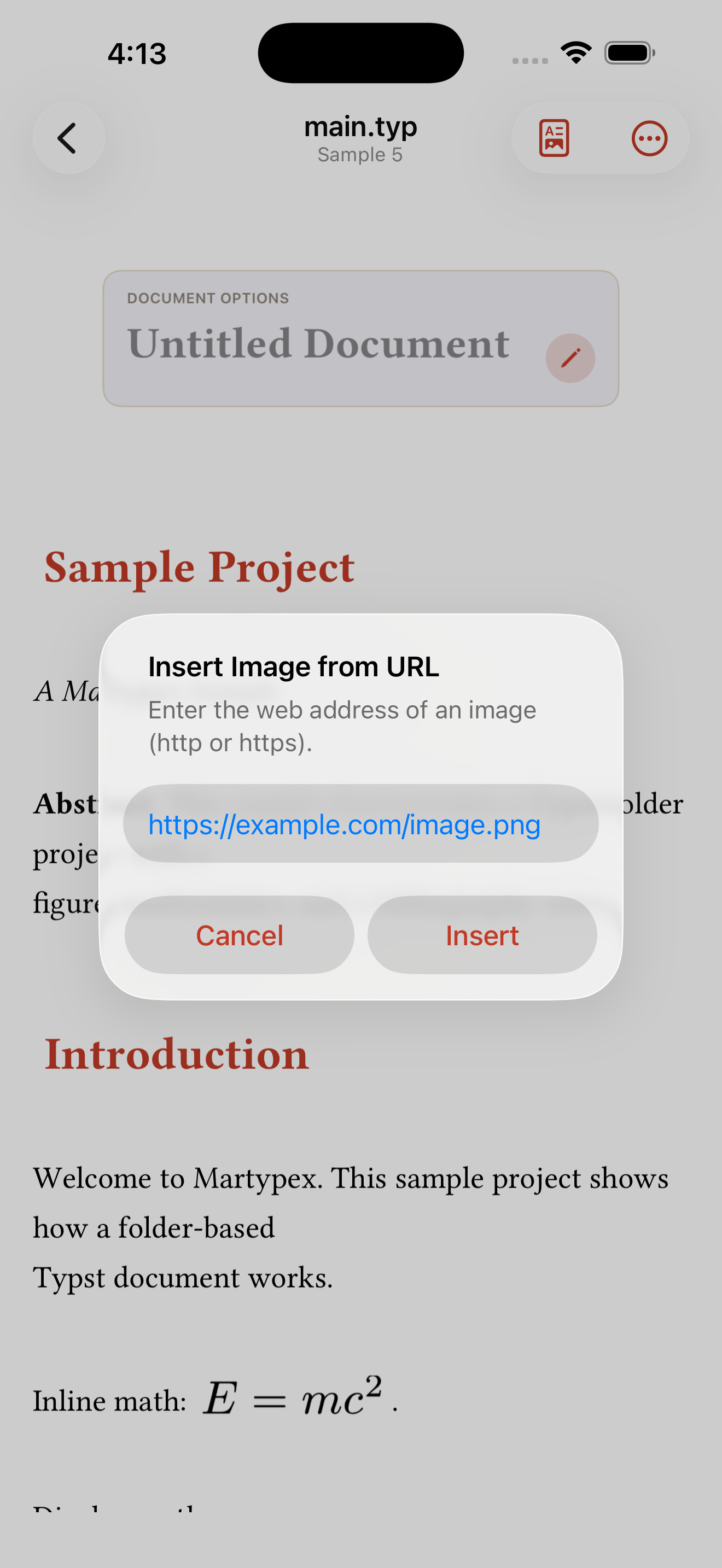
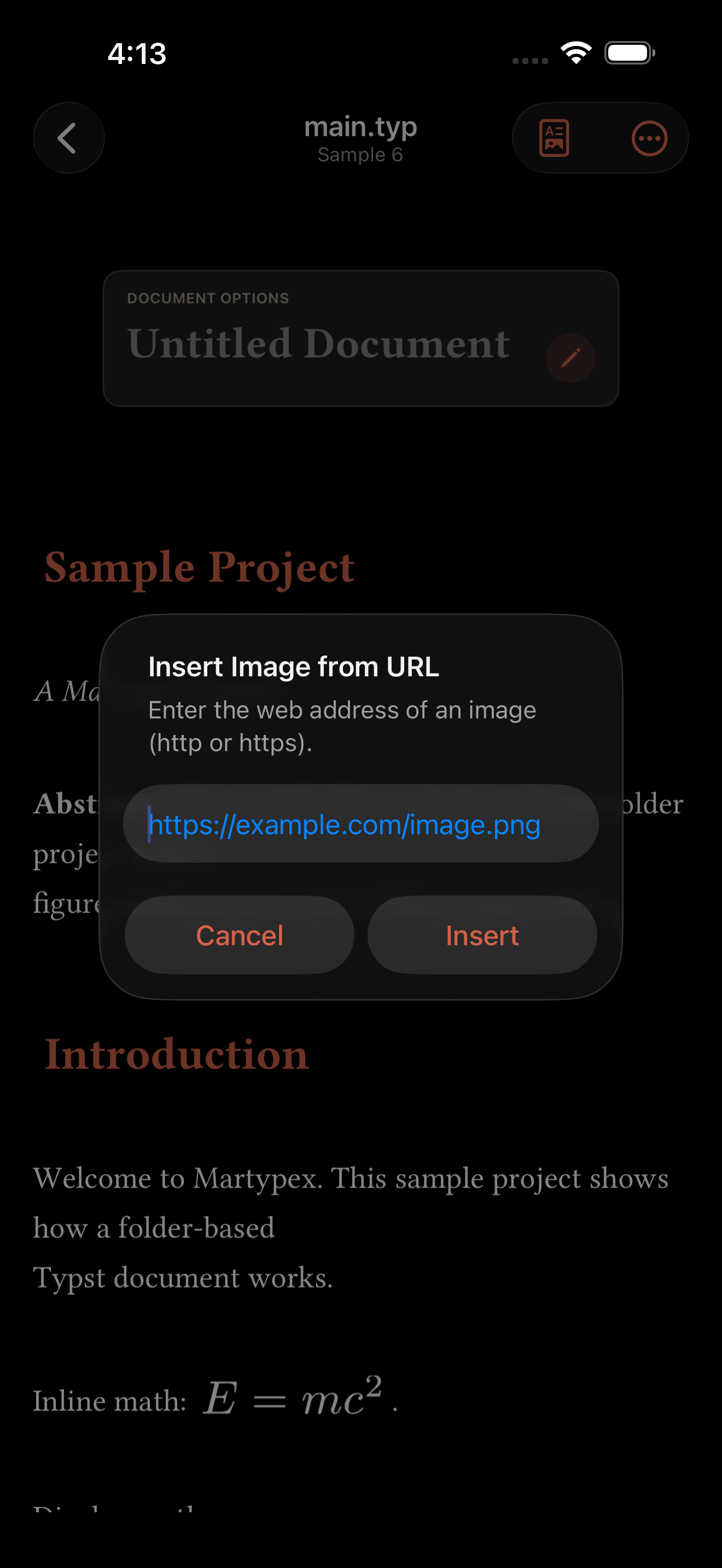
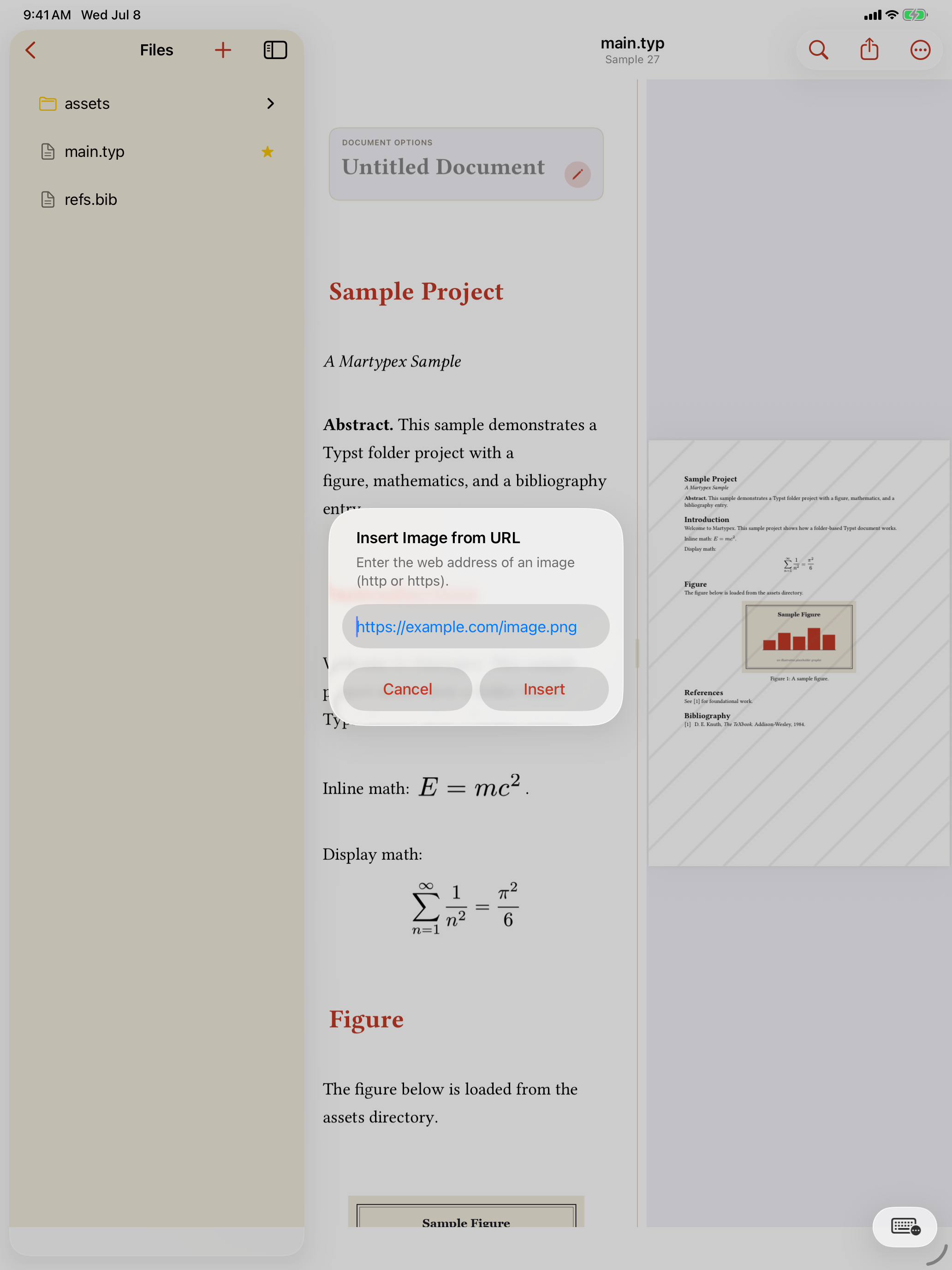
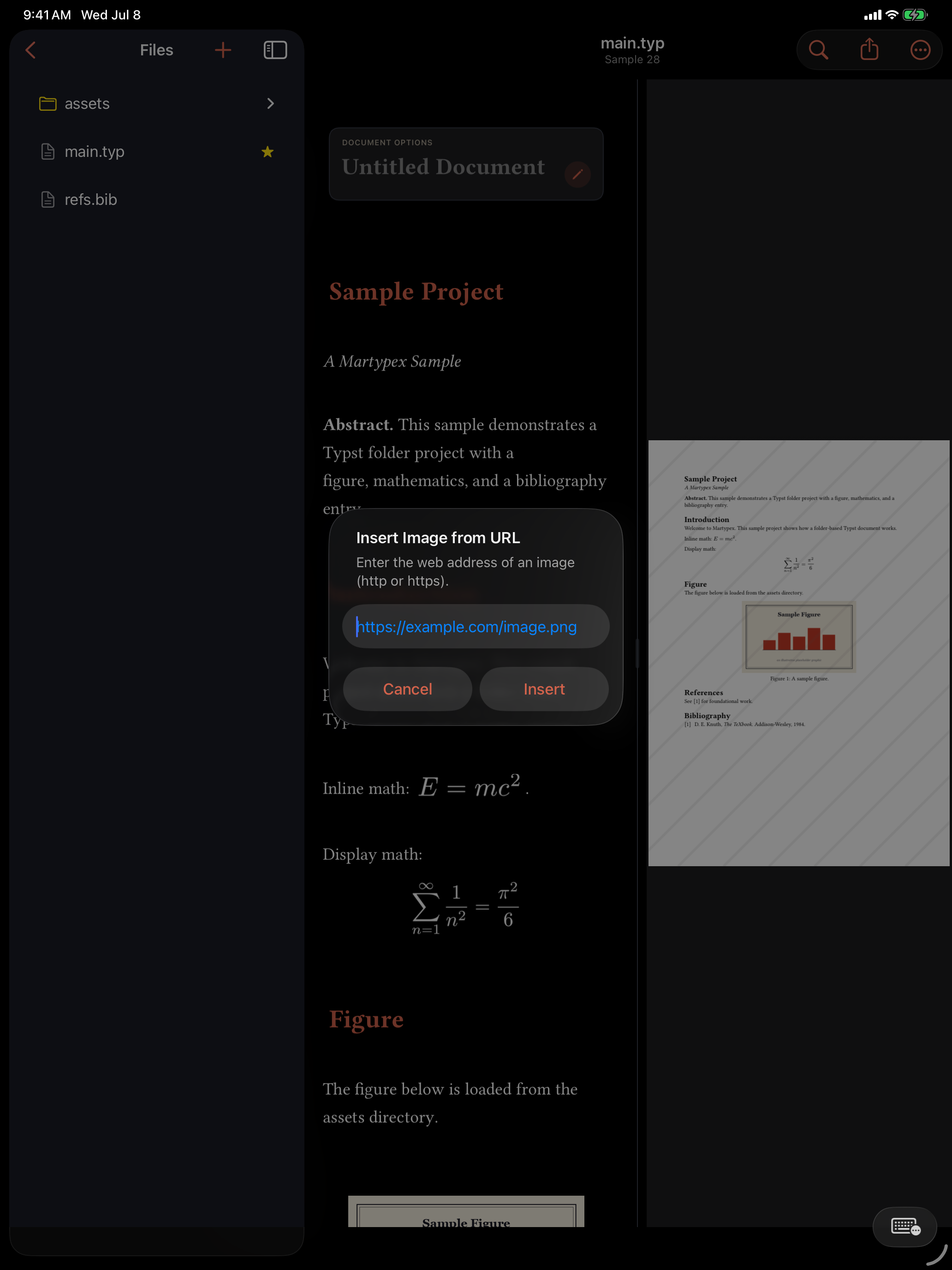
Martypex gives you several ways to add an image, and each one copies the file into your project and inserts an #image("…") reference for you. You can pull one from Photos through the image picker, drop in one you have already copied from the clipboard (press ⌘V with an image on the pasteboard, or choose Insert from Clipboard in the ••• menu), or fetch one from the web with Insert Image from URL. Whichever route you take, the image lands in your project alongside the document, so the reference resolves the same way every time you compile.
You can also paste rich content and let Martypex do the conversion. Copy formatted text from a web page or another app and Martypex renders it as Typst or Markdown, with headings, bold and italic, links, lists, and tables all handled best-effort. When the pasted content carries images, Martypex asks before downloading them into your project, so nothing arrives without your say-so.
Prefer to skip the prompt? A setting lets you choose to always or never download images that come in with pasted content, so recurring paste-heavy work stays out of your way.