Templates
A template gives your document a head start: a layout, type choices, and the scaffolding a particular kind of writing expects, so you begin with a shaped page rather than a blank one. Martypex offers a handful of built-in starters and, through Typst Universe, opens the door to hundreds more from the community.
Built-in templates
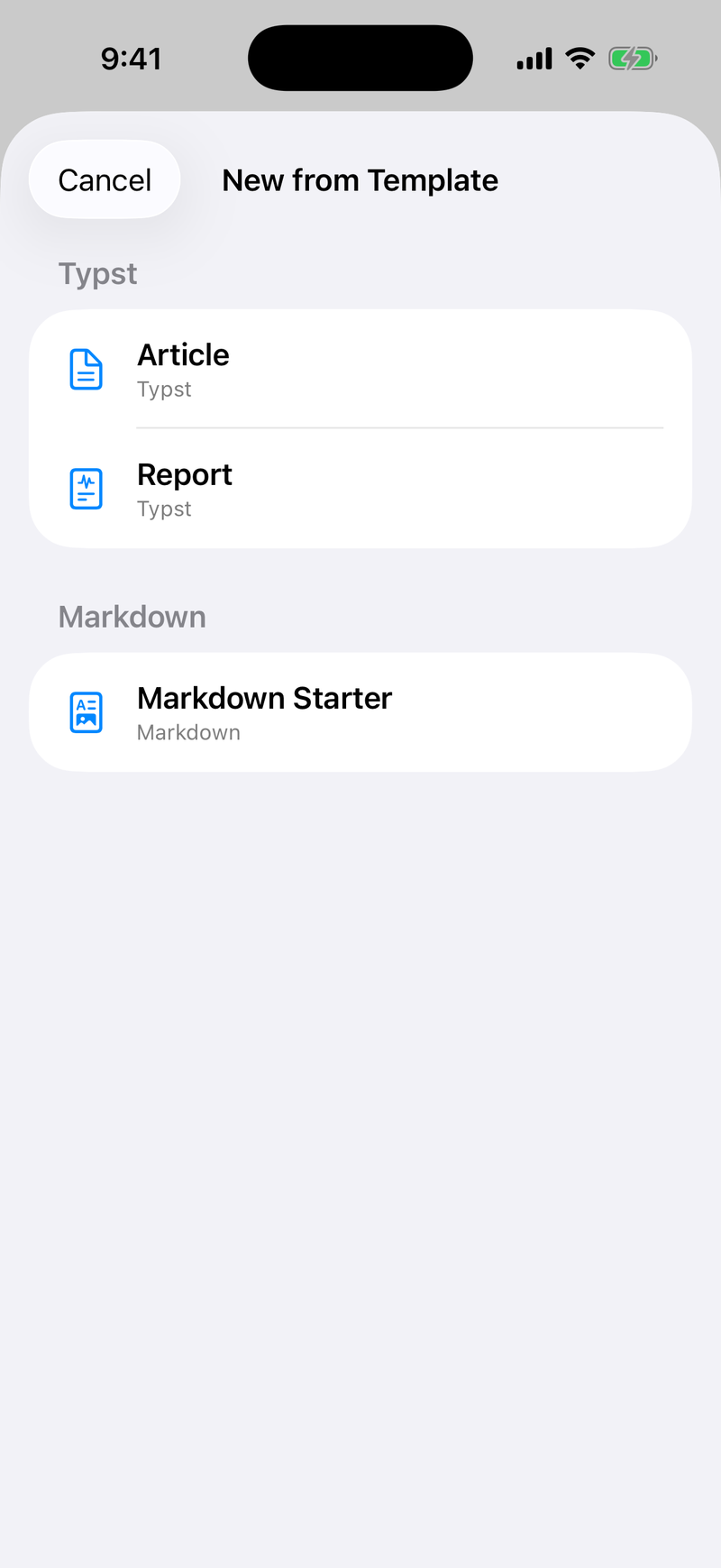
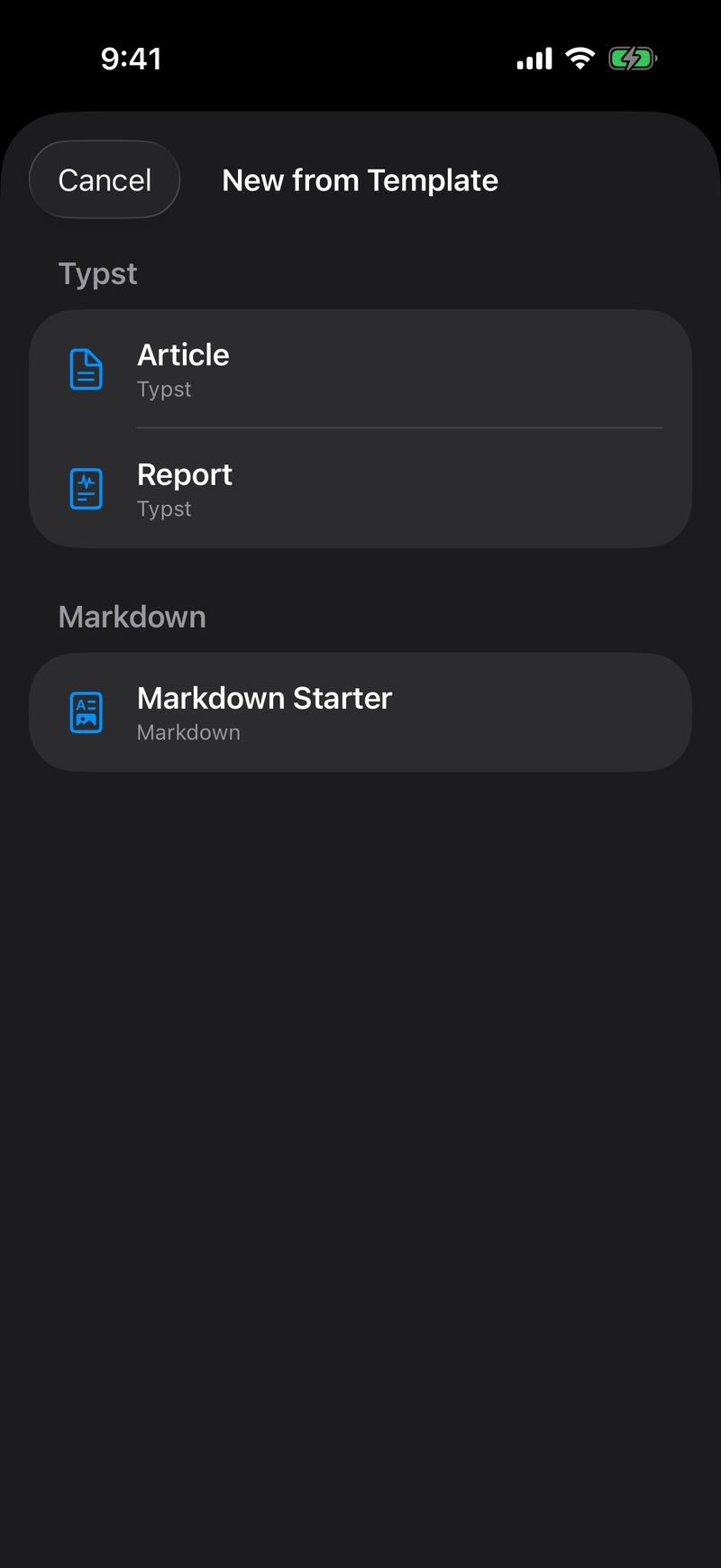
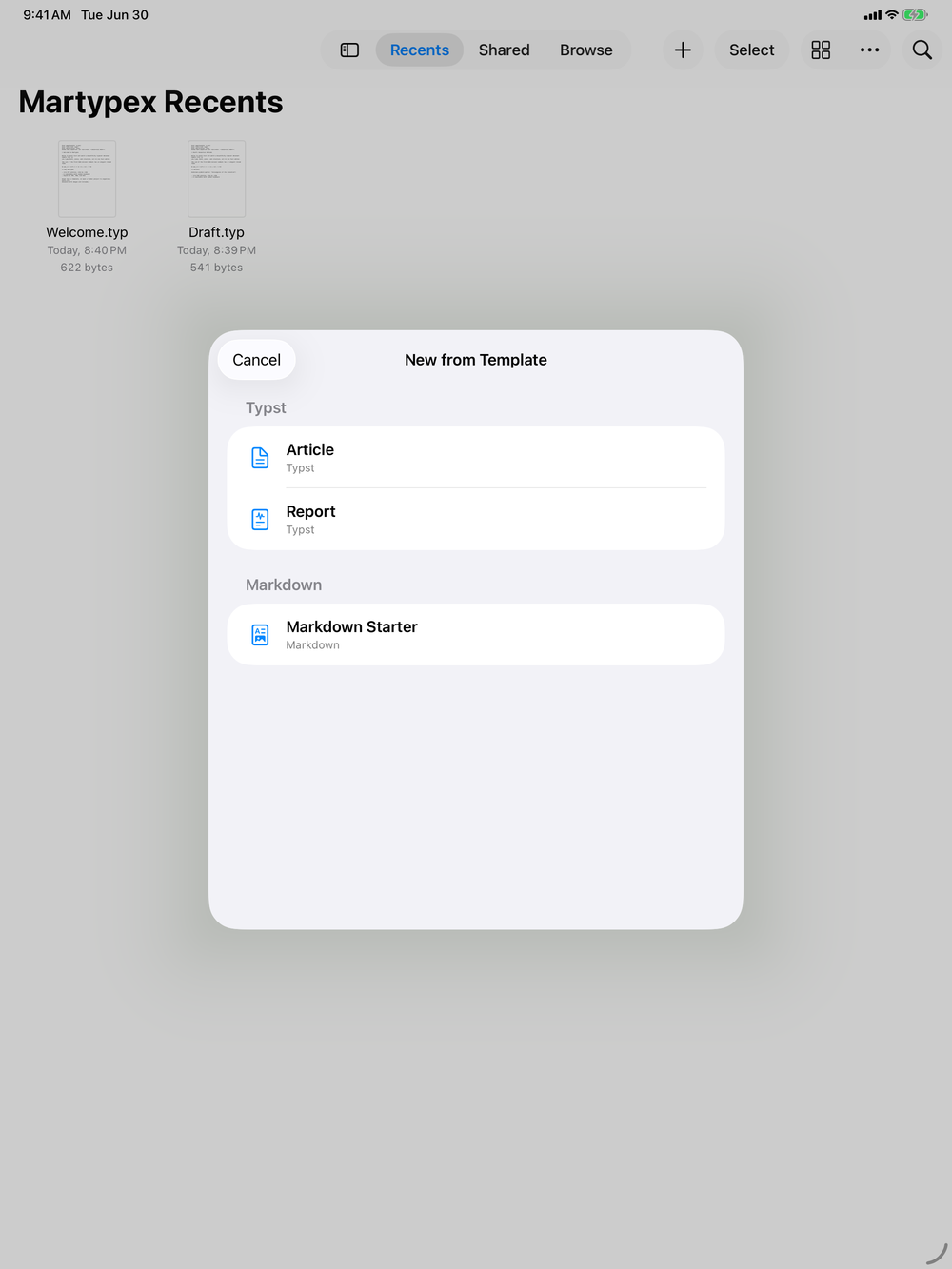
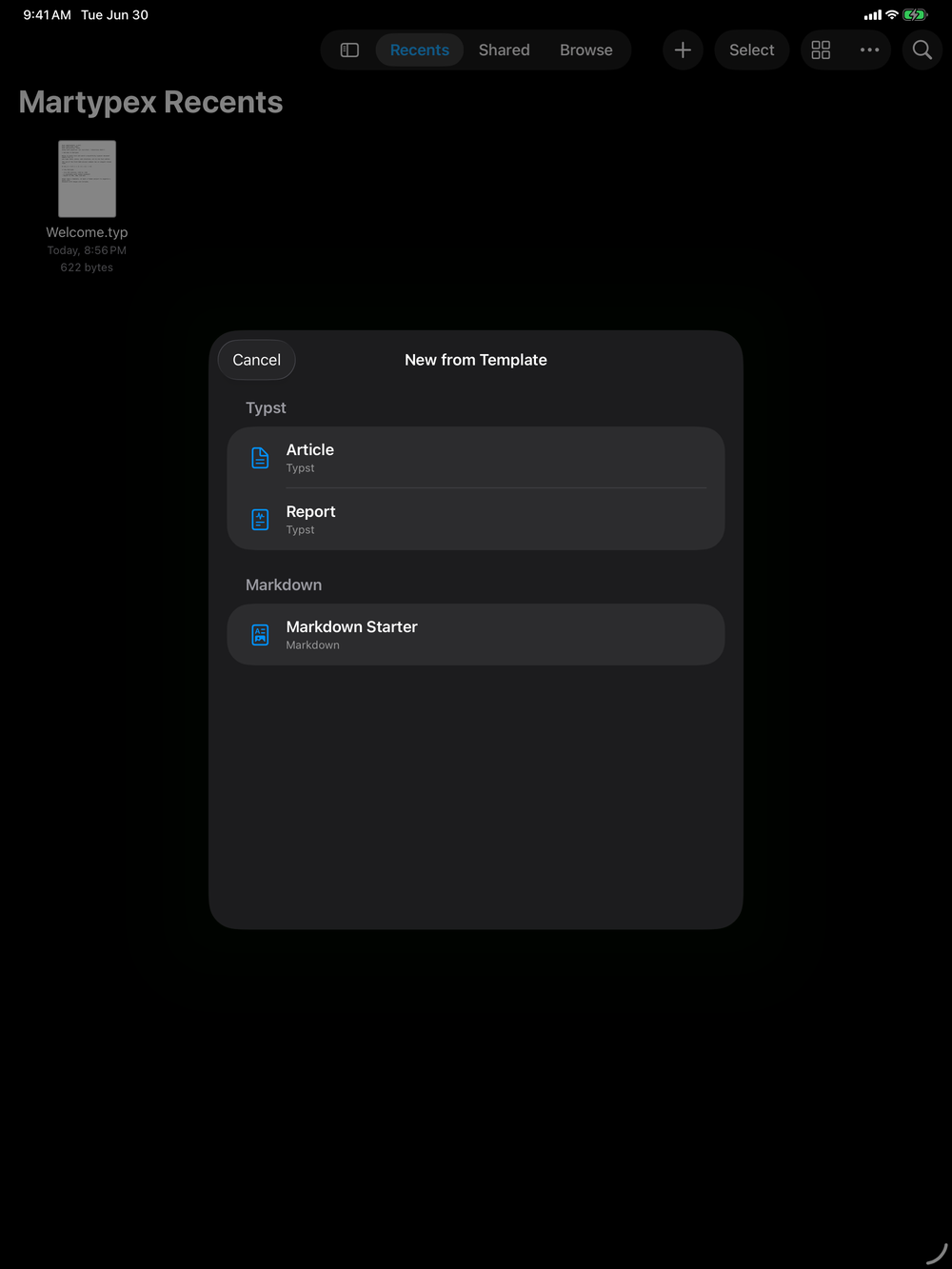
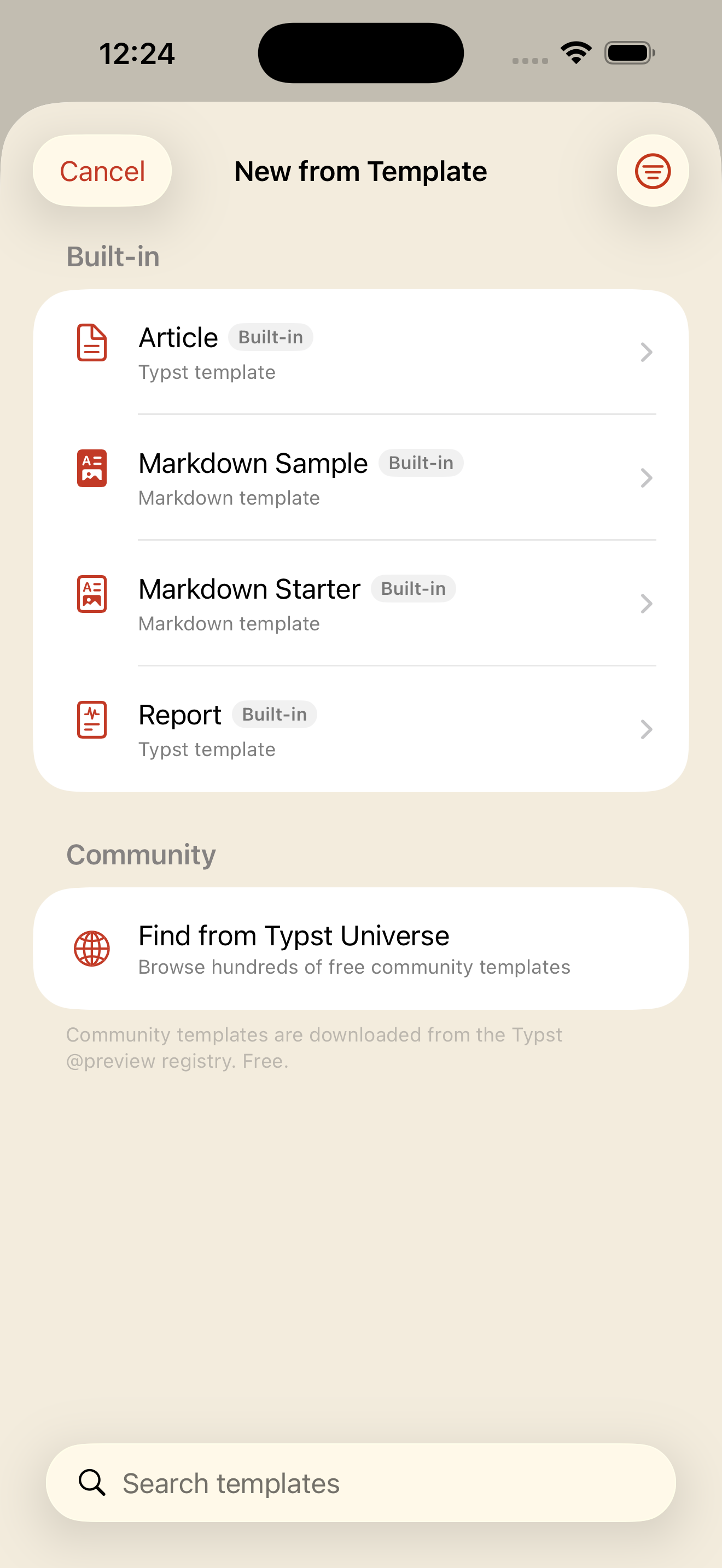
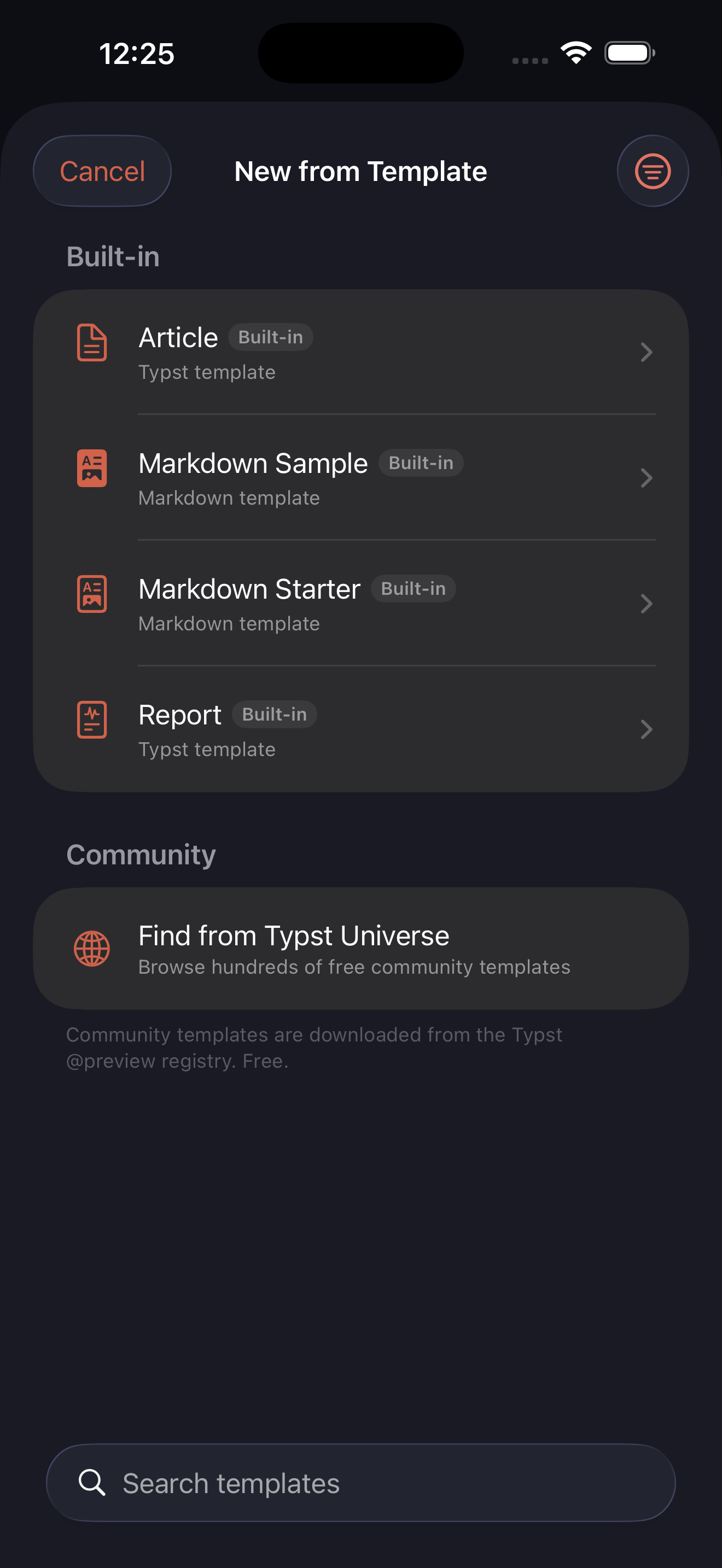
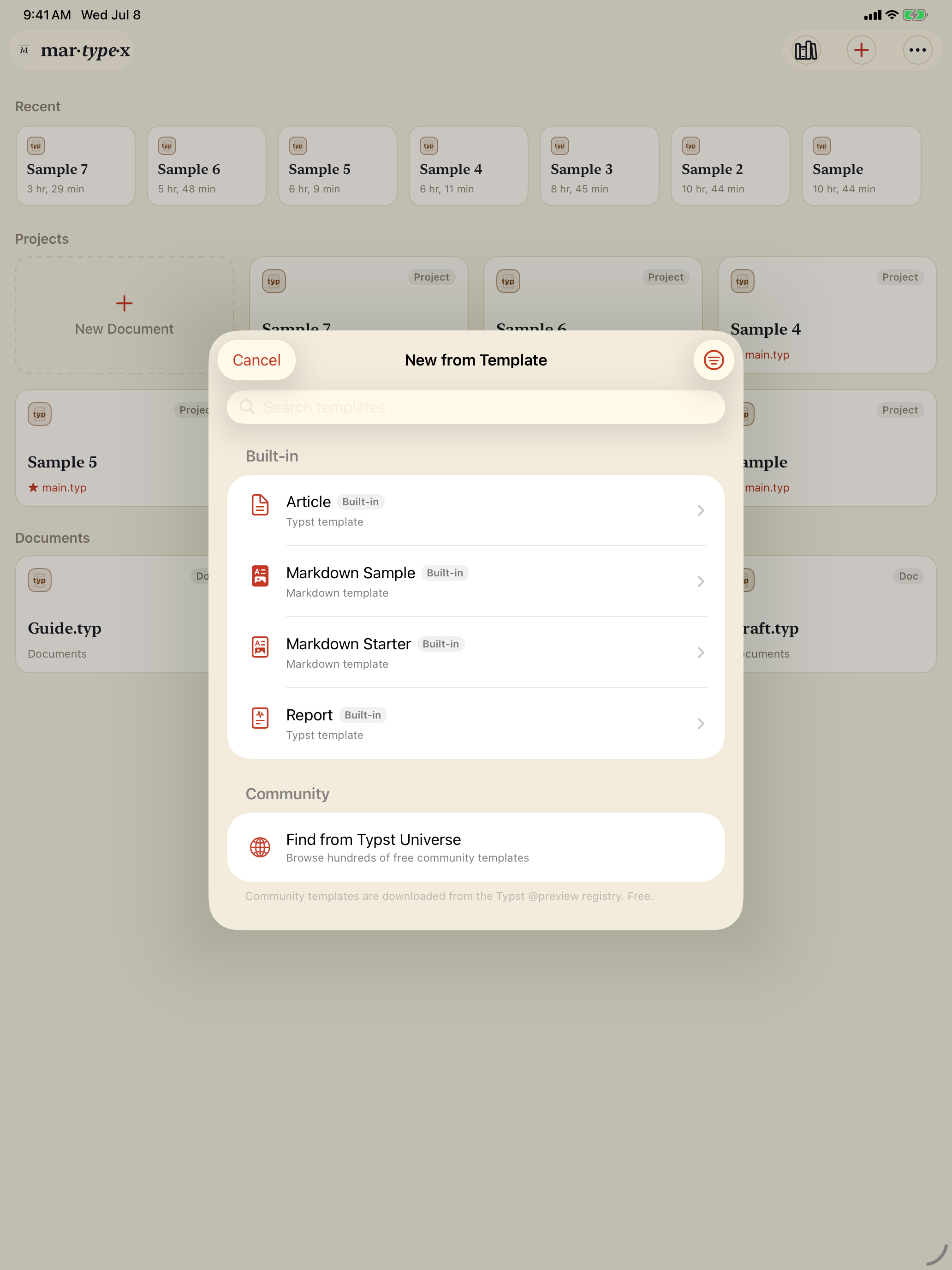
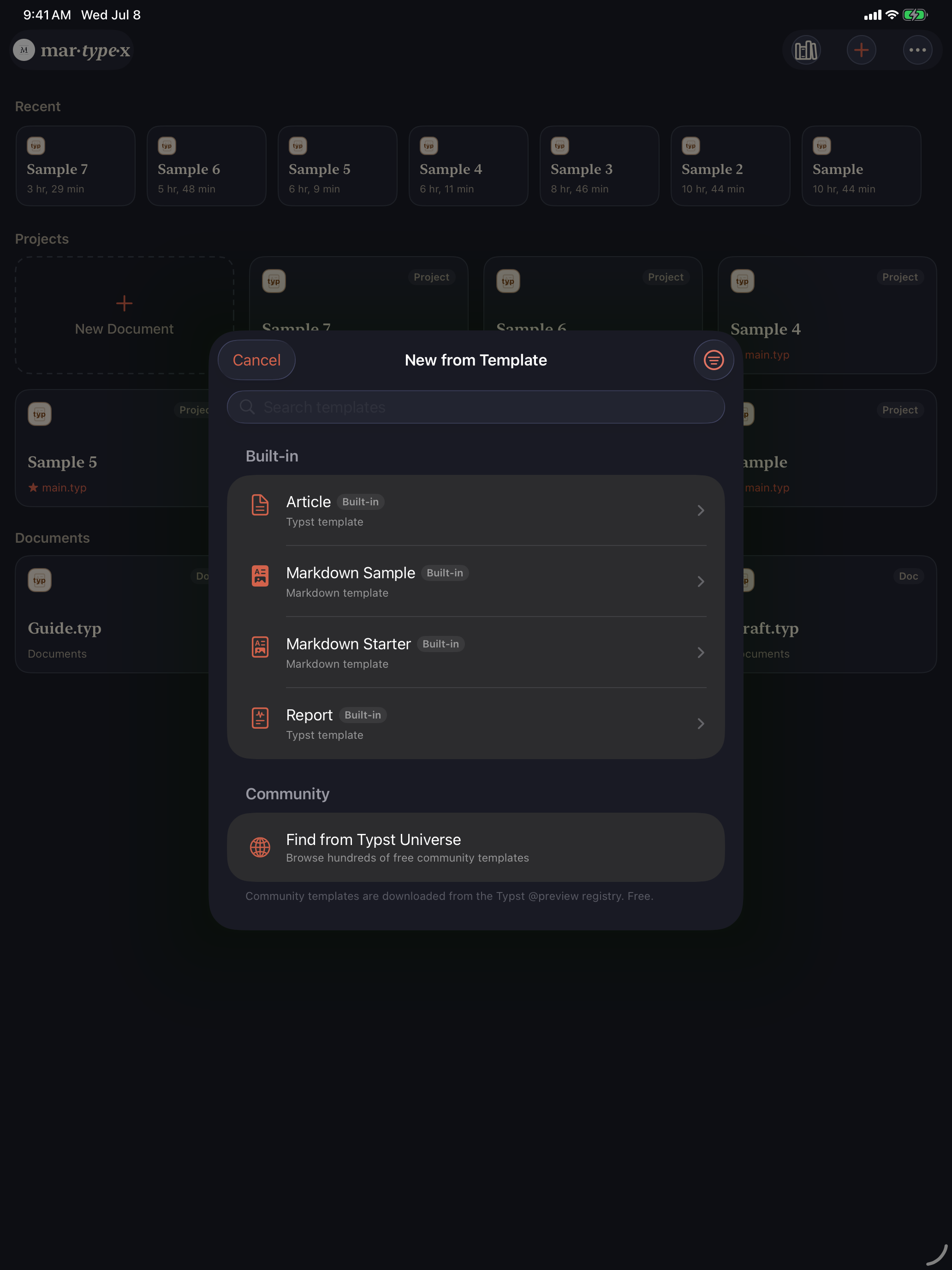
New from Template offers four starters you can reach for straight away. Article sets up a clean, single-column Typst paper. Report gives you a titled, sectioned Typst document with a figure and a bibliography already in place. Markdown Starter begins a plain .md file with the basics in place. Markdown Sample is the Markdown counterpart to Report: a folder project that walks through headings, emphasis, links, lists, a blockquote, code, a figure, math, and a table at once. See Markdown for the full rundown. Each one drops you into the editor with a working document, ready to edit.

Browse Typst Universe
Under a Community section, Browse Typst Universe opens a browser of hundreds of community templates drawn from the Typst package registry. Search narrows the list by name or description, and three controls shape what you see: Category (office, cv, presentation, flyer, poster, paper, report, thesis, book, and more), Sort (recently updated or by name), and Has repository link to limit the results to templates whose source you can inspect.
Using one
When a template looks right, tap Use. Martypex downloads its package and scaffolds a new folder project from it, so the document arrives ready to grow with its own images and a bibliography alongside it, then opens the result in the editor. You start writing in a structure the template author already thought through.
Browsing and downloading community templates needs an internet connection. Once fetched, a template is cached on device, so you can reopen and reuse it without going back online.