Completion
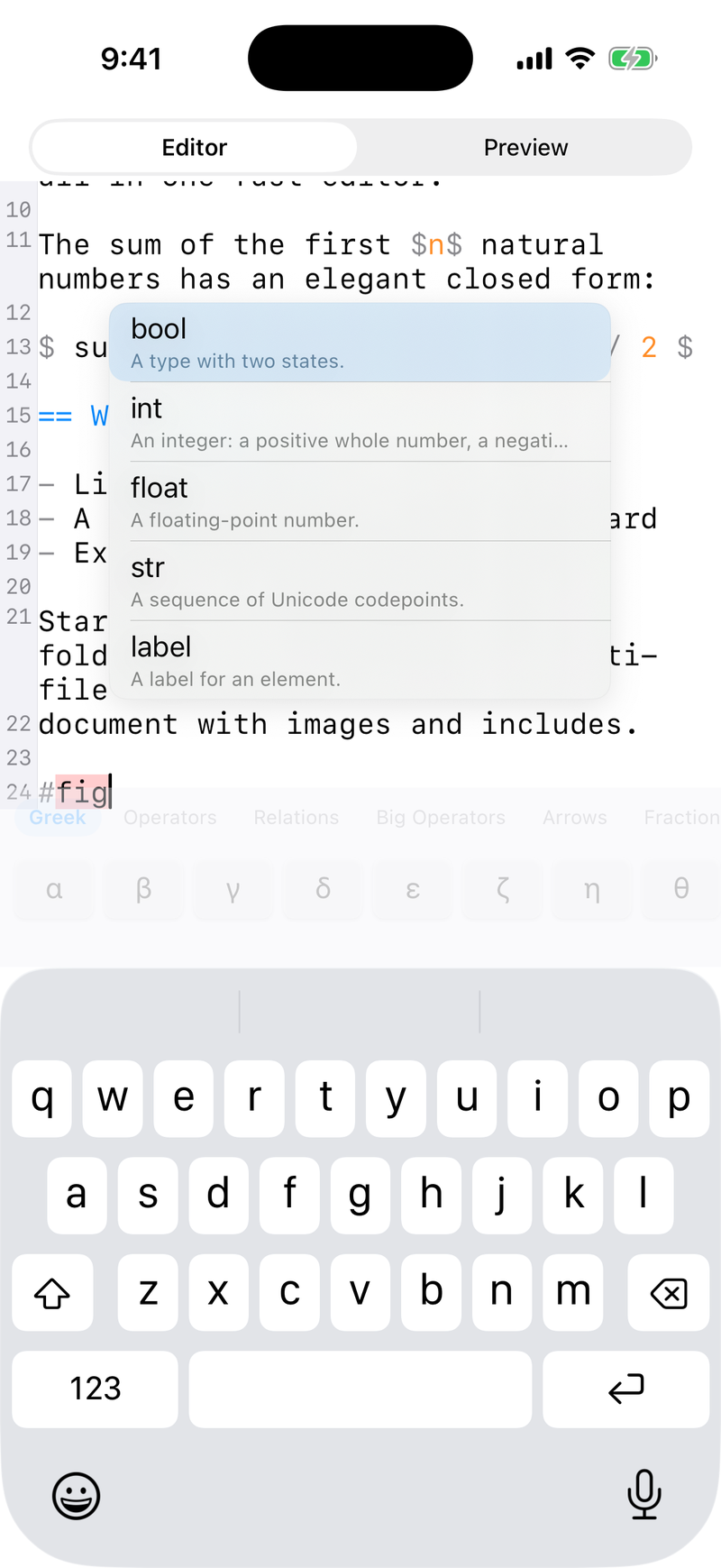
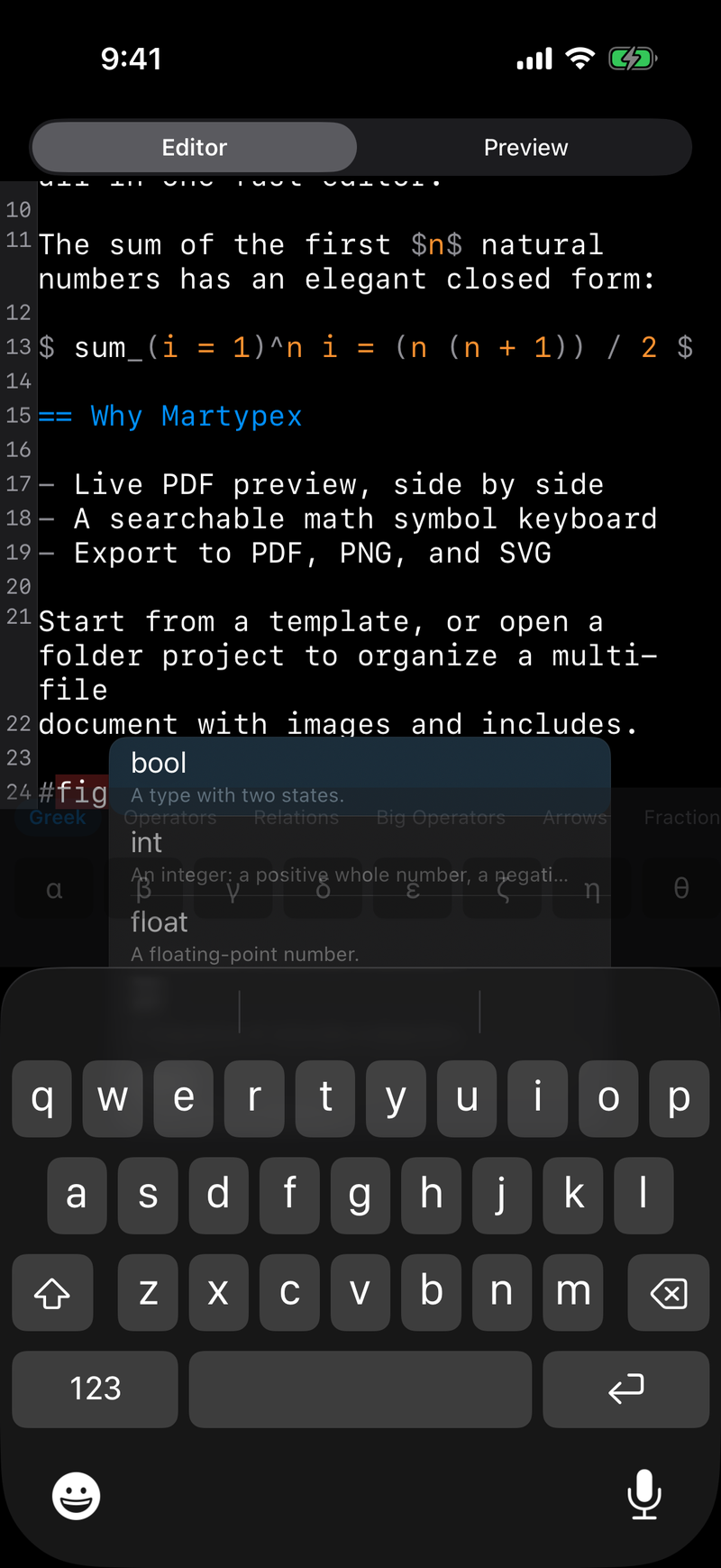
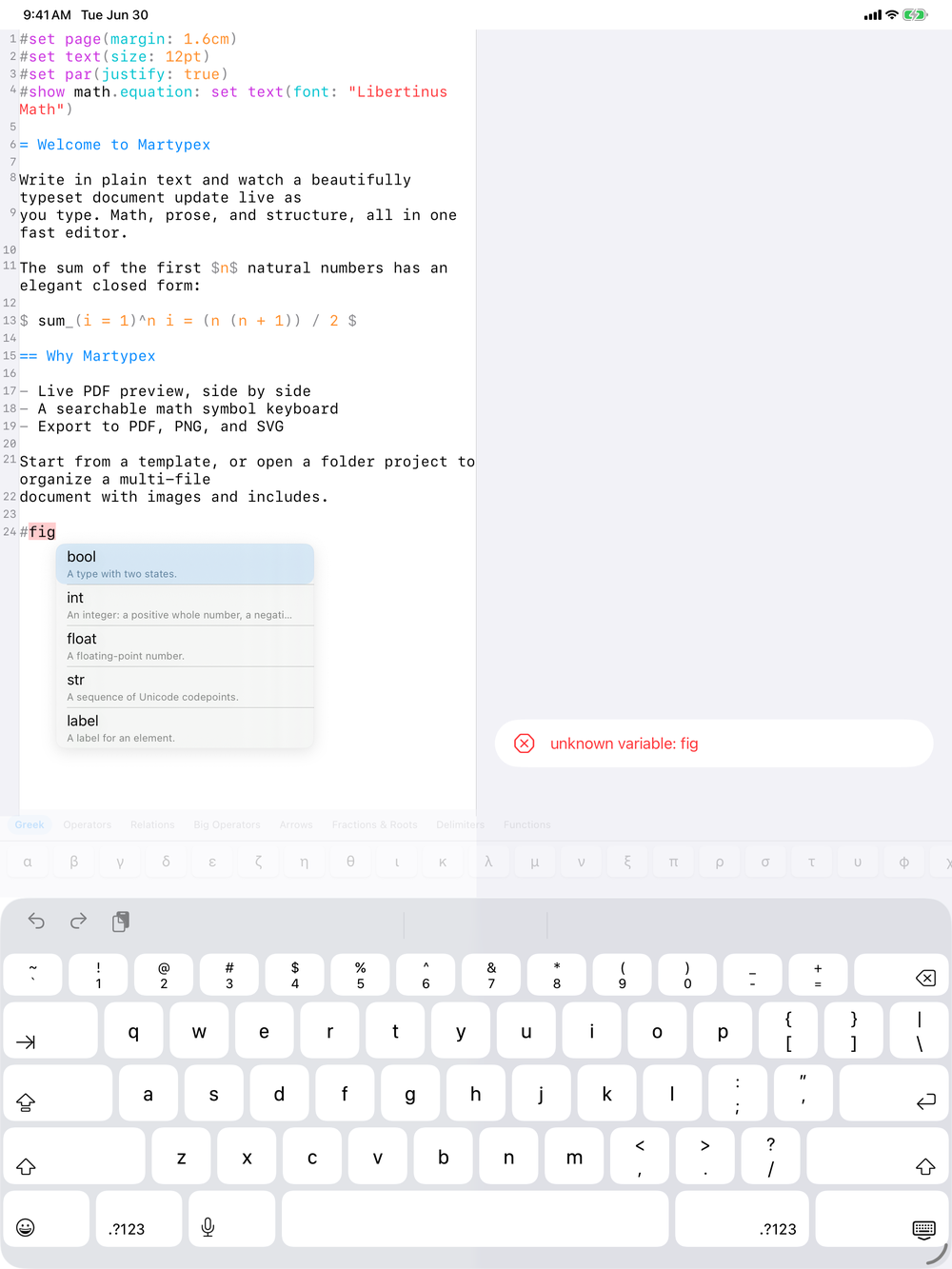
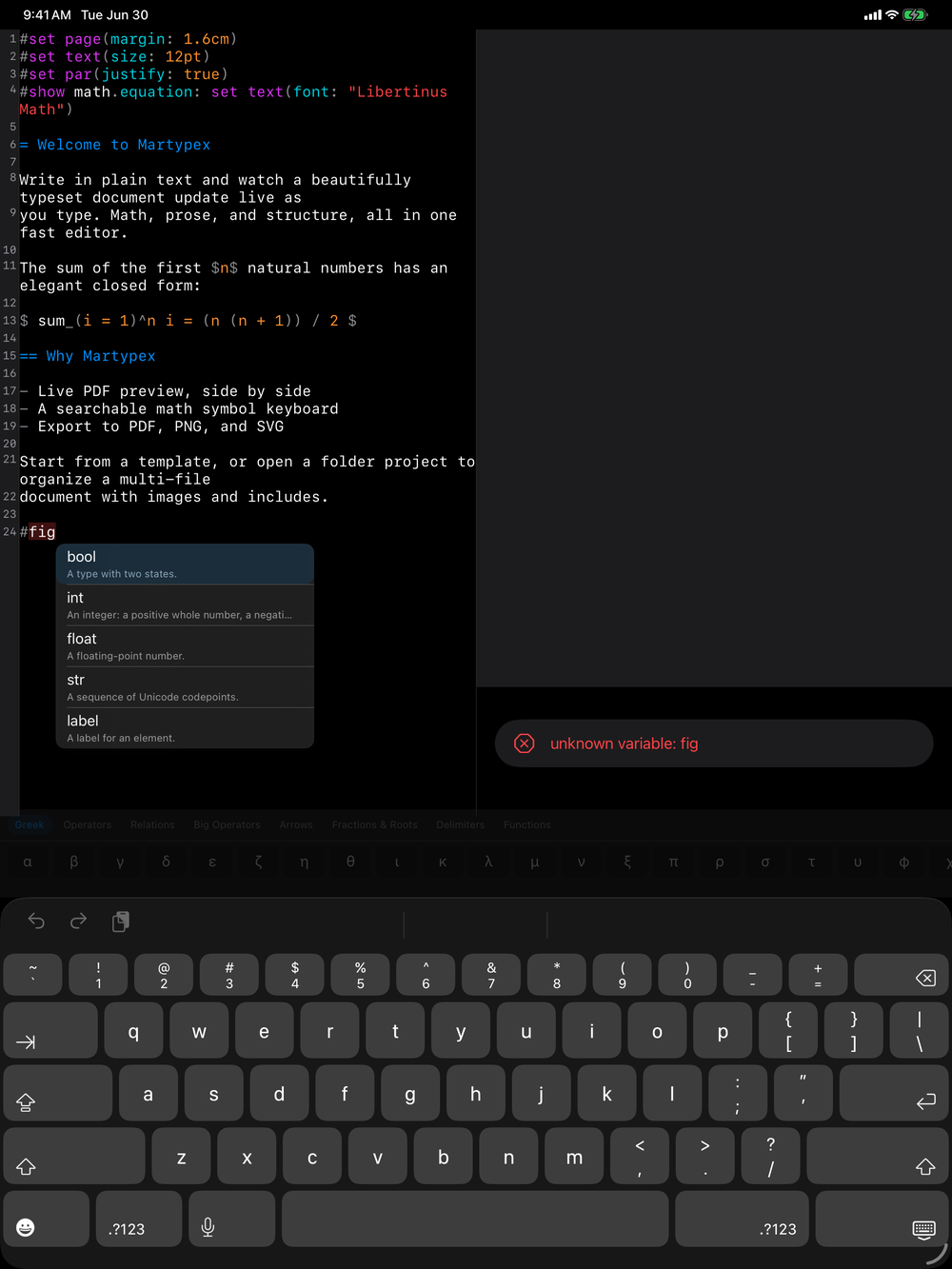
Martypex suggests as you type, so you rarely have to stop and look something up. Completion is powered by typst-ide, the same language tooling the Typst compiler itself uses, so suggestions reflect the actual language, not a static keyword list.
What gets suggested
Start typing a function name and Martypex offers a list of Typst’s built-in functions, each with its signature and parameters, so you can see what a function expects before you commit to it. Type @ to reference a citation key drawn from your project’s .bib file, or < to reference a label you have already set on a figure, equation, or section elsewhere in the document. Accept a suggestion and it is inserted at the cursor, ready to continue typing.
Completion reaches beyond the language itself into the names you would otherwise have to look up by hand. Inside #import "@preview/…", Martypex suggests package specifications drawn from the Typst Universe registry, so you can find a package by name without leaving the editor. Inside text(font: "…"), it suggests font families from the fonts installed on your device, so a name you type resolves to type that will actually render. And inside #image("…") it suggests the image files in your project, while inside #import "…" and #include "…" it suggests the .typ and .bib files, so a path points at a real file rather than a guess.
Together these join the built-in functions, @ citation keys, and < labels already covered, so most of what you would normally break your rhythm to confirm is offered inline instead.


It understands your project
Completion is not limited to the current file. Open a folder project and Martypex indexes labels and bibliography entries across every .typ file you #import or #include, so a citation key or a cross-reference suggests correctly no matter which file it was defined in. As you add labels and bibliography entries, the suggestions update immediately.
Labelling a figure with <fig-results> makes fig-results available the moment you type < anywhere in the project, ready to reference with @fig-results.
The symbol palette
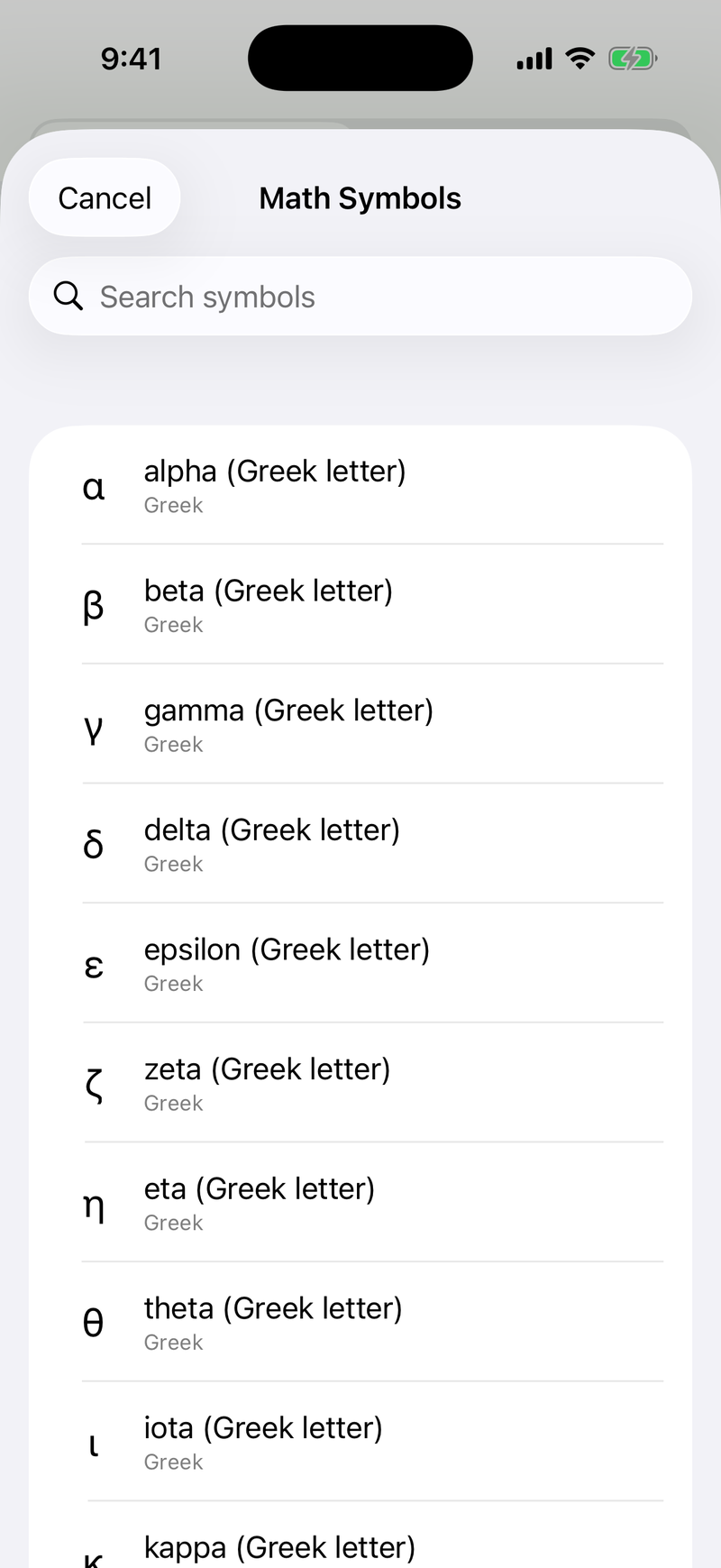
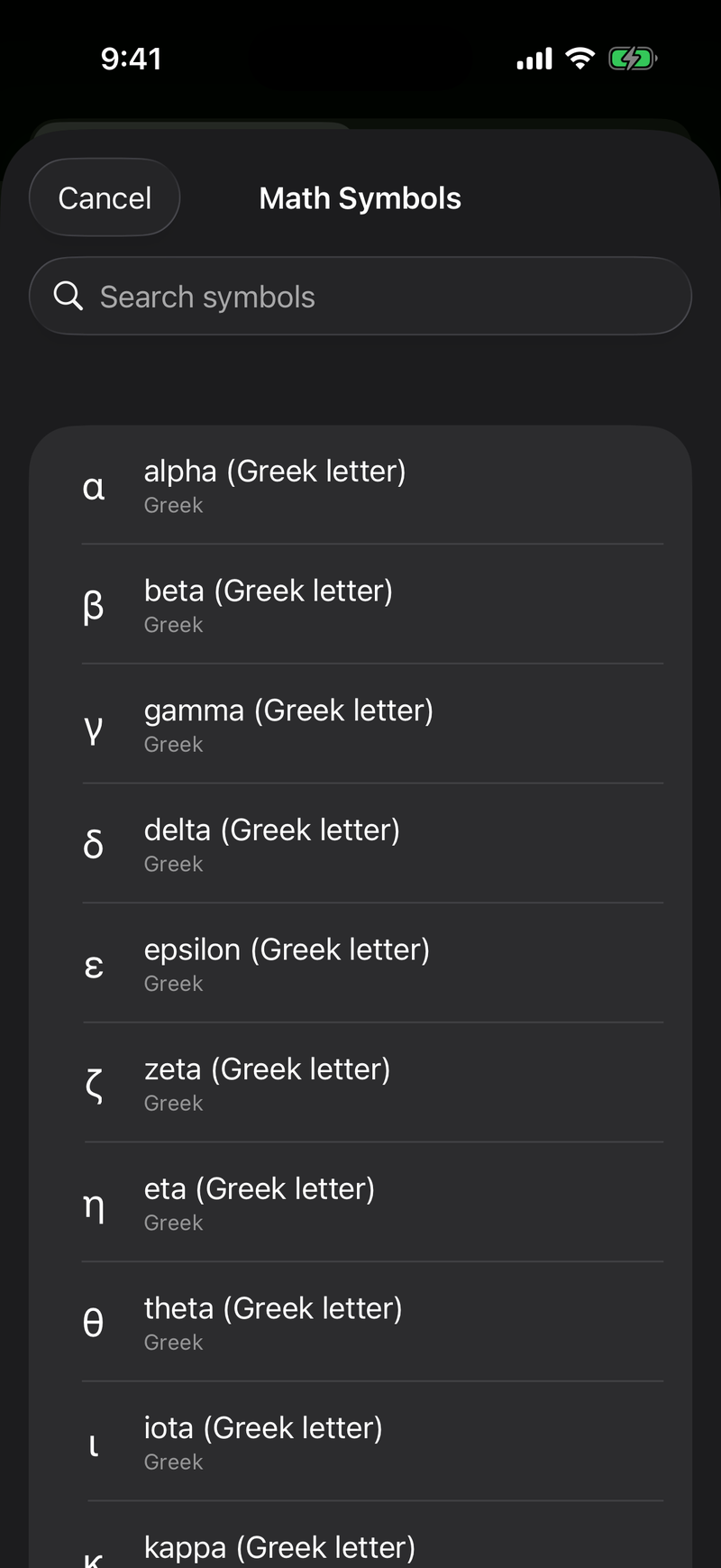
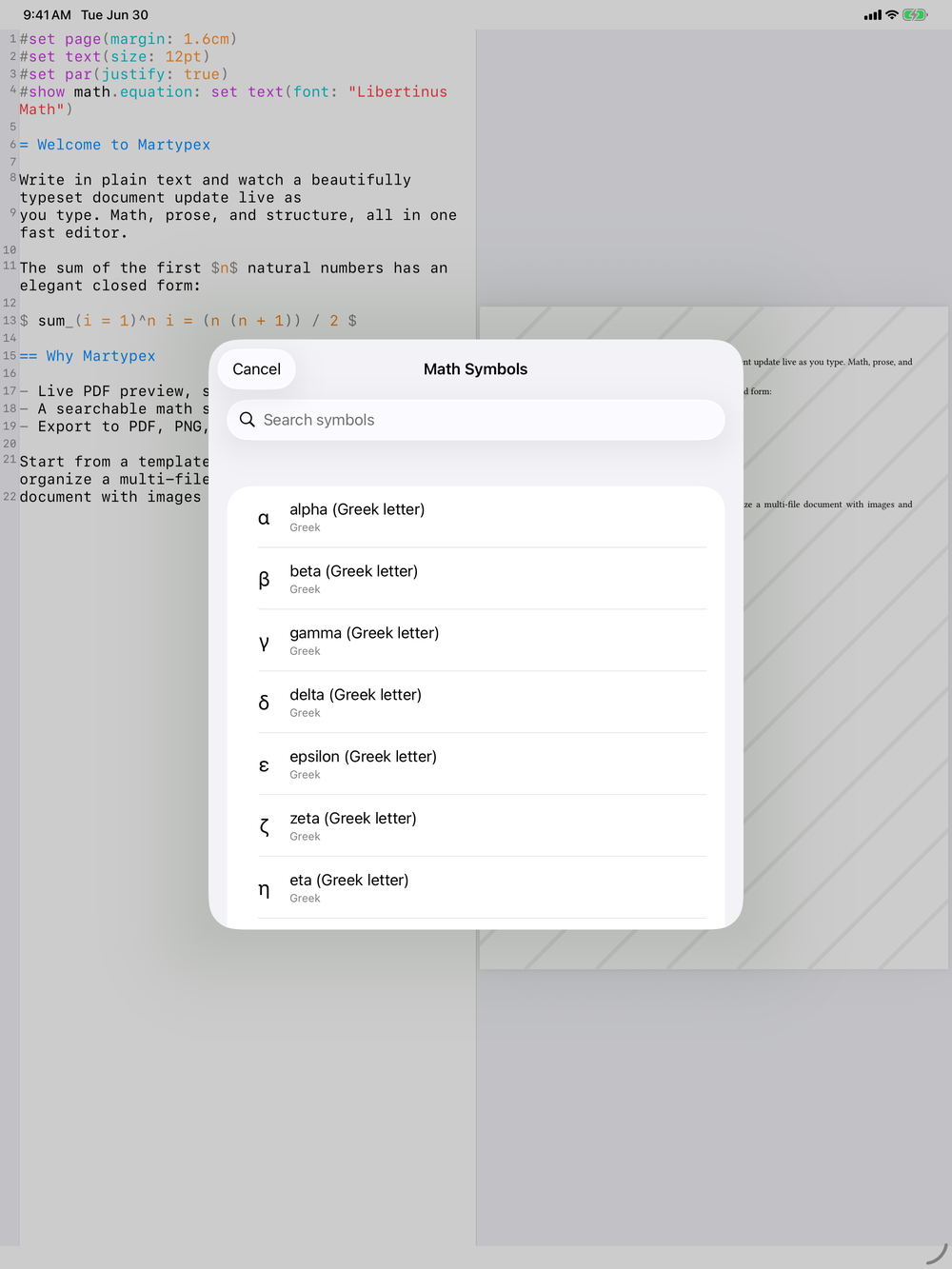
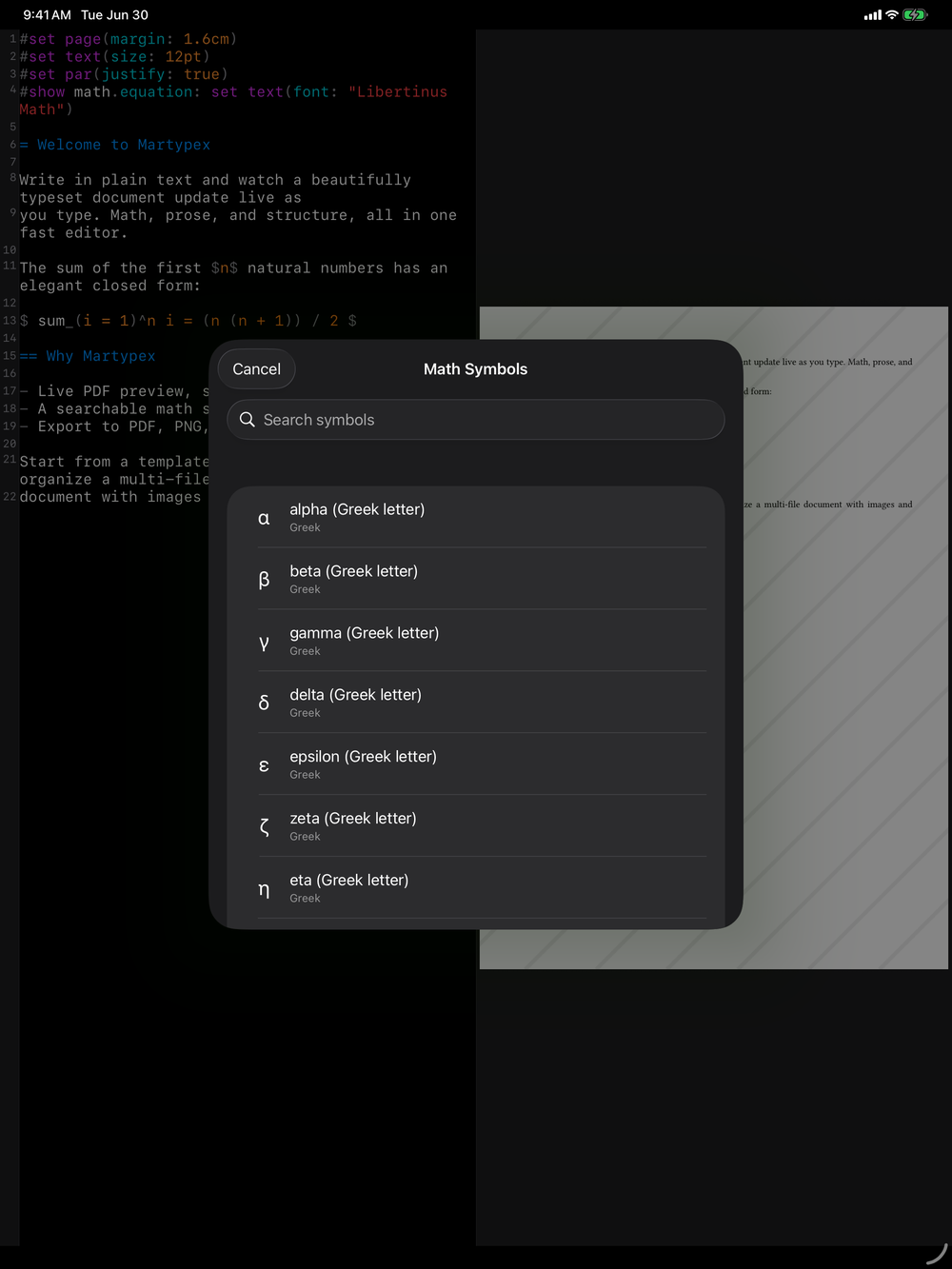
Alongside completion, a searchable symbol palette covers math symbols by name, including LaTeX-name aliases, so typing alpha or searching for a relation finds the symbol even if you only remember its LaTeX spelling. It complements the math keyboard for symbols that do not have a dedicated key.