Document Options
Every document carries a handful of settings, title, author, page size, whether it has a table of contents, that Typst and Markdown normally ask you to write out by hand at the top of the file. Martypex renders those settings as a Document Options card instead: a plain-language summary at the top of your document, with a full inspector one tap away.
The header card
With Live styling on, the very top of a document shows a card labelled Document Options, your document’s title in large type (or Untitled Document as a placeholder if none is set yet), and the author underneath if one is set. A pencil button opens the full inspector.
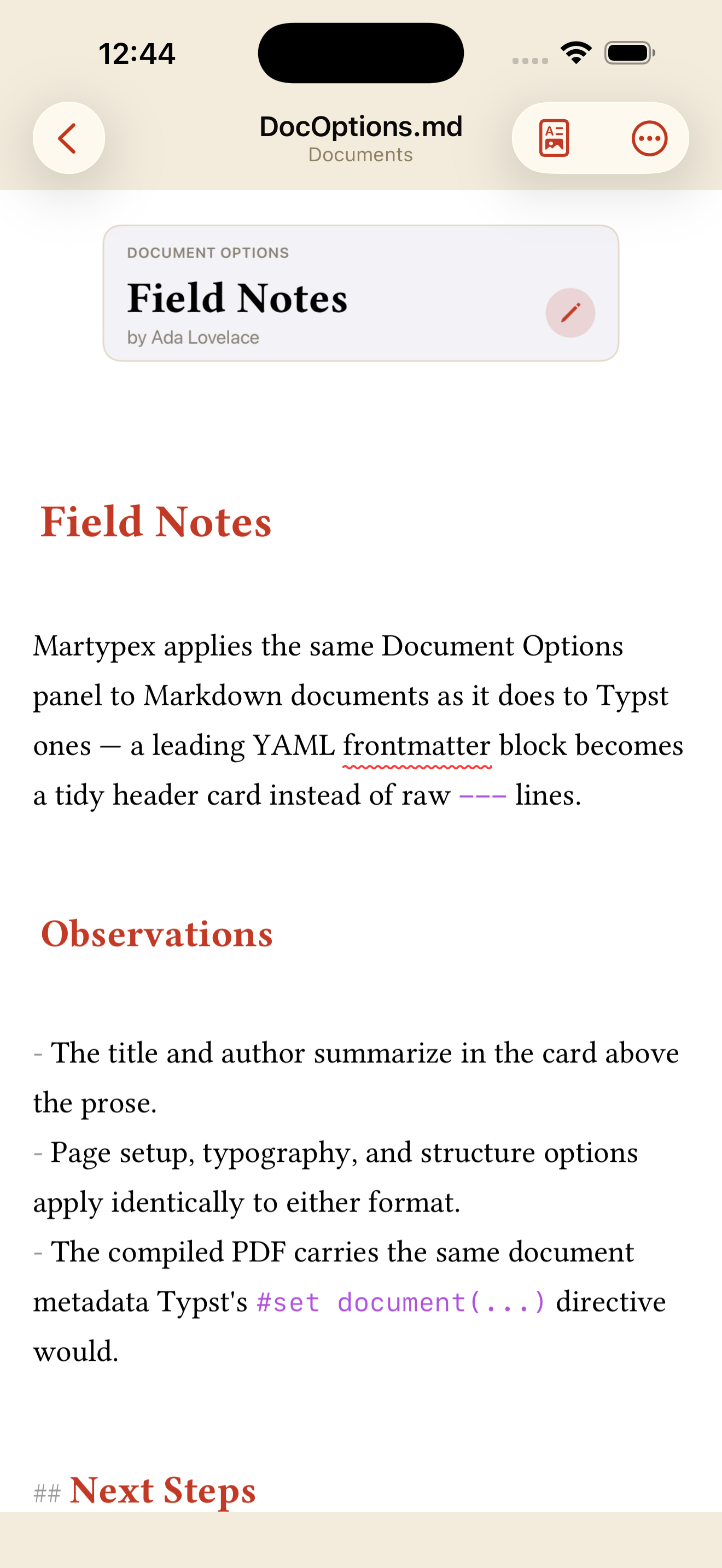

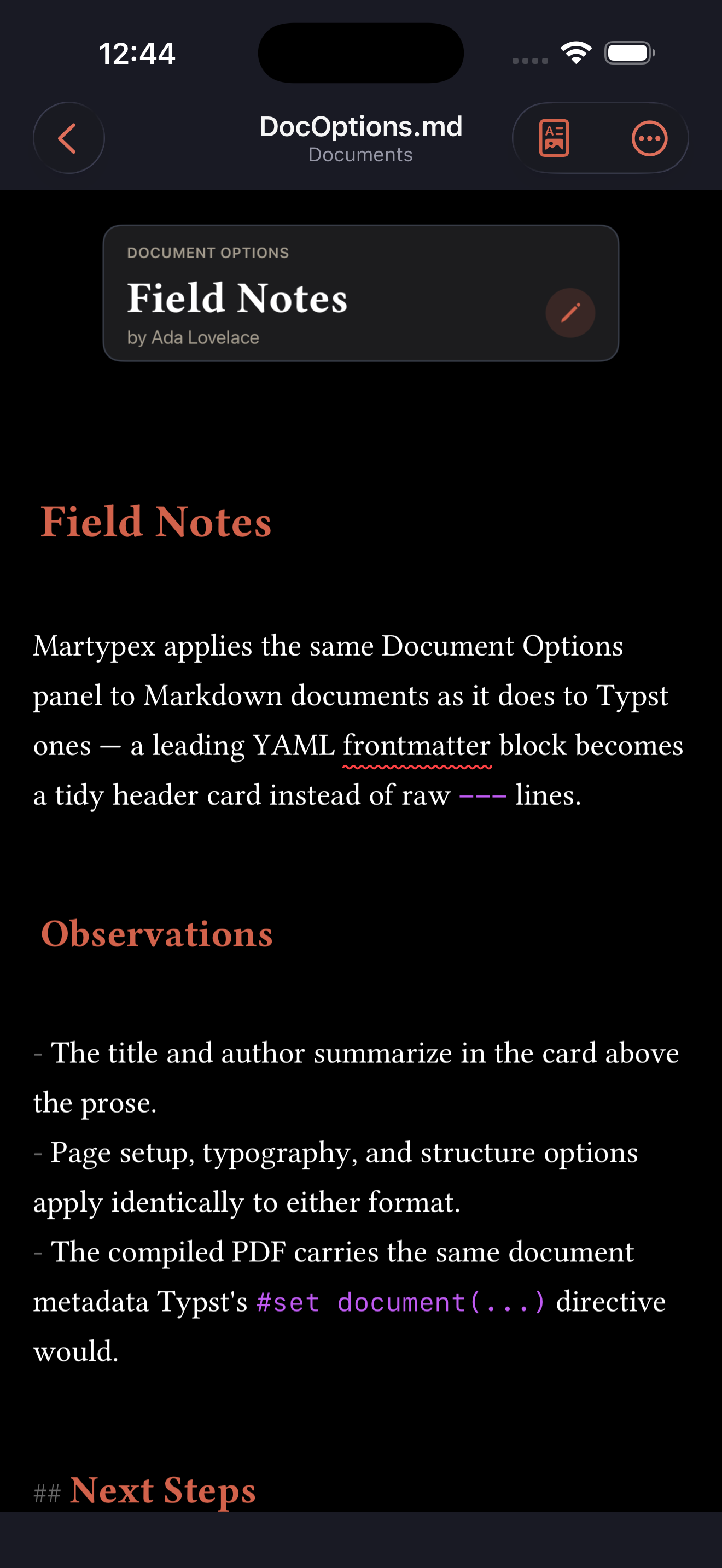
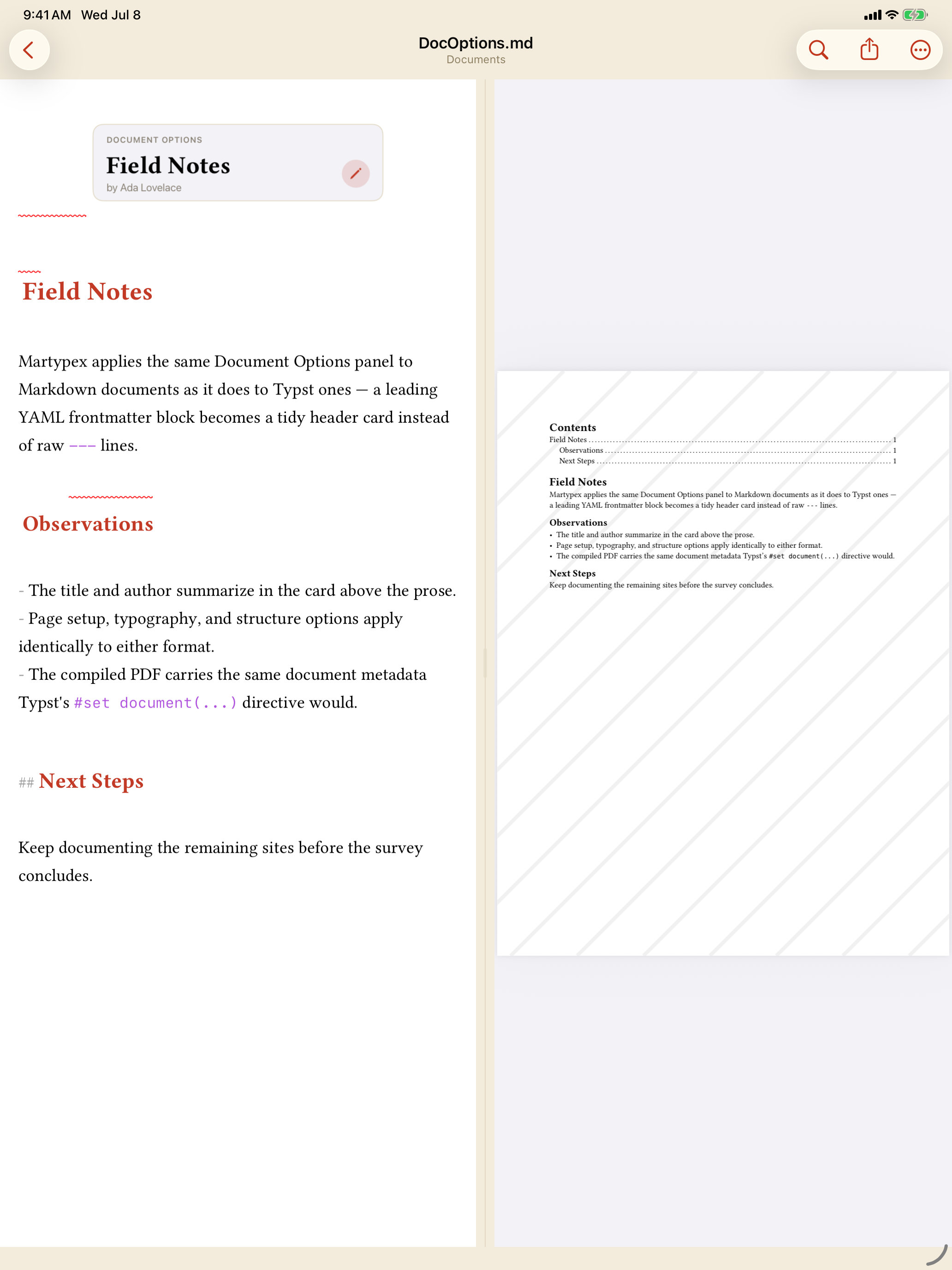

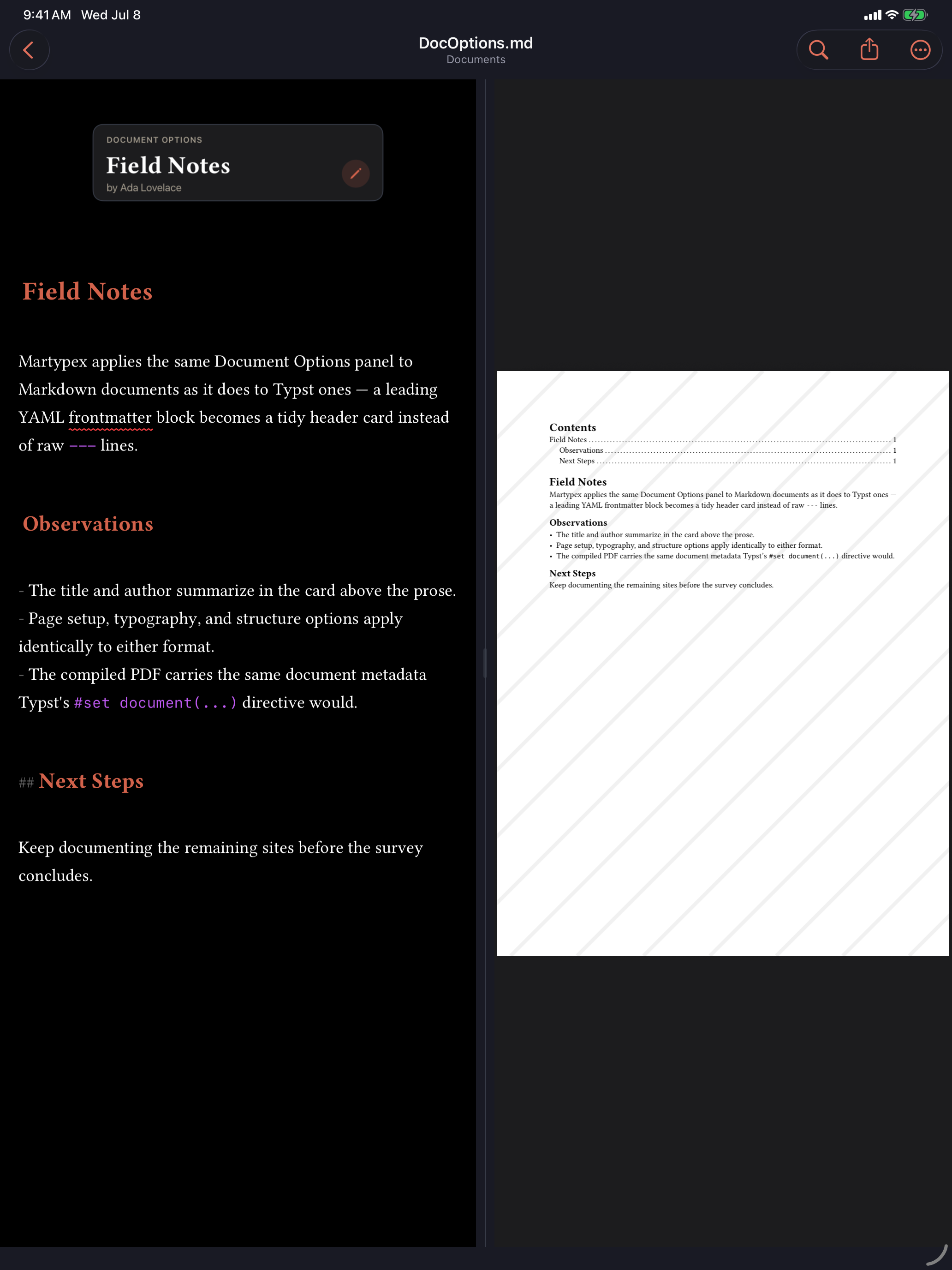
Tap the card to open the inspector directly. For a Typst document, it’s also reachable from the editor’s ••• overflow menu as Document Options….
What’s in the inspector
The inspector is grouped into four sections:
- Core: Title, Author, and either an automatic date or one you set yourself.
- Page: Paper size, margins, and portrait/landscape orientation, the same options as Page Setup.
- Typography: Font, size, and line spacing.
- Structure: A table-of-contents toggle, section numbering, and (for Typst documents) a Bibliography Style picker tied to the same setting as Citation Style.
Every field commits as soon as you change it, writing straight back to the document. If a change can’t be applied safely, for instance because the document’s existing setup is already unusual, Martypex shows an inline error rather than guessing at a rewrite.
Typst and Markdown, the same panel
The same card and inspector work for both dialects, just with a different destination underneath:
- In a Typst document, the inspector writes and reads the leading
#set document(...),#set page(...),#set text(...),#set par(...),#set heading(numbering: ...), and#outline()directives at the top of the file. - In a Markdown document, the same fields read and write a leading YAML frontmatter block (
title,author,date,papersize,margin,orientation,mainfont,fontsize,linestretch,toc,number-sections) instead of raw---lines. The compiled PDF carries the same document metadata either way, so a Markdown document’s title and author land in the exported PDF exactly as a Typst document’s would.
Bibliography Style is Typst-only in the inspector; a Markdown document’s citation formatting isn’t yet exposed there.