Figures
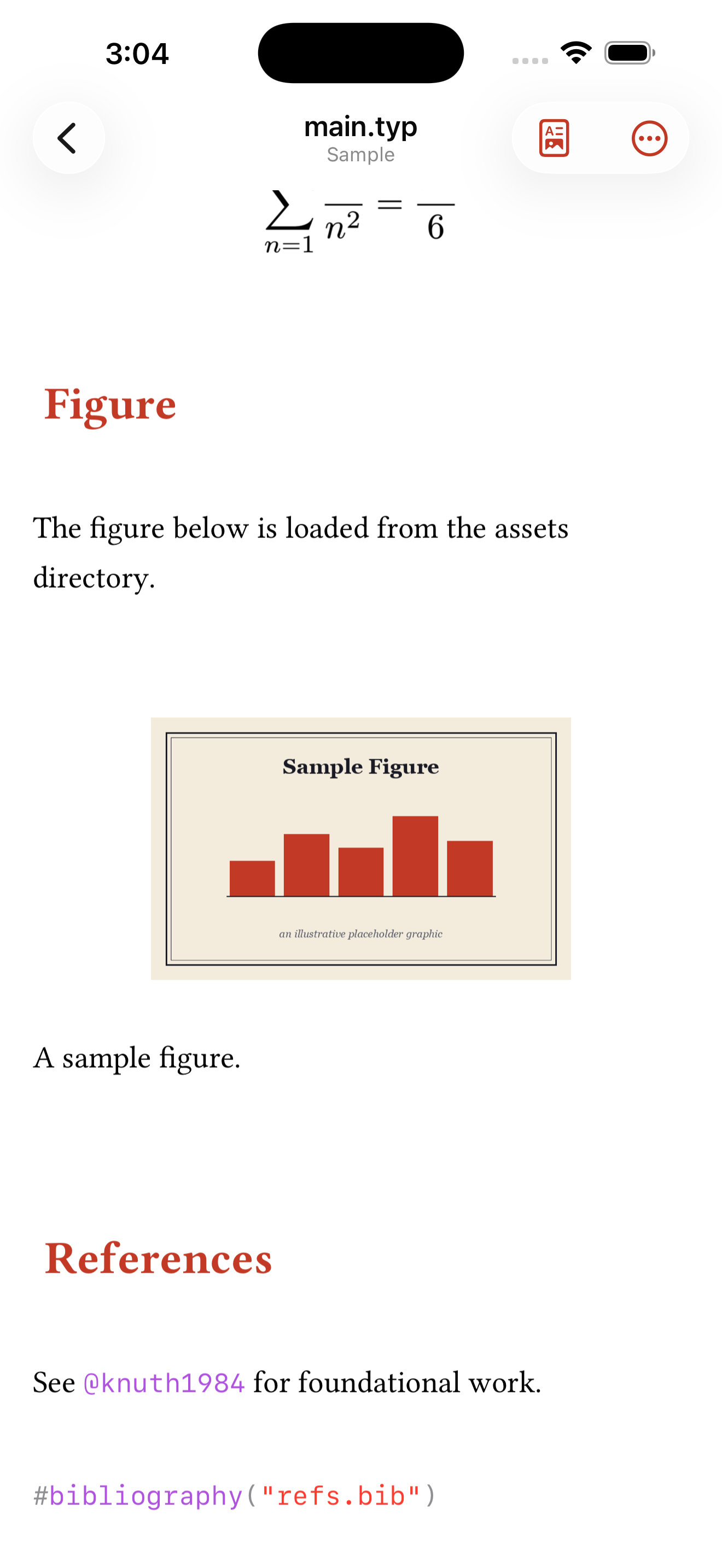
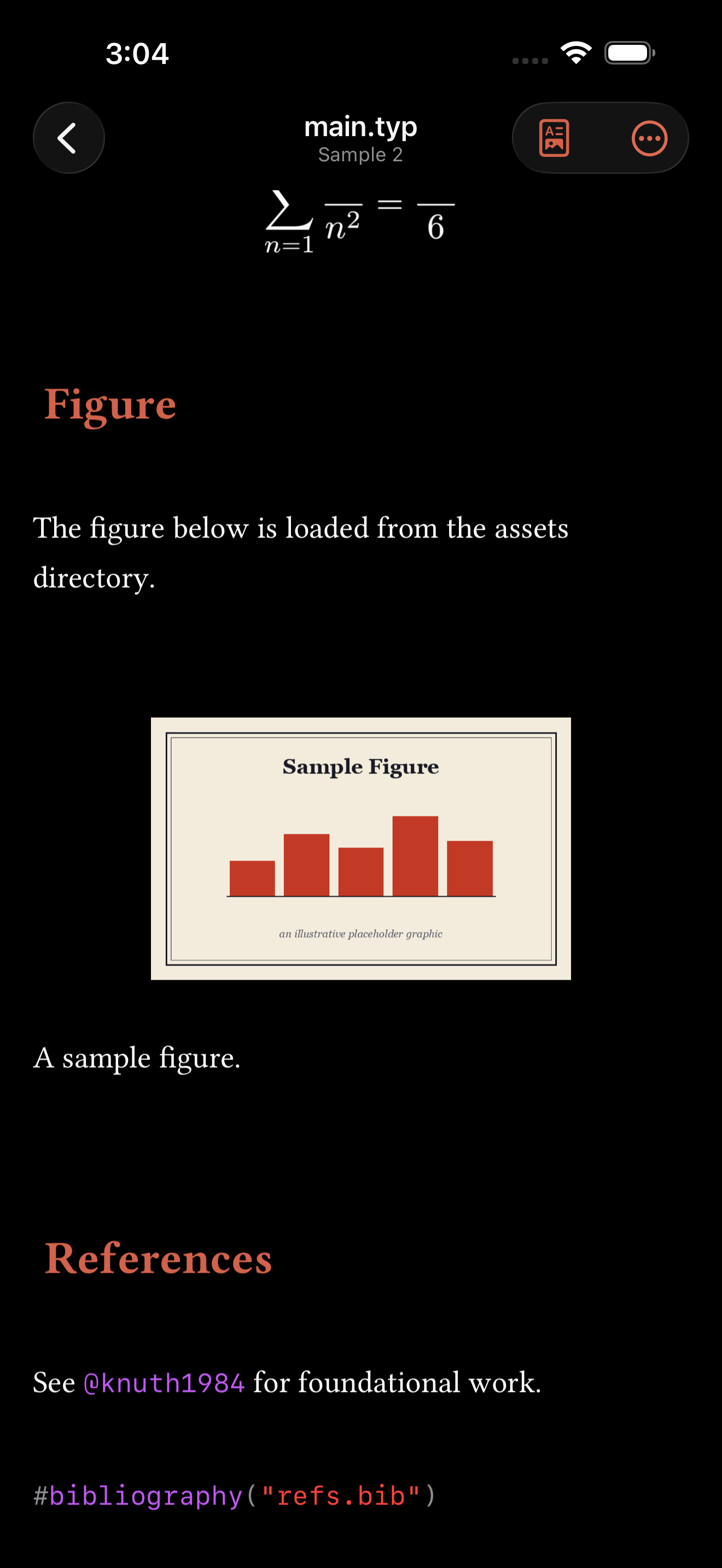
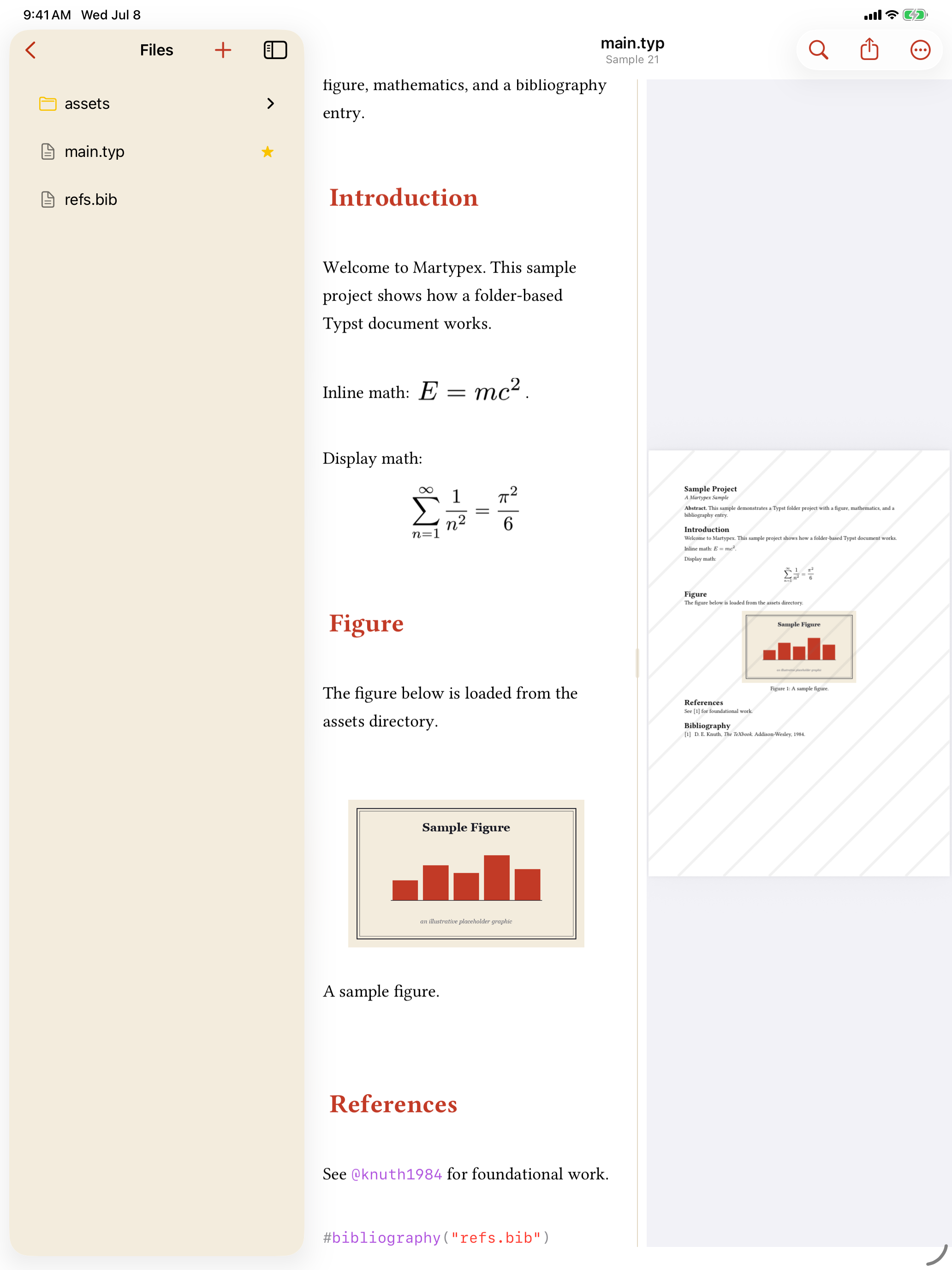
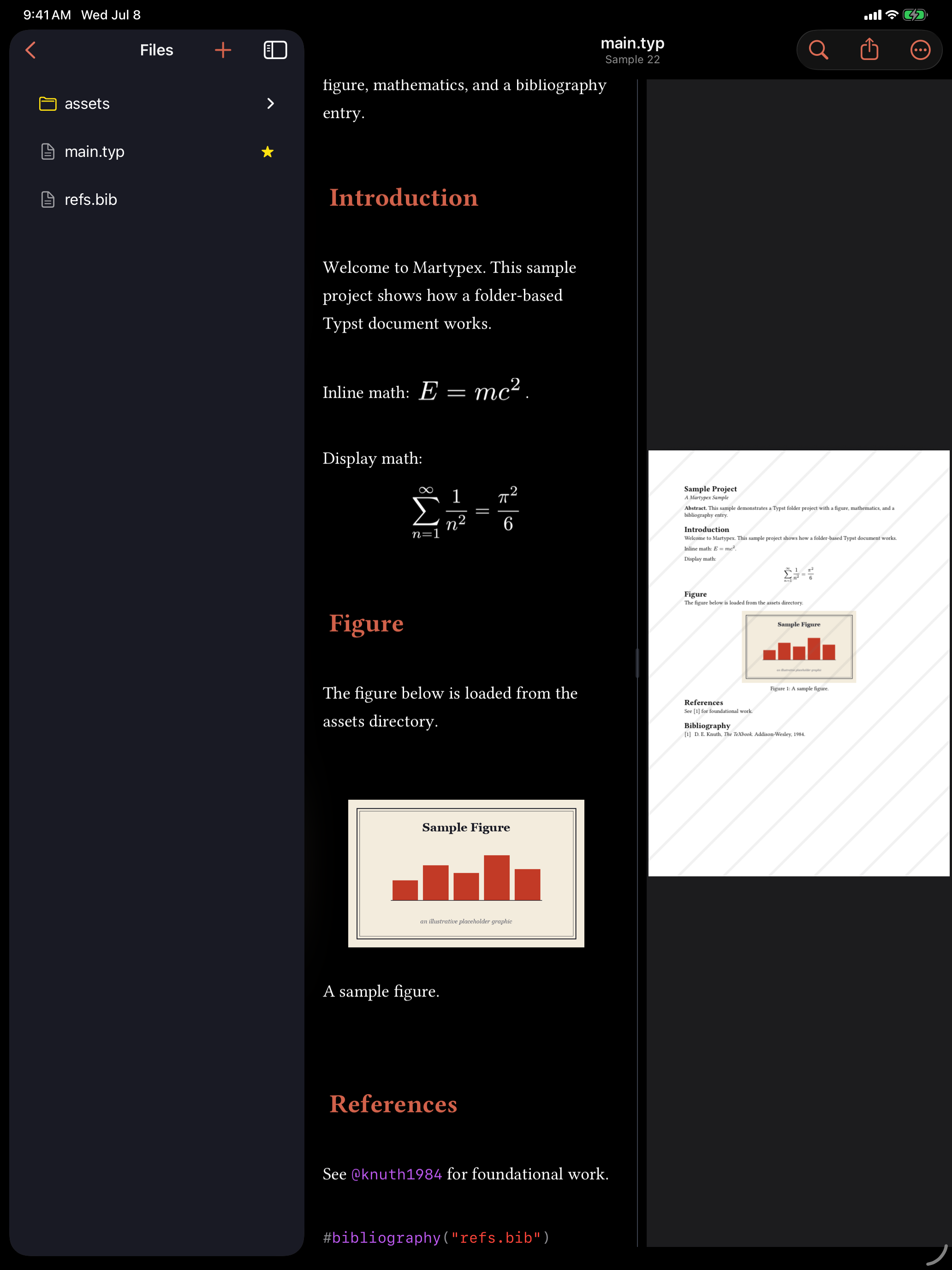
A Typst #figure is how you place an image with a caption, and with Live styling on, Martypex renders one right in the editor instead of leaving it as a block of function-call syntax: the image appears as a large, centered block with its caption underneath, exactly as it will look in the compiled PDF.
Rendered figures are currently a Typst feature, inside a folder project (so the image path has somewhere to resolve from). A single-file document promotes to a project the moment you add an image. See Folder Projects for how that works.
How a figure renders
Write a figure the way Typst expects:
#figure(
  image("assets/sample.png"),
  caption: [A sample figure.],
)
With Live styling on, the #figure(, image(...), caption: [, and closing punctuation conceal themselves, and what’s left is the image, centered, with its caption in plain text below it, unconcealed and readable at all times. Tap or place the caret anywhere inside the figure and the whole block reveals its raw source, every line, not just the one under the caret, so you can see and edit the exact call that produced it.


The properties inspector
Tap a rendered figure and Martypex opens a small Figure inspector, on iPad as a popover beside the figure, on iPhone as a sheet, with four properties:
- Caption: the text under the image.
- Width: a slider from 10–100% of the page width, with a live percentage readout.
- Alignment: Left, Center, or Right. Center is Typst’s own default, so choosing it leaves the figure call unwrapped; Left and Right wrap the image in Typst’s
align(). - Label: a cross-reference tag (for example
fig:sample) so you can write@fig:sampleelsewhere in the document to refer back to this figure. See Completion for how that reference autocompletes.
Every change writes straight back to the figure’s Typst source, in the same undo step, the moment you commit it. If Martypex can’t confidently rewrite the source, for instance if the figure’s syntax is already unusual, it shows an inline error instead of guessing.