Fonts
Martypex ships with the full set of fonts Typst uses by default, so most documents render correctly out of the box. When you need a face that isn’t bundled, the Fonts manager (Settings → Fonts) lets you download it, import your own, or pull from Google Fonts, and everything you add applies to the open document immediately.
The bundled fonts and the built-in Typst font library are free to use and download. Importing your own font files and browsing Google Fonts are Martypex Pro features. See what Pro includes →
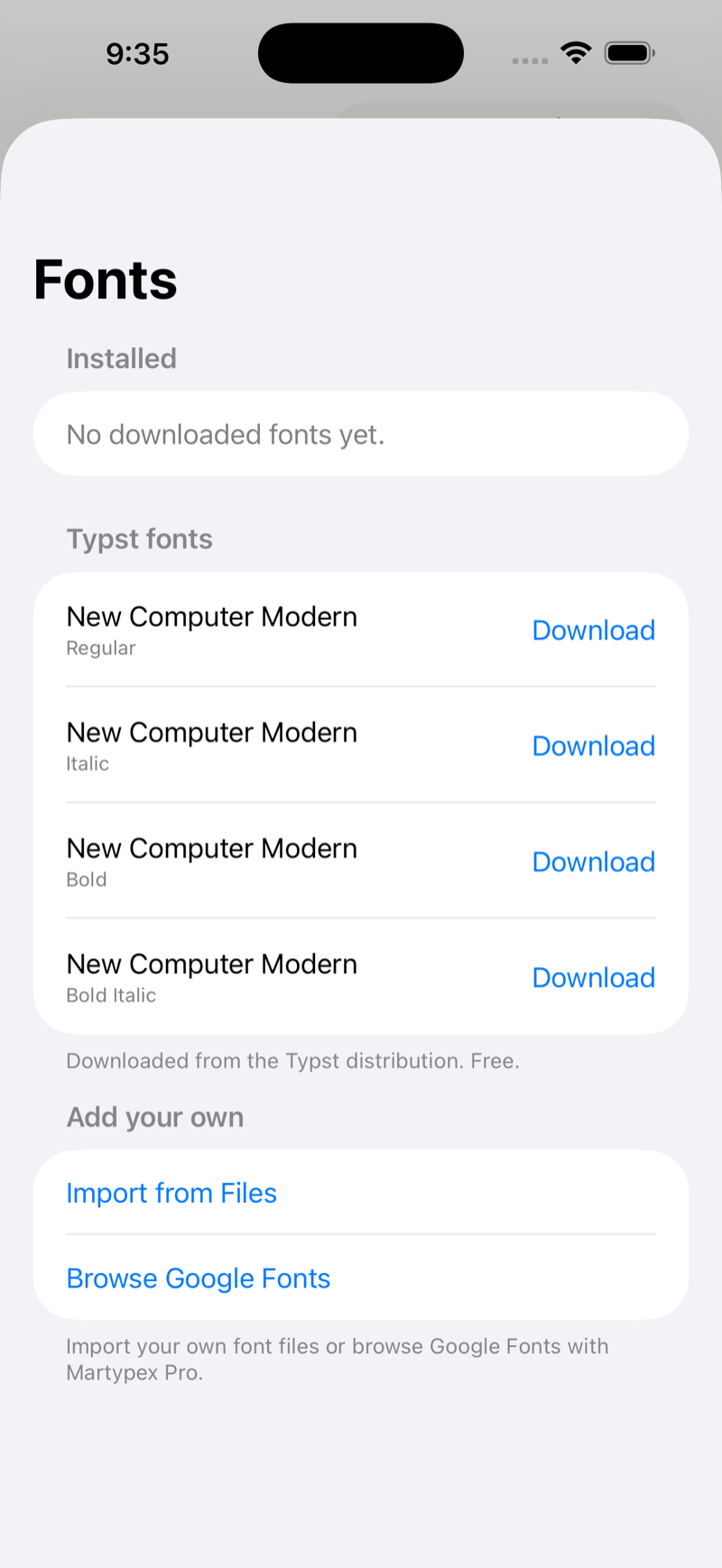
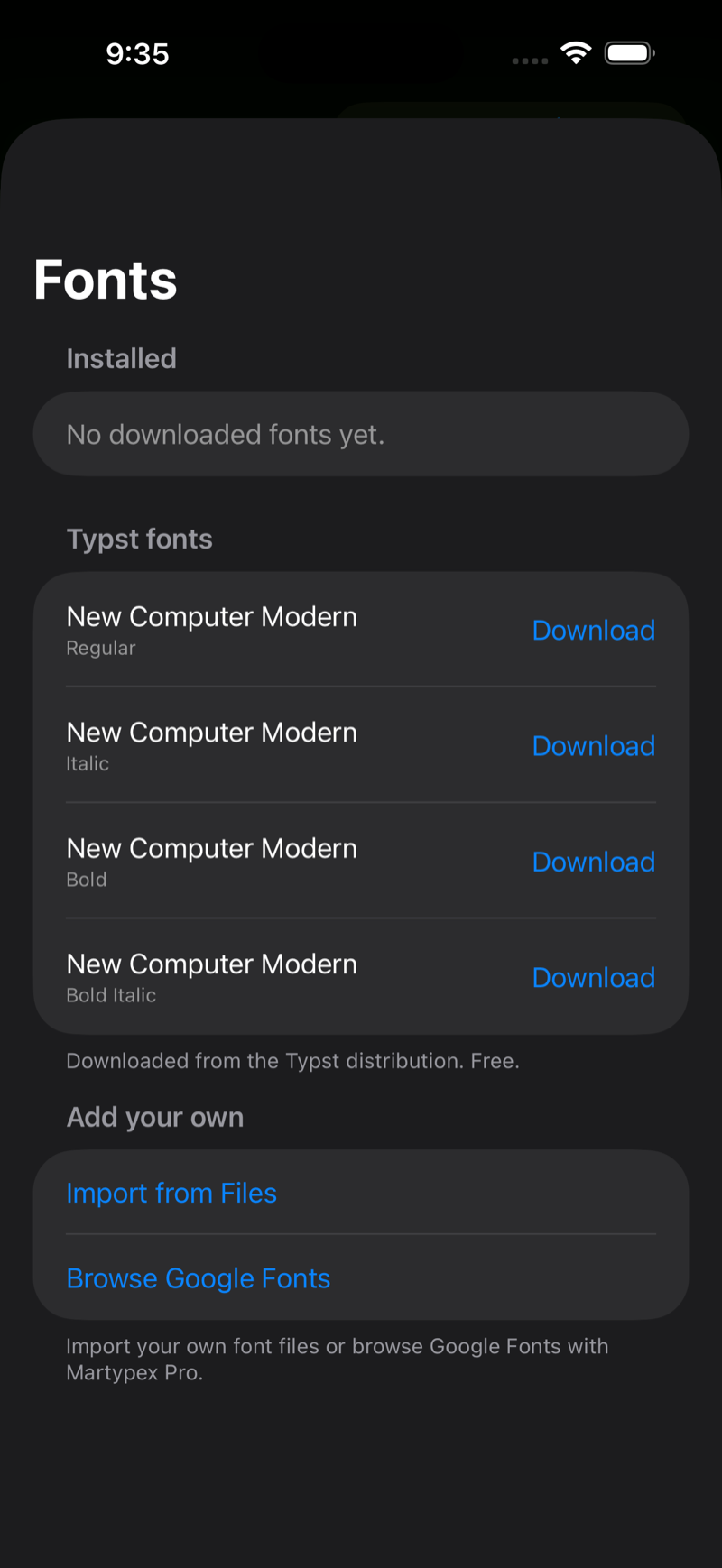
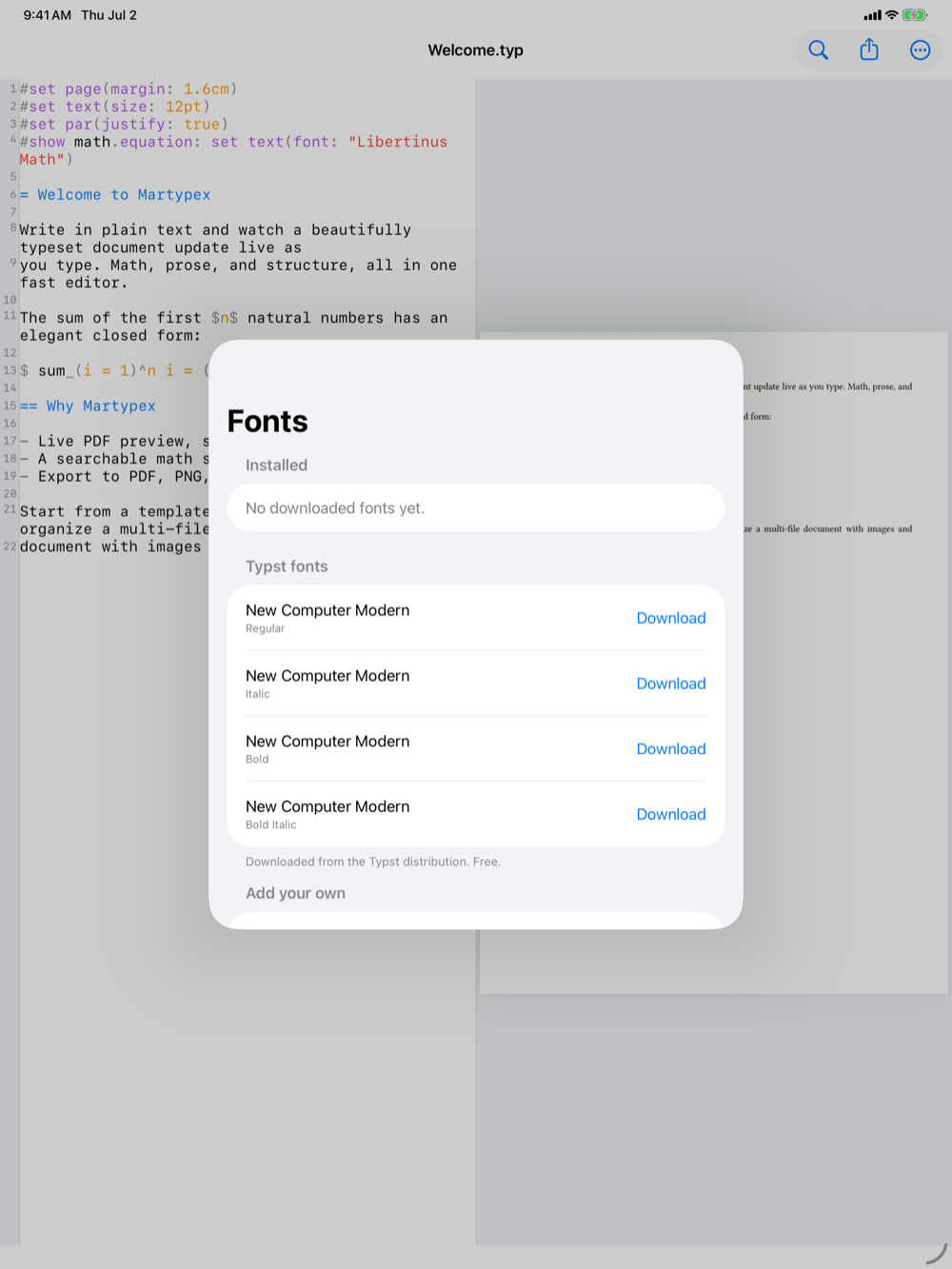
Installed
The Installed list shows every font in your library with a live preview of the actual typeface, a badge for where it came from (Typst, Imported, or Google), and its licence. Fonts downloaded as a family, several weights and styles at once, are grouped under one entry. Tap the trash icon to remove a font; the open document recompiles so you see the effect right away.
Typst fonts (free)
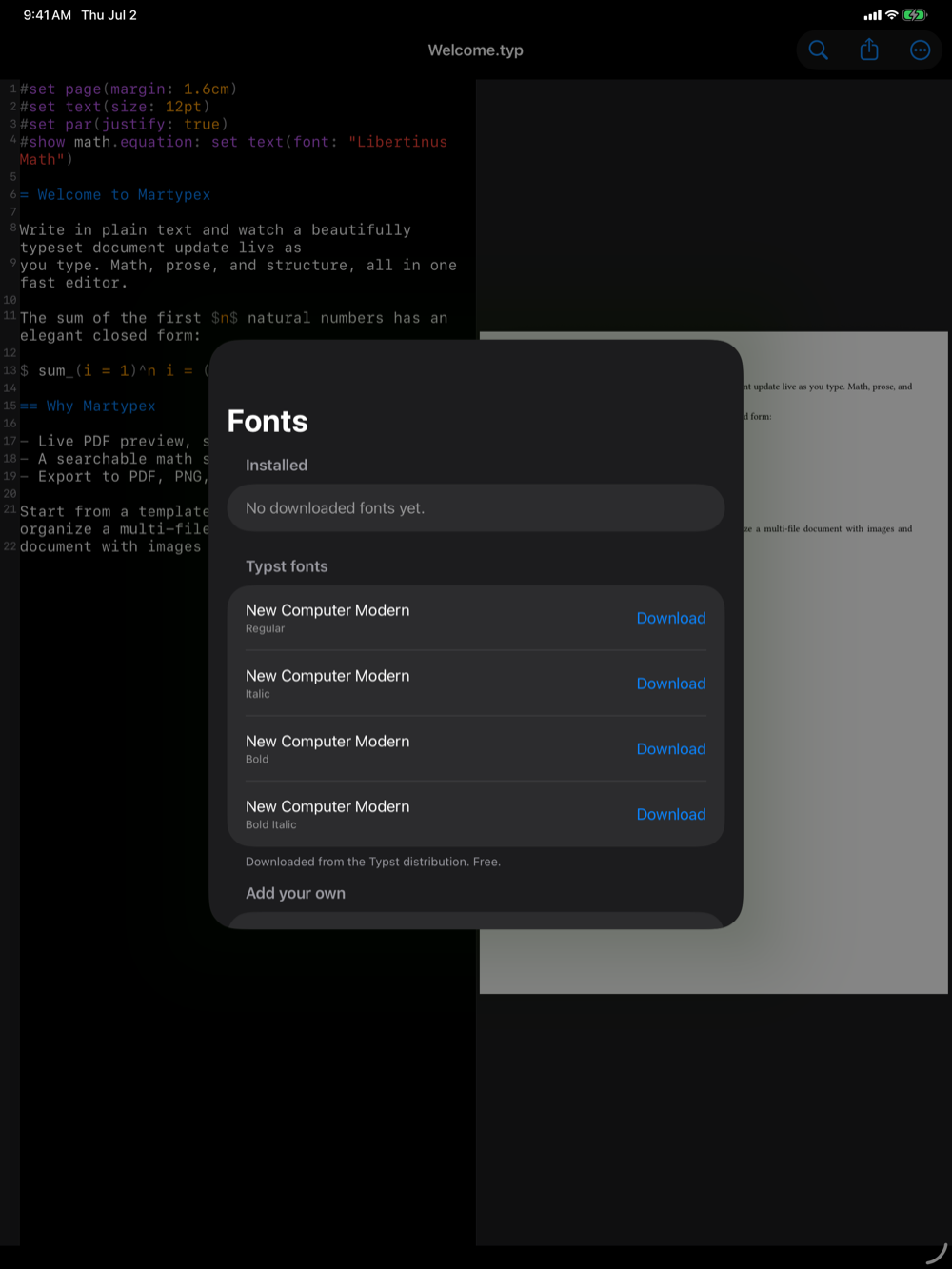
Typst’s default document font is the New Computer Modern family. Its Regular text weight ships under a licence Martypex cannot bundle, so instead you can download it, and the other New Computer Modern text weights, on demand from the official Typst font distribution. This is completely free.
Each row shows a Download button; tap it and the weight is fetched, registered with the compiler, and applied to your document live. If a download fails (for example, you are offline) the row offers Retry.
The download comes from a mirror of Typst’s own font assets, pinned to the exact Typst version Martypex compiles with, so what you get on device matches what typst.app would produce.
Add your own (Pro)
The Add your own section holds two Pro surfaces. Both rows are always visible; on the free tier tapping one opens the paywall.
Import from Files
Import your own .ttf, .otf, or .ttc font files from the Files app, including iCloud Drive and third-party providers. You can select several at once; Martypex validates each, installs the valid ones, and reports any files it could not read, then recompiles once so the whole batch applies together.
Browse Google Fonts
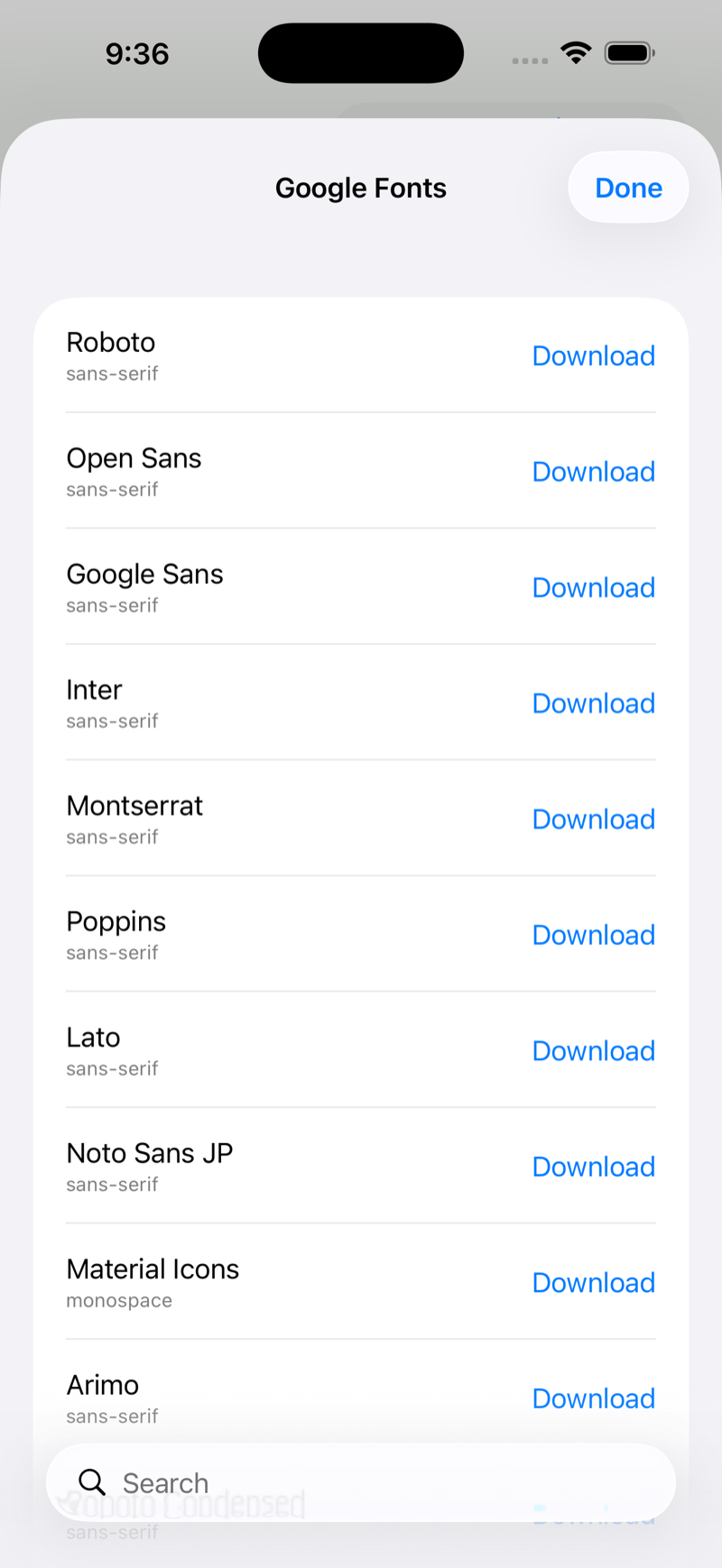
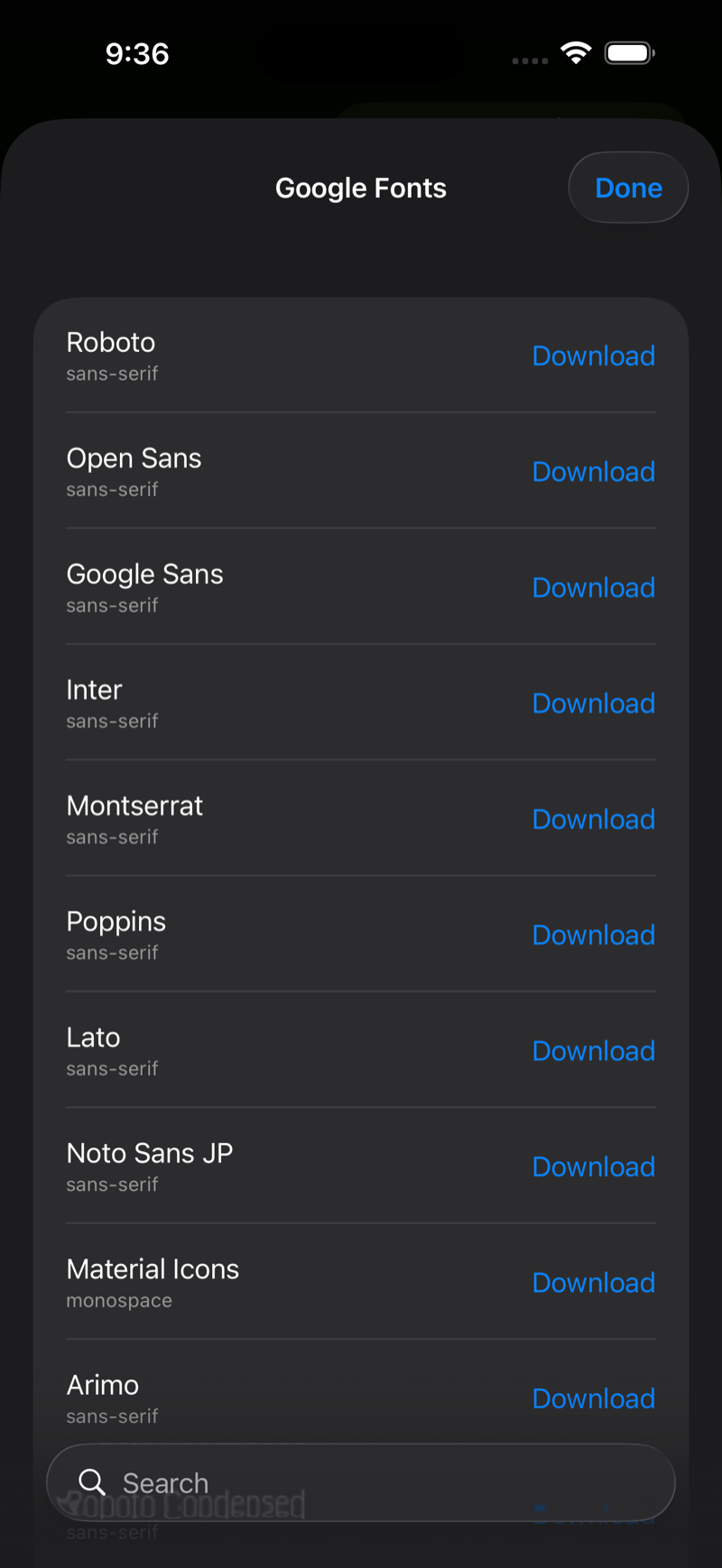
Search the full Google Fonts catalogue and install a family with one tap. Martypex downloads the real Regular, Italic, Bold, and Bold-Italic faces (not a single synthesized weight), so bold and italic in your document use the genuine designs. The catalogue is cached on device, so reopening the browser is instant and works offline once loaded.
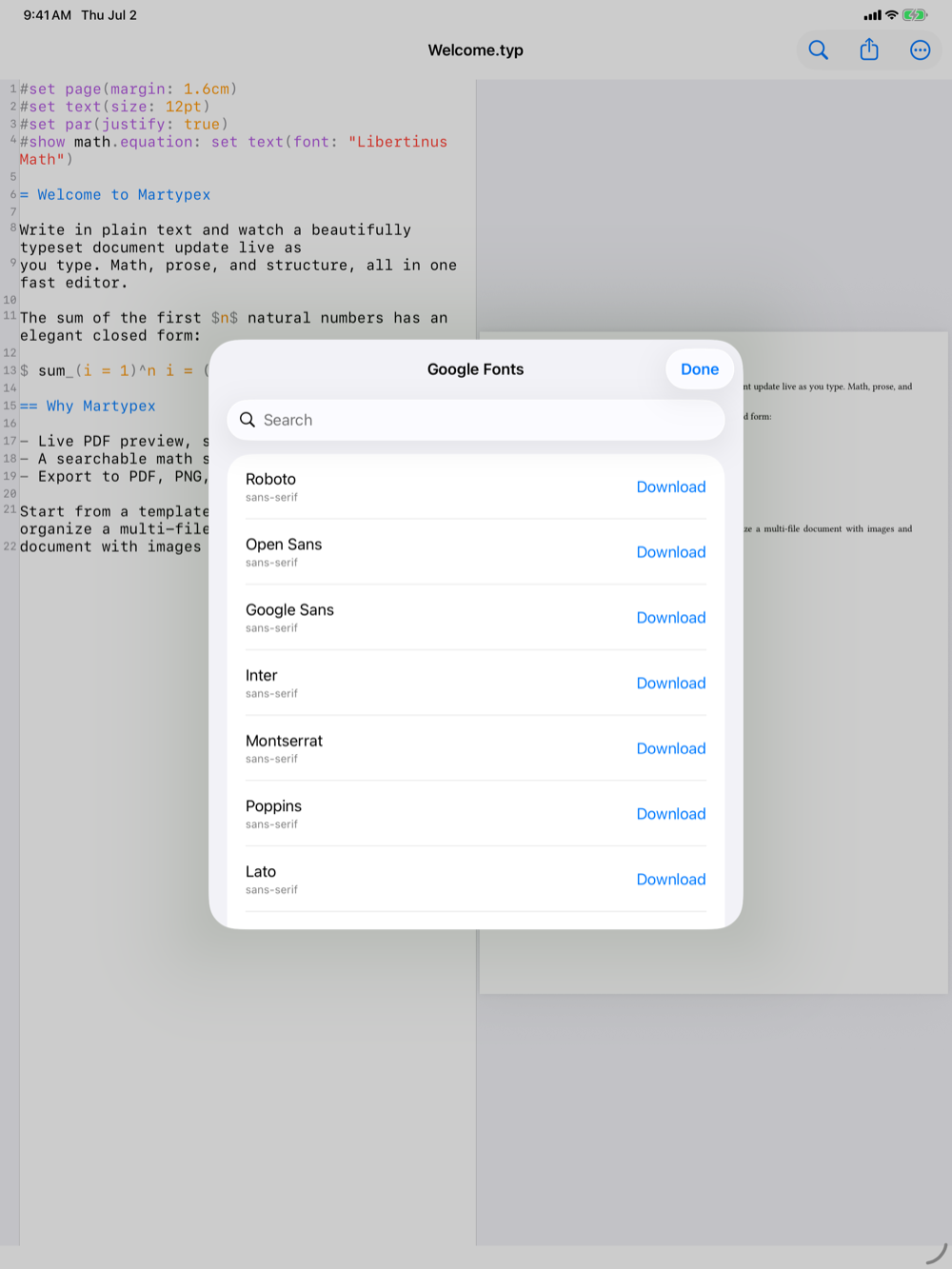
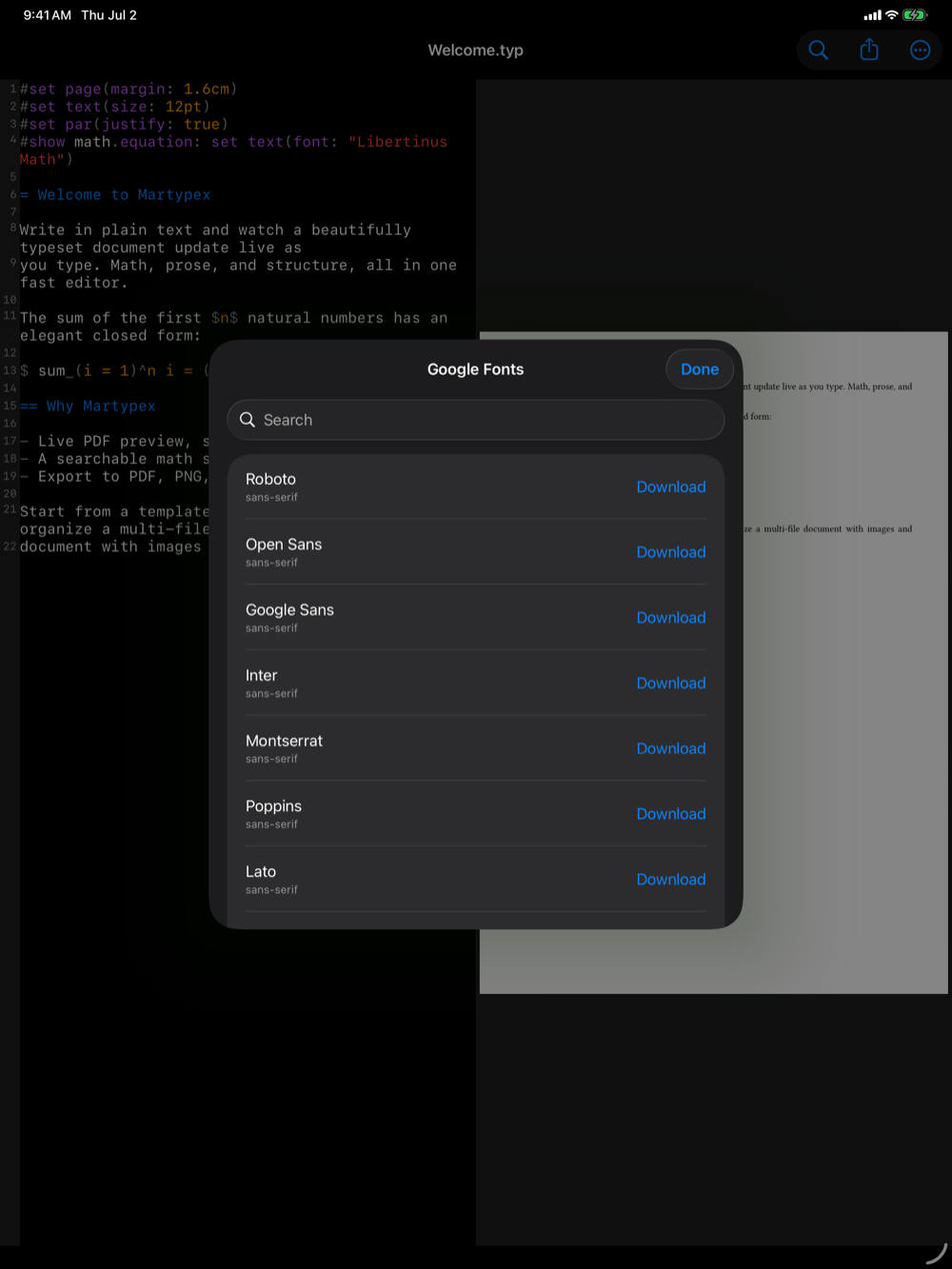
Google Fonts carry their own licences, mostly the SIL Open Font License, with a handful under Apache 2.0 or the Ubuntu Font Licence. Martypex records the correct licence for each family it installs.
Licences
Every font you download or import is a third-party asset with its own licence. Martypex tracks each font’s SPDX licence identifier and lists your downloaded fonts, with their licences, under Acknowledgments (Settings → Privacy → Acknowledgments). The full text of the relevant licences (OFL, GPL, GUST, Apache 2.0, Ubuntu Font Licence) is bundled and viewable in the app, no network required.