Live Preview
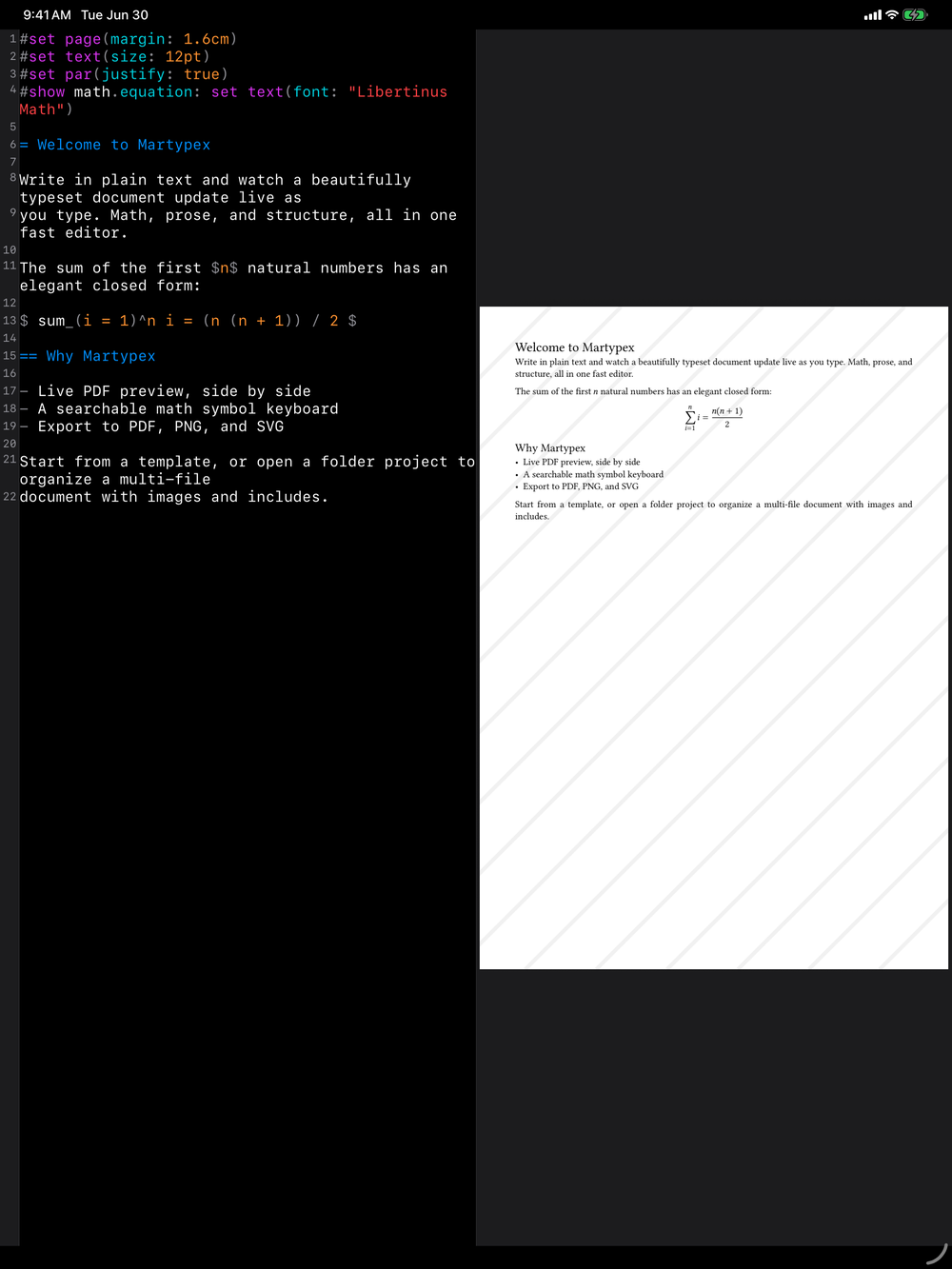
Martypex compiles your document as you type and shows the result as a real, paginated PDF, not an approximation. The preview is a first-class part of the editor, not an afterthought you trigger manually.
How compilation works
Every keystroke can trigger a recompile, but Martypex does not rebuild your document from scratch each time. Compilation is incremental: it reuses work from the previous pass so only what changed needs to be reprocessed, keeping edits fast even in longer documents.
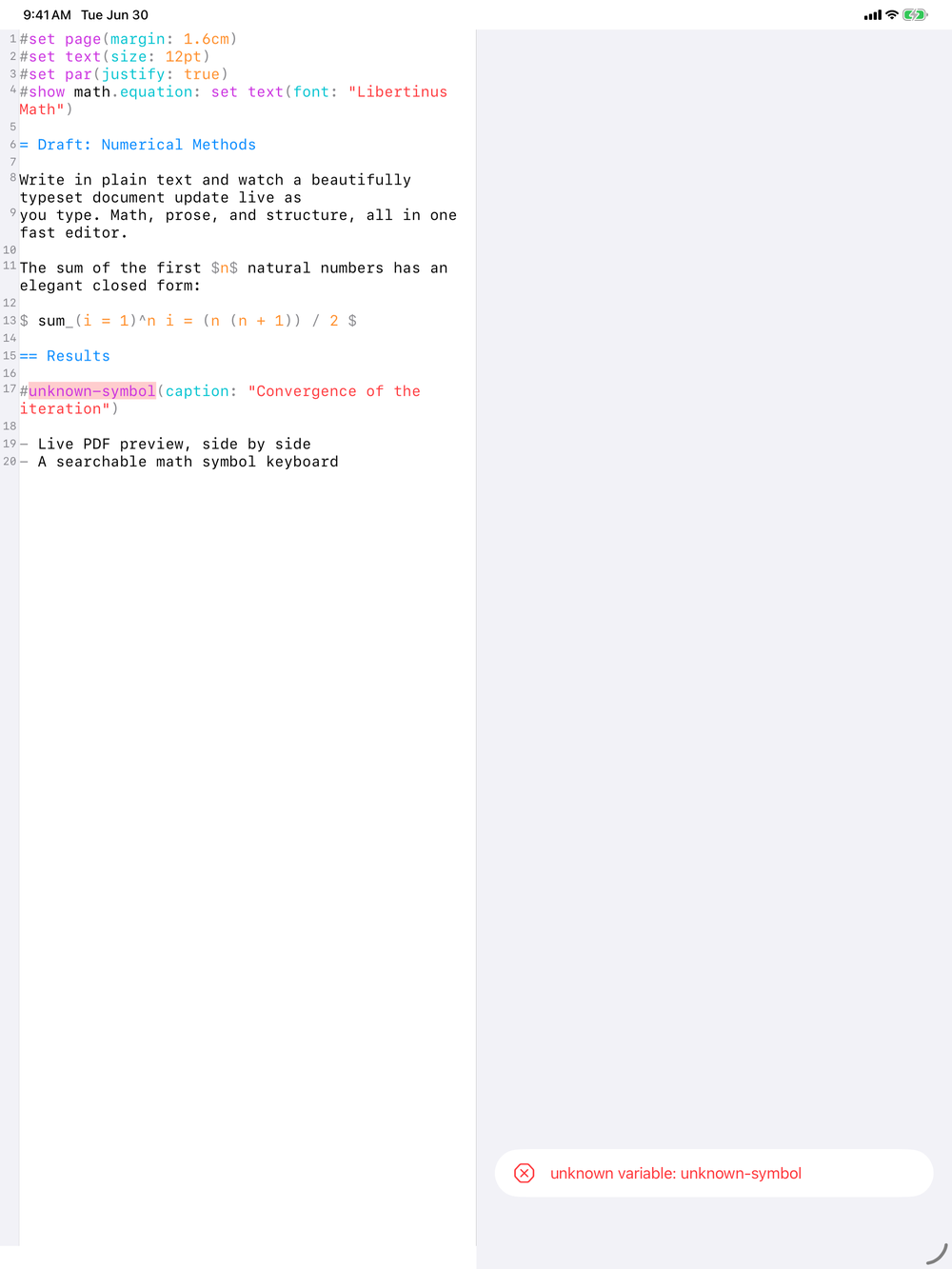
The preview also follows a keep-last-good rule. While you are mid-edit, or if the current source has an error, the preview holds your last successful render on screen rather than going blank or showing a half-finished page. You always have something to look at, and the moment your document compiles cleanly again, the preview updates to match.
Reading diagnostics
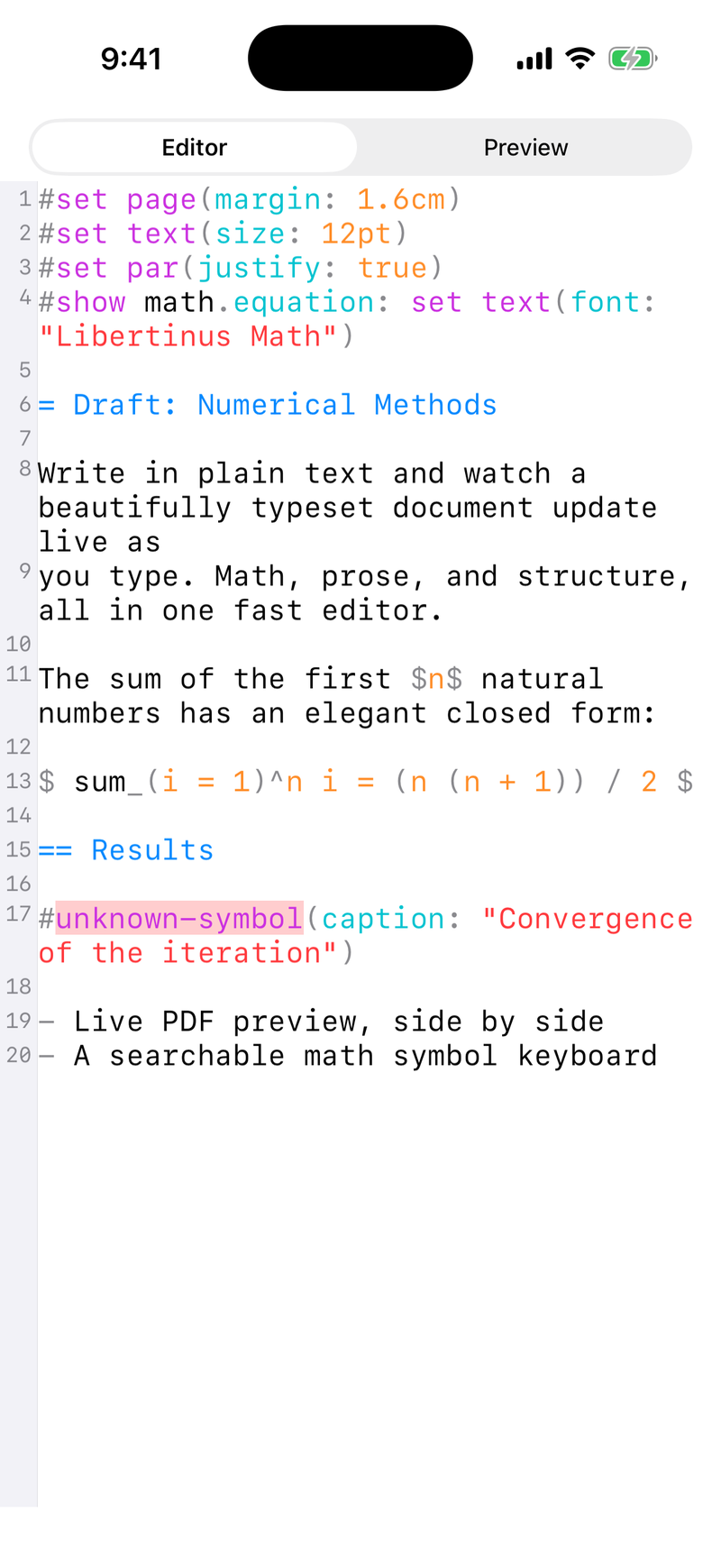
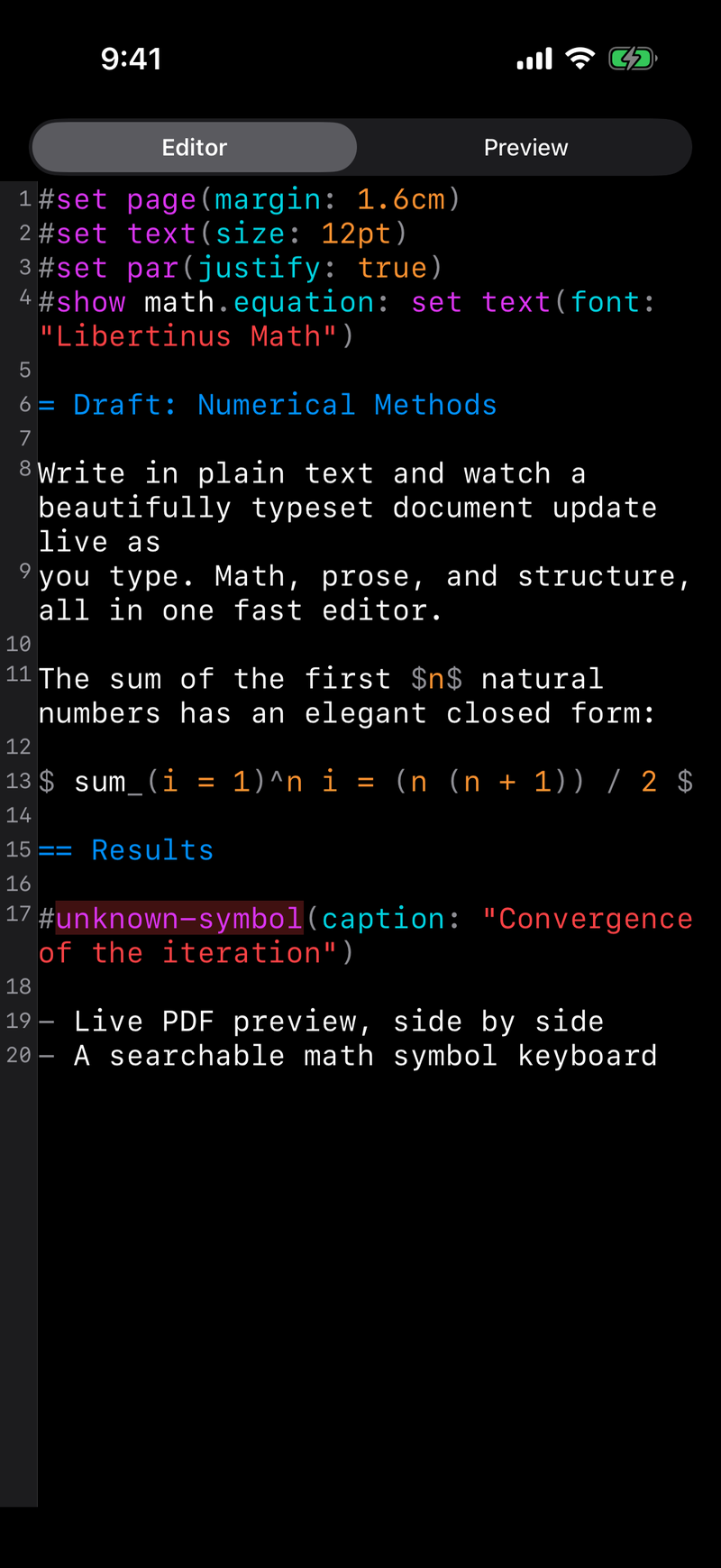
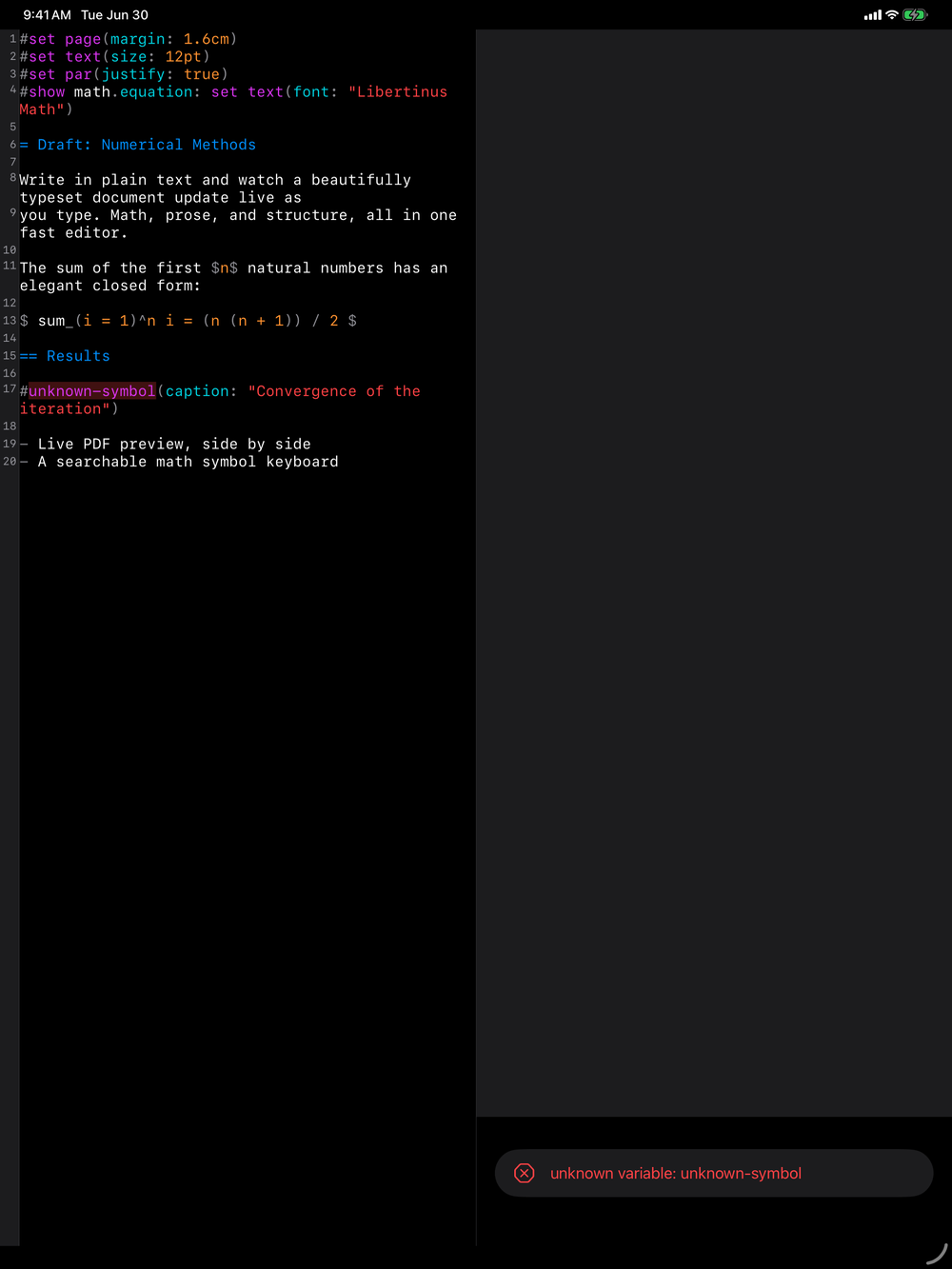
When a compile produces errors or warnings, Martypex surfaces them as inline diagnostics mapped to the source line that caused them. You do not have to cross-reference a separate error log: the problem is marked right where it happened in the editor, so you can fix it and move on.
Because of keep-last-good, a diagnostic never costs you your preview. You can take your time fixing an error while still seeing the last clean page underneath.
Paging the PDF
The preview is a genuine PDF view, and your document is paginated the same way it will be once exported. Page through it to check layout, figure placement, and page breaks exactly as they will appear in the final file.
Jump between editor and preview
The editor and the live preview are linked in both directions. Tap a spot in the PDF and Martypex jumps the editor to the source that produced it, selecting the matching text so you can begin editing at once. Move the cursor in the editor and the preview scrolls to the corresponding place on the page and flashes a brief highlight, so you can see exactly where you landed.
In a folder project, the link follows your content across files. Tapping preview text that came from an #included file switches the editor to that file and selects the source there, so a multi-file document behaves like one continuous place to write.
The highlight is a momentary flash rather than a persistent marker, just enough to catch your eye before it fades.
iPad split vs. iPhone toggle
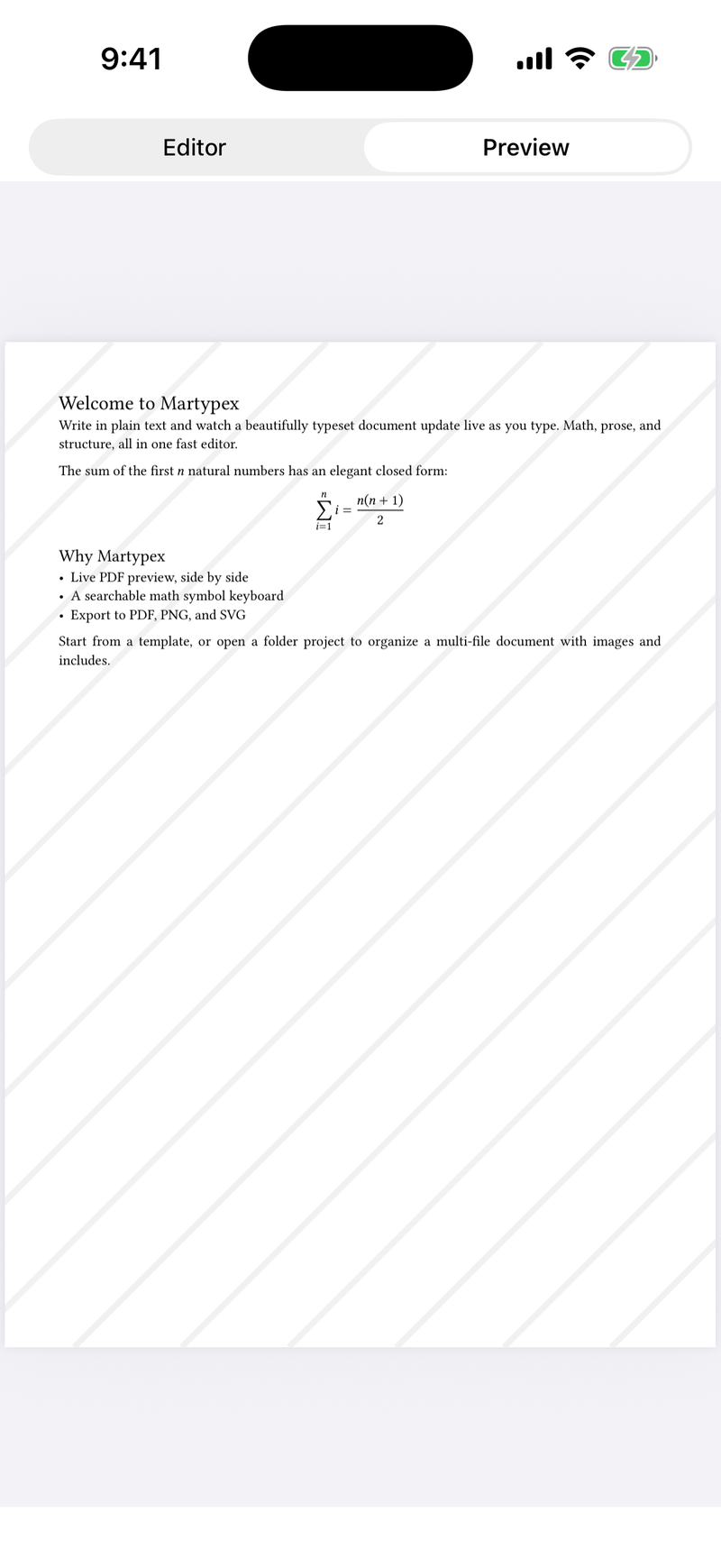
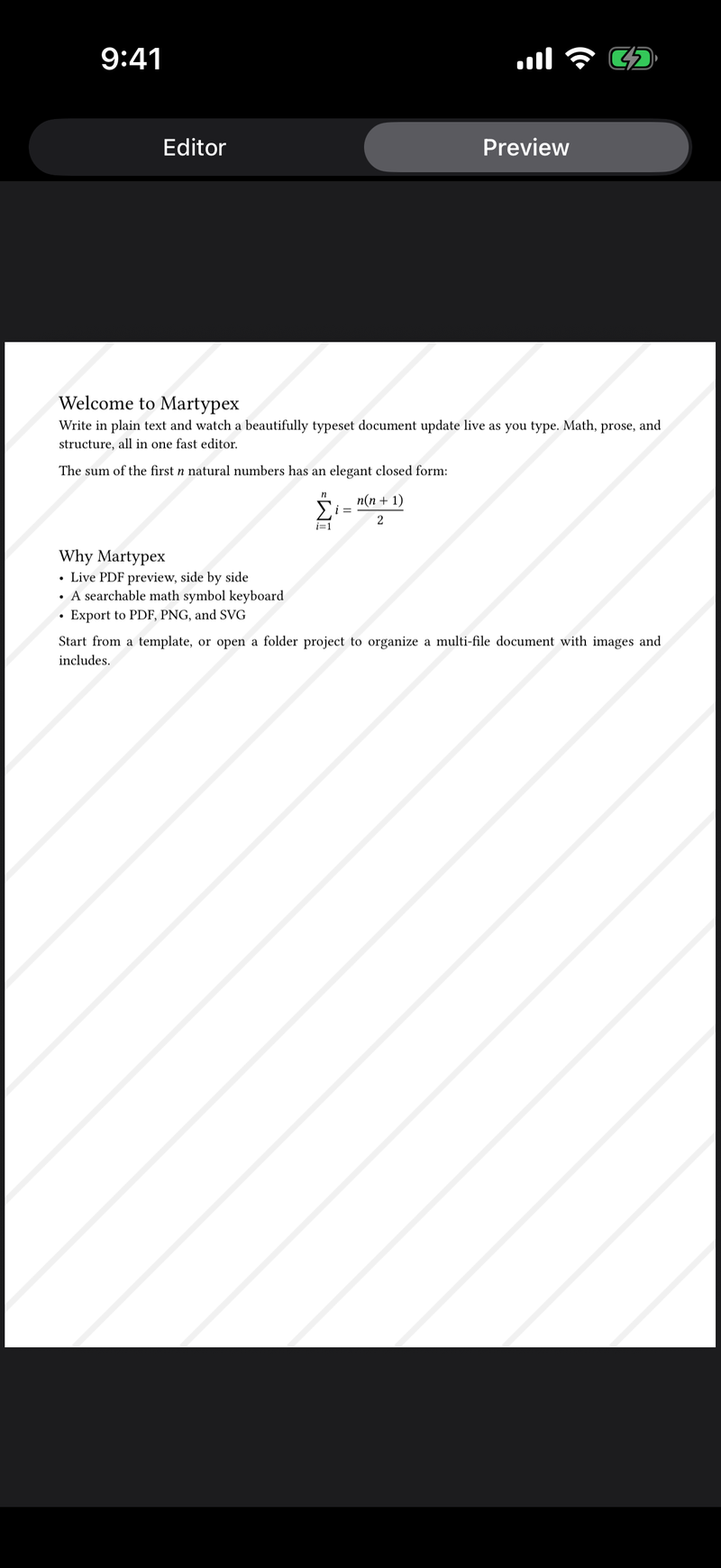
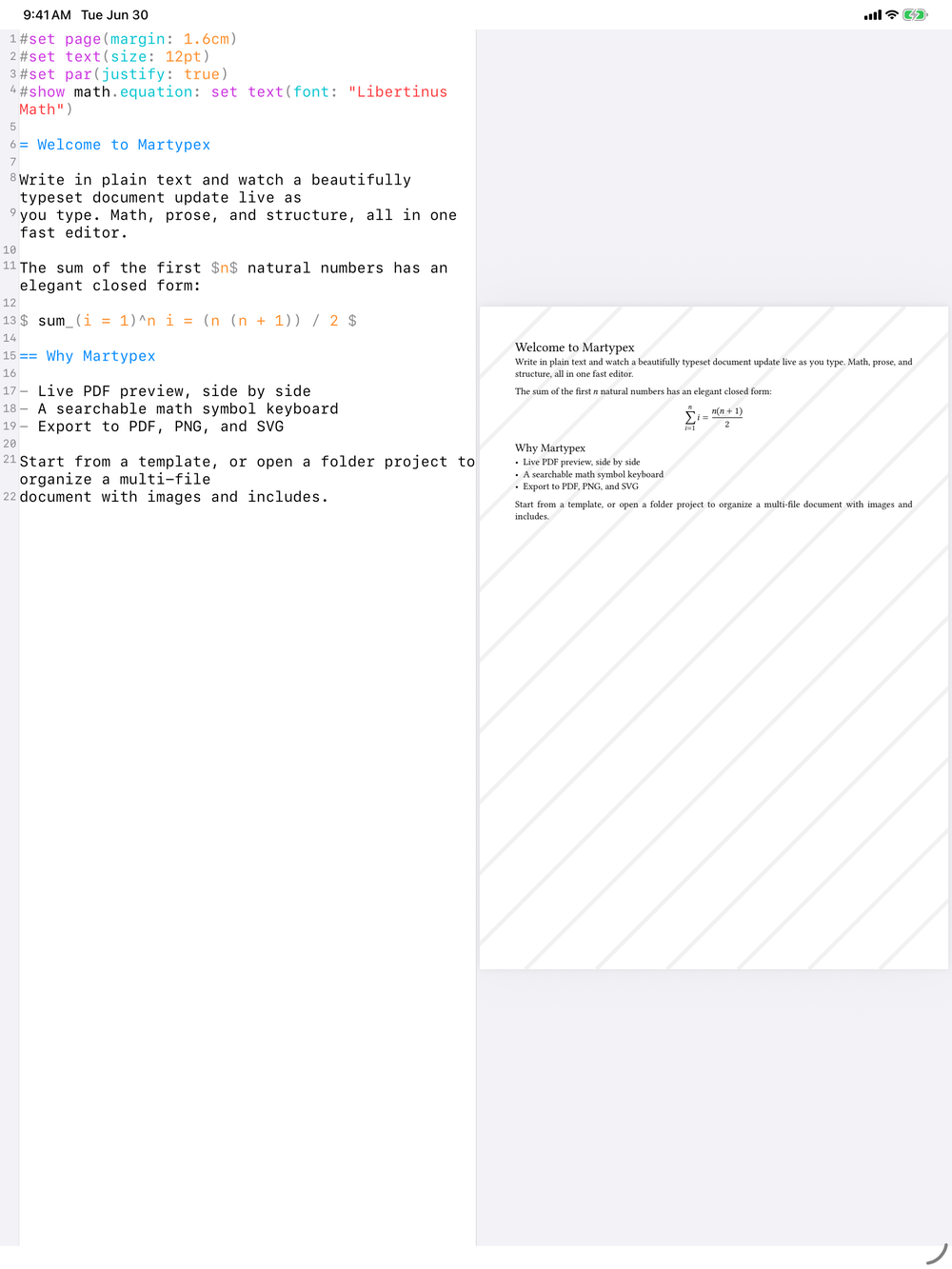
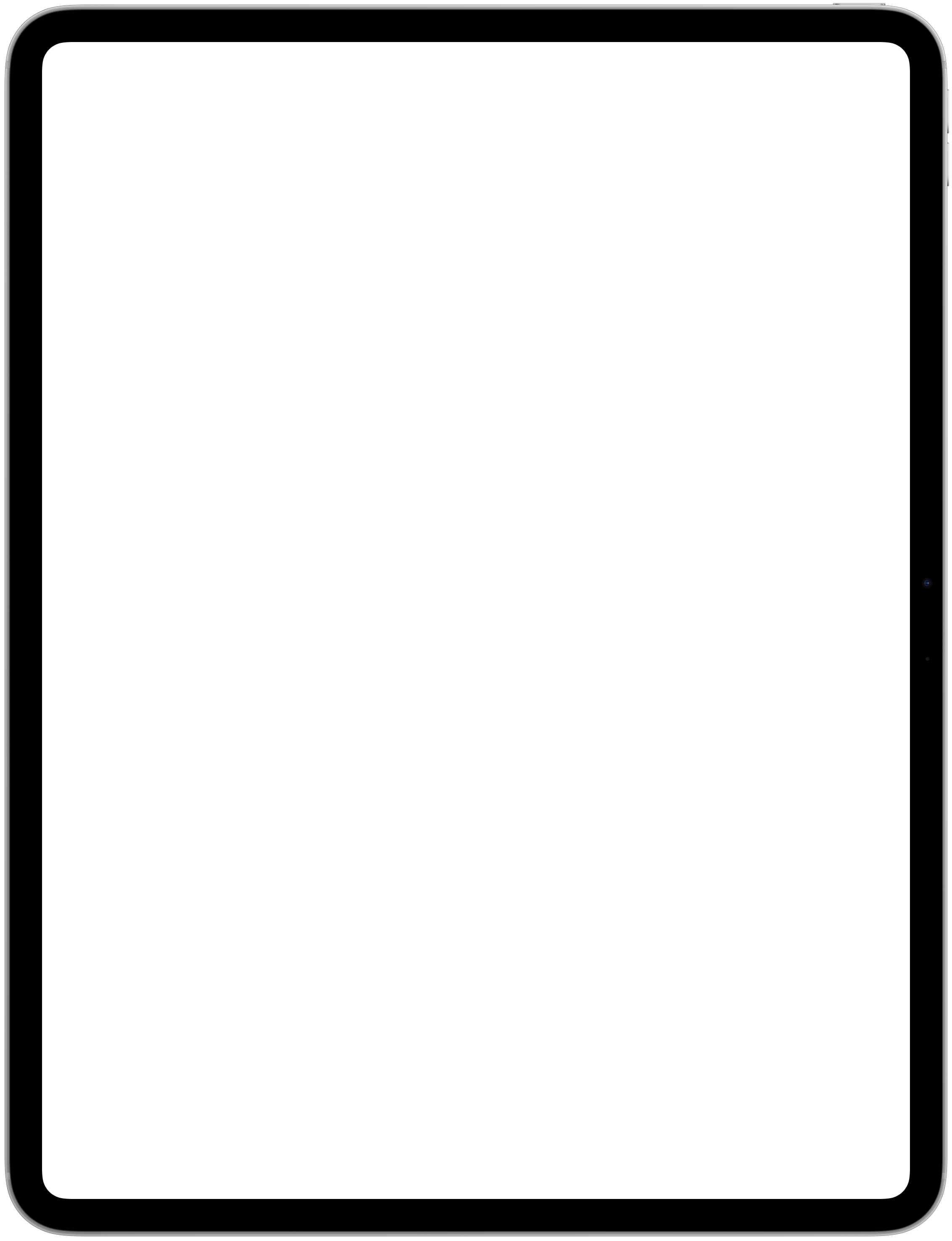
On iPad, the editor and preview sit side by side, so you can watch the PDF update as you write without leaving the keyboard. On iPhone, a compact toggle in the title bar switches between Editor and Preview, letting you move between writing and checking the rendered page with a tap.
Markdown compiles to the same preview
Live Preview isn’t a Typst-only feature. Markdown documents compile through the same pipeline to the same paginated, keep-last-good PDF preview, so the writing experience, incremental compilation, inline diagnostics, and all, is identical whichever dialect you’re in.
SVG and HTML use a web-view preview
.svg and .html files are the exception: they aren’t Typst or Markdown, so there’s no compilation step. Instead they render in a live web view, a real browser rendering of your markup, and the same source/preview toggle switches between the two. See SVG & HTML for details.