Themes
Out of the box, Martypex now opens in Martypex System, a warm, paper-toned light theme and a matching warm dark theme that track your device’s appearance automatically, in place of the cooler grays it used to ship with. Pro unlocks full custom theming on top of that for the whole app, not just the editor’s syntax colours. A theme you pick or build recolours both the text you’re editing and the interface around it (toolbars, panels, and all) so Martypex can look and feel like your setup.
Martypex System, light and dark, is free and on by default. Every other built-in theme, and bringing your own, customizing one, or theming the whole app, is a Martypex Pro feature. See what Pro includes →
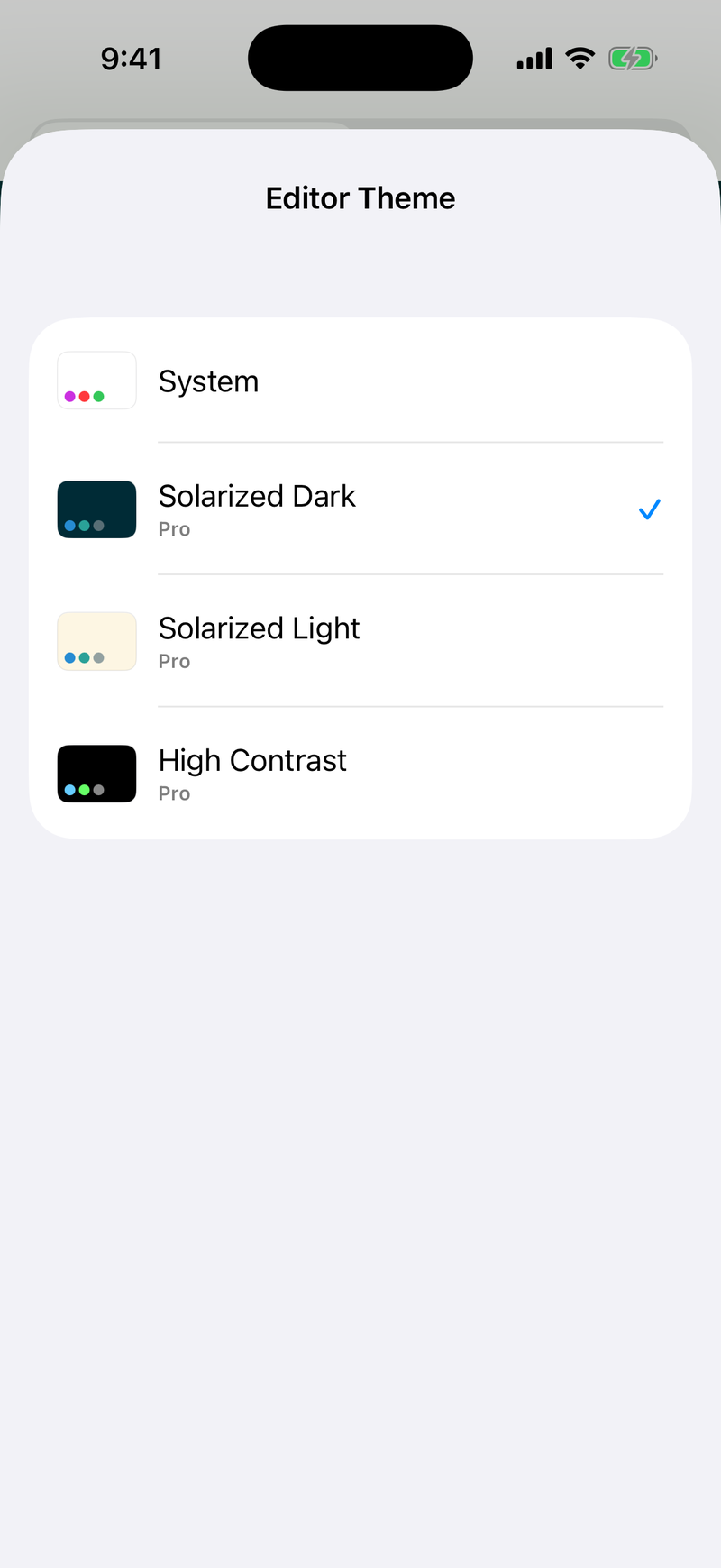
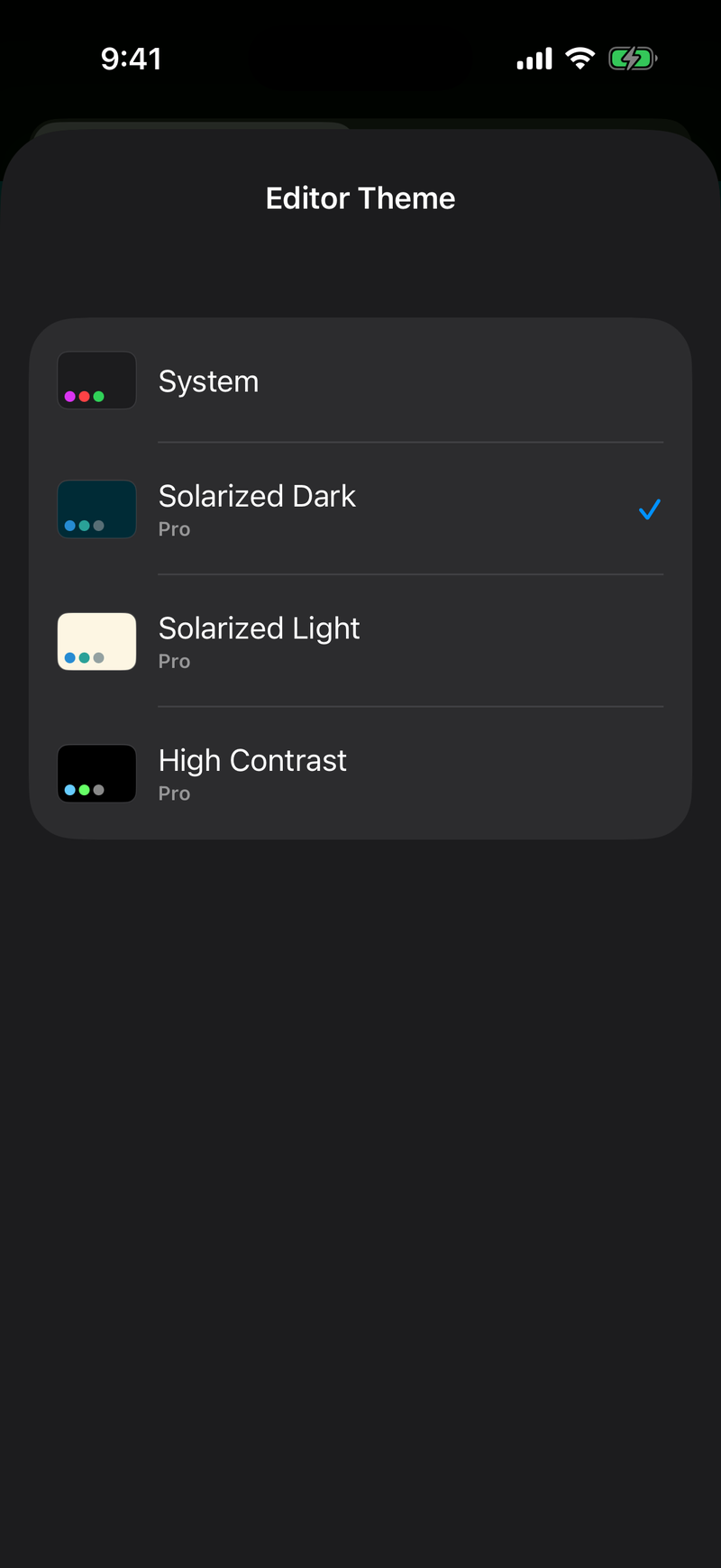
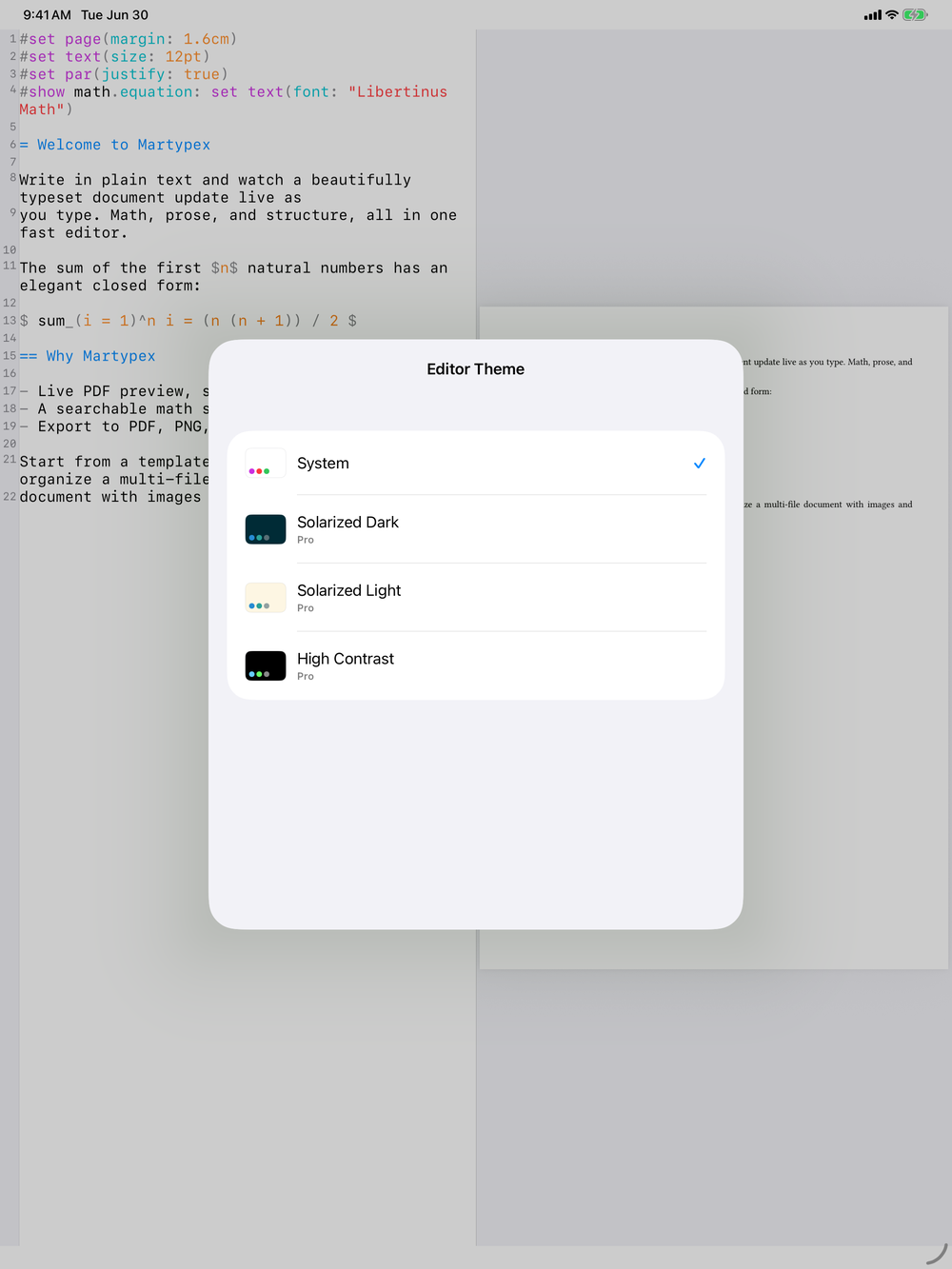
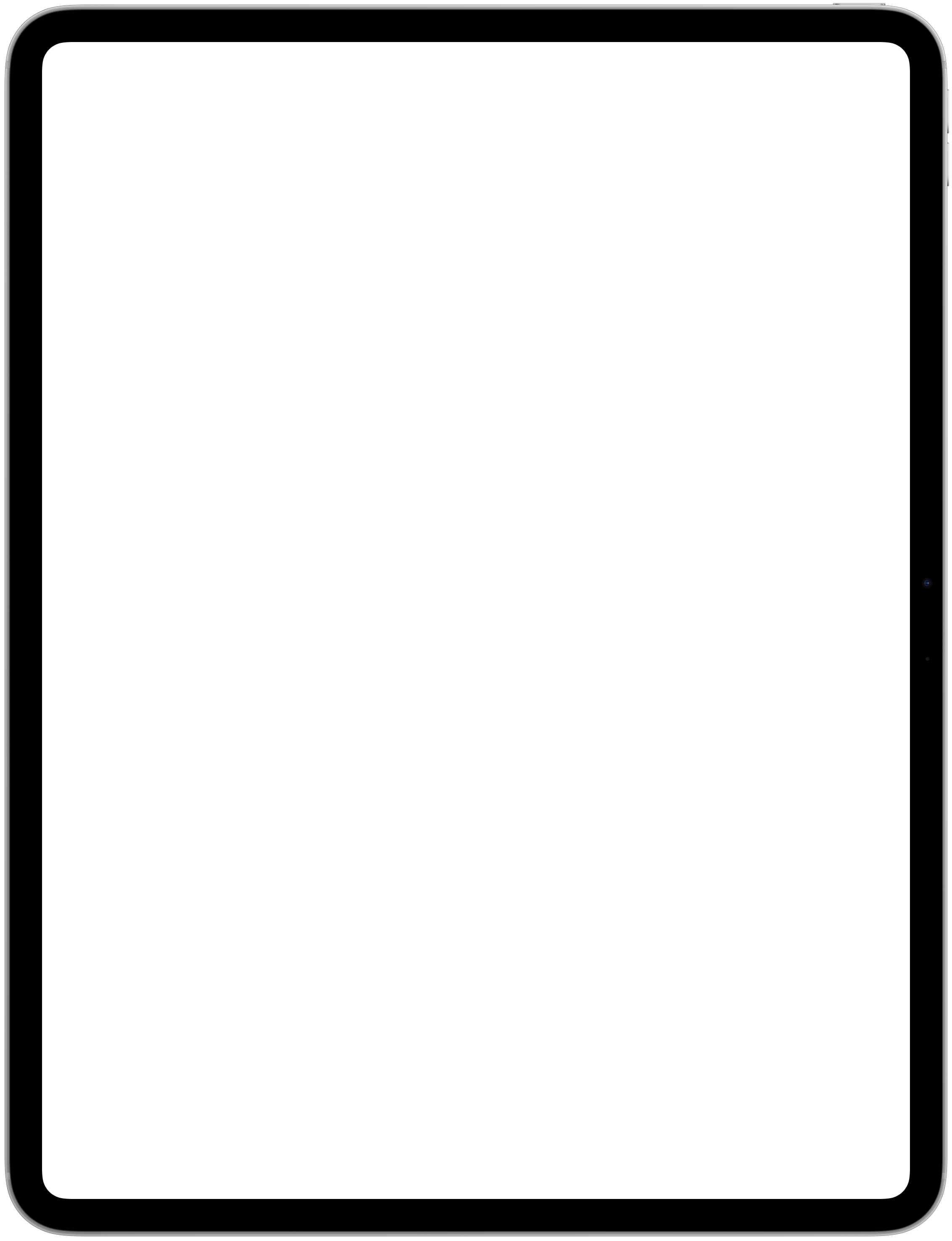
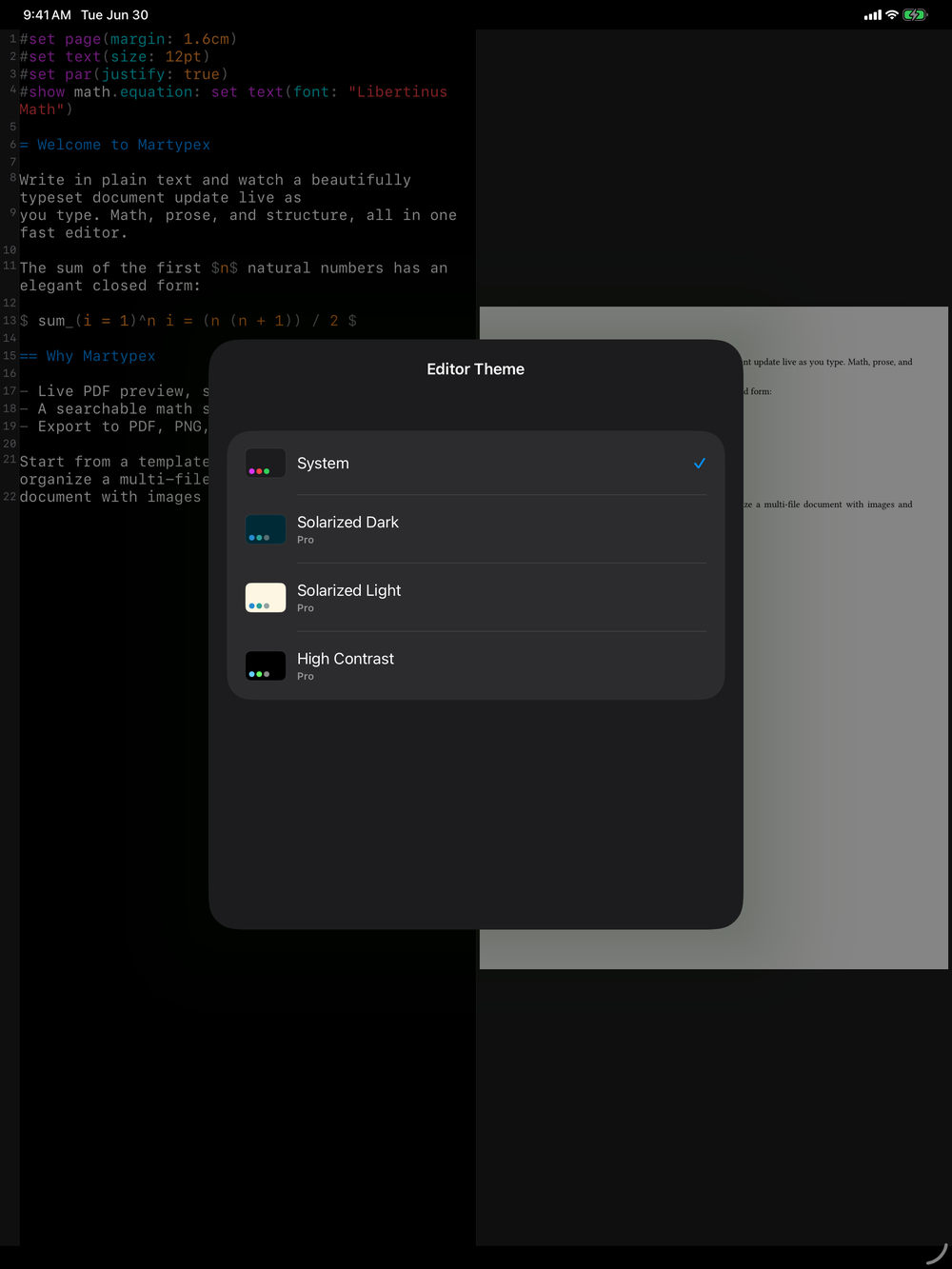
Built-in themes
Open Settings → Editor Themes to browse the built-in set: Martypex System (light and dark, free), Default Light and Dark, Dracula, Solarized (light and dark), Monokai, One Dark, GitHub Light, Nord, and High Contrast. Each one covers both the syntax highlighting in the editor and the app’s own interface colours, so switching a theme changes everything at once. Martypex System is the only entry in the list that isn’t Pro-gated.
Pro also lets you go further than the built-in set, building or importing a theme of your own:
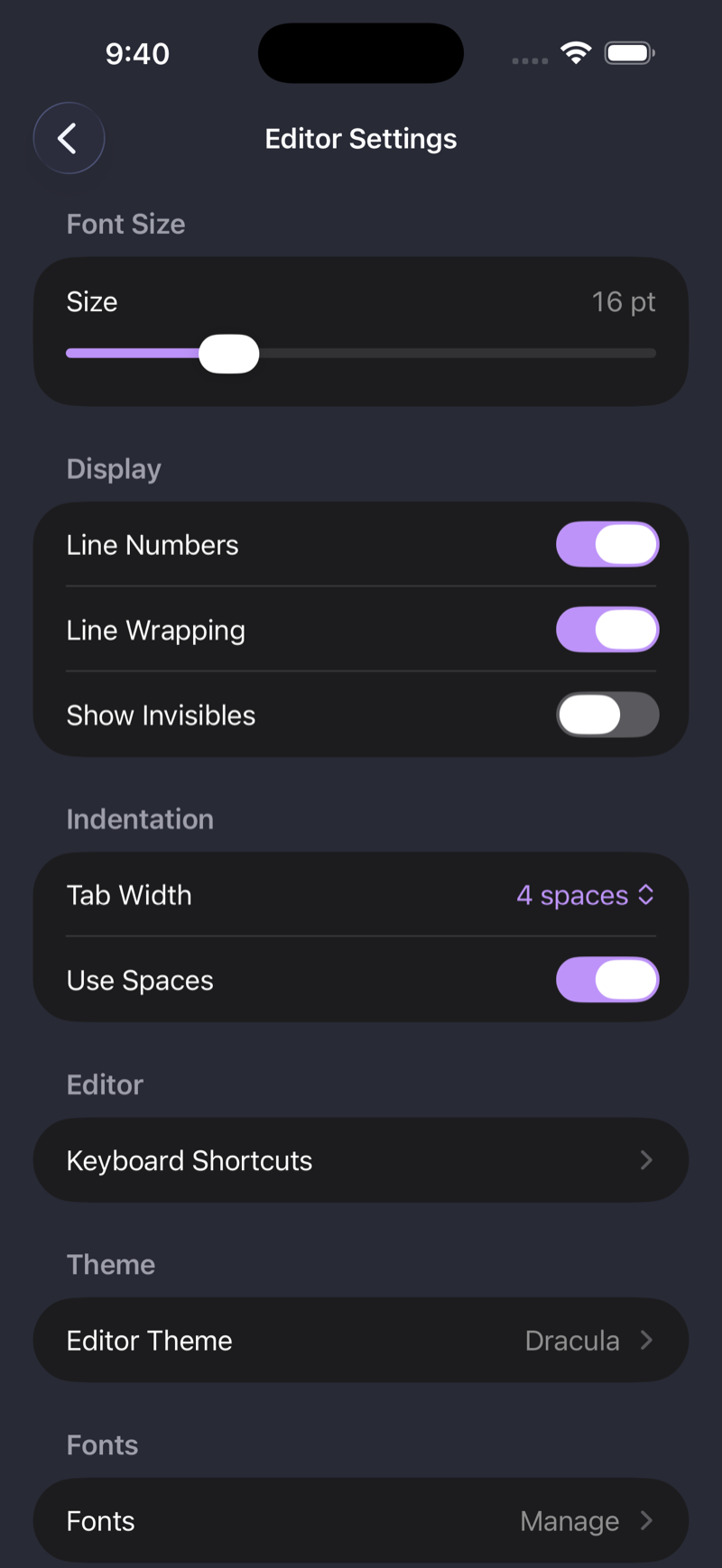
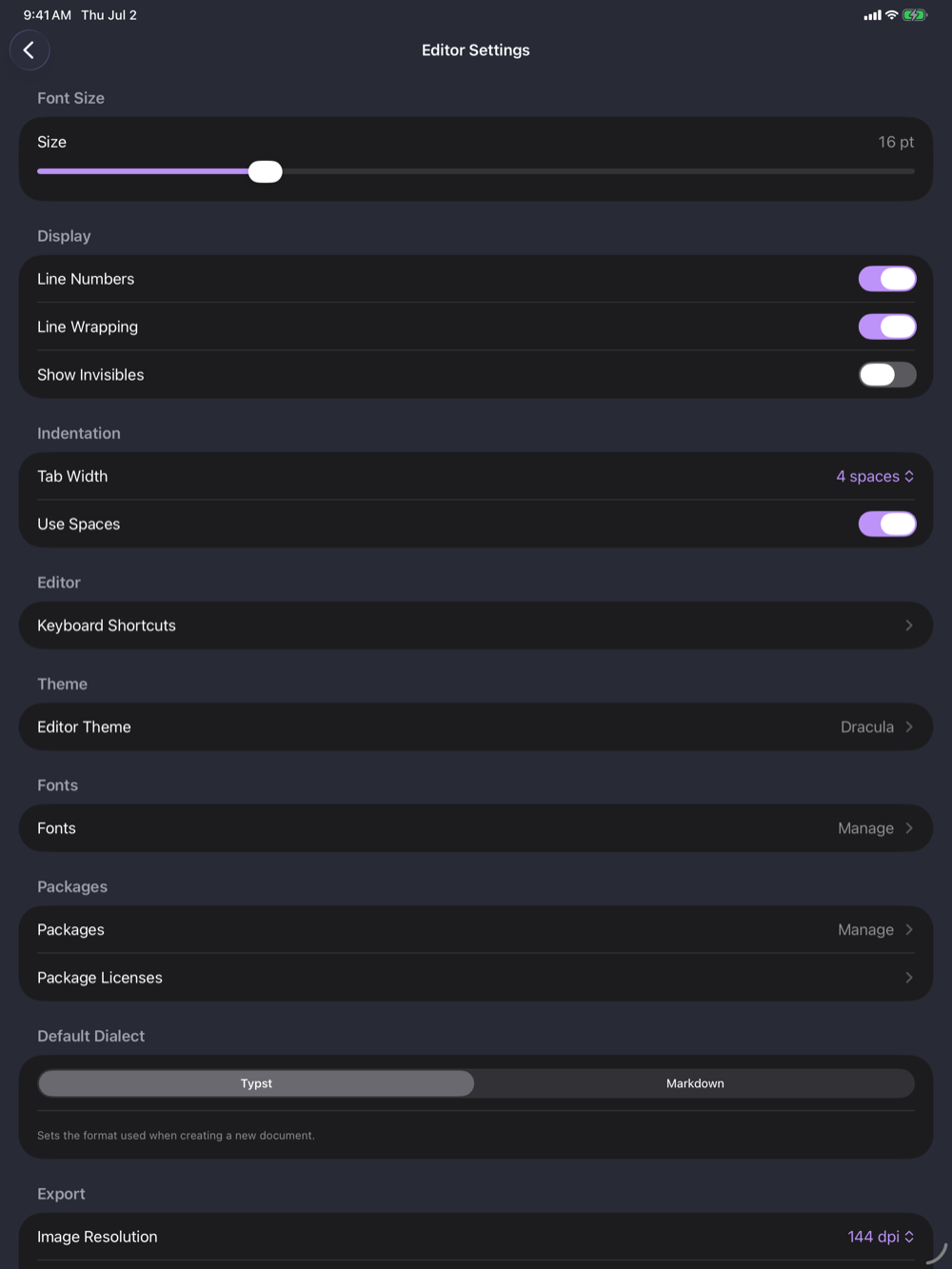
Create, duplicate, and customize
Tap + to start a new theme from scratch, or Import Theme… to bring one in from a file. Built-in themes are read-only; tap Duplicate to Edit on one to get an editable copy seeded with its colours, ready to tweak without losing the original.
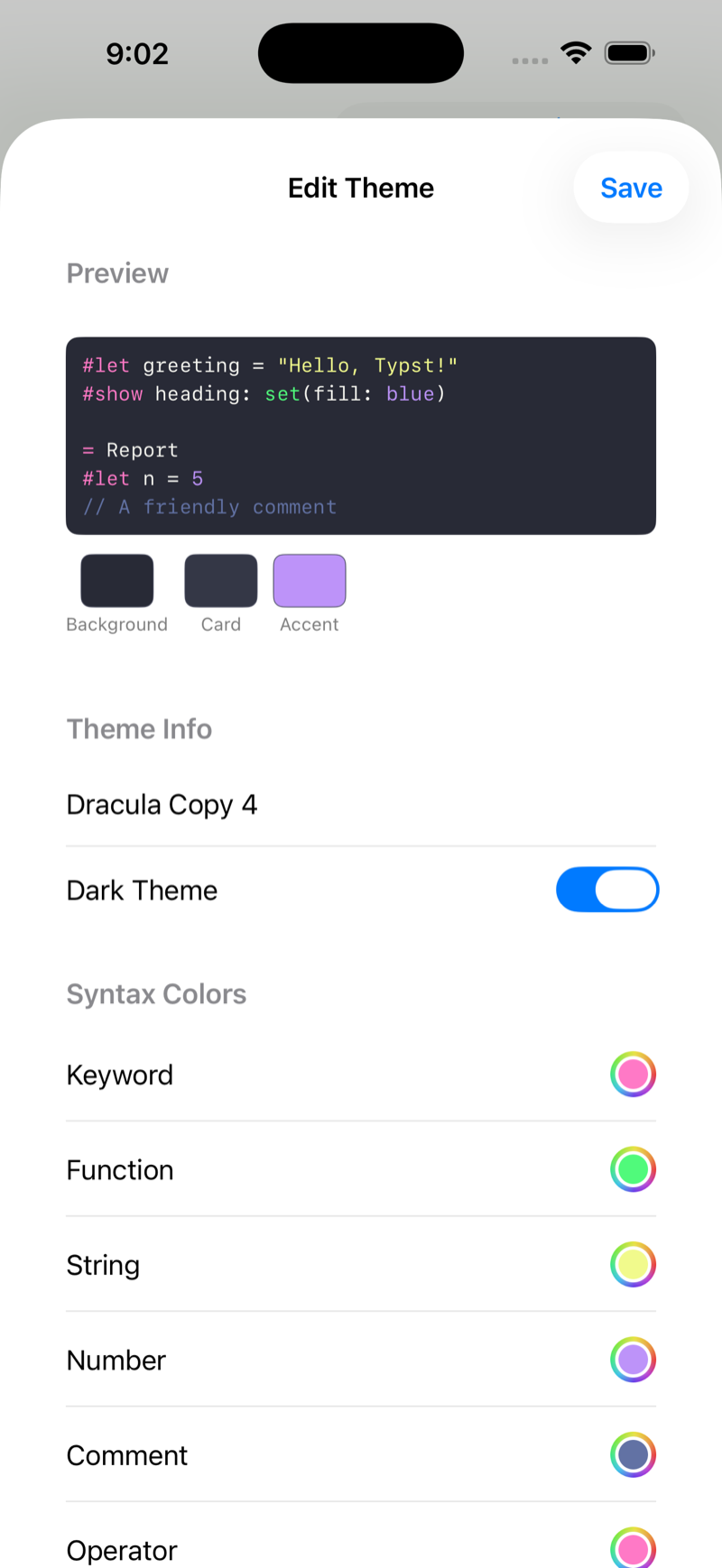
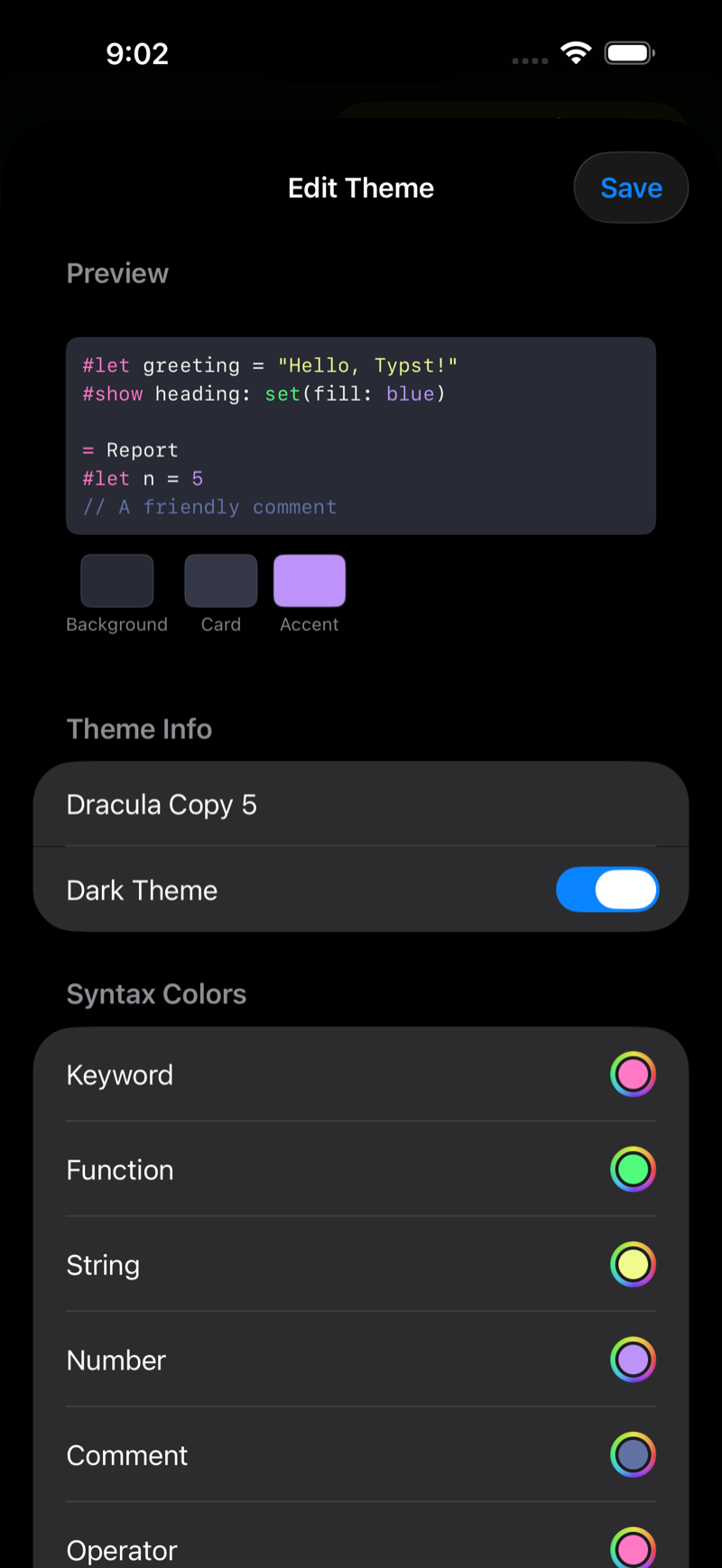
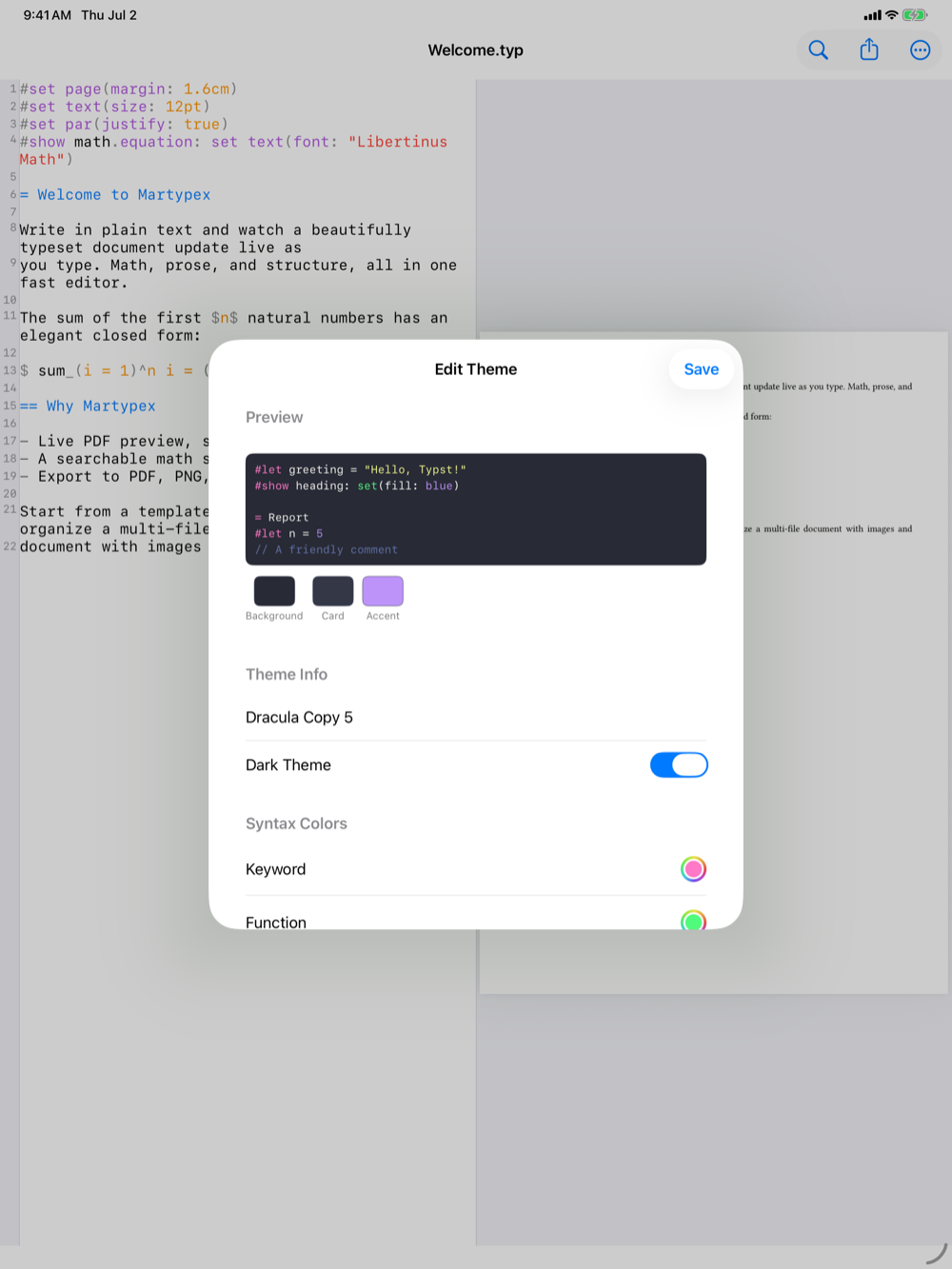
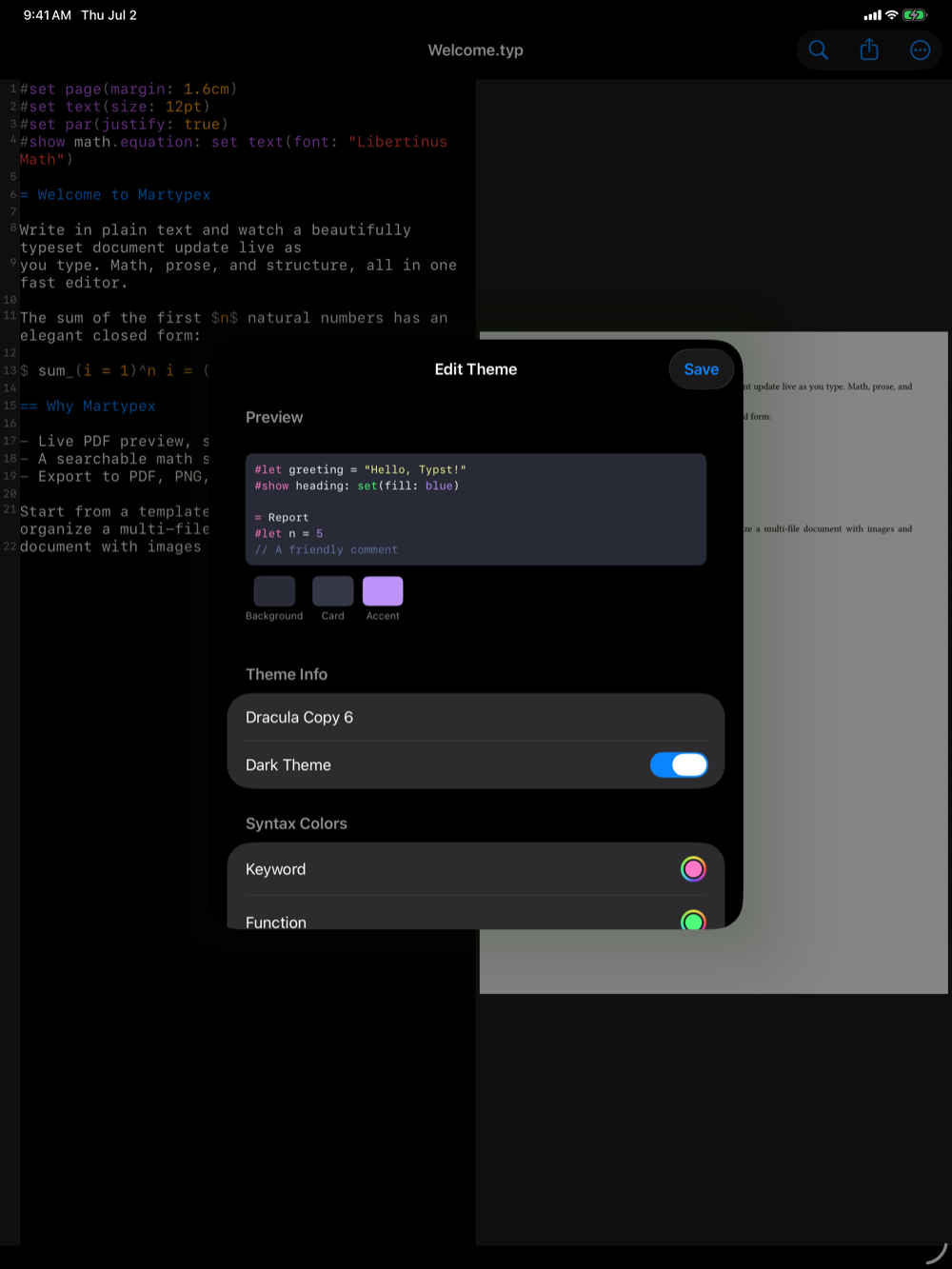
The theme editor is a live-preview colour editor: a preview pane at the top shows your changes as you make them, alongside sections for Theme Info (name, and whether it’s a light or dark theme), Syntax Colors, Editor Colors, and UI Colors. Every colour is a direct picker: tap a swatch, choose a colour, and the preview updates immediately, with no separate “apply” step.
Importing themes from elsewhere
Already have a theme you like in another editor? Import Theme… reads:
- VS Code theme files (
.json), including a.vsixextension package, extract it first to reach the.jsontheme file inside. - RStudio
.rsthemefiles. - Sublime Text / TextMate
.tmThemefiles.
Martypex maps the imported colour roles onto its own syntax and UI colours, so your theme carries over rather than needing to be rebuilt by hand.