SVG & HTML
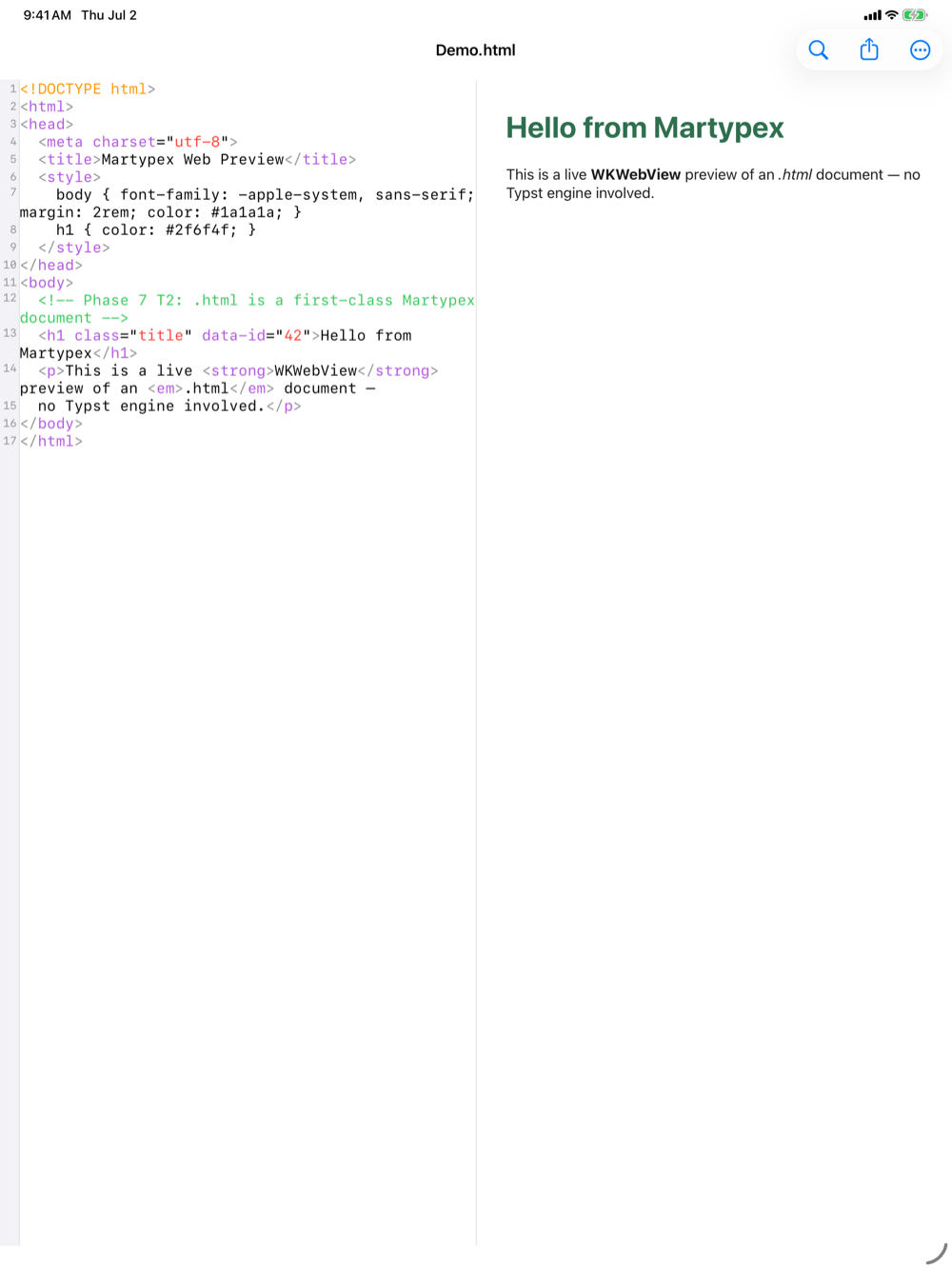
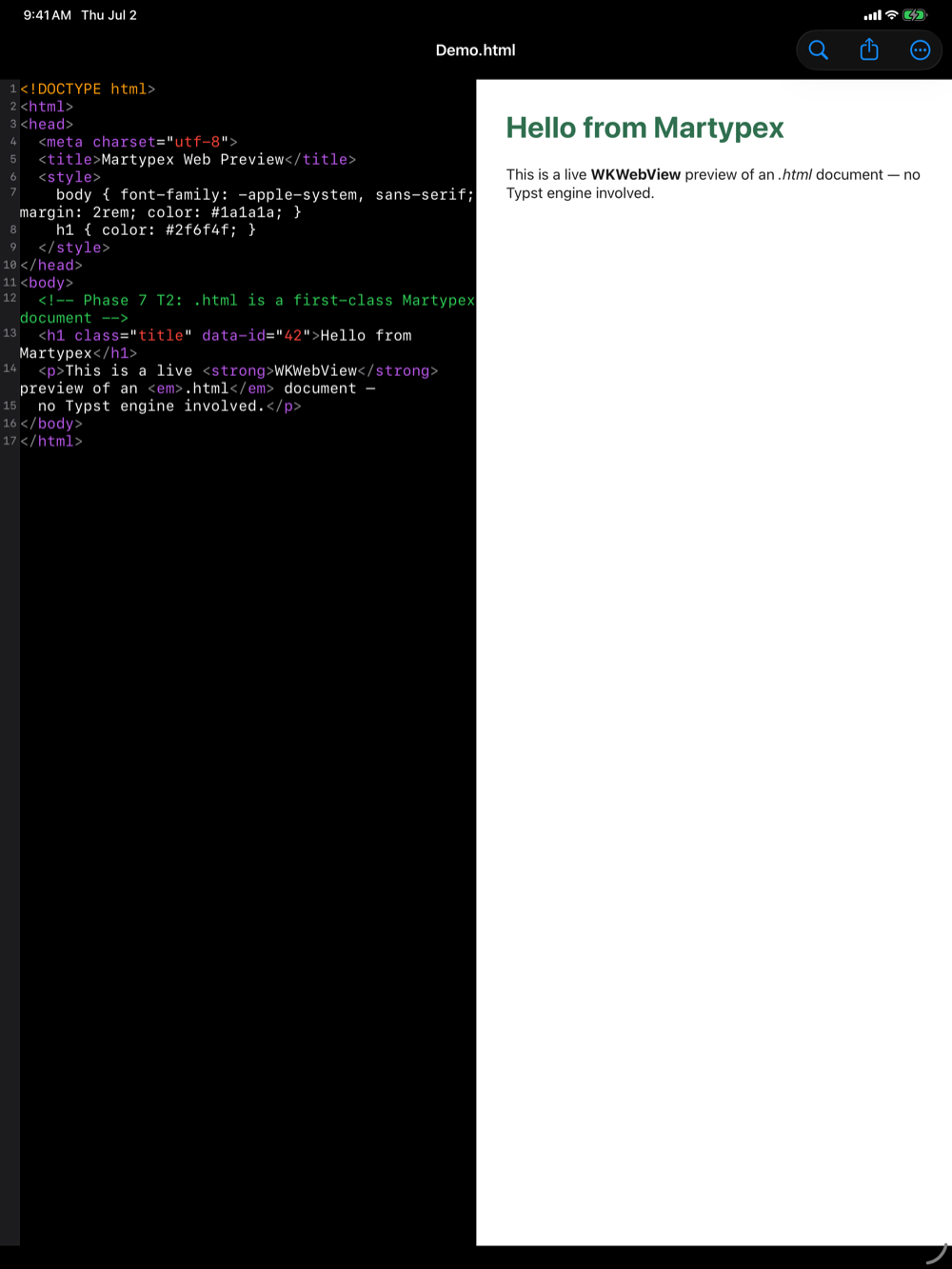
Not everything you open in Martypex is Typst or Markdown. Open an .svg or .html file and Martypex treats it as a first-class document: syntax-highlighted source on one side, a live rendered preview on the other, the same editor shell you already know, adapted for the web.


Syntax-highlighted source
The source side highlights .html with a real HTML grammar (tags, attributes, and embedded styles and scripts are colour-coded distinctly), and .svg the same way, since SVG is itself XML markup. It’s the same editing surface as Typst and Markdown documents: line numbers, current-line highlight, and find & replace all work exactly as they do elsewhere.
Live rendered preview
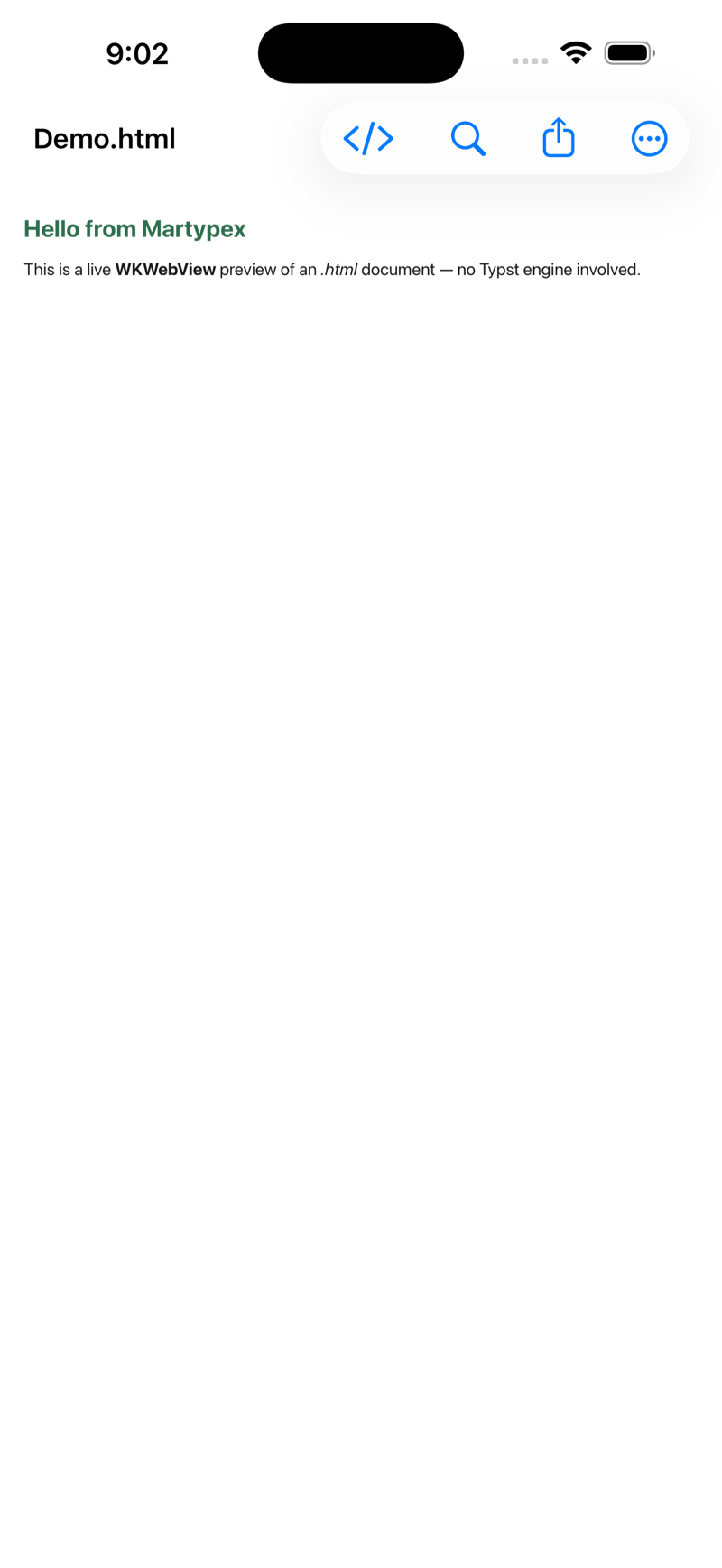
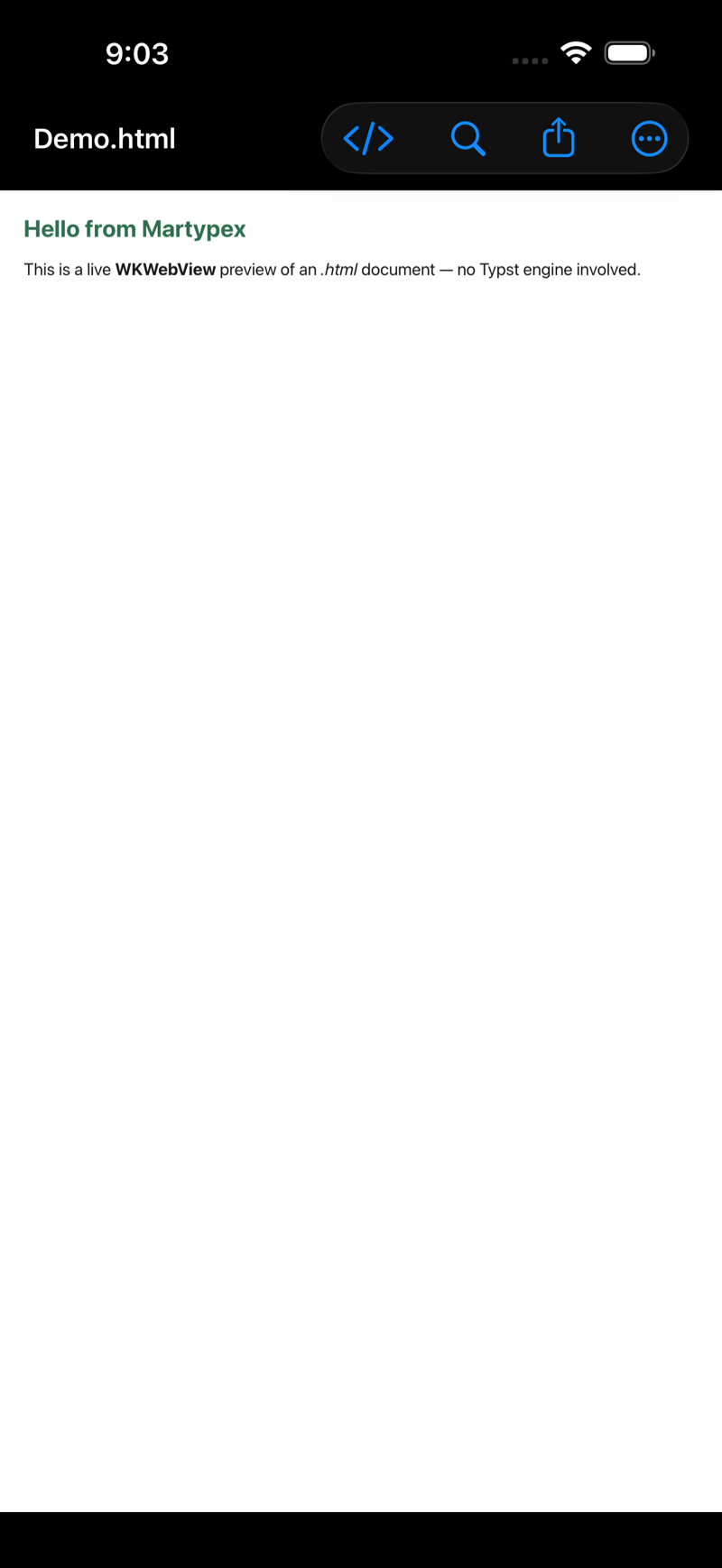
The other side is a genuine web view rendering your file as a browser would, an SVG shown as the image it describes, an HTML file shown as the page it defines. There is no Typst compilation step involved: what you see is the browser’s own rendering of your markup, updated as you edit.
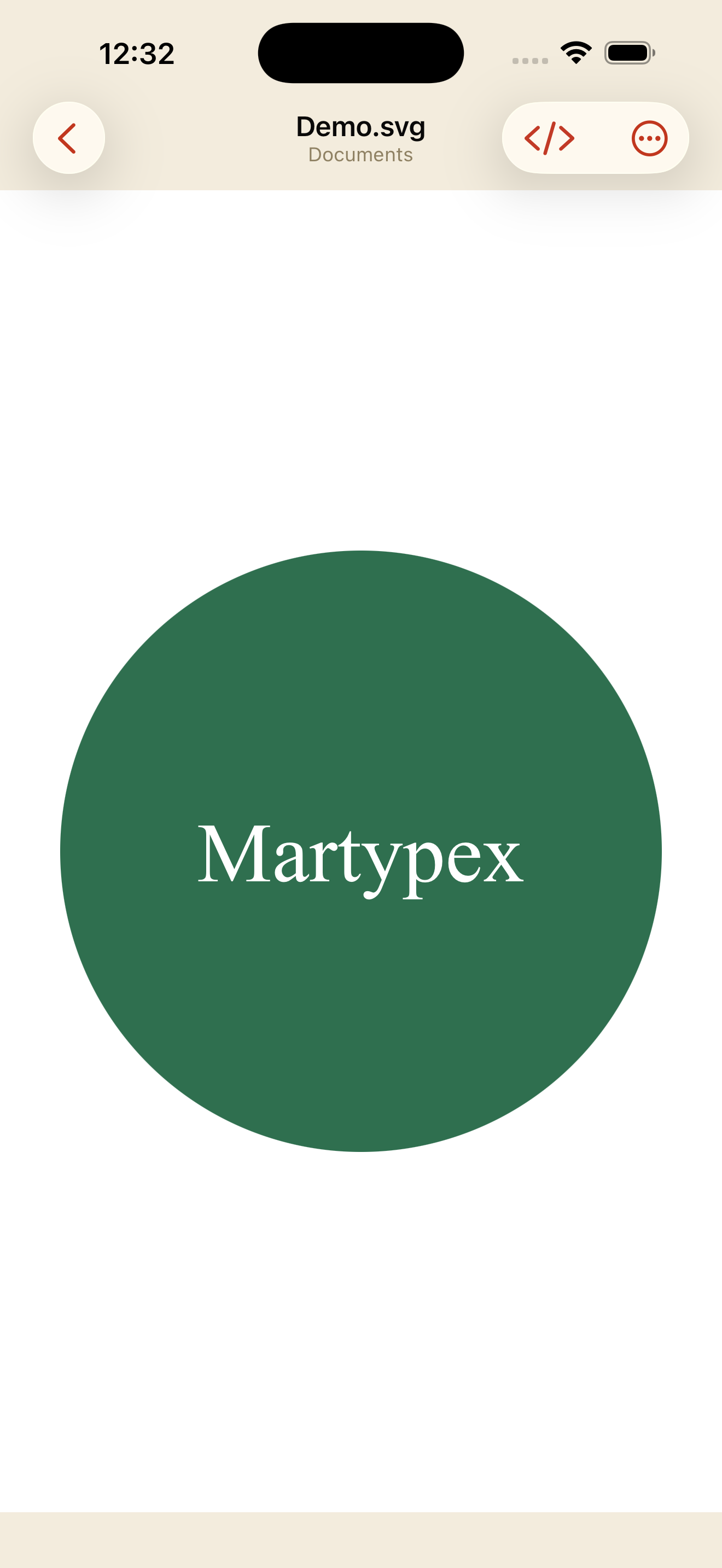
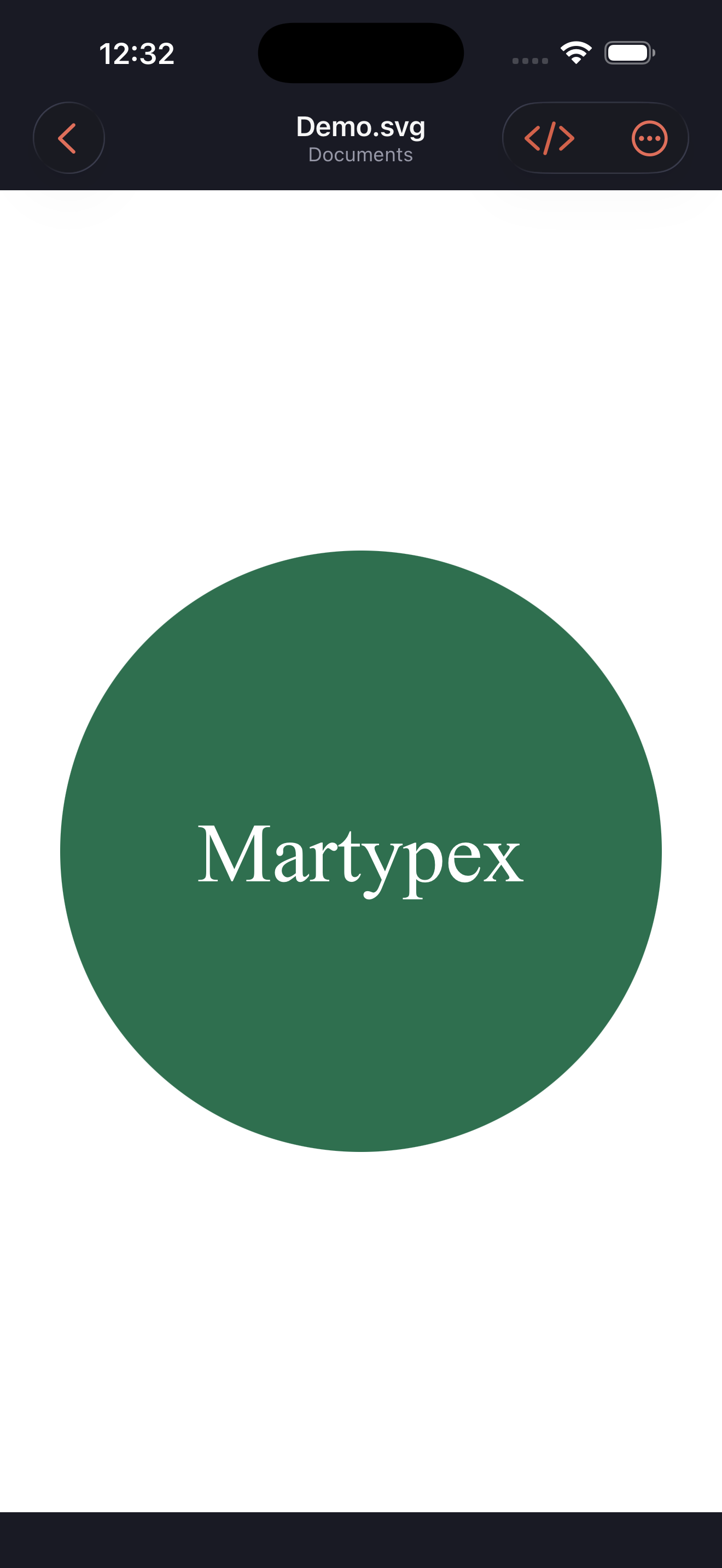
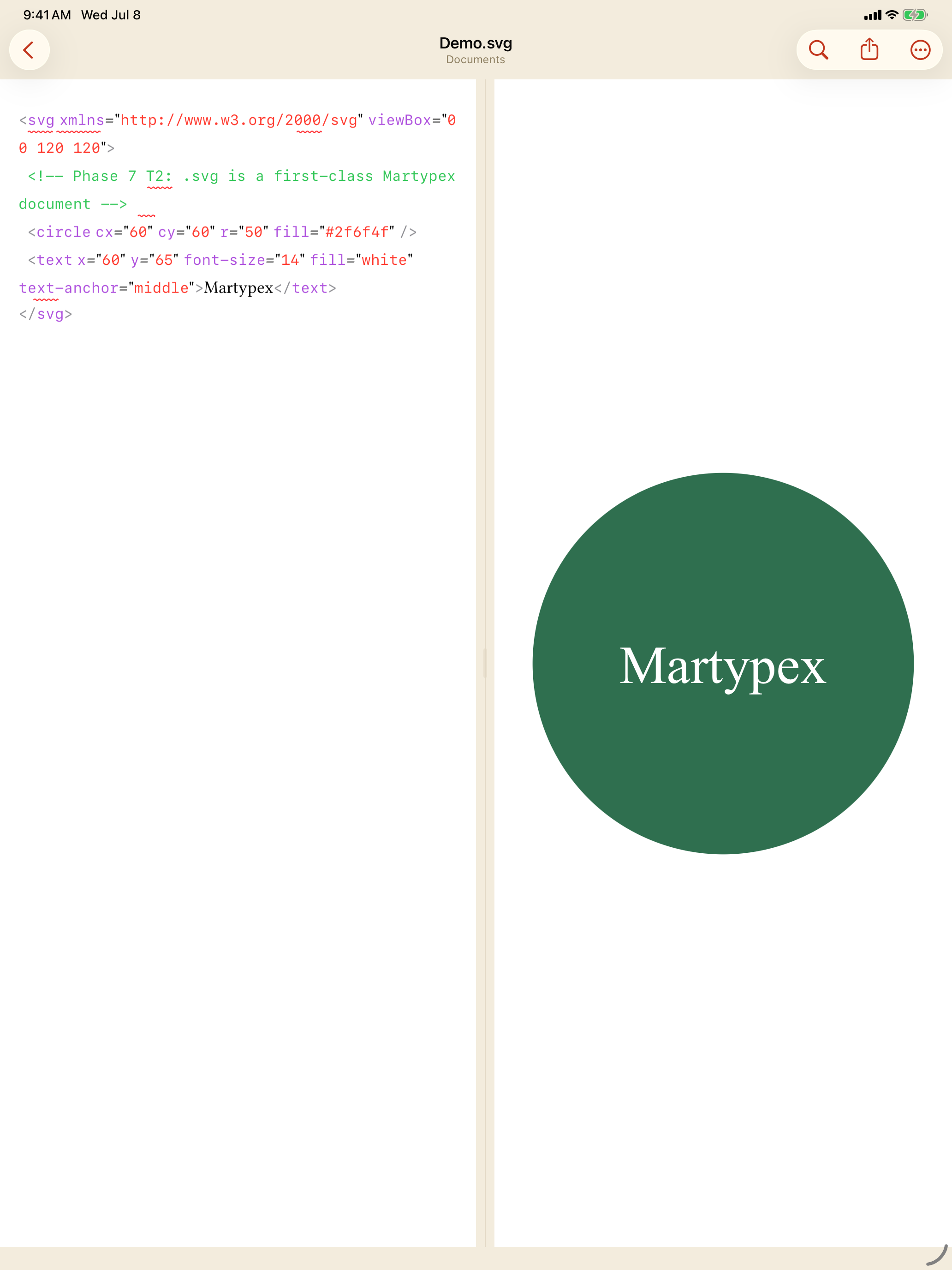
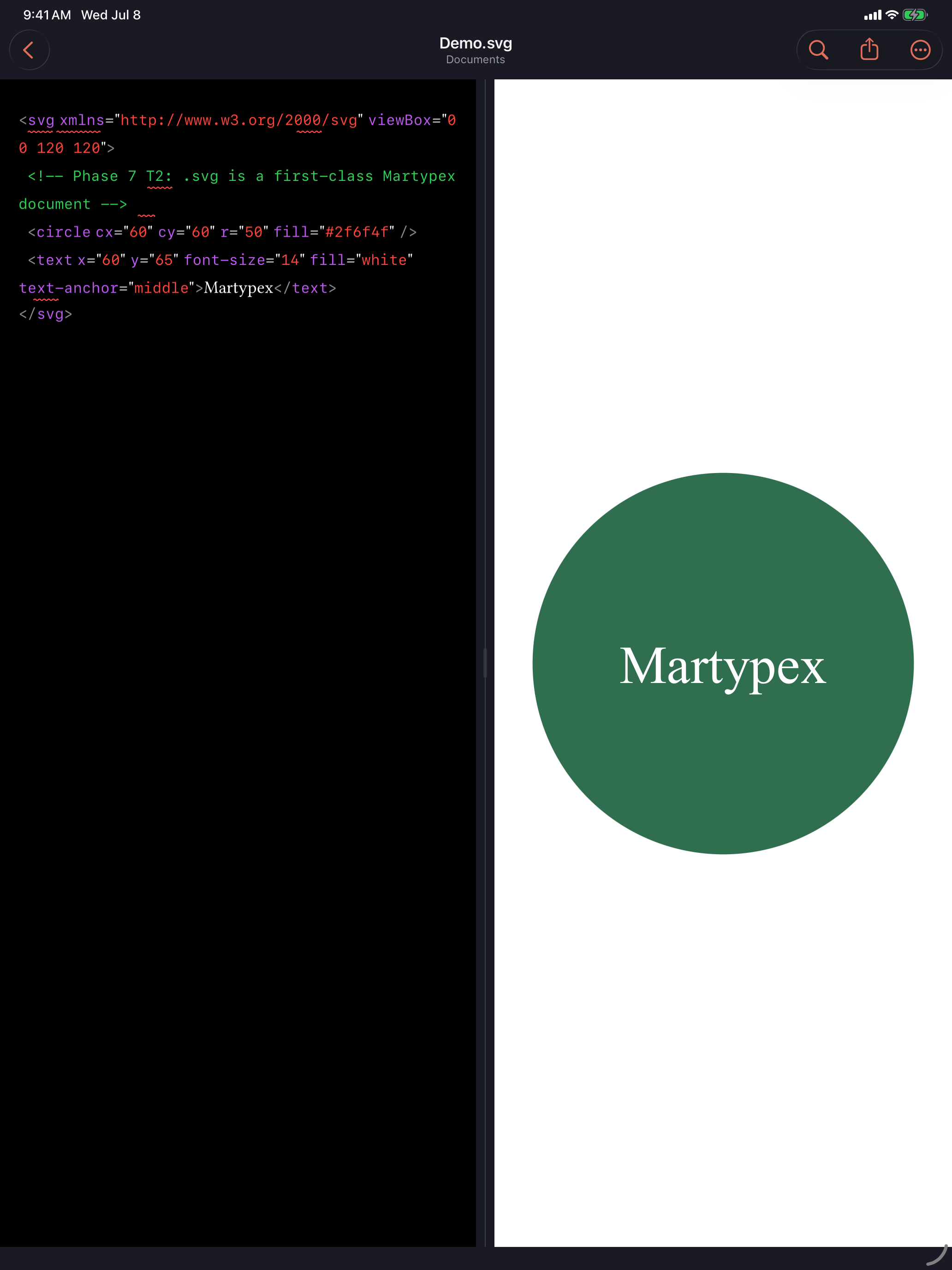
SVG and HTML previews use a web view, not the PDF pipeline. There’s no pagination and no export watermark to think about here. It’s a direct render of your markup.
Source ⇄ preview toggle
Switching between source and preview works the same way it does for Typst and Markdown documents: side by side on iPad, and a compact toggle on iPhone. See Live Preview for how that toggle behaves across document types.